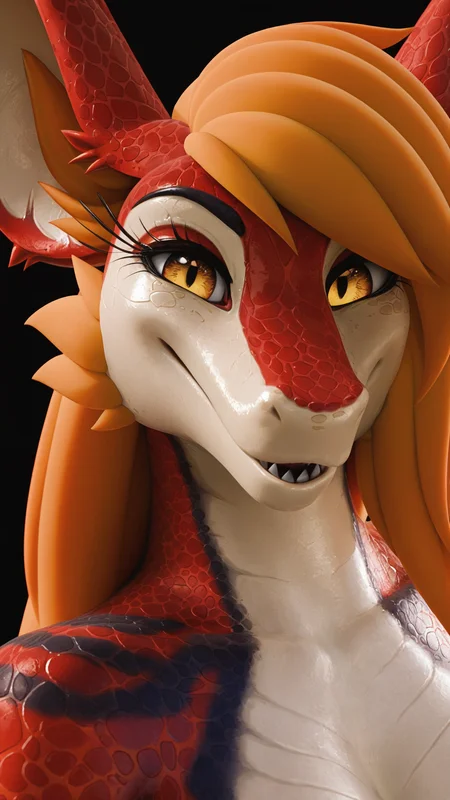
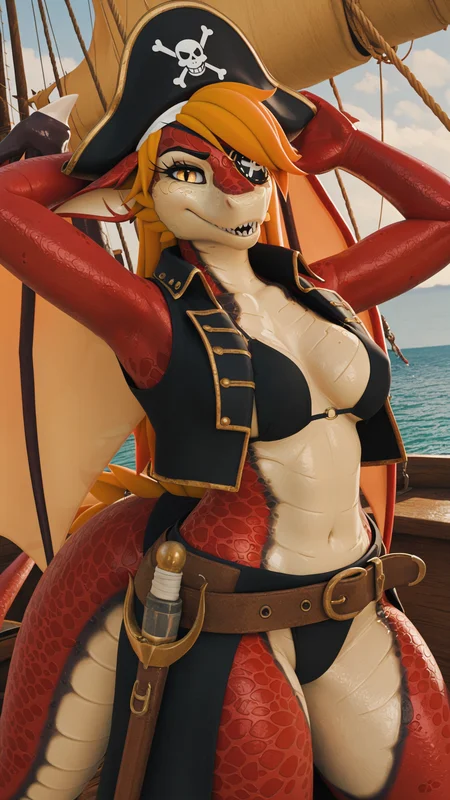
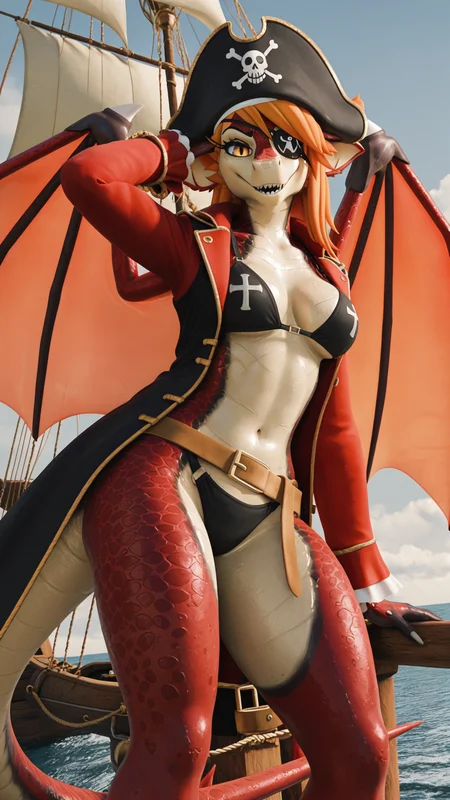
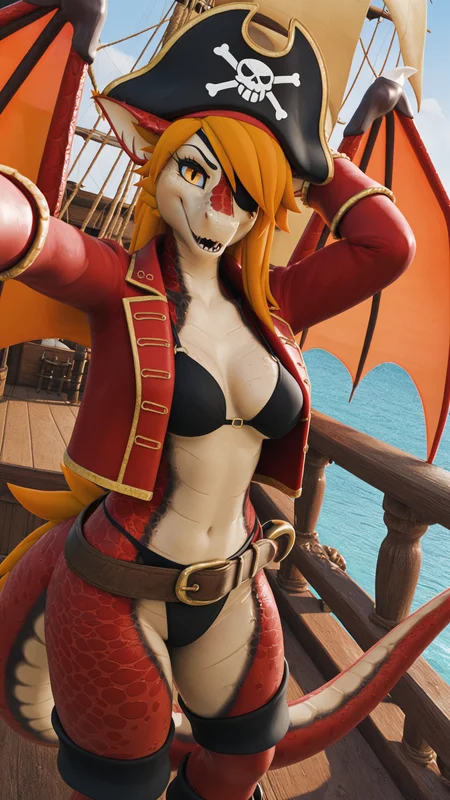
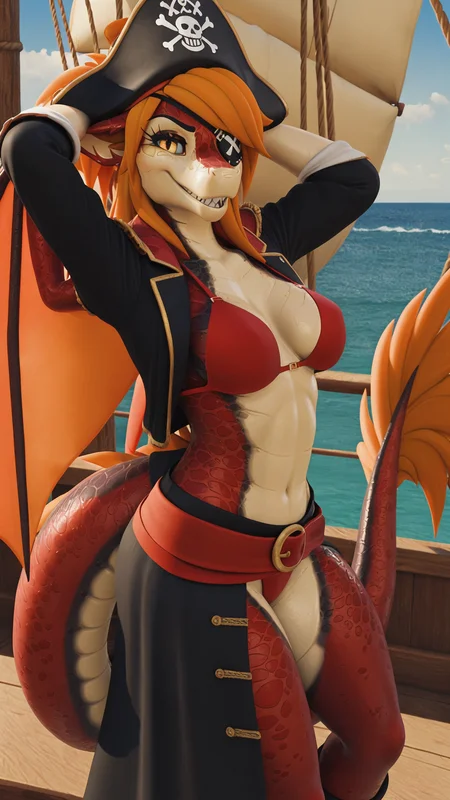
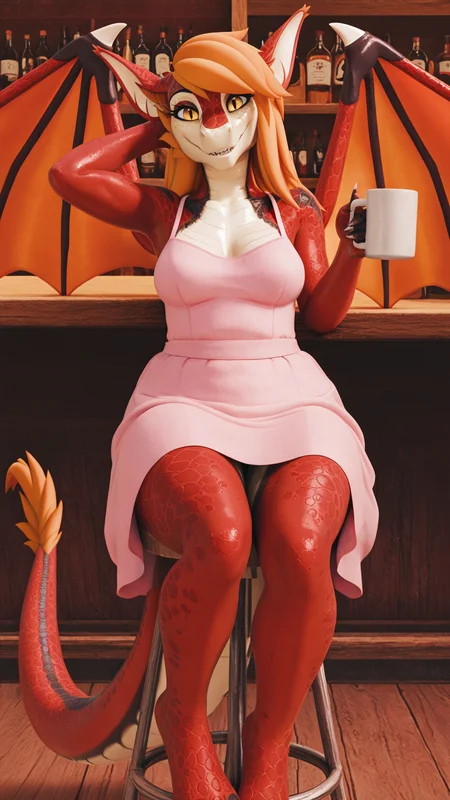
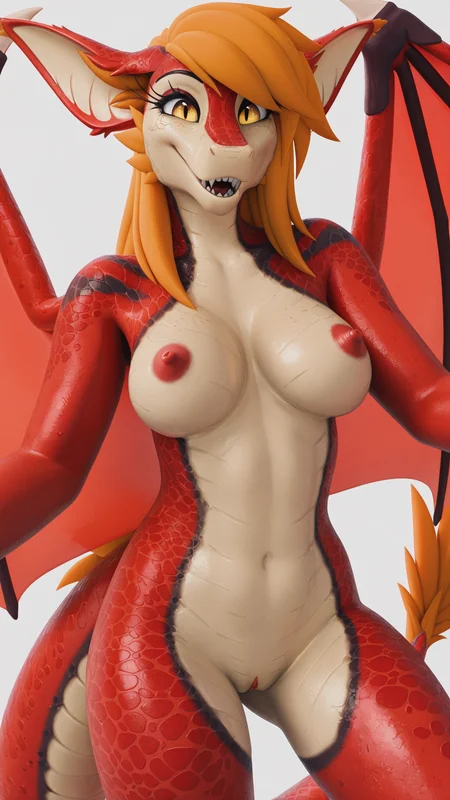
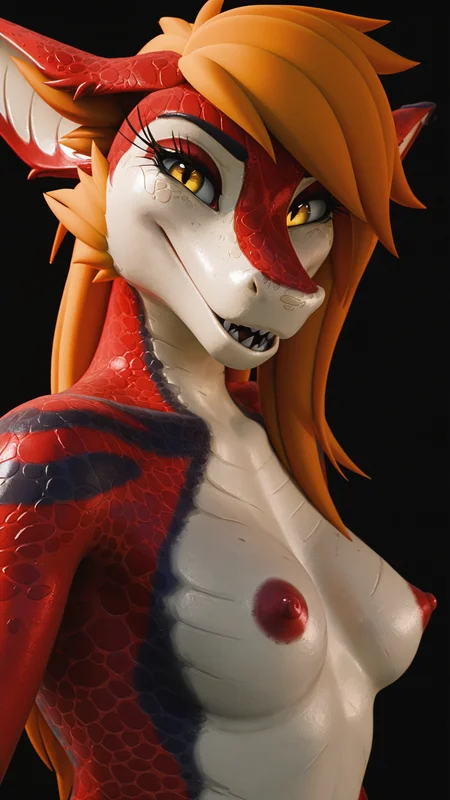
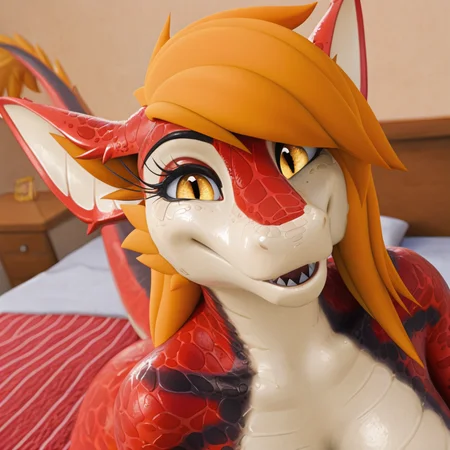
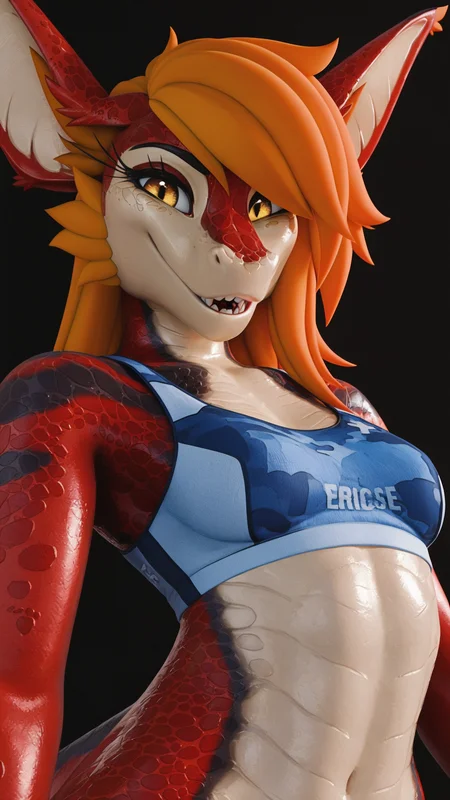
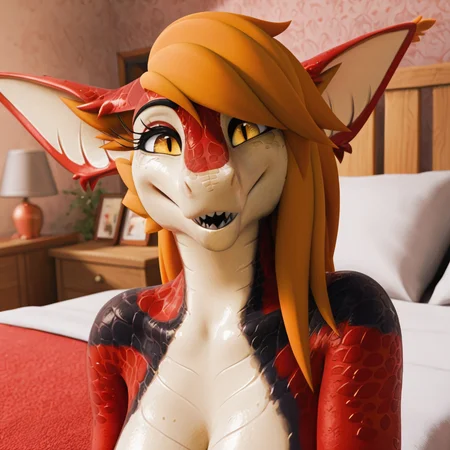
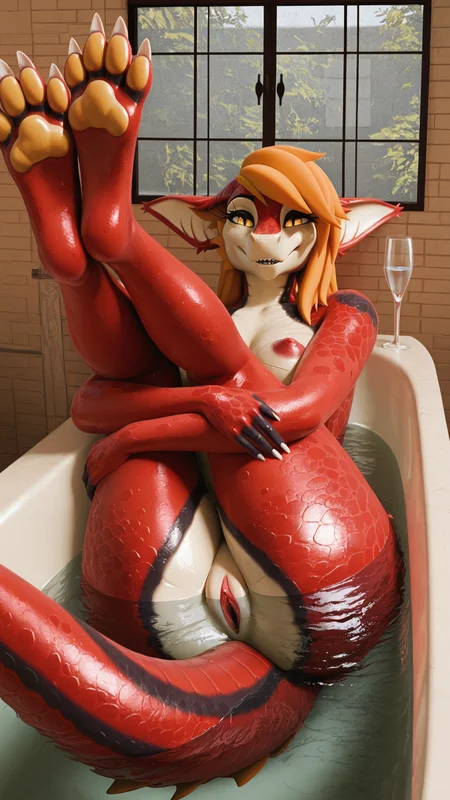
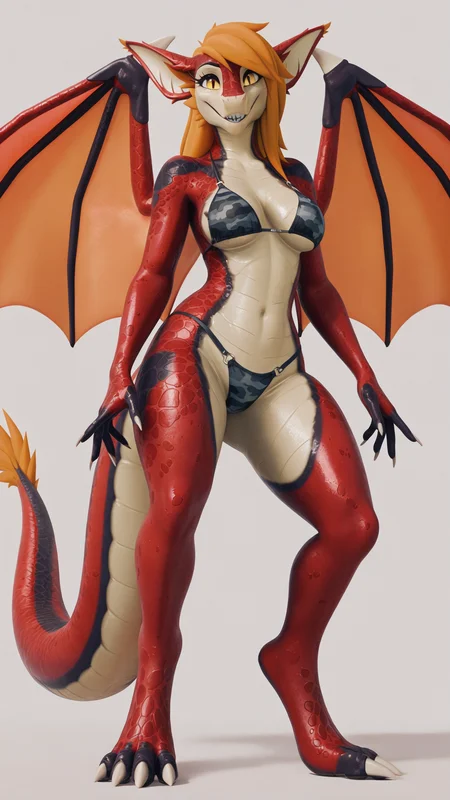
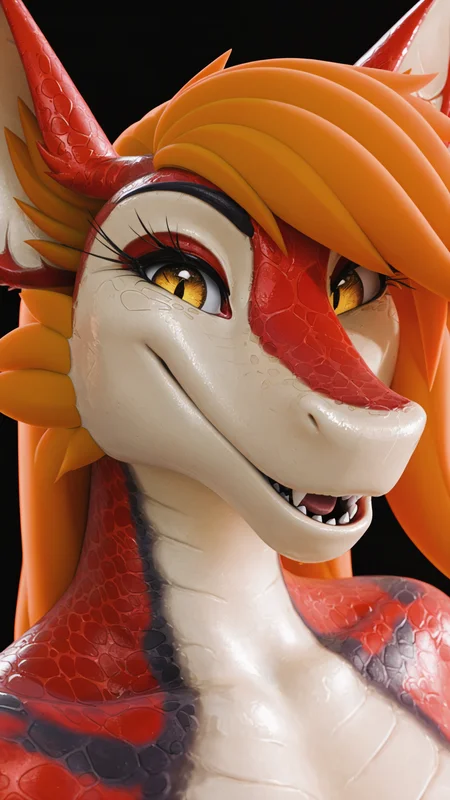
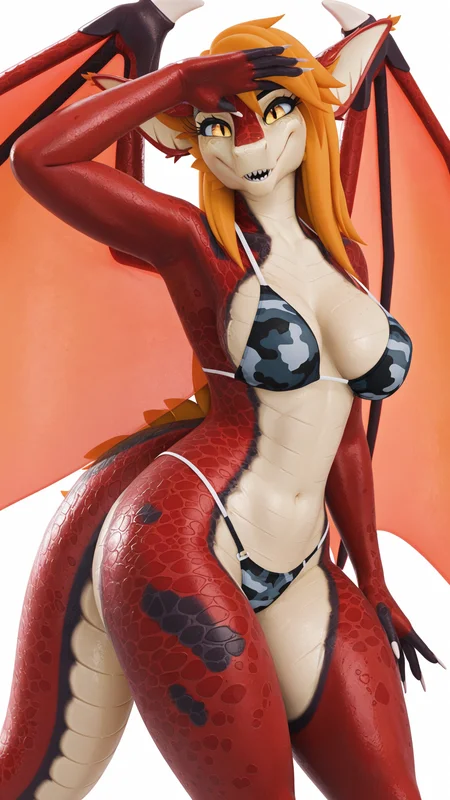
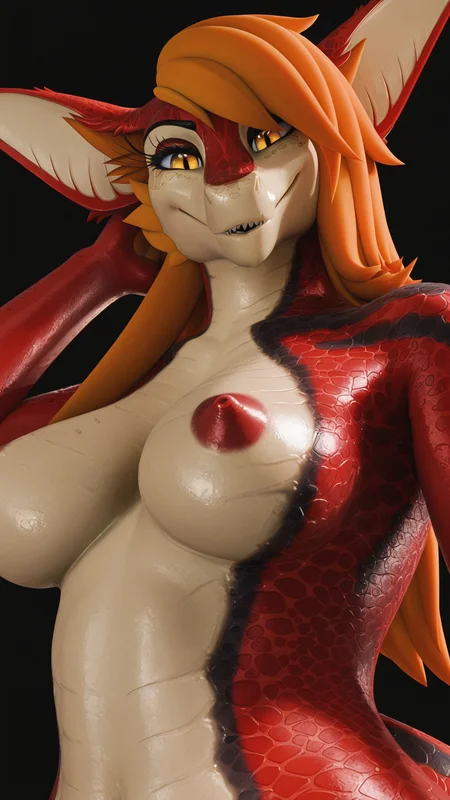
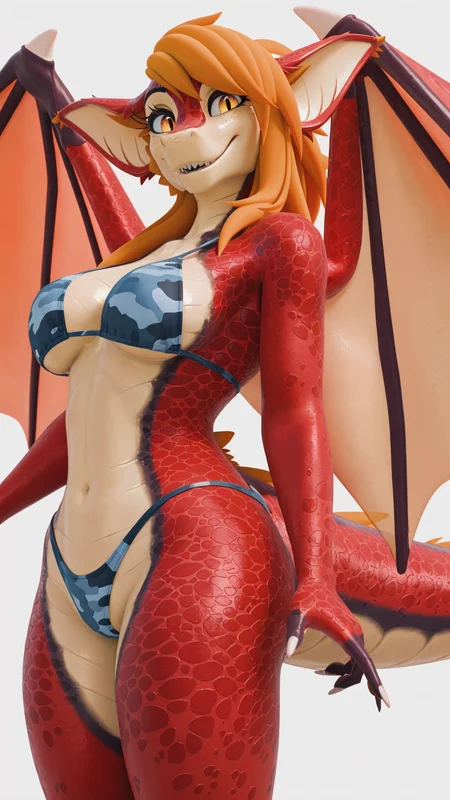
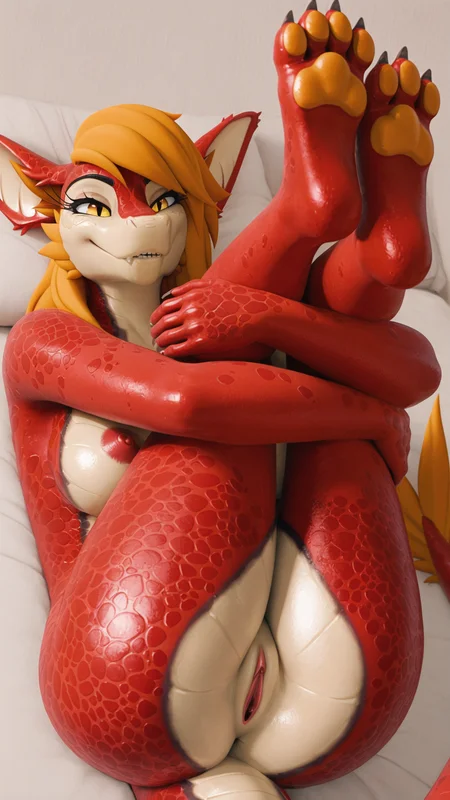
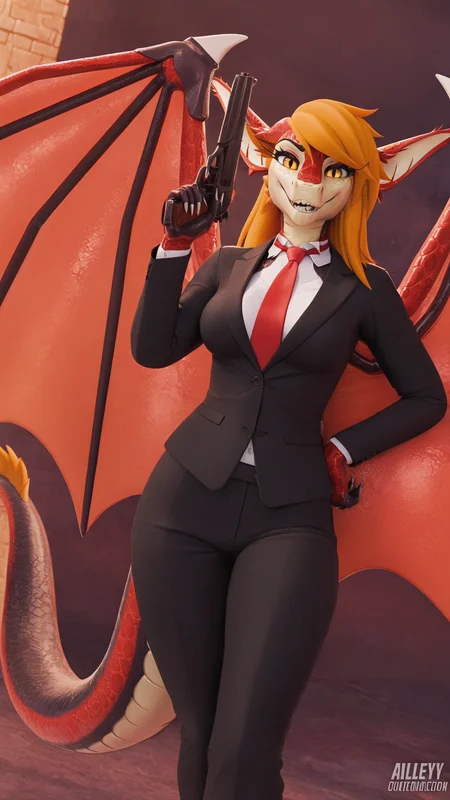
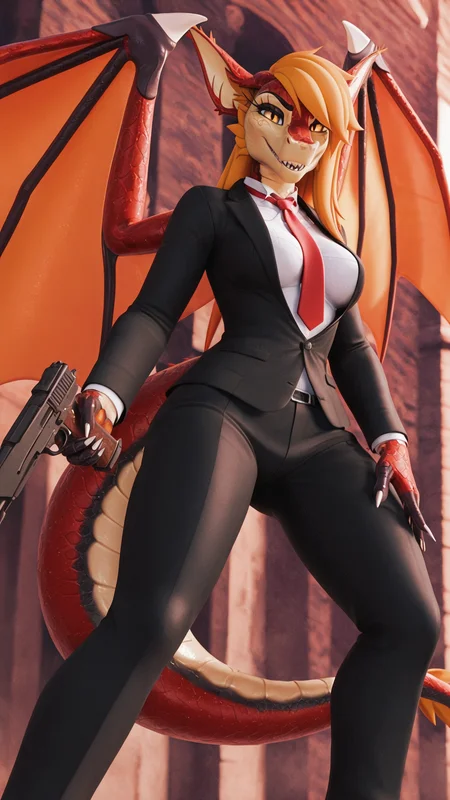
This is my first public lora which is generated on a RTX 5090 with 1080x1920 resolution. I figured out that using a higher image resolution then training on a lower resolution, helps image quality. The detail of the skin is WOAH. Also, I just realized that image artifacts/compression affects the quality HUGE, dramatically huge. Hope this info helps.
V0.5 (Recommended)
prompt: dragon, female, red scales
V0.6b (Testing Phase, more stable???)
Using Vinci194 in the prompt isn't necessary
prompt: female, red and black scales, orange hair, long snout
Options Version (75 Images x 10 repeats)
V0.5 & V0.6b
(78 images x 10 repeats)
Prodigy is king
Basically default settings prodigy with cosine
bfloat 16 for training data type
Lora rank 128
Recommended Model (https://civarchive.com/models/97479?modelVersionId=1323509)
model base (https://civarchive.com/models/1369089?modelVersionId=1546777)
Around 1500 to 6200 steps
Original Creator: https://x.com/vinci194 (Vinci194)
3D Model by: FoxiPaws
Follow the original creator if you enjoy this lora.
They have NSFW in their patreon page here (https://www.patreon.com/VinciTheDragon)
Description
PLEASE USE OLDER VERSION OF THIS LORA AS THIS REQUIRES AT LEAST 32GB OF RAM AND A 16GB GRAPHICS CARD
Rank 256 (You thought rank 128 was overkill... Well... How about now???)
Trained Resolution (1152x2048) Surprisingly only took about 1.5 to 2 hours of gen time on a RTX 5090 and with a 400w power limiter too.
Is that overkill, it sure is... This lora version is trained on FurryToonMixV2 illustrious (https://civitai.com/models/97479/furrytoonmix)
Works on other checkpoints such as bb95 and stein really well, but sucks at base model stuff.
All settings on bfloat16 (b cause it floats the boat)
And you know what, I discovered that all the lora's I made except for Qwen, are using the wrong base model because apparently, everyone else is using outdated versions of illustrious. I'm filled with fury. This is why I hate mixed checkpoint and merges.
!!!!!!!!!!!!!!!!!!!!!!!!!!!!!!!!!!!!!!!!!!!!!!!!!!!!!!!!!!!((IMPORTANT))!!!!!!!!!!!!!!!!!!!!!!!!!!!!!!!!!!!!!!!!!!!!!!!!!!!!!!!!!!!!!!!!!
This lora is trained on almost the highest resolution possible on a 5090 without running into OOM errors. I need like 4 for these suckers on gen 5 x16 lane or 2 H100's to get the job done, 5090 OOM is real and it crashes the whole drivers to the point it can black screen and no signal, don't forget blue screen too because that happened (It isn't blue anymore but my card is). I feel bad for my PC.
This lora will look like hot garbage if you run it at 1024x1024 and add any background other than any solid color.
What I'm doing is pushing the model beyond its trained limitations and building my own limitations, which is now hardware. I could do native 4K and get even more detail, but the thing is, RAM is so expensive, 64GB ain't cutting it.
Please use a lora strength of 0.7 or 0.8. I over trained this on purpose (Mostly because I'm burnt out for lora training for months straight and don't really care anymore to find a 1.0 strength and well... I always seem to get better results in detail when I over train, except for the background, this will do for now).
I'd recommend using a green background and then placing an AI generated or real background though it like a green screen, I'd know you wouldn't do it anyways, but it's the only way to bring the absolute highest quality without using adetailer or any other "AI cheats" like upscaling. This lora does produce higher detail at 2024x2024, but the portions are horrible since the images aren't trained on a square ratio and can't be since it's all long portrait.
This lora is mostly for showcase for posing and what not, single person only.
This was to show how resolution heavily impacts quality at the sacrifice of stability.
This lora still has quirks, every generation has pretty good details even if you zoom in all the way, which is the way I like it, the AI artifacts are real, just like the OOM on my 5090, I'm surprised my cables haven't melted yet