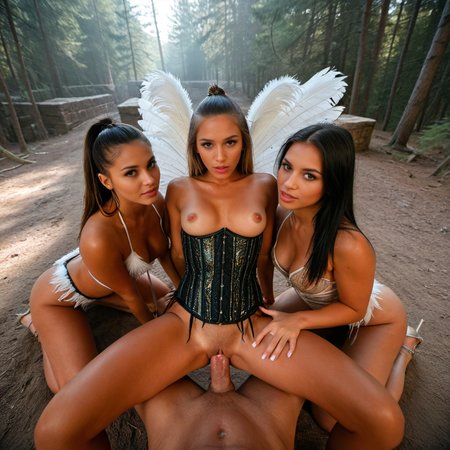
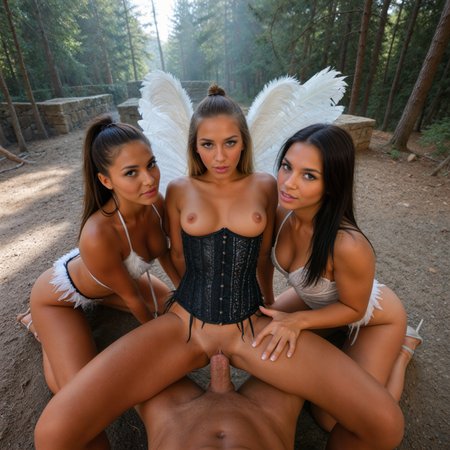
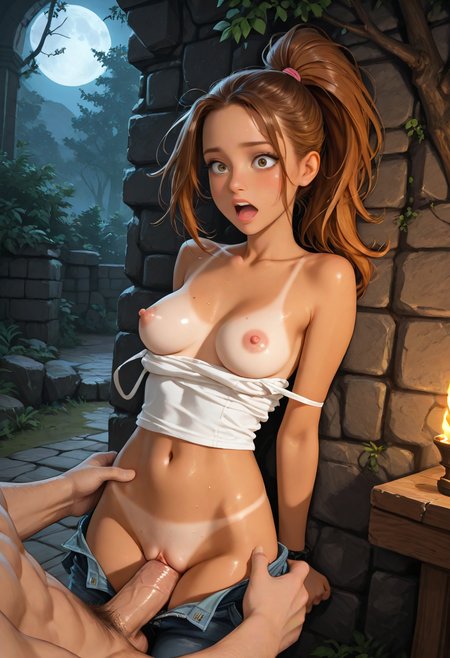
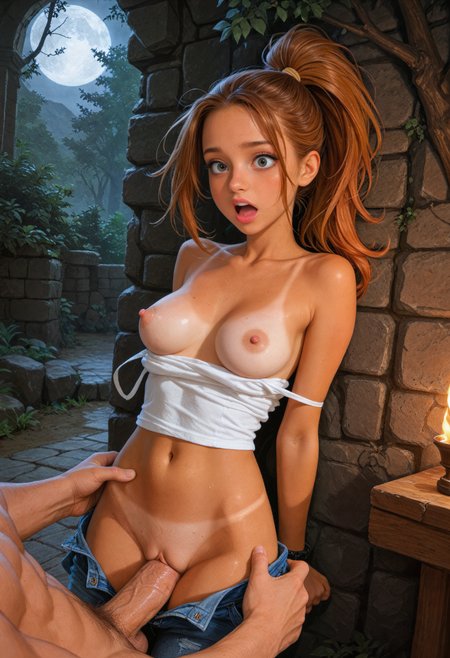
Attached images are before and after upscaling to highlight differences.
This is a useful upscale workflow that I use on all my images before turning to video. Just download and drop file into ComfyUi. It upscales basic images into much better quality. It also allows you to alter the style of an image by using different workflows, so an anime looking image generated with iLustmix for example could be upscaled with intorealismXL and the characters will have more real looking skin.
It also has prompt boxes that allow you to edit details in the image such as skin color, etc.
As far as LoRas or Models needed, I just searched and downloaded those listed in each box (lightning 8 step / xinsir controlnet tile). I have not found a need to adjust any of the settings in other boxes regarding denoise / controlnet strength - but feel free to mess around.
With a 5090 gpu it takes about 30-40 seconds per image to run, so could take some time on less powerful gpus.
Description
FAQ
Looks like we don't have an active mirror for this file right now.
CivArchive is a community-maintained index — we catalog mirrors that volunteers upload to HuggingFace, torrents, and other public hosts. Looks like no one has uploaded a copy of this file yet.
Some files do get recovered over time through contributions. If you're looking for this one, feel free to ask in Discord, or help preserve it if you have a copy.