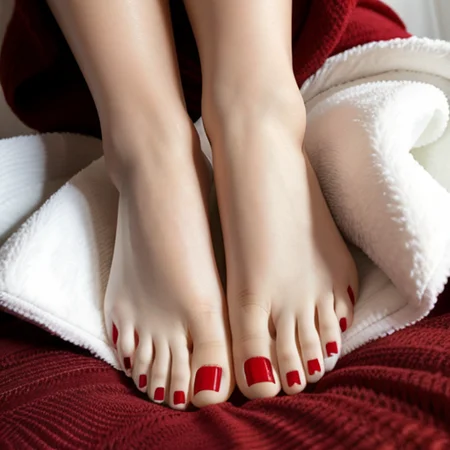
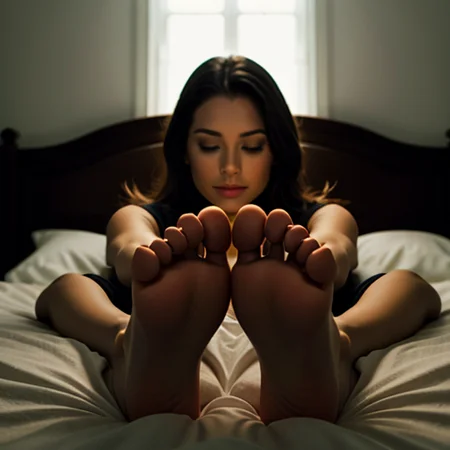
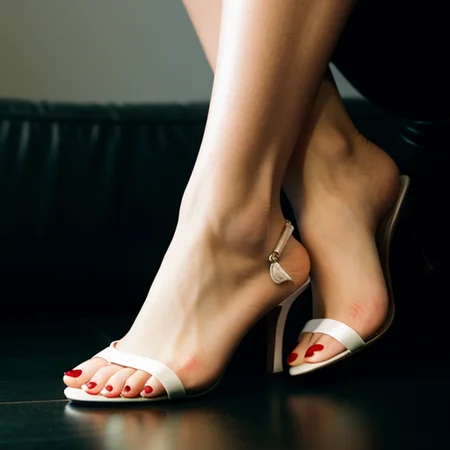
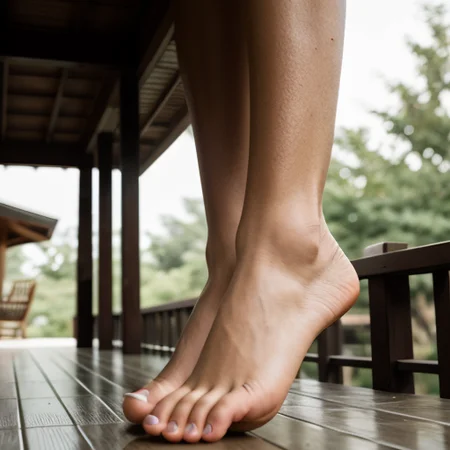
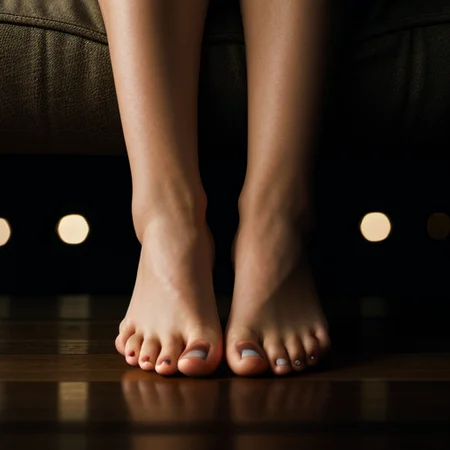
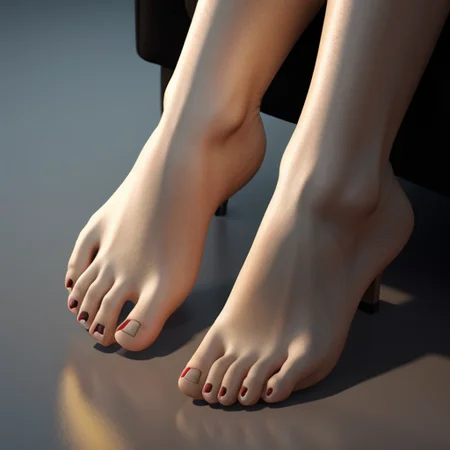
Update: Please if you see any of my models somewhere else report or let me know! Thnx
Trained on base model xl 1.0 + FLUX.1-dev + zit + sd1.5
Update: Added SD 1.5 model.
Update: Pony version added! (Please read version info. before using it)
Update: Illustrious version added.
Update: Added perfection style model (Hands + feet + all in one)
Update: Added Detailed style (Hand focus + all in one)
Feel free to check hands model as well.
Please read version info (about version) And choose which version works best for you. Additionally you can combine multiple versions together as long as you manage to balance lora weight.
Feedback and ratings are much appreciated.
Other models to check:
Skin Tone (Cinematic Photography) Style XL (Human skin color)
Realistic Skin Texture style XL (Detailed Skin)
Description
This is the sd 1.5 version
FAQ
Comments (13)
Great model, I wish you had it for SD1.5
It's available. The other version.
wonderful job!!
How do you combine this model with other lora models to create female photos?
you add them together in a single command prompt.
Could you please create a version for male feet?
It should work with any person you desire. Give it a try. (mention it's a male feet)
How to use it?
On Civitai you add it as resource with any base model and write trigger word in promopt. On local machine you add it in stable diffusion lora directory and add trigger word in prompt. You can try watching some youtube tutorials on how to use lora files to understand what it is and how it works.
@vantablackdark thank you!! Can you please show me a example of a triggered word?
@fabiotgarcia901 On the right column corner, you will see it. "Perfect Feet"
If you click on any photo you will see info on the words + resources used to generate image.
@vantablackdark Thank you!
Update: Added perfection style model (Hands + Feet + all in one) XL
Update: Added Detailed style (Hand focus + all in one)