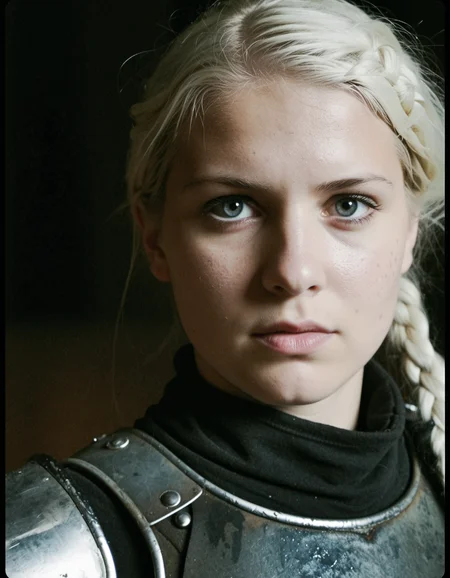
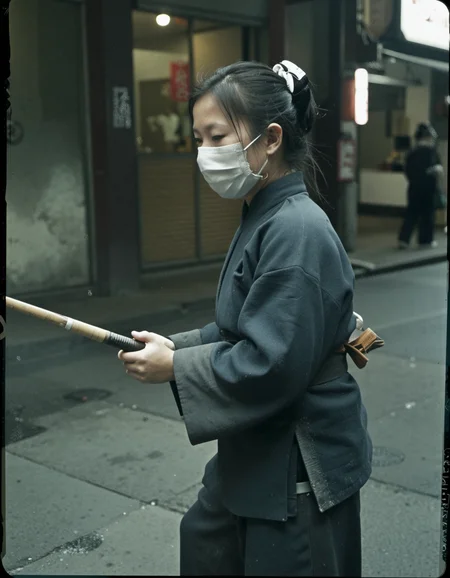
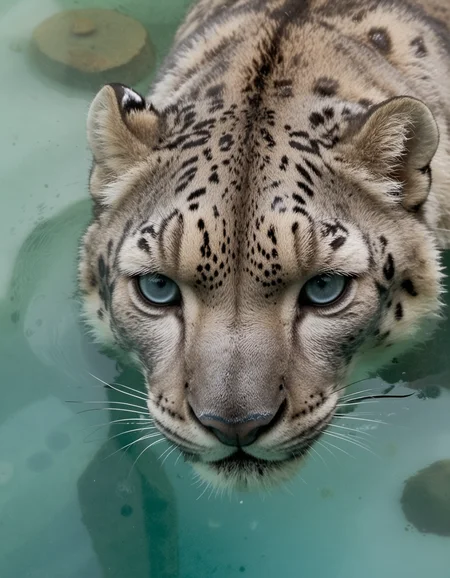
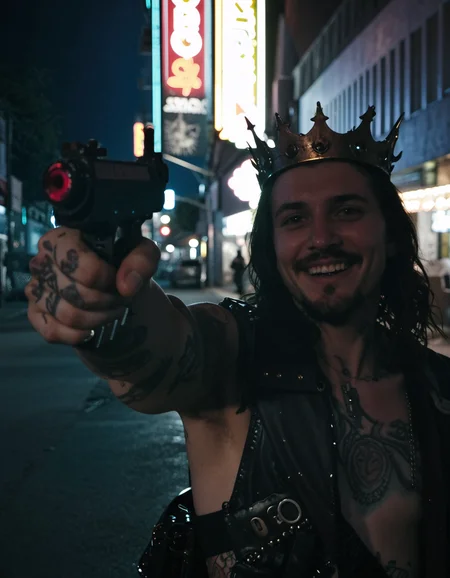
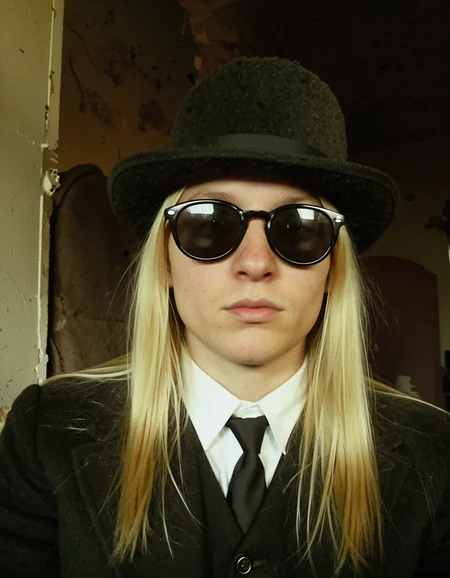
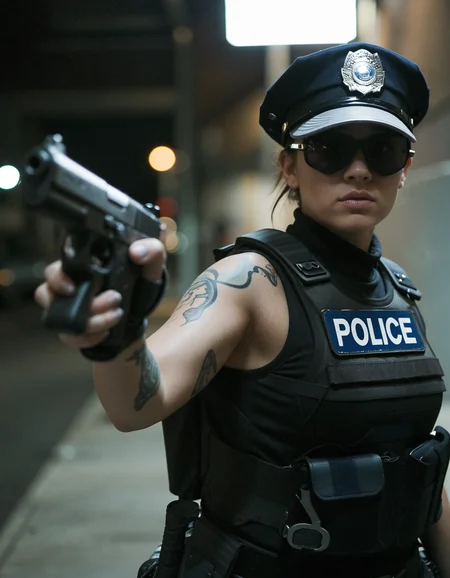
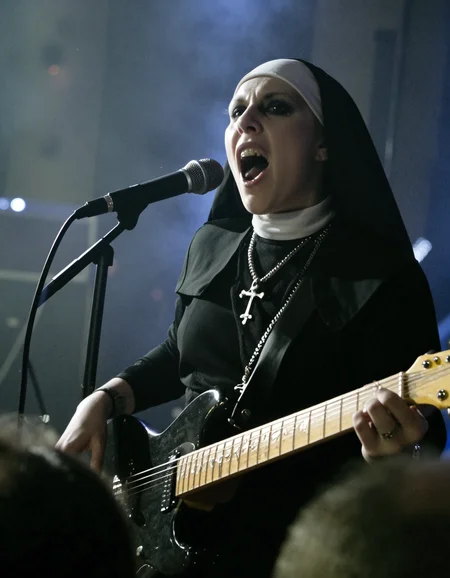
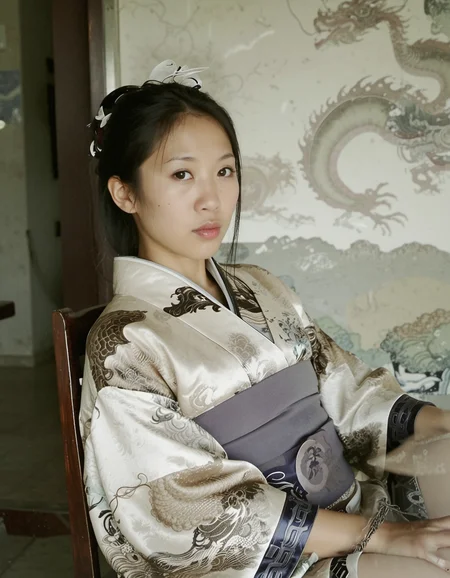
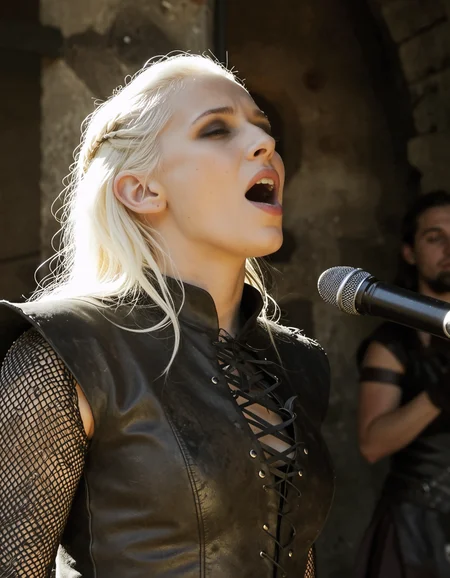
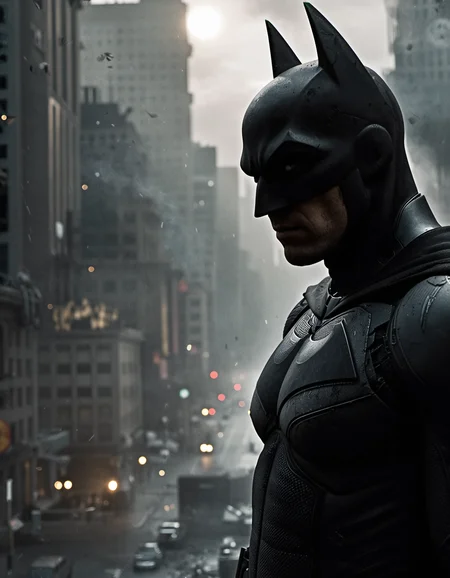

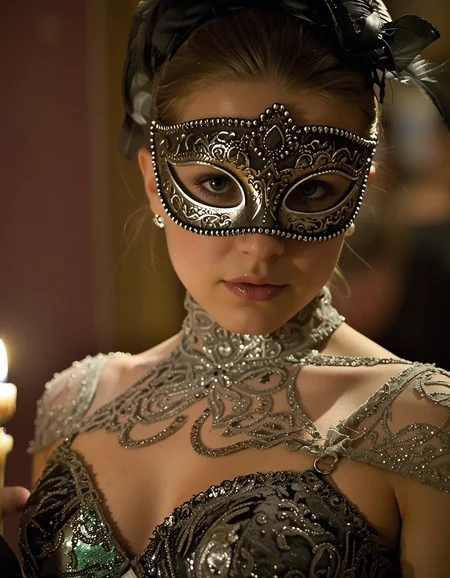
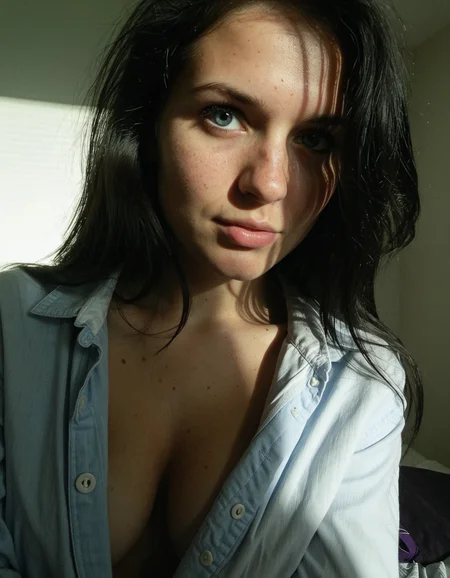
If ever a model deserved for me to say that it is the best I have created, maybe it is this one, what makes this model special is that it is a DMD model made to create super fast images but unlike others, it does not lose quality despite not using Hires.fix, of course you can use it but the results still seem great to me, without going into terms of hardware because I know that we all have different ones, I managed to create sharp images in 2 seconds, using Hires.fix in 6 seconds, I know that some may find details to improve but I really hope that you can try it, it will surprise you.
The VAE is BAKED
Upscaler: Im using 4x-ClearRealityV1 upscale by 1.5 Steps 5 denois 0.2 Hires CFG 1.1,
Width and height: 896*1152
CFG Scale: 1.2
Steps: 4
The sampling method i use is LCM-Karras
It is important to follow the recommended parameters since not all samplers work correctly with DMD models.
This model accepts negative prompts, so for greater realism I recommend:cartoon, illustration, anime, painting, CGI, 3D render, low quality, watermark, logo, label
I truly hope everyone can download it, use it, and share their examples, as this is the only way to continue improving. Greetings to everyone.
Description
I'm always experimenting or trying to improve my models. Sometimes I'm so pleased with the result that all I want to do is share it with others. In this version, I think I've managed to further improve the realism, despite it being a DMD model. Some people don't like using LCM sampling, but I think that despite that, I achieved a good variety of faces, ethnic variations, good prompt understanding, and best of all, IN JUST 4 STEPS!
The VAE is Baked
Upscaler: Im using 4x-ClearRealityV1 upscale by 1.5 Steps 5 denois 0.01 Hires CFG 1
Width and height: 896*1152
CFG Scale: 1.2
Steps: 4
The sampling method i use is LCM-Karras
It is important to follow the recommended parameters since not all samplers work correctly with DMD models.
FAQ
Comments (9)
Can't get it working on my side. Used this workflow with clip skip 1. it gives black picture
https://civitai.com/images/121683956
Changed to -2 - got a bad quality image with visual artifacts (same seed, same steps). I can post my results for debug. 4 steps gives damaged pic in my case
used this workflow https://civitai.com/images/121678336
same seed 1 and seed 2 and same steps with clip skip 1 gives blank.
with clip skip 2 I got different picture
https://civitai.com/posts/26738225
could you please download the safetensors from civit and verify some of your samples?
seems like checkpoint used for samples differs from what civit gives to me
bypassed the clip skip - same result as with clip skip 2
Same here!
I saw the image you shared with the good result, were you able to fix the problem?
@Sateluco no.. the second KSampler corrects most of the green-red artifacts when they appear (on my sample published with close portrait such ertifacts barely visible but other renders have them more noticeable). Image from the first KSampler with 4 steps looks damaged. 6 steps is better but anyway result image looks not so close to your samples with the same parameters. I mean the composition have the significant difference as if the downloaded safetensors file is a tiny bit different or the samples was rendered with other seed.
The fact that your workflows have clip skip 1 which on my side renders a blank pic puzzles me a lot. Different composition might be caused by different clip skip but how you have managed your model to work with clip skip 1 - I have no idea. All DMD based model requires the clip skip 2. For example @homoludens was warning about it somewhere (in the model description or in comments). And here I see the sample with clip skip 1 on DMD model. I suspect there is some mistake or ComfyUI have some glitch with clip skip or I don't know what else
@Sateluco I agree. With Clip Skip 1, I get a black screen, and with Clip Skip 2, the image isn't really good, and certainly not like your samples. Something's not right here...
@Sateluco Could you please download the checkpoint from civit and try the settings of some existing sample to make sure the files are the same?
@Sateluco Can you provide a link on your upscaler? I am using the remacri and it is the only major difference I can see in the workflow itself.