
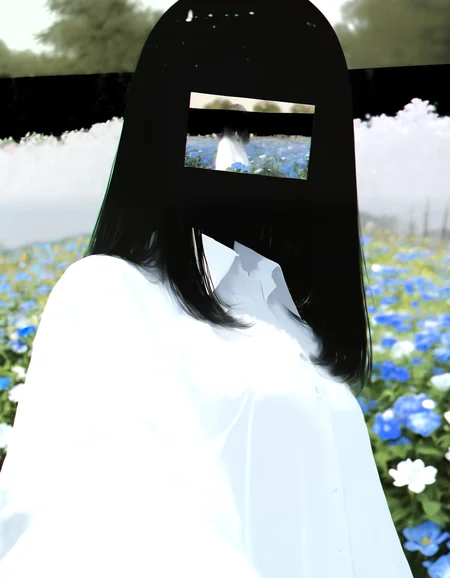
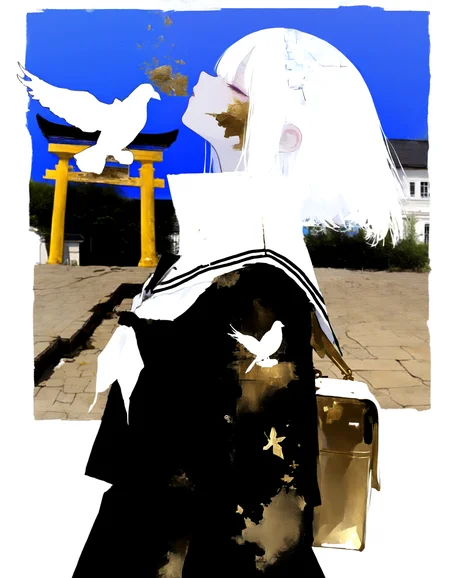




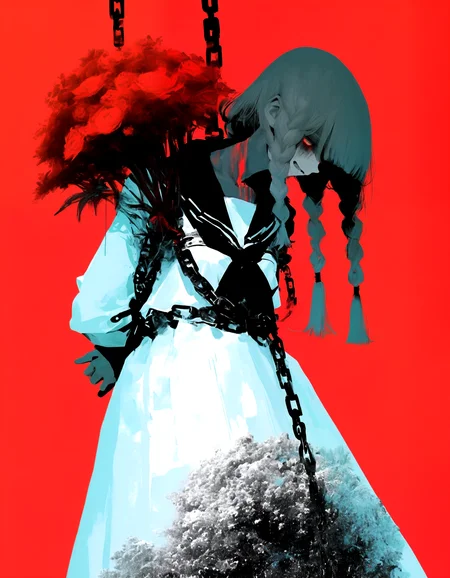

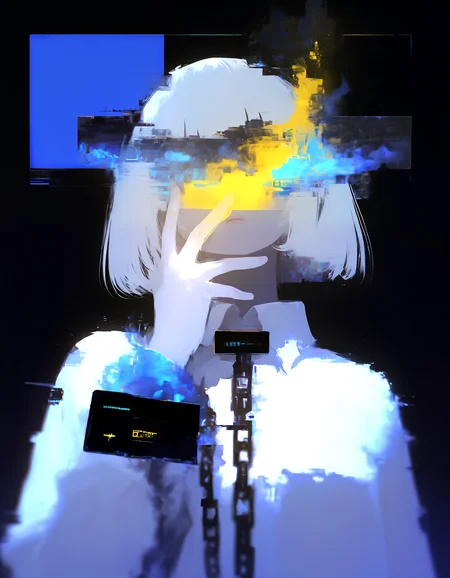

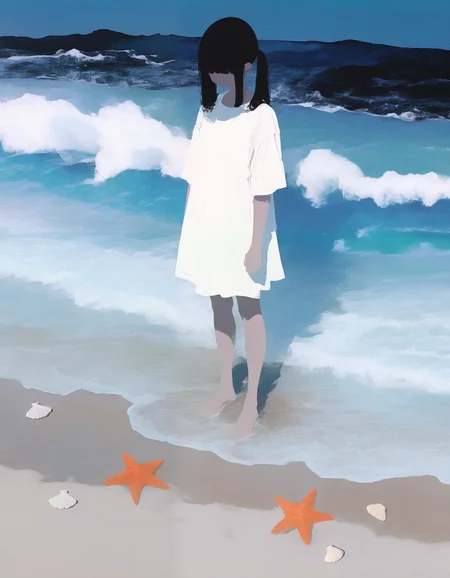


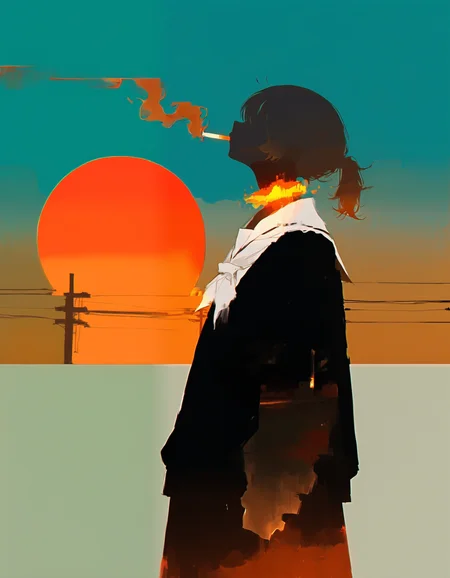
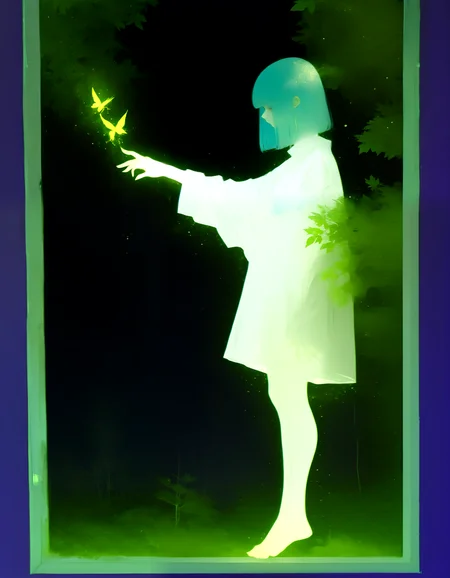
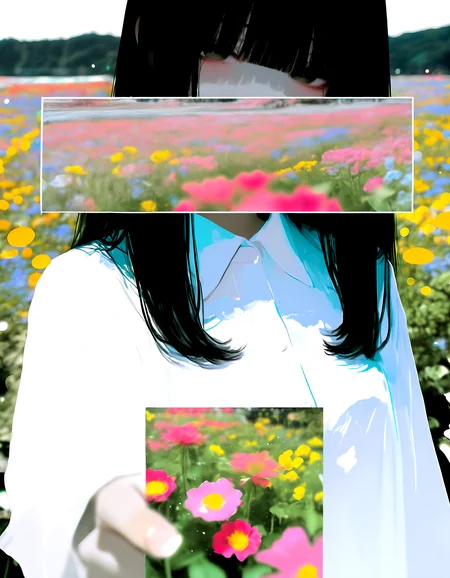


Post your gens down below! I will ⚡ images I like! Have fun! <3
Positive: masterpiece, very aesthetic, best quality, 8k, Anime-art, amazing quality, very awa, absurdres, newest, high detail, cinematic lighting, (impressionism:1.5), high detail, depth of field, (blurred background), (dramatic lighting), atmospheric, dynamic angle, volumetric lighting
Negative: (worst quality:1.3), muscular woman, deformed, distorted, disfigured, bad anatomy, missing legs, extra legs, extra limbs, cloned face, low resolution, low quality, jpeg artifacts, (watermark, signature, text:1.5), error, ugly, bad proportions, bad face, unrealistic, mutated, cross-eye, fused eyes, poorly drawn face,obese, Chubby, curvy, over weight, overweight, sweat,
Description
FAQ
Comments (26)
I THINK I'LL LOSE MY MIND IN HYSTERIA
I hope machine girl is longer!
Only model I've found where LCM actually is pretty good, try it out guys I do lcm and beta_1_1 (using artsy)
love it, perfect for creepy mixed with cute
Which upscaler do you recommend for the 'artsy' checkpoint?
hey! if you like the grainy style of it i suggest using 001_classicalSR_DF2K_s64w8_SwinIR-M
to have things cleaner you can use anime 2b or something similar
@Shiiro0 Marvelous, thank you!
@Shiiro0 late to the party, but thanks for reccing this upscaler, i'm always on the lookout for ones that preserve texture
This model is the greatest.
Biggest thanks.
This is one of the best checkpoints! It understands many of the keywords and styles that often other checkpoints fail to.
Thank you for making it!
Please keep up the great work ^^
Figured I'd replicate my review here so it gets more viewership from those who might want to check it out. Such a fantastic model, I've been using this recently and trying new styles. It renders cartoon styles amazingly well, being malleable enough to easily adjust from more realistic styles, to deep blocky color shading. Works excessively well as both a refiner and base model, and plays well with all the LoRAs I've tried from Pony and Illustrious. Simply put, if you haven't tried this model, perhaps you're missing out.
This is my main checkpoints right now lol. Prompt coherence gone crazyyyy
The best anime checkpoint I've used so far. Thank you!
It is a massive travesty that the "artsy" checkpoint isn't more popular. I'm literally upset about it. I need more images with it! I wanna see what other people have made!!
I use it all the time and I was super disappointed to see my modest follower base on social media (8k~) didn't care for it compared to typical ""slop"" style stuff I typically make. This checkpoint easily has the least "AI Art" "look" I've ever seen.
I can't sing enough praises. Wonderful, wonderful checkpoint. Thank you so much. At least I can enjoy it myself.
PS- Since I'm an educator and will be teaching a class on SD soon, I will enjoy forcing my students to use this checkpoint! >:)
While it's indeed good, the style is too monotonous and not sensitive enough when it comes to using artist prompts
who is artist?
The context window of this model is 77 tokens, after which the value of the promt begins to be lost. Quality tags occupy 99% for industrial products, great
if this comment is not a joke, then i would suggest you split your prompt into 2 parts with the BREAK command: Object (the thing/person which is main part of image) ,BREAK, Subject (all other things like surrounding, places descriptions, quality description) , this way you can double the prompt limit, if done correctly its very effective for prompts which really need more that 75 Token (most really don't need more than75 words , people just use redundant words to write a book or something ;) , i compressed many comfy ui images i found in less than 75 token with similar or better results than the original) if you dont mind you could share your prompt then is easier to tell a soloution.
@pink0909 Oh darling I wish this was a joke :D
No BREAK doesnt double the prompt limit. Quality tags dont magically disappear or get ignored just because you stuck them after BREAK. They still get tokenized and processed by CLIP anyway. Youre not bypassing anything youre just splitting the same stuff into two chunks.
This model needs 79 tokens to properly trigger its style. When all that masterpiece best quality absurdres bloat sits in the second chunk it often weakens or pushes the real style trigger out of the effective range. Thats not theory thats literally what the token counter shows.
Sure BREAK can help with bleeding and grouping concepts a bit. But saying it doubles the limit and lets you dump quality spam in the back with no consequences? Thats where youre wrong.
CLIP is still the same dumb tag mixer its always been. It doesnt suddenly read your neatly separated prompt like a book.
@RussianMan_BRUTAL sure "doubling" was not a scientific way to say it, i am more a practical guy so for me what counts is what works not just the theory :). Since i didn't tried the exact scenario you tried i cant confirm you are right or wrong, i just offered a way i would try. "But saying it doubles the limit and lets you dump quality spam in the back with no consequences? Thats where youre wrong." no ,that's what worked for me always as for now. As side note you can try to switch positions put the quality spam in the front, sometimes this can do the trick. "79 token" well then it would mean nobody could use it if thats true. Just load some images from the gallery and look how they did it, its usually the best starting point. then decimate redundant word and see where it breaks from your preference POV. Best Regards
We seem to be talking past each other a bit, but it turns out the issue is simply that there are too many "quality tags," right? Since those tags are just a list without specific context, splitting them into two chunks doesn't negate their effect. Frankly, most of them don't have a significant impact anyway, so you probably don't need to worry about it too much.
If a prompt has a total "influence value" of 100, the tokens share that 100 among themselves. With 50 tokens, the average influence per token is 2; with 100 tokens, it drops to 1—meaning the effect is diluted as the token count increases. Making the prompt longer doesn't increase the total impact on the model; instead, the importance of each individual tag decreases. While elements near the beginning of the prompt are prioritized, using "BREAK" resets this weighting. If you use one BREAK, each chunk gets an influence value of 50 to share internally. Overusing BREAK prevents the truly important parts of the prompt from gaining sufficient influence.
Therefore, stacking a heap of low-impact quality tags at the beginning and placing the main prompt at the end isn't a very smart strategy.
Also, note that BREAK isn't supported in tools like ComfyUI; it is a custom implementation specific to WebUI-style interfaces. Of course, prompts exceeding 77 tokens can be processed without issues even without using BREAK.
Both checkpoints are super lovely <3
V1.0 soo good , amazing job
Pretty good results so far
Any chance for an Anima version?