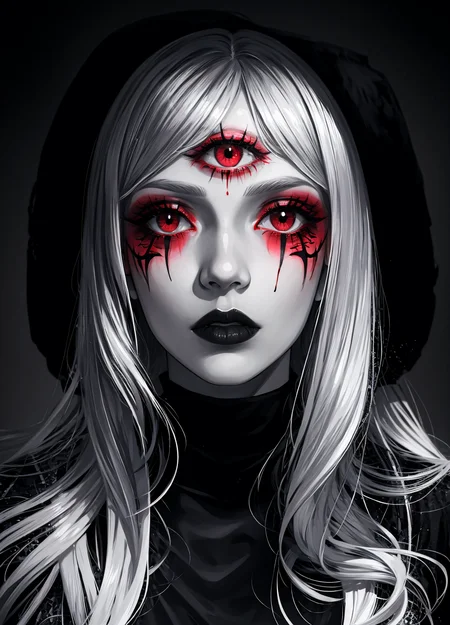
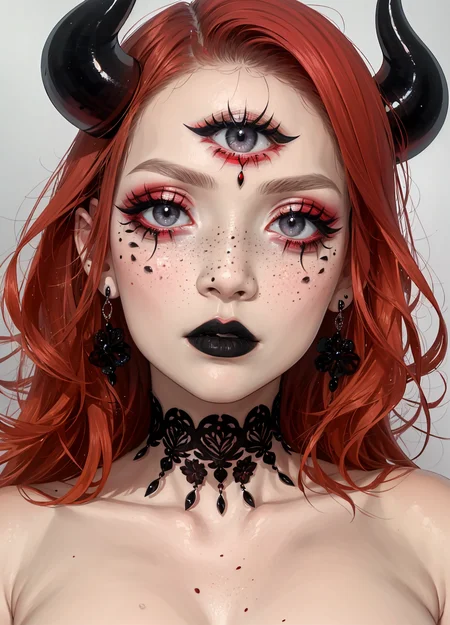
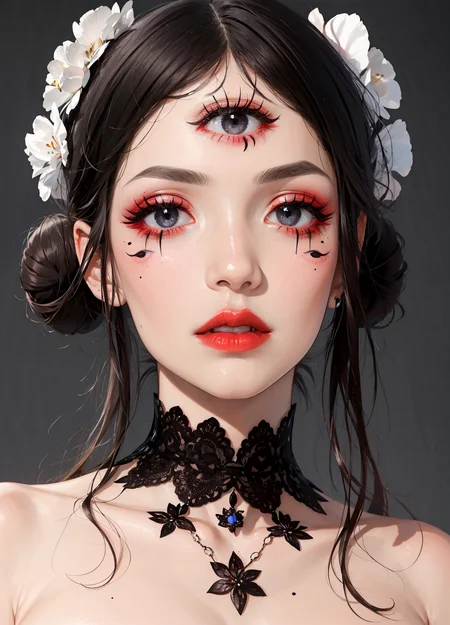
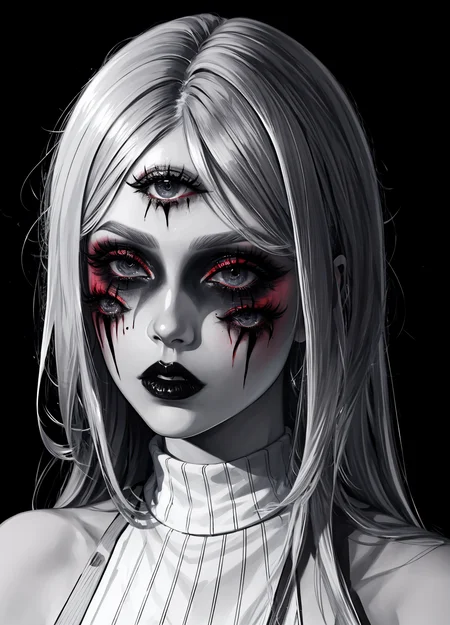
I needed it for a project. So... I'll share it with you if it can be useful to you!
Change the weight of the Lora for the following needs:
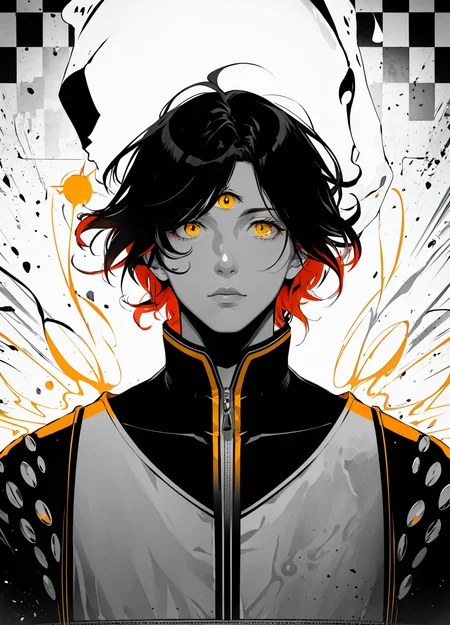
In 1.0: The Lora will often make you 3 eyes but will respect your style.
In 1.5: It will give you 4 eyes or more but will be much more realistic.
Description
FAQ
Comments (5)
cutting onions must be hardcore....
Yes clearly... xD
only working on meinamix v11 that too in portrait mode. Need to be trained and improved further.
Edit:
It is now working with this trick
Third 3 eye:
To make a 3~eyed character like Tien from DBZ:
*Follow this:
#Lora:
Realistic Eyes [LORA] INPAINT
Detail++ eye detail lora
背景及距离控制/background & distence control/背景と距離制御
BG & distence control
Close portrait lora
Multiple eyes concept lora
Demonic Third Eye Concept Lora
#Positive prompt: multiple_eyes,demonic third eye, perfecteyes, realistic eyes, perfecteyes eyes, EyeDetail, <lora:multiple_eyes-06:1>, <lora:demonic_third_eye_06:1>
#Negative prompt : ((eyes on body:1.5)), ((eyes on face:1.5)), ((eyes on hands:1.5)) ((eye on chest:1.5)), ((Red eyes)), ((makeup)), ((pale skin)), ((zombie)), ((vampire)), ((mummy)), ((demon))
Fast Negative Embedding (+ FastNegativeV2)
Note:
#The above will make the concept work with more models.
#These two negative loras should be selectively used depending upon model:
Deep Negative V1.x
Bad artist Negative embedding
So, I always make sure that my Loras are available on as many different models as possible and so seeing this message surprised me a little!
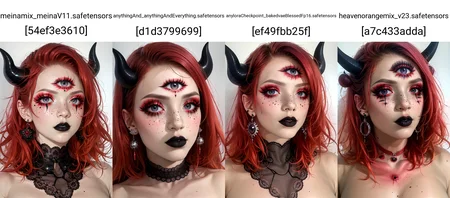
So I carried out a test to show that the Lora works on many different checkpoints other than Meinamix!
I also performed one or two additional tests for the fullbody. It works but for that, you have to play with the weight of the Lora and the cfg scale. If you want an even better result, install ADetailer which will correctly rework the facial finishes!
Thank you for your comment, I might try to improve it again one day.
https://civitai.com/posts/867903
Thanks! That was a quite useful information ❤️