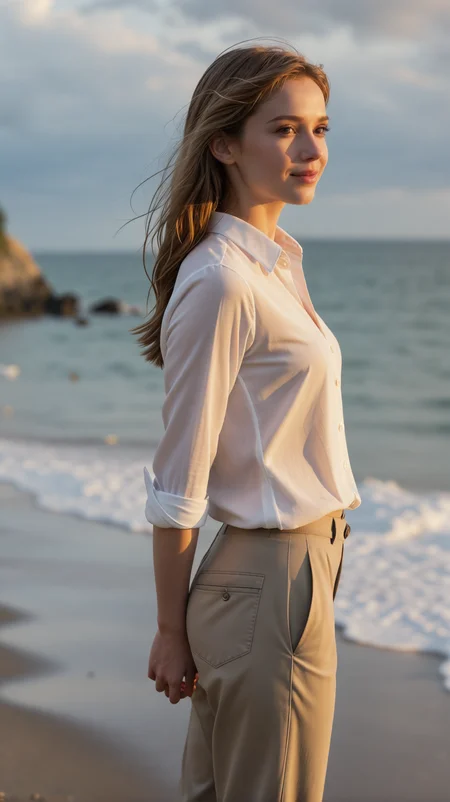
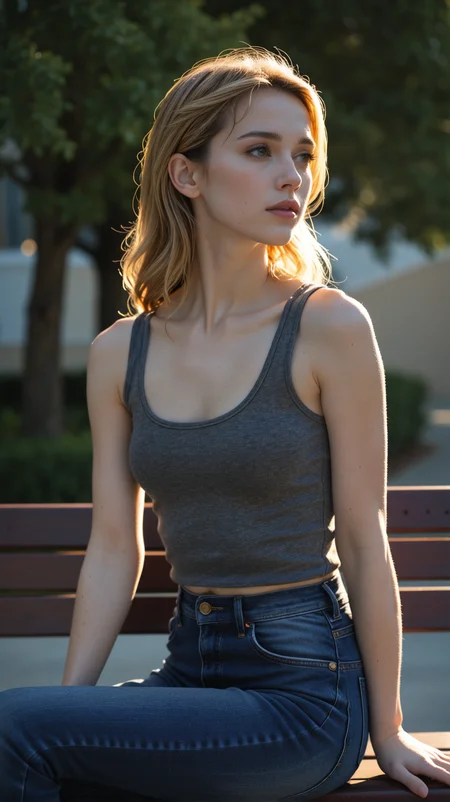
embedding for character creation
For the image generation prompt, it's important to use all three embeddings, regardless of whether you want to create portraits or full-body images. Ideally, place them first in your positive prompt.
It's important that your prompts, apart from the embeddings, contain no references to the person's appearance, but only information about lighting, pose, clothing, angle, focal length, and such things
In tests with 5 different SDXL checkpoints, character creation remained consistent in 4 cases.
Description
Save the files in the embedding folder of your UI (for ForgeUI under ...\webui\embeddings)
prompt syntax
use triggerwords anna_gesicht and anna_koerper in the first place of your positive prompt
use triggerword anna1 instead of girl or woman
sometimes you need to add "straight blond hair", I forgot to mention the hair color in the prompt.
If you want to change her appearance: the model is highly flexible regarding other attributes like hair color, body shape, hairstyle, eye color, etc. If you insert the changes into the first part of your prompt, you will usually achieve consistent character generation of someone else than Anna.
FAQ
Looks like we don't have an active mirror for this file right now.
CivArchive is a community-maintained index — we catalog mirrors that volunteers upload to HuggingFace, torrents, and other public hosts. Looks like no one has uploaded a copy of this file yet.
Some files do get recovered over time through contributions. If you're looking for this one, feel free to ask in Discord, or help preserve it if you have a copy.
Details
Available On (1 platform)
Same model published on other platforms. May have additional downloads or version variants.