If you need to see an example, please watch my previously released video.
The WAN video workflow consists of 6 steps. Copy the generated video prompts to the WAN workflow's positive section; you don't need to modify the negative prompts.
Adjust the video resolution and length according to your video memory size.
Prompts:
Use the QWEN Video Prompts generation Workflow to generate video prompts. I've already written the QWEN rules; you only need to modify the prompt section.
Of course, you can also omit the prompts, in which case QWEN will only refer to your input image to output video prompts.
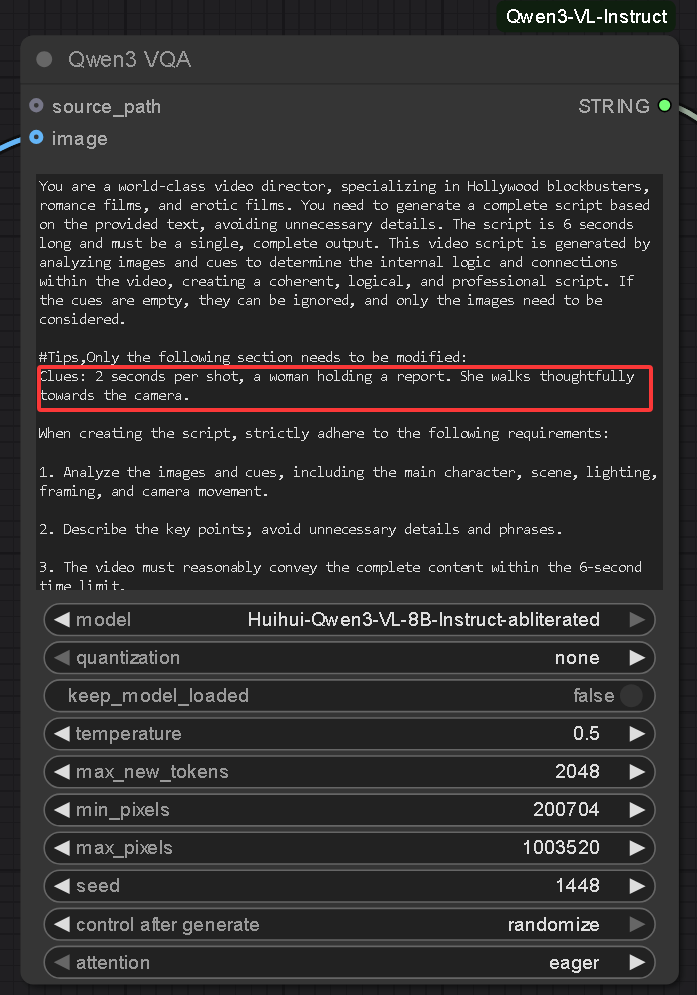
You need to download Huihui-Qwen3-VL-8B-Instruct-abliterated. If you don't have enough VRAM, you can download 4B or 2B.
https://huggingface.co/huihui-ai/Huihui-Qwen3-VL-8B-Instruct-abliterated/tree/main
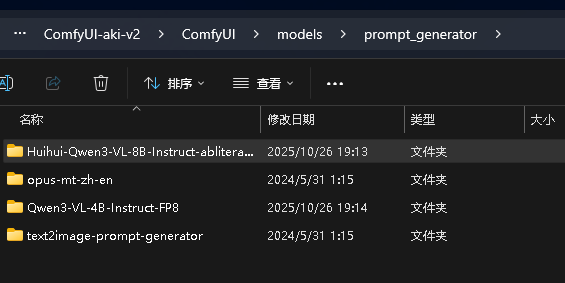
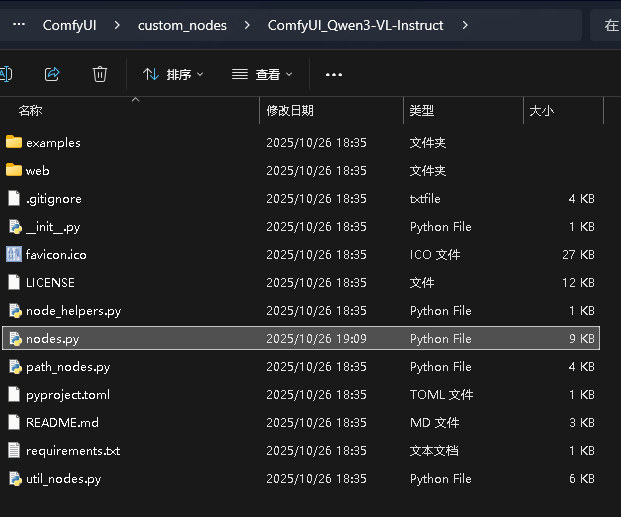
Additionally, you need to install this node: https://github.com/IuvenisSapiens/ComfyUI_Qwen3-VL-Instruct
and modify the nodes.py file in \ComfyUI\custom_nodes\ComfyUI_Qwen3-VL-Instruct. Open this file with Notepad and add this parameter. See the image for details.

Description
FAQ
Comments (3)
Can't get this to create anything useful unfortunately. It just creates super long prompts with tons of detail about lighting, curtains, "glistening" etc.
Maybe it's not meant to be used for actions between characters, just still shots of girls?
我很困惑,我使用了工作流中的所有lora,但是,我的模特在走路的时候,乳房就像石头一样坚硬,最重要的是人物的脸在这6秒中逐渐变成另外一张脸。
那肯定是内存爆了,连续性断了。
我猜的。我的低内存机器每次生成视频都是破脸,但是租的服务器就没有,我都不懂为什么,同样的工作流。