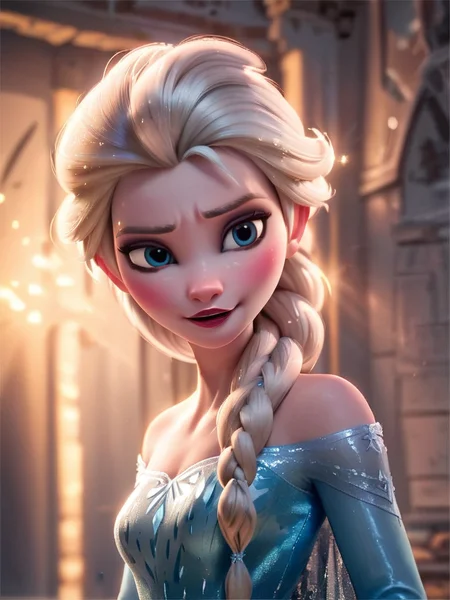
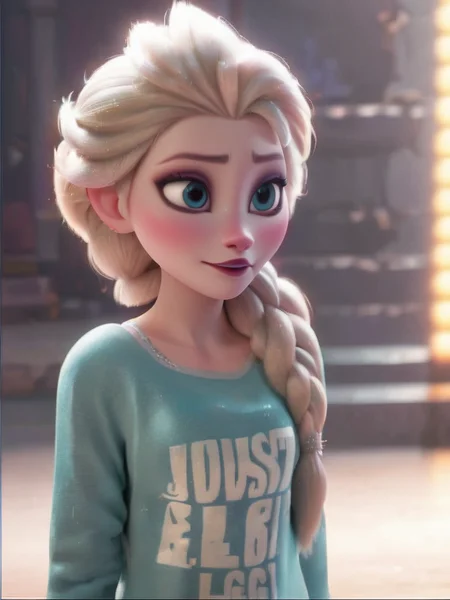
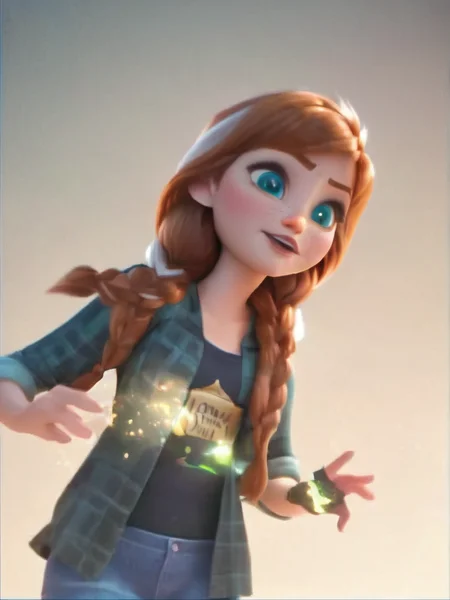
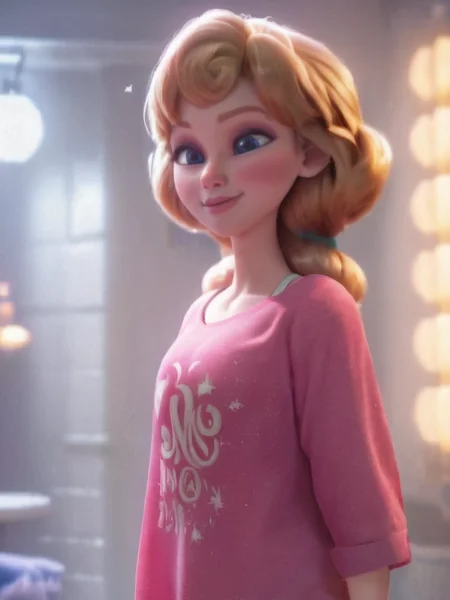

All Disney Princess XL LoRA Model - Ralph Breaks the Internet
If You Like This Model, Give It a ❤️
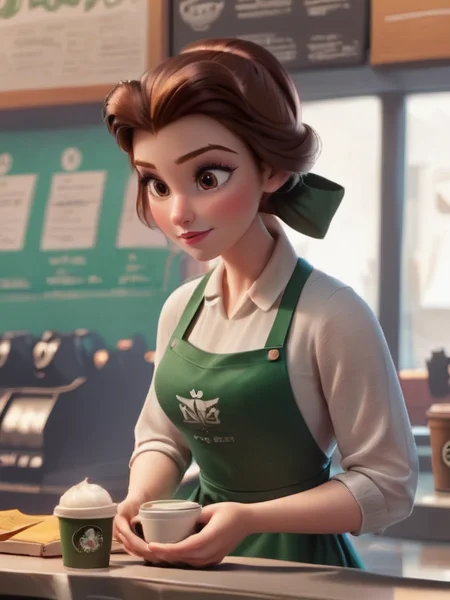
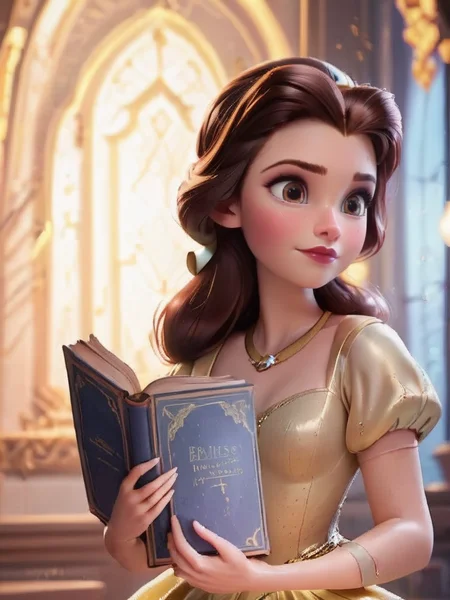
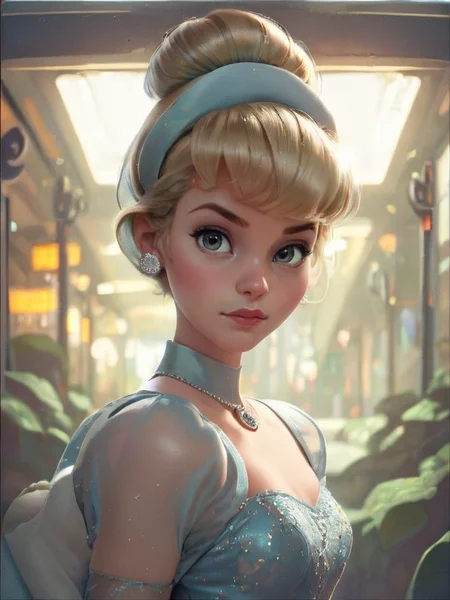
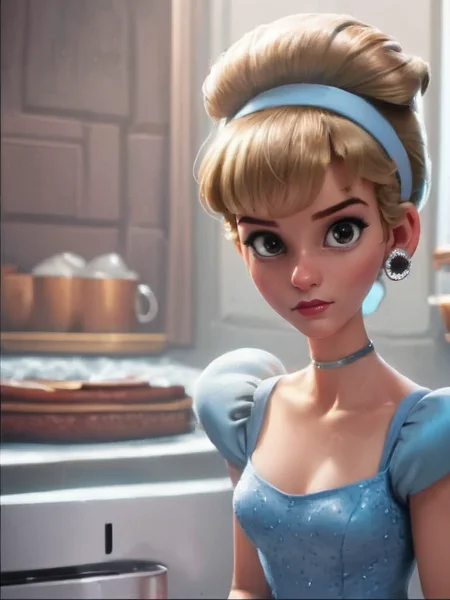
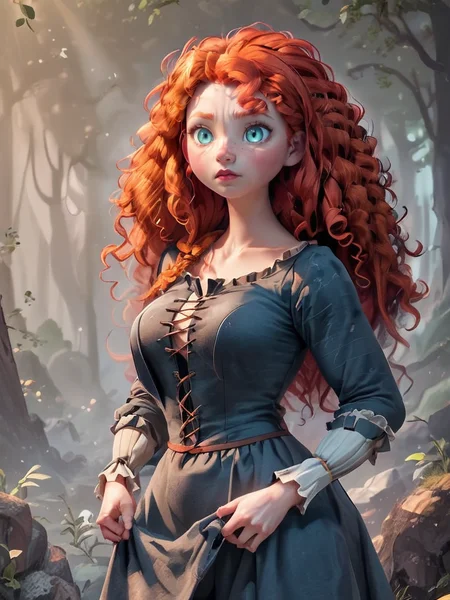
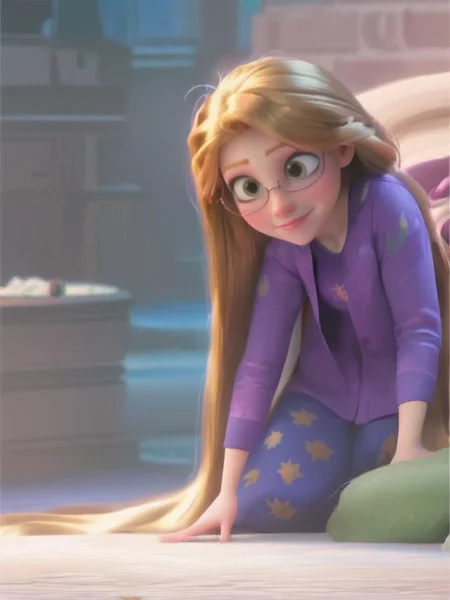
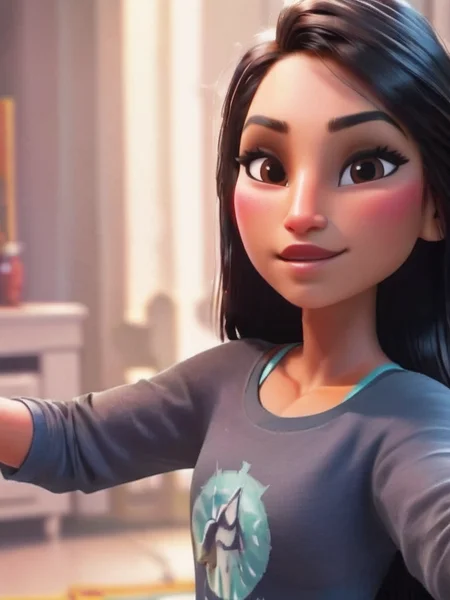
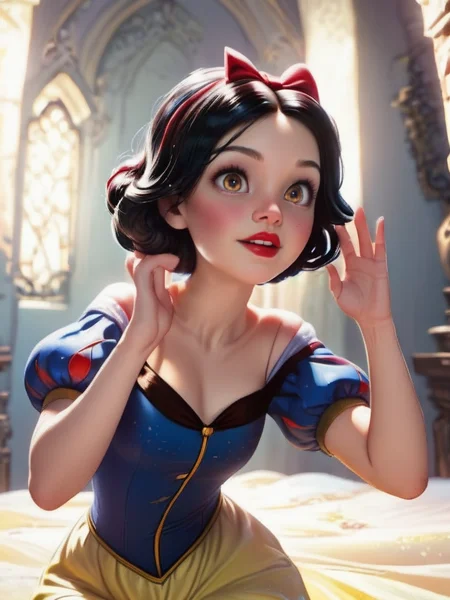
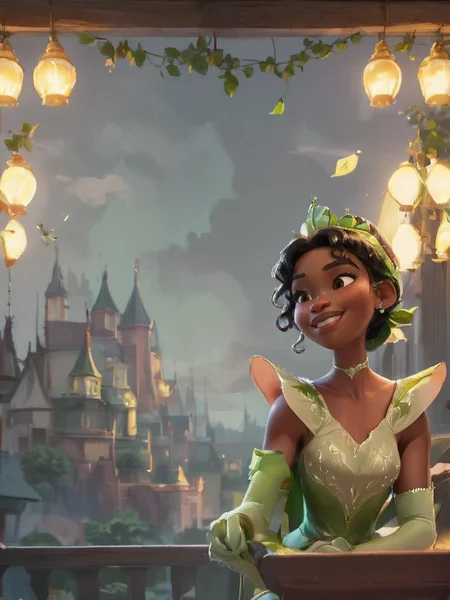
This LoRA model is trained on screen capture images featuring beloved Disney princesses from the movie Ralph Breaks the Internet, including Rapunzel, Snow White, Ariel, Aurora, Belle, Cinderella, Elsa, Anna, Jasmine, Mulan, Merida, Tiana, Moana, and Pocahontas. It's designed to be an All-in-One Model for your creative endeavors.
Check out SD1.5 Version Here: https://civarchive.com/models/202866/all-princesses-from-disneys-ralph-2-ralph-breaks-the-internet-or-all-in-one-lora-model
Bonus Characters
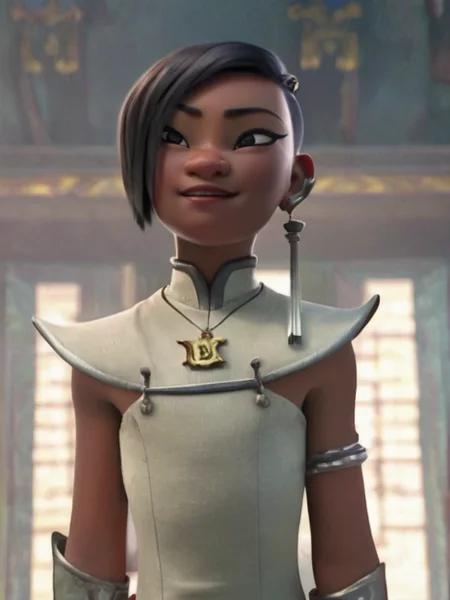
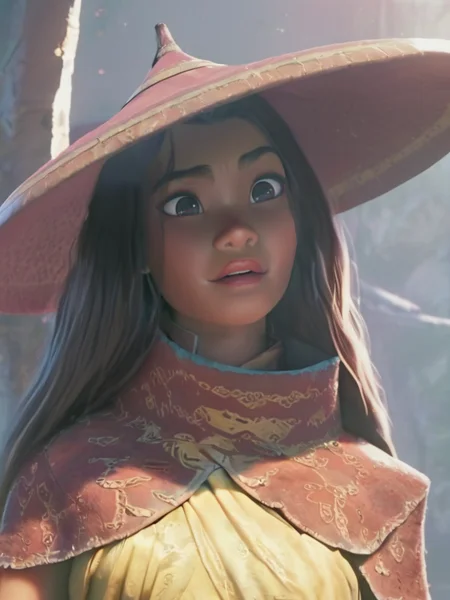
Additionally, this model includes representations of other characters like Vanellope, Shank, Raya, Namaari, Asha, and Rapunzel with short hair. While these extras are included, the quality may vary.
Quick Tips
Direct Name Usage: You can generate any princess by directly prompting their names, such as
Anna,Ariel,Aurora,Belle,Cinderella,Elsa,Asha,Jasmine,Merida,Moana,Mulan,Namaari,Pocahontas,Rapunzel,Raya,Shank,Snow White,Tiana,Vanellope.More Character in v2 including:
Alice,Chel,Esmerada,Jane Porter,Kida,Megera,Mirabel Madrigal,Isabela Madrigal,Dolores Madrigaland some secret character!
LoRA Scale: Optimal LoRA scales range between 0.6-0.7 for close-up character generation and 0.3-0.5 for full-body generation. Combining these scales using the ADetailer plugin can yield enhanced results. Ensure an adequate number of sampling steps for better output.
Base Models: Although various base models can function, models with animation styles like DreamShaper or RealCartoon are preferred for optimal performance.
Enjoy exploring the LoRA!
Description
The same dataset with v2.0 version but train with Pony Diffusion. Seem like a lot of people want me to make this version. Remember this is just beta version.
FAQ
Comments (129)
thanks for the training data, I always find it interesting to compare people's approaches to training lora. I don't mean to insult you, just my interest. (Well and yes I hope the translation is correct.) Do you think there is too much empty space in the image data? Or is it not the final version but the sources? Does sdxl have a special lora training? I in mine use danbooru tags through , for the sd 1.5 version, with sdxl there is no need for this or you always trained with this approach? Also have you tried upscale? Personally in my case it is sometimes necessary, but in fact I prefer to upscale everything beforehand, so that later when enlarging there are no problems and yes because of this I use bucket, apparently you also prefer it, but I always try to make the aspect ratio 1 to 1, I see you do not do so. Do you think it gives more accurate and varied data or is it better to try to do 1 to 1? (Maybe it is in sdxl that something has changed?) Thank you for your work.
I'm not sure that I able to understand your question clearly but let me try to answer some parts first. At the beginning, I think training the SDXL model at the same size would be best (1024x1024) so I crop and resize the image to the size. However, I found later that even the size and ratio is not the same the training model still have no problem so my dataset is mixed between resize and not resize.
For upscale, I found the training model try to mimic the low resolution artifice if the image are poor quality. So I think upscale to about 1024 is necessary. However, I found the normal upscale the usually destroy the character identity. So, I use SD with princess lora that train on lower resolution image (about 512) to upscale the images in this dataset.
I'm not so sure what do you mean about empty space in image data. Do you mean empty bg in image? Can you clarify?
I'm also not sure about your special lora training. I always use kohya_ss training pipeline. It come with BILP image captioner which I use in this dataset.
@titansteng Thanks for the answers and so about the free space. I mean image sizes, as far as I know the less extra information the neural network gets the better. If we want to get a face, we should cut out as much as possible so that there is only a face, no background and so on. You are left with a lot of space outside, that is a simple background and so on. Also I heard that blip doesn't work well for sd 1.5 which understands tags better. But I don't know about sdxl which has gotten better with it. Have you compared it to wd14 or are you just more comfortable with it?
@happyhen For image crop, I want the dataset not only focus on face area but also the outfit of the characters. In other case that I want the model to remember only the face area, I have experiment that train only face crop using yolo model but the result is not that good. I think when human remember a person, we not only remember the face but we also use other parts like hair, neck, upper body to remember the person. However, I still see the potential to use the face crop to improve the result. One idea is to weight training loss the face area more than the rest. However, I current strategy is just double the training data with face cropping images.
@happyhen I agree that blip doesn't seem to work well. But I have tried different captioning ways, the different on the final result is not different as long as the tricker words are including in the prompt. Currently, I experiment on using vision-language to caption the images but it is not perfect yet, like my K/DA dataset (https://civitai.com/models/381882/kda-popstars-pony-lora). Thank you for mention wd14. I never heard it before. I will check it out when I have time.
@titansteng thanks for the answers. I recommend BooruDatasetTagManager if you want to use wd14, many recommend it, in general I like the result too, but I compared with no words, for example for style. The main thing to remember is that the written words are what you want to change. (Although I write almost everything there and it generally works, although sometimes it does have a negative impact too, the model sometimes concentrate heavily on all sorts of little things, like scratches and damage.)
@titansteng First off thank you for this amazing lora, and for providing the dataset, it really helps me understand what goes into a good dataset. I wanted to ask, is most of your dataset preparation automatic? Dataset prep is so labor intensive and I am curious what kind of tools you use. I see crops, upscales, and when you have crops outside the native resolution, you stretch the background. Are there open source tools for all this, or automatic ones?
@IDoCommissionsLoveYa If you are new, I would like to suggest this video: https://youtu.be/N_zhQSx2Q3c?t=668
For this dataset, I done very similar method to the video in sd 1.5. Then, upgrade the dataset to v2.0 by upscale it with batch processing in A1111 (with sd 1.5 and lora).
After that I found the pain point, so I try to move the process to automatic as much as possible in the latter dataset but still not satisfy with result. (I write the tools by myself) Sometime the dataset require more human time than before.
@titansteng Thank you for the reply. I am looking for tools that can handle the cropping and resizing automatically, since manual cropping is so time intensive, so I was wondering if there's any out there. I'm currently using https://github.com/Maximax67/LoRA-Dataset-Automaker to create large datasets of anime screencaps, but am left with many screencapswhich I want to turn into closer crops automatically. Looks like I'll have to write the tools myself.
@IDoCommissionsLoveYa Thank you for suggestion. I'm developing some similar tools from this one. But instead of using YOLOv5, I use YOLOv8 (for realistic data) and YOLO WORLD (for cartoon). Cropping and Resizing can be done automatically. However, I have to do some cleaning up and tagging anyway. I'll study your suggested tool if i have time.
very impressive all around! Keep up the good work!
We gonna make it dirty with this one
you decide for yourself ;)
A fellow degenerate of culture, I see.
Love this one!
Great LORA. Very rare that creators put forth the training data. Thanks so much for doing that!!!
Does this work with any base model or is there a specific one that is recommended?
This is a SDXL focused LoRA. It may work on SD 1.5 and possibly (but highly unlikely) V-Pred type models, but the best results come from SDXL models. It works particularly well with Pony and AutismMix.
@Mister_Kaos Thank you. It works with Dream Shaper XL too. Great Lora!
It works as Kda but recommend changing Kida keyword to K_da. System flags for minor content.
For me it dont work, tried making jane porter with tarzan but jane looks inaccurate and lora breaks everything in photo. i wonder why is that. i used incursio checkpoint and cyberrealistic pony. obviously i used Pony lora.
Have you try ADetailer?
@titansteng yes i tried using adetailer, can u give me any pro tips about how to setup prompt for it to enhance the lora even more ? i tried what i thought to fix it but to no avail.
@magmirant0011 jane porter is a minor character. her images are fewer compare to other character. model might have a had time recognizing her. The pony version is also still in beta. It still need a lot more training to complete but I still cannot find time to continue them. If you have resource you can setup training LoRA only for jane porter using my provided dataset. That would be a lot faster.
What are the "Secret" names ?
You can download the dataset and see what are the secret characters. :-D
Oh now that just makes me more curious.
Love it
love this!
great!
Surprising how it doesn't only generate disney princesses, it also generates human and humanoid characters!
In the Stable Diffusion file, which file do you put the training data in?
You don't need training data unless you want to create/train lora by yourself.
@titansteng Thank you, Im a newb thought I needed to train each Lora I downloaded
Why is this lora used a lot (along with expressiveH) for a lot of artworks not related to the Disney princesses?
Got the same question. I tried it and found out many of the princesses are present in base Pony anyway, so it's more a style then?
I wondered the same thing after seeing it used in some realistic images that for me cross the line. I think it's so the creators can make questionable content without explicitely stating the age of the character.
just for style
@imakphoto I've seen this on plenty 18+ characters and sfw works as well. Its not that..
without it, face are uglier, hands too, with it, it's better, at least this is what i've realize, also the color are more saturated? it seem more sharp,less noisy, eyes are also rounder,bigger, it can help create monster it seem, just my experience, i'm on comfyui so maybe comfyui load lora differently and other stuff too
@imakphoto i have tested your theory and it does seem like princess is making questionable content on here. i stacked up all the pricess loras i could find and it was almost impossible to make an adult, the oldest i got was maybe early 20's, but most 'adult woman' gens were teens at best. any form of 'girl' or 'young' or 'cute' made a little kid. also half the time they are in church despite whatever room you prompt, so you KNOW its bad
A bit late to the party but here is my take on it.
* As mentioned in other comments, it gives overall better characters (faces, hands, etc...) without the need to prompt a specific char.
* It allows the generations to show up on popular model pages, and eventually get more votes. You'll notice that many posts add tons of mostly useless lora/embeddings. You can even see SD 1.5 loras on SDXL genertations, or low-key lighting in sunlit day gens, and other nonsense like that. Basically it's a cheat for buzz.
Remixed some piece without it, (who needs a princess, right), 10/10 wouldn't try again. Those 'princessy' qualities provide tons of symmetry and form, even in off-label gens, it appears. Princess the world baby!
@null A simple scroll through the gallery sinks this subjective comment completely. If your observation was valid, the gallery would have very few adult or princess type characters, yet there they are in abundance.
good
Awesome, which base model do you recommend?
I like realcartoon
@titansteng Nice, thanks :)
noob here, the lora works but where do i put the training data is it required for 2.0?
You don't need the training data unless you want to recreate your own version of this lora.
I think there are some problems in your training set, the effect of each picture is not very clear, I also looked at your training set, you put a lot of unclear pictures in it
Yes, I agree. This is one of very first dataset that I have made.
great lora, thanks for this!! do you have a post on how you trained this lora, like captions, steps, all that?
The caption is already included in the training data which downloadable. For others, I forgot them already. It been a while.
alright thanks! im just trying to figure out how to train my own subject and what all settings are best, thank you.
how ı use your training data ?
If you not planning to recreate a lora model, you don't need the training data
Amazing, seems to work with almost any style, prompt or character to give a smooth output!
wow
the only good thing to come out of that movie existeng :/
👍🏻
Need FLUX of this.
Hi there!
Every time I use this Lora I get bad results & artifacts, even with a low strength (0.3), whereas images here look nice using up to 10 loras with strength of 0.8 to 1. Someone might have a clue to why is that?
You might have your CFG set too high, or else you might have too many Loras in total? I find this Lora super useful for refining characters and faces a bit, it might be worth a try having this on low strength with a character Lora on higher strength
😍
dude... such false advertising... I try to remix both your SDXL and Pony versions and get HORRIBLY deformed results. you are obviously using heavy inpainting, or some other third party stuff not available here, please provide an actual image made on civitai using your lora, very frustrating to us noobs trying to learn when we get this kind of misinformation!
why not take a look at the enormous gallery of great results by multiple creators below? The LORA does a great job when used properly. Maybe the problem is you?
a good way to learn is choose one successful image, select 'remix', then run one copy in your feed so it's in your feed. Then from your copy start experimenting by changing the prompt and running variations. Changing the dimensions forces the aigen to create a new composition. It takes practice.
@g0t0s0da the enormous gallery contains images unrelated to the loras subject matter and those are being achieved with the help of other loras, not this one
This is down to user error, your comment is very rude, no wonder he never tried to help you!
I've only been doing this for weeks and have outstanding results, maybe because I took the time to learn before slagging people off for my own ignorance!
xD
Here I posted an image that I remixed directly from one of the main posts of princess Jasmine.
The params were a joke (cfg1.5, steps 3 lol) which already proves those images had fake generation data in the posts.
As you can see the image using just this Lora by itself looks nothing like those advertised.
https://civitai.com/posts/12494906
Awful quality. And all the images using this Lora mix it with many other loras ( in case, etc ), I have to see it work on its own.
I wish the owner would post an actual image made in civitai using just this Lora to prove that it's actually doing what it claims to be going, otherwise this is deeply false advertising. Hope someone can prove me wrong!
I have issues with Snow White. I get snow backgrounds. Any tips ?
try adding snow background in the negative prompt, and anything related to the snow
Need an illustrious version of this!
Is it possible to use images to sell?
We are generating AI artwork mate, keep it in its own bubble
GTFO
is it just me or that Lora doesn't work with every princesses, like everytime i type Jasmine or Pocahontas or even Mulan, i get a generic white girl, but when i do Ariel or Rapunzel, it works, anyone have an idea on how to deal with this ? thx
I've noticed the same thing, in fact I think most characters don't actually work, especially ones that deviate from the 'standard' look. In the description there are typos in the names, too, like esmerada instead of esmeralda. Who the hell knows.
I tried "Jasmine from Aladdin", and I got decent results.
請問訓練資料要放在哪個資料夾
Is there any chance you'd port this lora over to Illustrious?
Maybe, but this dataset is quite huge and I'm so busy right now.
works like a charm
Still experimenting but awesome so far. 👍🏿
Awesome
Hi guys, I was wondering if this is a model of a character or a stylized model, because I've seen this model used on too many characters that aren't Disney?
Neither. It doesn't actually work on its own, it's a case of "stone soup" where this Lora is the "stone" and the soup is produced by its users mixing in a bunch of other loras that are doing the real work to produce nice images.
The best Disney princess Lora out here!
Here I posted an image that I remixed directly from one of the main posts of princess Jasmine.
The params were a joke (cfg1.5, steps 3 lol) which already proves those images had fake generation data in the posts. I jacked em up to 7 and 28, something reasonable.
As you can see the image using just this Lora by itself looks nothing like those advertised.
https://civitai.com/posts/12494906
Laughable quality. And all the images using this Lora mix it with many other loras ( in case, etc ), so the "user error" claims are unsubstantiated, nobody has gotten it working by itself, everyone so far has buried it behind other loras like in case style so impossible to tell.
The owner hasn't even posted the meta data for his gens, so who knows where they come from or how much extra Photoshop/in painting was used.
I wish the owner would post an actual image made in civitai using just this Lora to prove that it's actually doing what it claims to be doing, otherwise this is deeply false advertising. Hope someone can prove me wrong because those images look great!
Pepega🐸
AI models can sometimes generate different images on different platforms/services/extensions. If you wanna confirm whether the metadata is fake or real, you can test it out on another platform/service/extension.
Works well
Suddenly 2.0 doesn't work with AutismMix_pony anymore. Remixing and image that used both will leave out this lora. Any clue what's up with that?
Its gone from pony as well. Bit its deliberate from Civitai they say on the discord. There should be an advanced mode allowing it to be used soon.
Can anyone help me explain what is happening?
@titansteng Hi! So this models version 2.0 does not work in Pony anymore since Civitai has changed what models works in what categories. Currently SXDL models only work with that it seems. On Discord Civitai says they will let us use this again by adding an "advanced" feature letting us use loras for different systems (Pony vs SXDL) again very soon but as usual they changed this without telling anybody. I hope this makes sense!
@Busterhampton thanks for keeping us in the loop. Super weird that a totally fine and working feature is being removed and then added back as an "advanced feature"... Can't say I understand. Will they charge for this or something?
@Throwawayfp123 Hopefully, developer said on Discord it would be brought up in their next meeting., so fingers crossed! (It has to do with incompatible loras I think. The "advanced" setting will allow mixing loras across models. Sorry if I use incorrect terms for this.)
I guess is they are trying to figure out a way to monetize as much as possible. I'm speculating here - but I bet a LOT of users use Pony models, buy little to zero buzz, and often use these SDXL LoRAs with Pony. If CIVITAI is trying to turn a profit, they probably took a look at the onsite generator activity and figured they could get more cash this way.
Speaking for myself, I don't plan to spend money if I can help it.
I guess v2.0 doesn't work with any pony models anymore, all of my past images using it can't be remixed without the Lora disappearing. The pony version of this lora fries my images
Are there any plans in making V2.0 available to pony users again? As of right now the beta for pony just destroys every picture or option I've tried to use it in since the switch.
Can anyone explain what is the switch?
Since the switch all my pictures get really weird, can't do anything with my past work aswell since it just dissapears the second you try to do something.
Plis!!! Update pony V 2.0
I'm considering the way
Please tell me that you will update it to Pony V 2.0 🥺please sir I would really appreciate it 🙏🙇♀️
It seems to work normally again for pony now!
Good!
Updating! Seems that everything is working normally again! Happy generating!
Is there a different tag for Jane Porter? I keep getting someone who looks like Snow White instead
No. The problem is there are not enough data of Jane in this dataset.
Perfect!
Details
Files
Available On (3 platforms)
Same model published on other platforms. May have additional downloads or version variants.