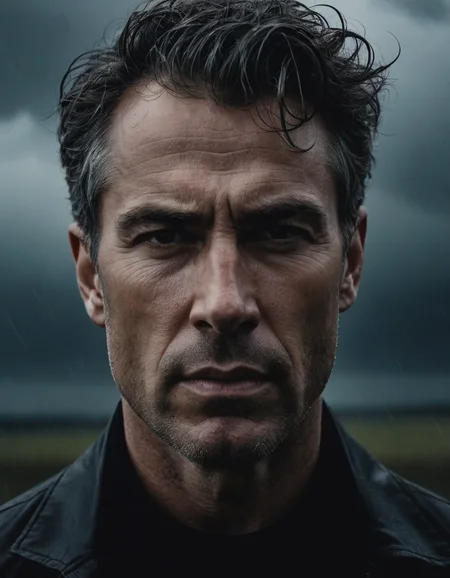
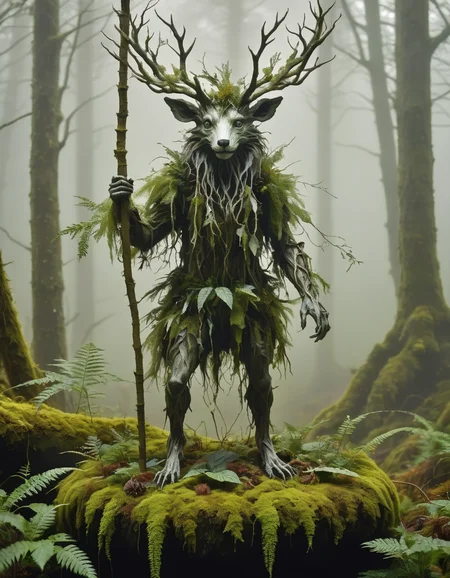
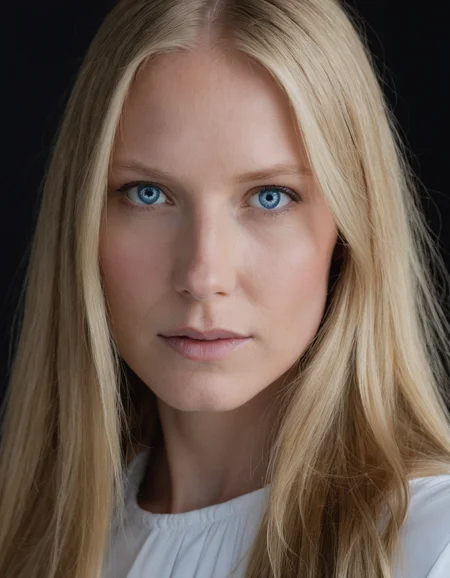

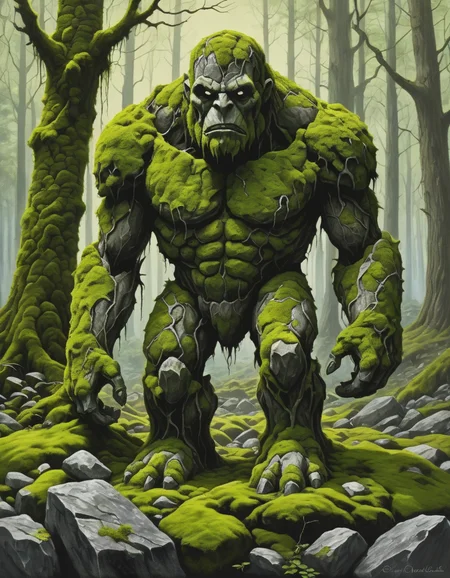


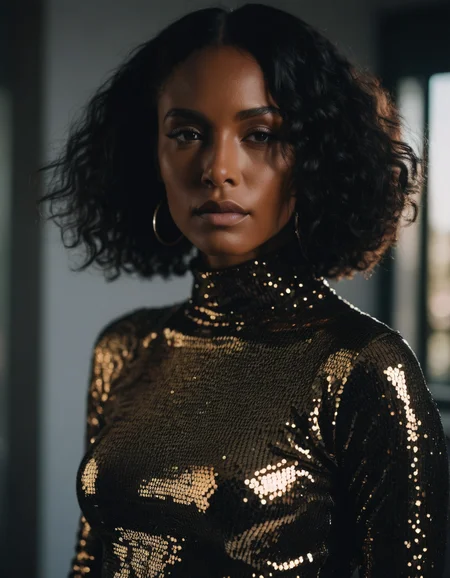

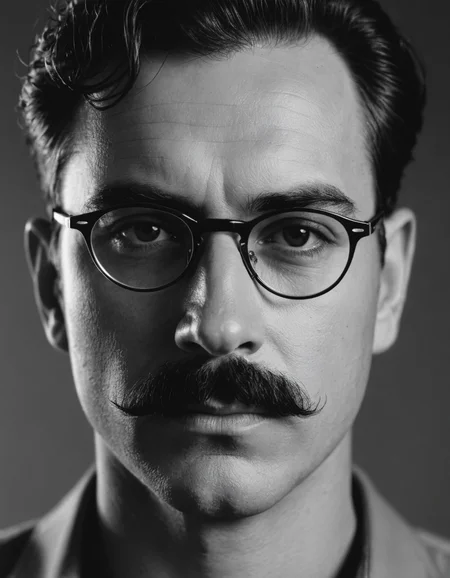
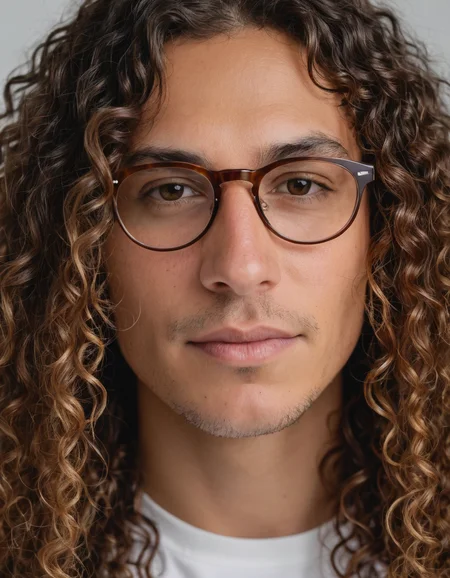
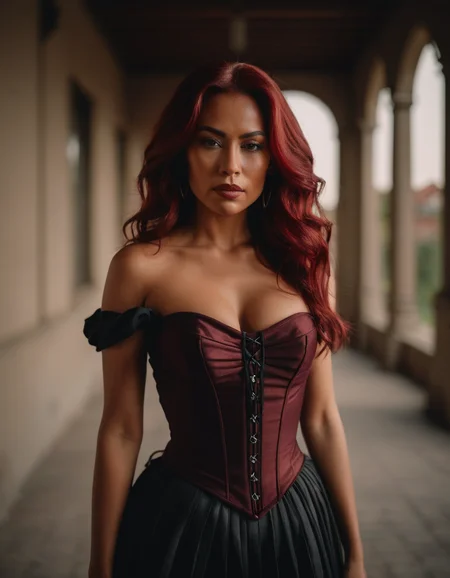
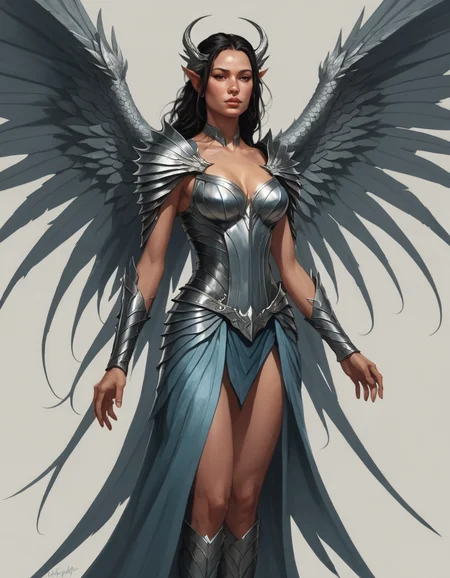
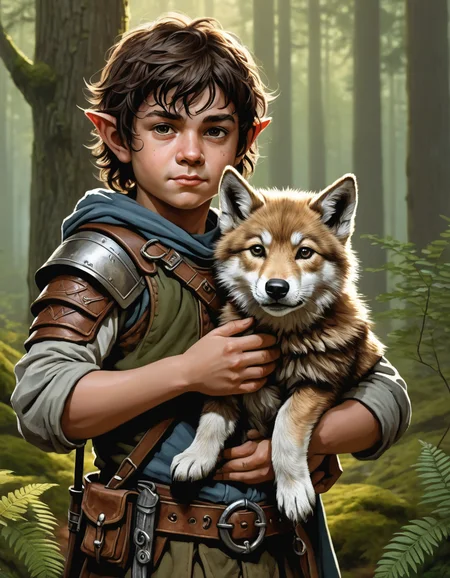

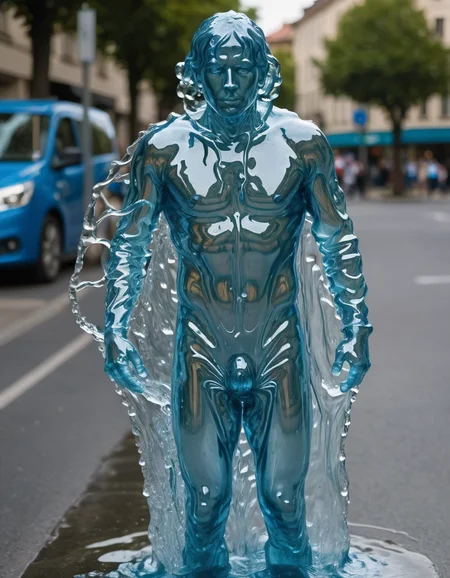
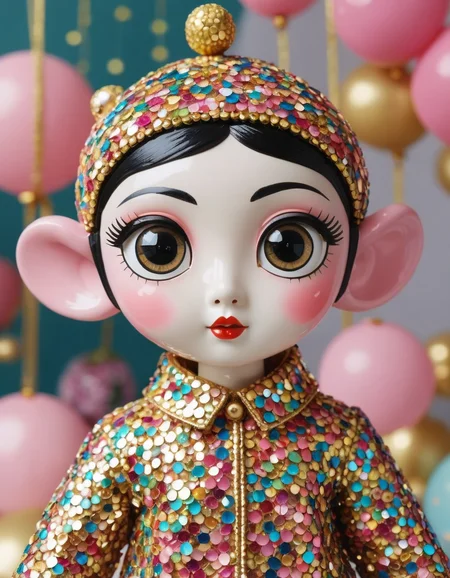
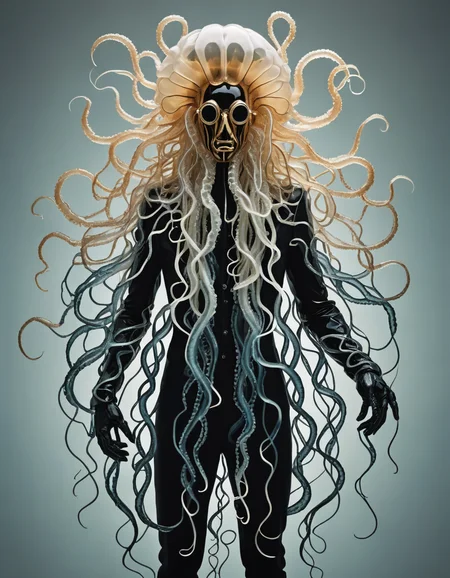
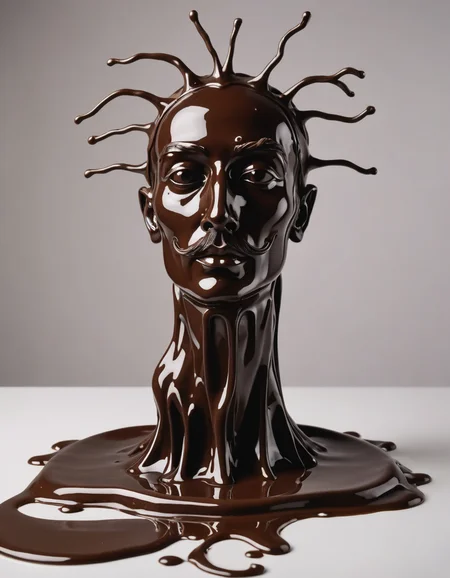
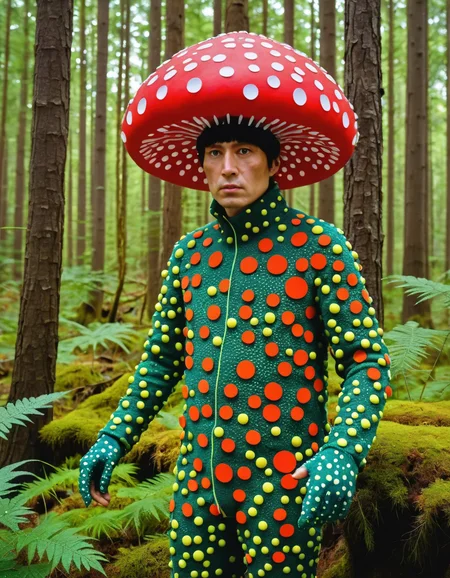
Latest version available here.
I have decided to publish the latest versions of accelerated models on the main PixelWave page, so more people are notified about the new models. The newest PixelWave 09 Accelerated model uses a little bit of TCD and Lightning to help improve sharpness compared to using only turbo.
Version 03:
Turbo version of PixelWave 07. Recommend CFG of 2.5, 5 steps. You can get really nice and detailed images with 8 steps, 2 CFG. You can use 3 steps, but the image will have less detail.
Version 02:
This is the turbo version of PixelWave 06. You should see improvements to faces and hands.
I recommend using CFG of 3 and 5 steps. CFG of 2 can look a little dull. DPMPP SDE GPU and Karras or DPM++ SDE Karras for A1111.
PixelWaveTurbo REBORN - Link to Workflow
Reborn is a method I came up with to crank up the details to 11, while sacrificing some coherence. People seemed to love the original Reborn model, so it's back as a turbo model. Built from PixelWave05, reborn and then another 50k training steps to calm it down a little. This version will give you a lot more detail than a standard PixelWave model.
Version 01:
This is a turbo version of my PixelWave model. Generate a 1024 resolution image in 5 steps!
Link to basic comfy workflow.
Settings use to generate images:
Sampler: DPMPP SDE GPU or DPM++ SDE Karras for A1111
Scheduler: Karras
CFG: 2
Steps: 5
The model is intended for research/private use purposes only and not for commercial use. Please refer to the SDXL turbo page on huggingface for more information on the license restrictions.
Description
FAQ
Comments (12)
That was lightning fast, great job, excellent model!
What resolutions are recommended? Thanks
Same as SDXL, but you will encounter some duplication issues more often. I think the trade off in speed is worth it.
Can someone explain how this works? Is it as fast as turbo but restores the quality from the non-turbo version?
It needs a few more steps than the original turbo, but you can generate 1024 resolution images.
It is a tradeoff model that sacrifice a bit of the speed of turbo (need 3-5 steps instead of 1-4), but in exchange you can do native 1024x1024 right away.
can you help me, please? where do I get Sampler: DPMPP SDE GPU?
If you are using A1111, try the DPM++ SDE Karras
It's actually the same sampler as the dpm++SDE karras, both from the DPM series.This sampler is just commonly included in fooocus.
It took me a lot longer than I want to admit to figure out what PP (++) meant when I moved from A1111 to ComfyUI.
Stunning model! I just wanted to drop a positive comment because most of the time comments request help and support. This is brilliant. The skin tones are very detailed. I tried DreamShaper XL Turbo which is also excellent and other checkpoints. This one takes the cake for realistic detail. Well done!
Thanks for the kind words 🙏😊 Look forward to seeing some of your creations 🖼️
Details
Available On (1 platform)
Same model published on other platforms. May have additional downloads or version variants.