
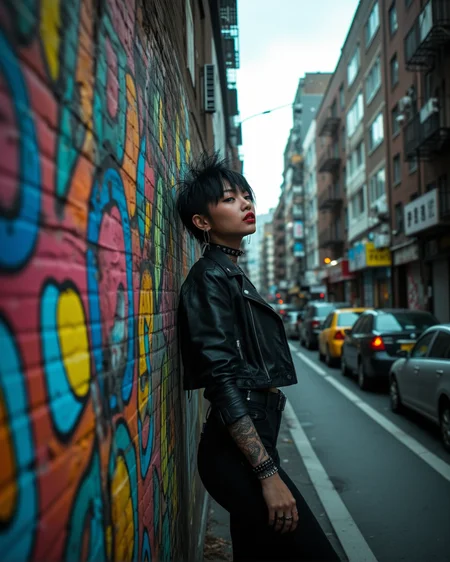
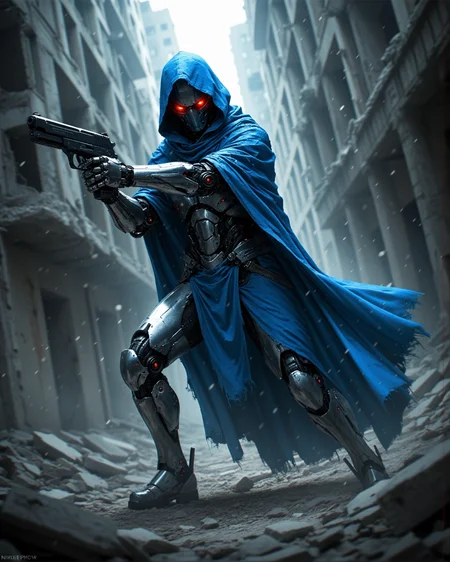





I've always liked Flux even though it is heavily and unnecessarily censored. Chroma is basically more what Flux should have been from the beginning. It is based on Flux Schnell and has all of the benefits of Flux without most of the Flux censorship.
GonzaLomo Chroma is a blend of Chroma 1 HD with a number of LoRAs, including some of my own. The primary goal was to try to retain Chroma's creativity while making it more consistent and stable.
The images I post with this model are created using my workflow which generates the image using GonzaLomo Chroma and then does a light refinement using GonzaLomo v6.0 Photo XL. The amount of refinement is configurable by changing the denoise value on the refiner's sampler.
Description
This is the original v1.2 model properly converted to the Chroma architecture. All thanks go to @zoot_allure855 for pointing out the issue and educating me on how to convert the file.
There is a difference in how this converted version generates images. In my testing I would say that the image quality is better, although the composition may be slightly simplified. Increasing the steps and/or CFG a little will compensate for that.
This model is just the UNET so you will need to supply the Flux VAE as well as the clip.
I recommend using the GonzaLomo Chroma Refiner Workflow for good results.
Recommended settings:
Steps: 10-14
Sampler: euler, dpmpp_2m
Scheduler: simple, beta
CFG: 1.0-1.3
FAQ
Comments (11)
I would just like to point out that z-img works great at refining the outputs from this model, doesn't even require additional VAE decode/encodes as they share the same VAE model.
Funny you should mention that because I'm working on a workflow that uses z-image as the refiner for other model architectures. I haven't tried it with Chroma yet but I will now. Thanks!
@GBRX Hey, I've literally been searching for similar workflow for a few days. I quite enjoy your Chroma workflow, so it would be nice if you could post a Z-image refiner workflow for Chroma :)
@Jorot Thanks! I've been having fun and spent too much time playing with the workflow and not enough time cleaning it up for publishing. I'll try to get it posted tonight.
@Jorot I published the workflow, https://civitai.com/models/2172100?modelVersionId=2501857
@GBRX WOW, thank you very much for sharing!! I will try it out. Z-image is awesome on its own, but I am curious how it works with Chroma.
After active usage the checkpoint decided to provide wider feedback.
+ In fact I recieved both Flux Schnell and Chroma into one checkpoint. If I need Flux Schnell, I use Euler/Beta 10 steps, GFC: 1. If I need Chroma I use my Chroma parameters.
+ Better outputs than Chroma+Loras in some cases. This picture https://civitai.com/images/113564969 on Chroma looked worse. Also the subj gives better sci fi outputs than vanilla Chroma + Loras.
+ Better reaction on FLUX loras.
- Has the same problems with character LORAs as Chroma.
+- The outputs with default parameters are more FLUX Schnell than Chroma (without loras). Not a problem for me but TBH I expected a new style close to your SDXL model. After bunch of good realistic FLUX checkpoints including Krea, I look at vanilla FLUX-style people with a sad sigh.
Thank you anyway, my best wishes in further development.
Thanks very much for the detailed feedback. I appreciate it!
I can say with confidence this is the best model I've ever used across the board, please if technically possible I would love to see the fp16 version of it,
The model is so good,it would be amazing if you release a bf16 version of it
Incredible work. Best chroma model I've used.
Details
Files
gonzalomoChroma_v12FP8Converted.safetensors
Mirrors
gonzalomoChroma_v12FP8UNET_Converted.safetensors
gonzalomoChroma_v12FP8Converted.safetensors
GonzaLomo Chroma v1.2 FP8.safetensors
gonzalomoChroma_v12FP8Converted.safetensors
gonzalomoChroma_v12FP8Converted.safetensors
gonzalomoChroma_v12FP8Converted.safetensors
gonzalomoChroma_v12FP8Converted.safetensors
Available On (1 platform)
Same model published on other platforms. May have additional downloads or version variants.