


NOTE: Civit has made the download UI confusing. For the v4.0 model, it contains four versions:
BF16 UNET (11GB)
FP8 UNET (6GB)
Q6 GGUF UNET (5GB)
FP8 Checkpoint (16GB)
I uploaded them very descriptively but Civit has stripped away the descriptions so it's now confusing to see what you're downloading. The FP8 checkpoint is an all-in-one version that contains the VAE and Text Encoder. For the UNETs you need to provide those extra models.
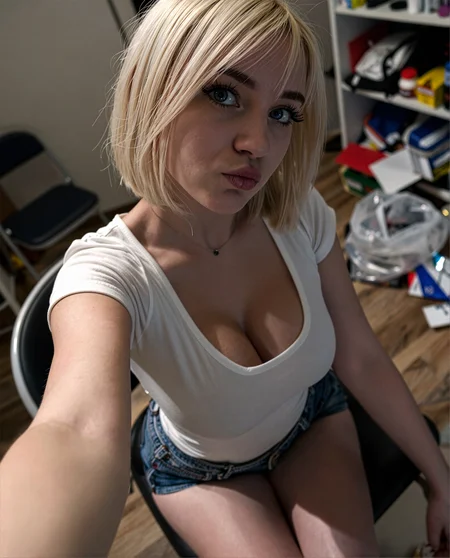
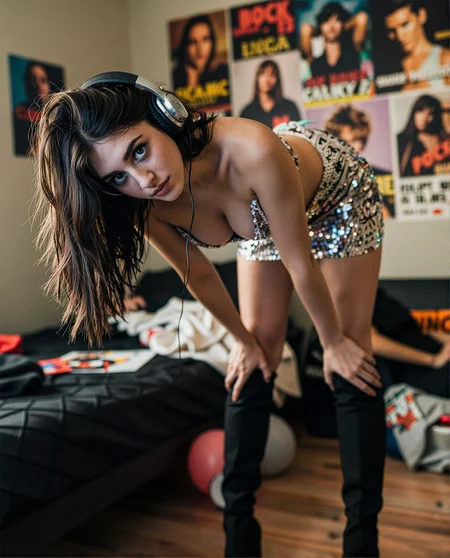
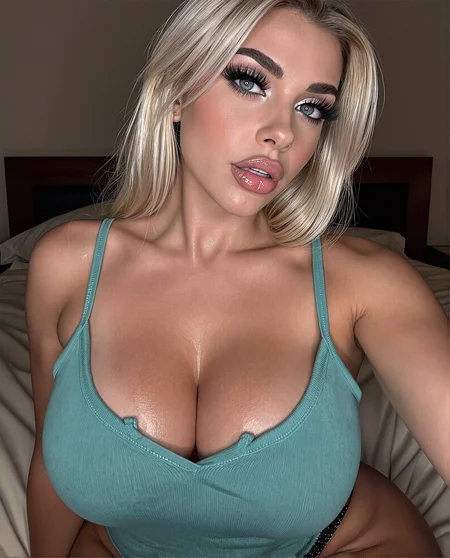
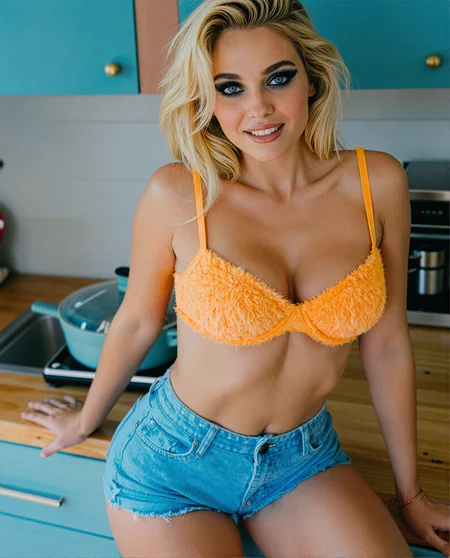
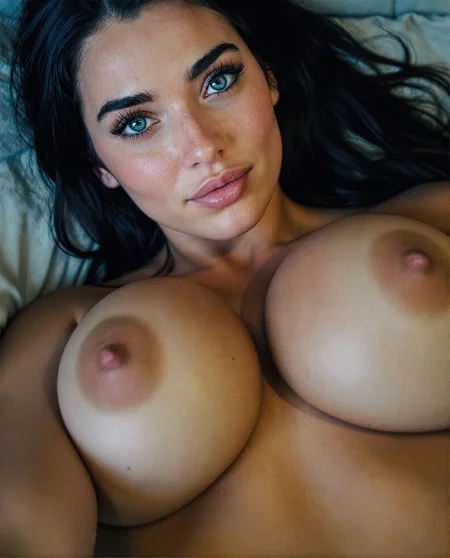
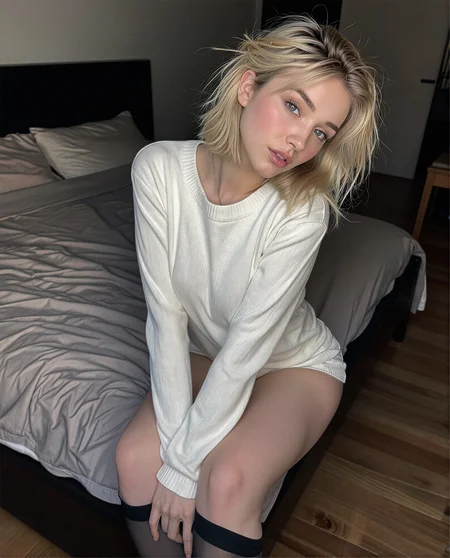
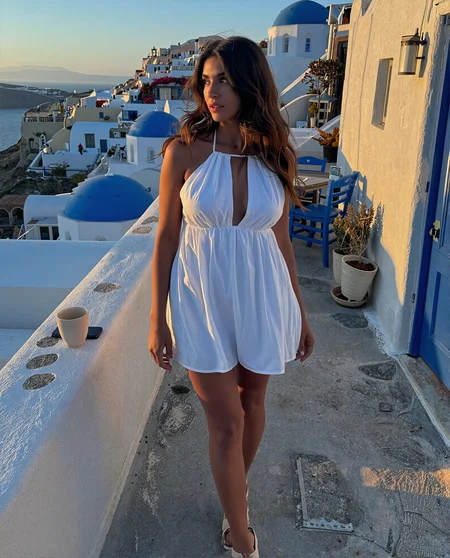
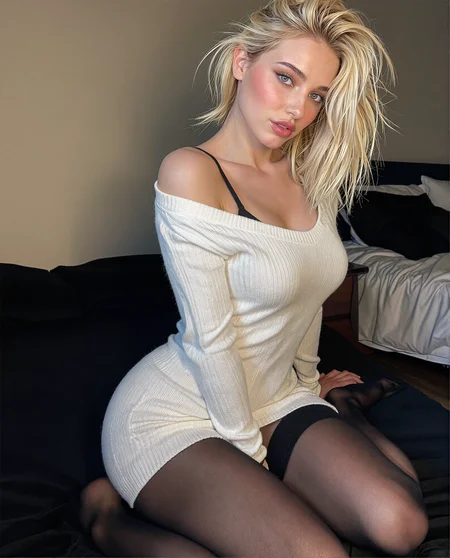
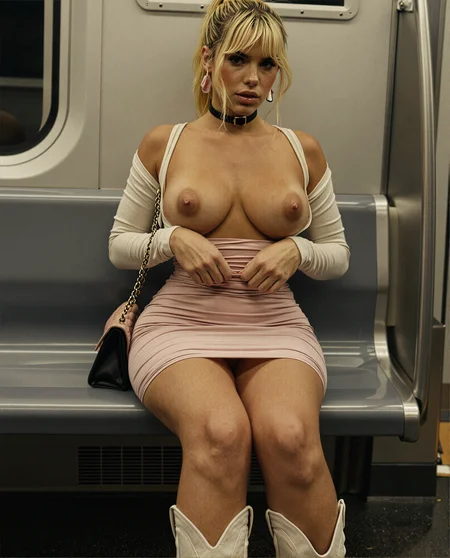
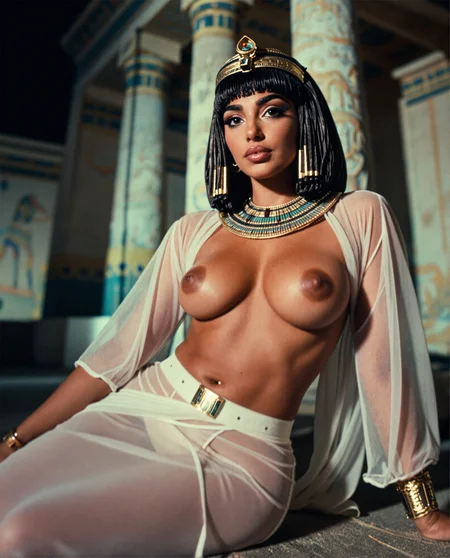
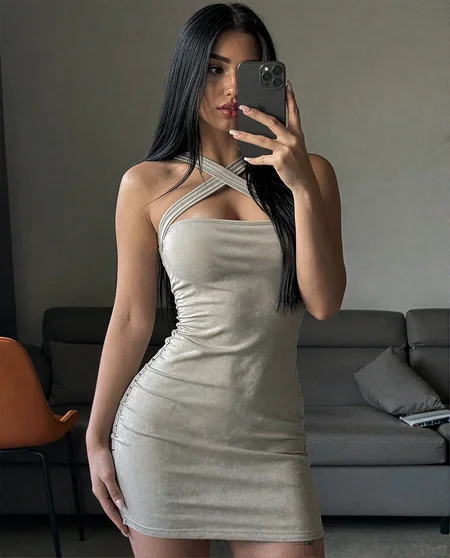
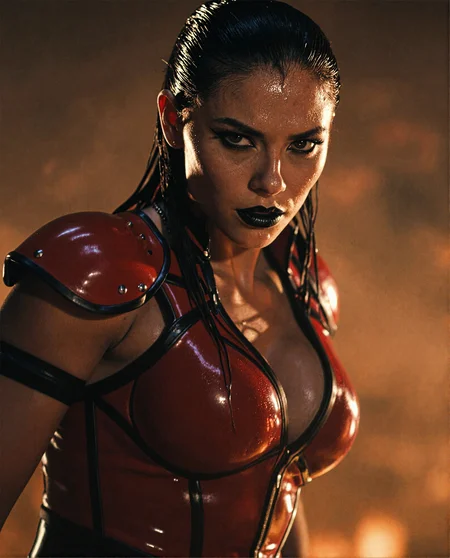
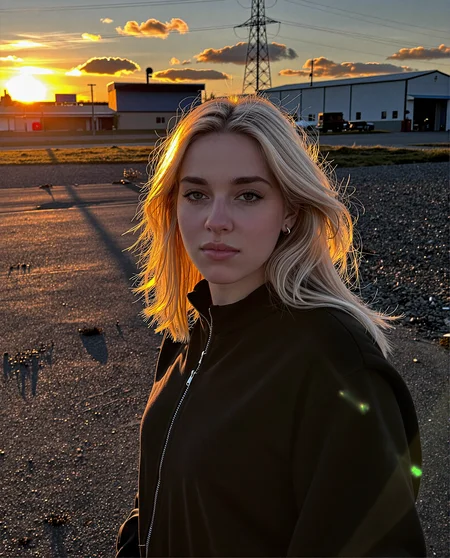
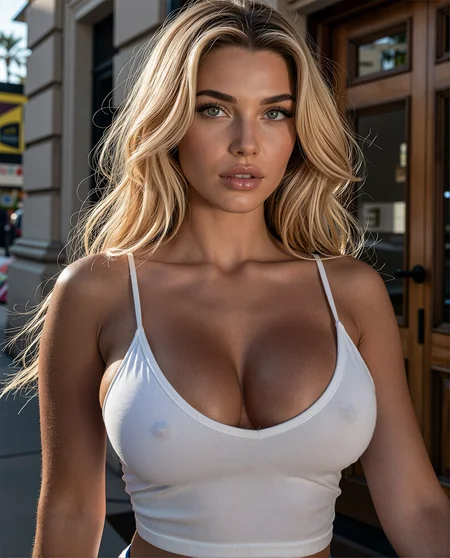
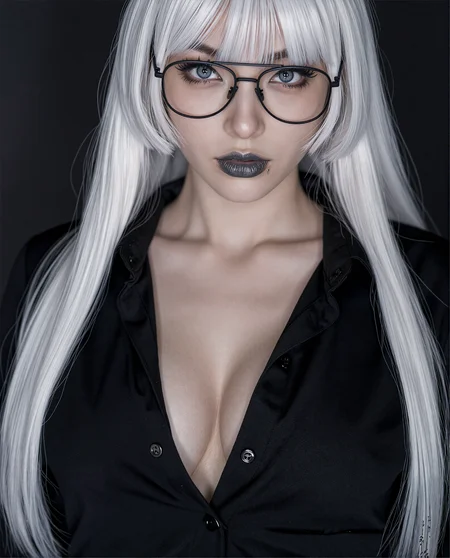
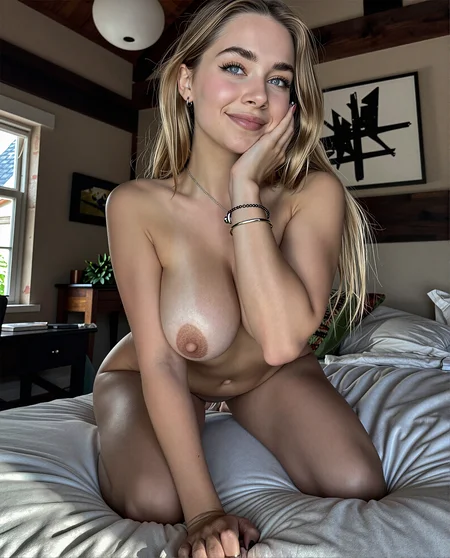
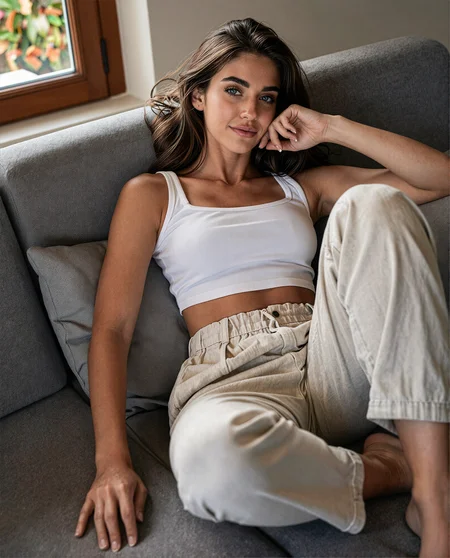
I've used 100s of curated images to help add some better color, contrast and detail to the Z-Image Turbo model. It's not a huge difference yet, but it is noticeably better in side by side tests. I'm starting out a bit conservative because I don't want to mess up any of the great compositional features that Z-Image offers.
Use the workflow embedded in the showcase images for the model version to get the best results. Check the About this version section for links to the workflow and recommended settings. Z-Image currently mangles nipples and genitalia so my workflow uses SDXL detailers to refine just those aspects of the image.
P.S. I would appreciate any constructive feedback on how to make this model better.
Description
AIO means All-In-One, so this works as a normal checkpoint and includes the text encoder and the UltraFlux_V1 VAE.
I haven't created and published a separate workflow for this but you can simply drag one of the showcase images into ComfyUI to get a usable workflow.
FAQ
Comments (57)
add 2m imgs of porn 1m of regular 1m of gay
well, it's easy to say such things, it's harder to provide such things!
@VeerGeer i undestand but its the only way to make something nsfw but we need full model
@alexsmileface Sorry, I wish I had the kind of free time that would require but, sadly, I don't.
bro, you better keep going, it's really beautiful!
I tested V3.0 AIO... It's a very good checkpoint. The understanding is excellent, incredibly detailed yet realistic. The contrast is very good. The color saturation is very close to being oversaturated. The image sharpness thanks to the UltraFlux-AE is mostly very good and makes the image more brilliant. Thanks for this Checkpoint :)
V3.0 is A well-trained model.
Thank you very much for sharing it.
Work with LORA, it still generate beautiful images—truly a remarkable achievement.🐰💕🍺👍
V3.0 Man! It does colors great! Works on almost all Loras and across all samplers. Awesome work!
Getting error CheckpointLoaderSimple 'Linear' object has no attribute 'weight' on SDXL modules
I also started seeing this error occasionally yesterday but it's a ComfyUI thing, not the models. It didn't seem to matter which SDXL model I tried, even Juggernaut. I updated ComfyUI, rebooted and it seems to be working again. I'm not really sure what the underlying problem is though.
@GBRX Yeah from december 2025 comfyui dont work with sdxl models
Huge respect for sharing your workflow. Model works looks great.
Question, how are you 'taking it slow' for the training? Are you using a slow learning rate or using only a handful of epochs?
I've been thinking there has to be a way to target certain layers within models. Sometimes you don't want to break the model's great structure but want to add a bit to it in certain areas.
I appreciate any response so thank you!
This is a checkpoint merge, not trained. Well, I've trained a few loras and then merged those in.
@GBRX What software are you using for the checkpoint merge? In the past I had used, kohya_ss but it looks like the git hasn't been updated for a long time.
edit: n/m, its a really simple python script do setup a merge.
@Kierkegaard420 I use ComfyUI for pretty much everything.
used on forge.
despite being AIO, it didn't work on forge. I had to use the 3_4 and ae files. Got it to work a few times here and there. The rest of the time it timed out. might try again in the future.
Sorry, I haven't tested it on Forge.
@GBRX Hi, I suspect it may be a memory shortage issue. Since I was able to produce a few photos it means that it works on forge. However, since I only have a 3080, sometimes the memory isn't released after a generation, so when I hurriedly generate another image it runs out of memory. However, there isn't a memory error though as seen in other checkpoints when I run out of memory. Maybe a 3.0 without the text encoders and vae as an option.
hi can you help me out, I used one of the workflows embedded in your images and keep having this error with the detailer part after downloading MOP v61DMD :
CheckpointLoaderSimple
Missing weight for layer clip_l.transformer.text_projection
---
to fix that I just changed to a different checkpoint/model loader and used qwen 3_4b and ae.safetensors as the VAE(please let me know if i should use a different one)
then i get this error within the detailer subgraphs:
FaceDetailer
'NoneType' object has no attribute 'shape'
i have no clue what is causing this and looking online didnt help ); thank you
btw the same things happen for me when using your refiner workflows ): the base image is already so nice though
@whitejt2 There's been some kind of change in a ComfyUI update that is causing this issue with SDXL checkpoints. I get the same error with Juggernaut so it's not the model. The only way I've been able to fix it is to load the CLIP L and G separately using the Dual Clip Loader.
@GBRX Thank you so much for your response! I'm not very familiar with SDXL, I found this image, https://www.reddit.com/r/StableDiffusion/comments/1gdgt19/what_are_clip_g_sdxl_basesafetensors_clip_l_sdxl/ is that minus the t5xxl be what i am using?
@whitejt2 Pretty sure clip_g and clip_l are what you need for sdxl
all these ZITs are starting to look like Flux, what's the point then lol
I would say Z-Image is much better at skin texture than Flux was at this point in its development. Prompt adherence is also better with Z-Image.
@GBRX I agree, but Flux has a very subtle style in it, Z image is more organic looking, that's what i meant, it's starting to drift to flux style instead of keepoing it true to its organic raw style. unless people want that but quicker
@Pdidi There's a lot of different custom Z-Image models. Personally, I think it's better if each one has a different style from base Z-Image and from each other. I'm not sure I see that my model looks more like Flux or not. All I know is that I prefer it to the base Z-Image quality.
hmm... where can i find the loras you used? like XL\jv\viv_epoch_10 and Z-Image\viv28?
Sorry, you can't. Those are loras I created for model merges and aren't public.
Is it compatible with the ZIT Lora character? If so, at what strength level would you recommend it?
It should be compatible. I find that ZIT loras should be used at a low strength - somewhere between 0.3 and 0.5 in my experience.
@GBRX Thank you for replying!
I trained a ZIT Lora with 3000 steps, but when I use it at a strength of 0.5 or less, I'm experiencing significant loss of your traits. Based on your experience, do you think it would be better to increase the training to 5000 steps?
@geraut0 For character loras I've found that 1000 steps is more than enough for consistency and quality, and then using the lora at around 0.3-0.5 strength. Concept loras might take 3000 but I think 5000 is probably overkill. It's probably just going to take some trial and error on your part to find the right balance.
so the quality between v3 and v2 is same? v3 is just packed with text and vae encoder right?
No, V3 has additional merges and training than V2 as well as including the VAE and CLIP.
Can you make smaller version GGUF Q8 or FP8 of v3.0?????
Can someone help me please? I get the following error for all the detailers. I get the image on the preview window but the detailers are not working for me. I have loaded the "mop_v61DMD" checkpoint but something is still missing. Do I need to load/change something? "Failed to validate prompt for output 21:
* UltralyticsDetectorProvider 19:13:
- Value not in list: model_name: 'bbox/Nipples.pt' not in ['bbox/face_yolov8m.pt', 'bbox/hand_yolov8s.pt', 'segm/person_yolov8m-seg.pt'"
You can download them here, https://civitai.com/models/2172100?modelVersionId=2543959.
@GBRX Thanks for your help and the amazing model with the workflow.
I just want to say thanks for making separate model pages for checkpoints with different base models instead of putting them all together!
Also I love this and your chroma one!
Awesome, thanks!
Great!
AIO 3 the best z-image model. In this case I hope your base model will be better then all other models
To fix V3 AIO error of "X" object has no attribute "Y":
Add the Differential Diffusion node after the PatchModelAddDownscale and before the subgraph nodes for the FaceDetailers.
So one model comes out of PatchModel and goes into Differential Diffusion and then two models come out and go into the two different subgraph nodes.
Leave the Differential Diffusion strength at 1.0
Thanks for the info, although I don't see this error.
@GBRX it's the same error that alexsmileface and whitejt2 made comments about - from approximately a month ago. The other suggestion of the dual clip loader did not work for me (nor is it required with this solution).
Many high end GPUs only got 12Gb VRAM :/
I'm running this on 6 gigs. just get something quanted enough to behave as the base
An official separate FP8 Unet:
https://huggingface.co/gbrx/GonzaLomo/blob/main/gonzalomoZPop_v30_fp8.safetensors
Thanks I was loooking for this!
I have a problem getting white skin, all come out tan, with the ZIT models, are there loras or an specific prompt to get white skin?
I usually find "pale skin" works great. There are probably some loras as well but I don't know which ones specifically.
Try "porcelain white skin" or "snow white skin". That usually works for me.
@SaburoDio Thank you, I really Appreciate it.