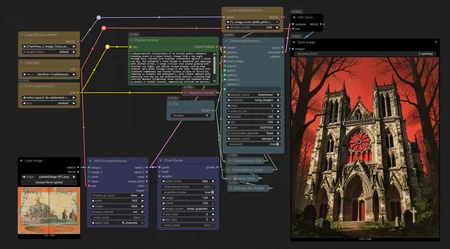
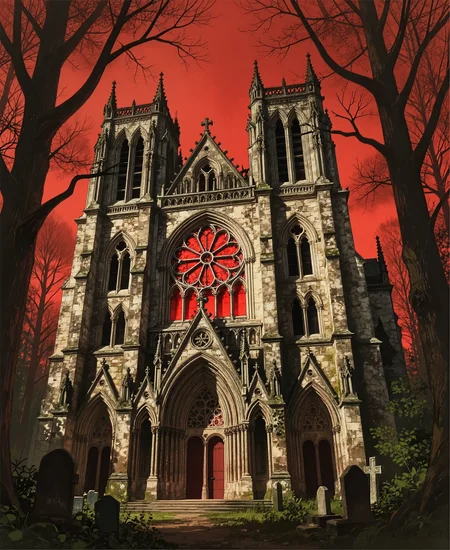

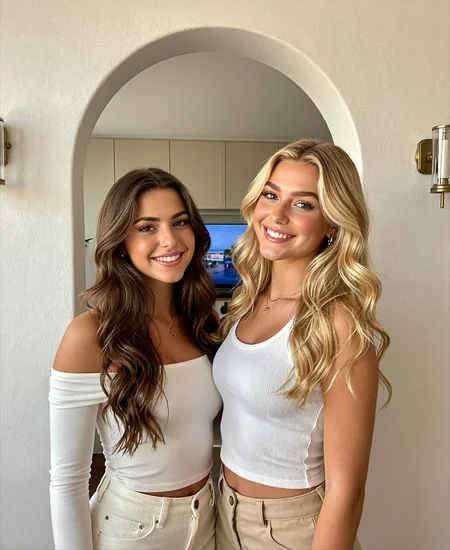
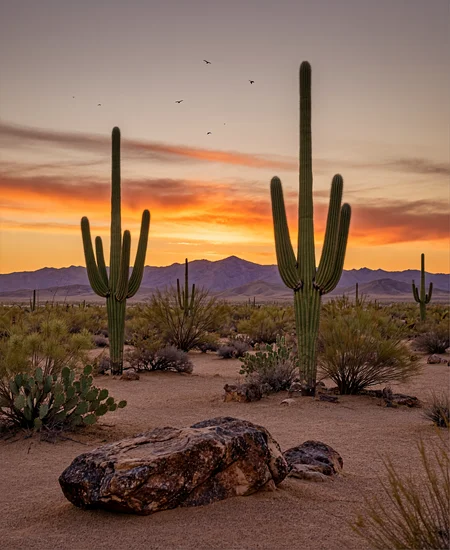
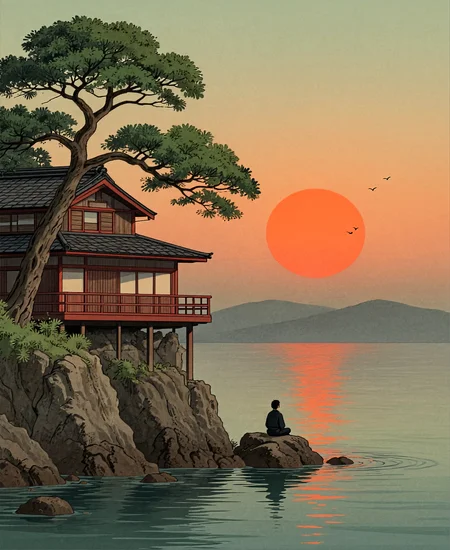
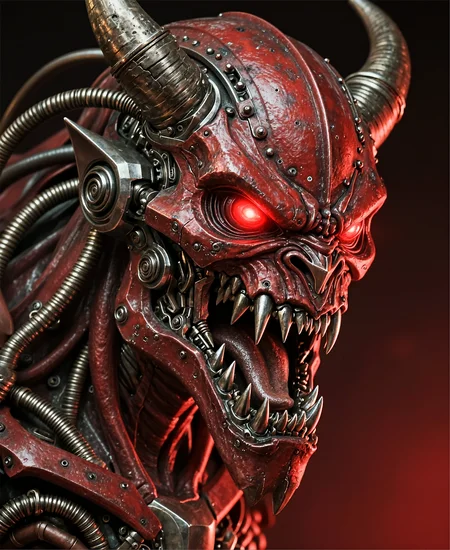
The goal of this workflow is to be straightforward, easy to use, and to lower the step count of Z Image on ComfyUI while maintaining quality as much as possible. There are intentionally no upscalers, multiple samplers, or really any bells and whistles. I have the requirements to run the workflow listed below.
At 5 steps and ~1.6 MP, each gen takes me about 10 seconds. Although I did not include any here, 1 MP gens took 6 seconds to make. If you make multiple changes at once (lora strength, eta, new prompt, etc.) the gen will take slightly longer.
Core Requirements:
Z Image Turbo distill patch lora
The lora isn't entirely necessary, but the workflow is tuned for it so I can't guarantee the results I get without it.
Optional:
You can use the vae and clip I use in the workflow. The normal/recommended Z Image vae and clip work just fine.
I do use a math node from the Bjornulf custom node pack, but that node is easily replaceable or can be left out entirely.
The generated images in the gallery have the workflow embedded. I will say that due to this workflow being 5 steps, some of the settings can be pretty sensitive. So if you do want to tinker with it, and by all means, please do, then I highly suggest creating a duplicate of the workflow. That way if (when) you go too far down the rabbit hole, you can easily get back to your last known "working" state.
As for the ClownGuide node and VAEEncodeAdvanced nodes, the image input is not meant to be used in the traditional i2i fashion; it merely drives color temperature and it can influence the quality of the generated image as well. Try using different image inputs from the one I used; especially try using high definition or small resolution grainy images for a noticeable change. The input image I used in the attached generations can be found here if you want to truly replicate the gens.
Thanks for reading this far, this is my first post of this kind. Feedback is welcome/encouraged. I will continue to tinker with this workflow as it is still a work in progress.
Credit:
Luneva for their ClownOptions SDE settings. Check out their Infinite Details Z Image Workflow
Inclusion AI's Z ImageTwinflow Model and azazeal2 for making it ComfyUI compatible.
Description
If you have any questions, feel free to comment or PM me
FAQ
Comments (4)
I started off using the image input for colour temp but before I knew it I was getting traditional i2i output with colour temp from adjusting the settings. Also, I subbed in the Power Lora Loader so I don't have to switch to another workflow, unnecessarily. I'm already a few hours into using this. It's a keeper!
Very good. I actually always thought about how to unify tone-a-manner whenever I created an image. This workflow solved a lot of things, thank you
I don't really know what I'm doing but some of the nodes seem to conflict with the latest version of Comfy...
Hello, it's been a long time since I contacted you. I am writing a great workflow for you. I have a question. Can you tell me how to set it up in the z-image base? If it's not a hassle, please give me a tip.