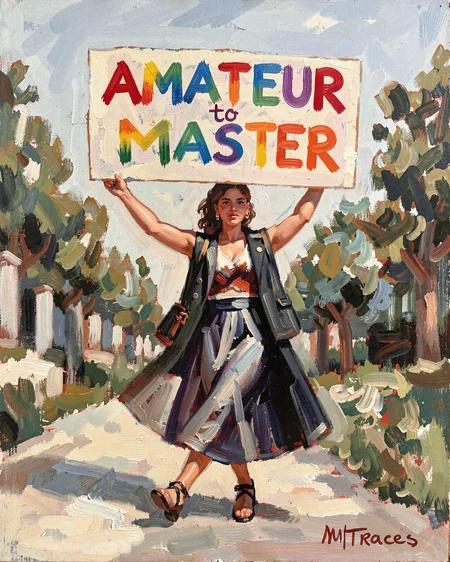


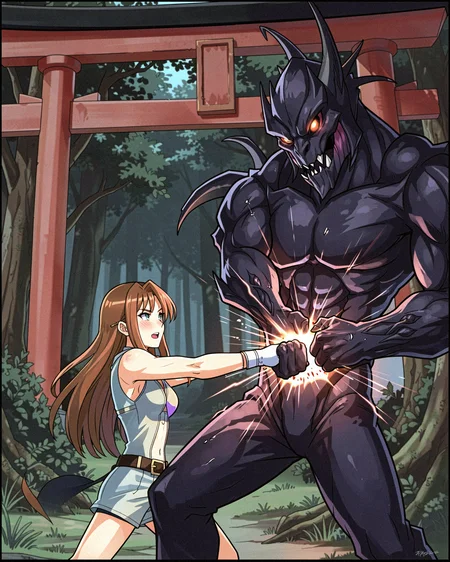




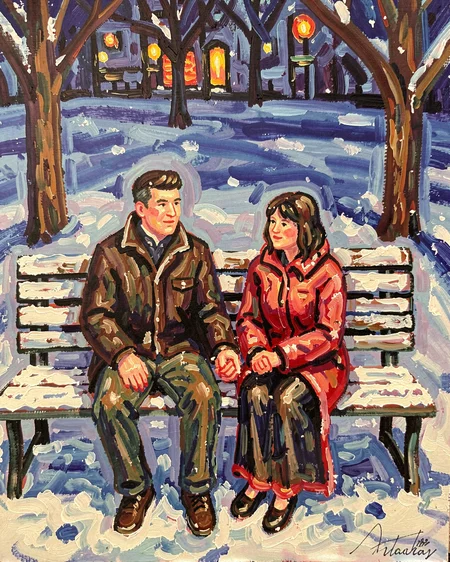
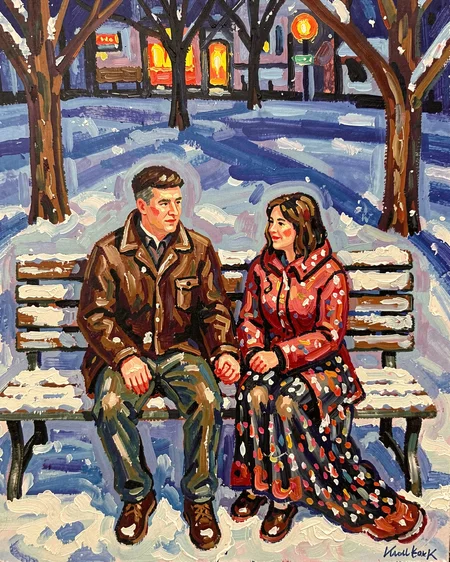
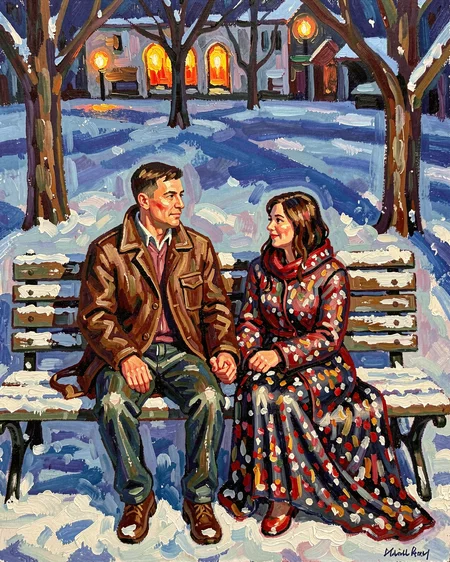


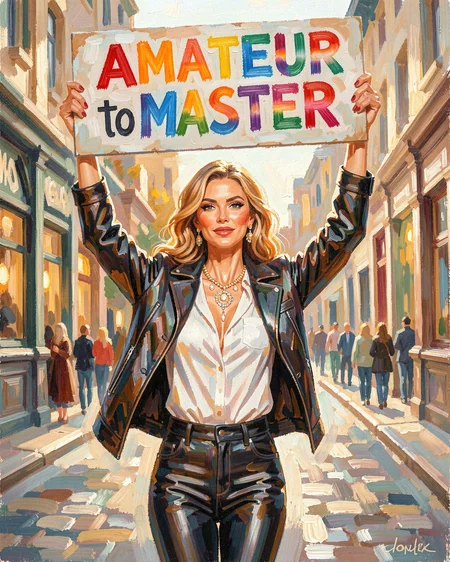
Does what it says, adjusts the overall quality and craftsmanship of your images from rough amateur work on the negative end to polished professional execution on the positive side. Previously called "Amateur-to-Master" but renamed to something more straightforward because, well, that's what it does.
At -10, you're getting simplified composition, less refined execution, that kind of beginner-level aesthetic. Slide it toward 10 and everything tightens up, composition, lighting, color harmony, visual hierarchy, the whole professional package where every detail feels intentional and skilfully done.
Range: -10 to 10
You'll probably notice a slight greying on the negative end and more saturated looks on the positive side, which is just natural for what the slider's doing. Lower quality tends toward duller colors, professional work tends to pop more. It's not a bug, it's just how quality tends to present itself visually.
Straightforward tool for dialling quality up or down without overhauling your prompts. Works across most styles and subjects.
Description
FAQ
Comments (2)
I have no idea how this works but what it does to the right prompt is witchcraft! Even at +5 it can turn something neat into awesome. I'm using it in combination with the detailer at +7 for my surreal and absurd things. Things are fun again... Don't give up on this one.
Thank you for this and good luck in the future!
Starts producing bokeh at +5, but works great otherwise! Thanks!