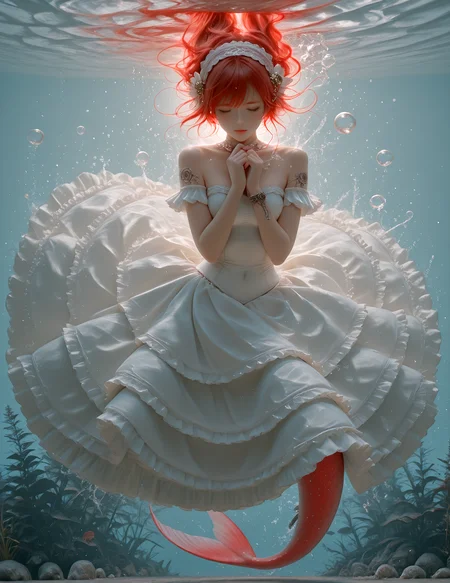

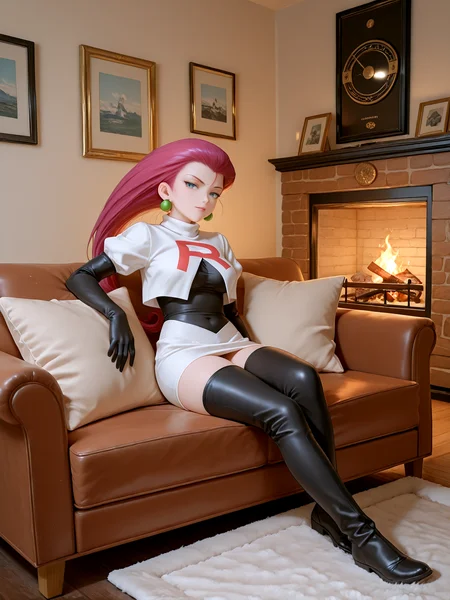
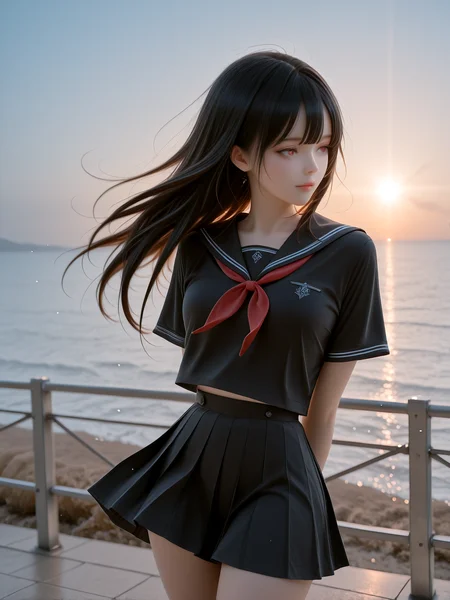
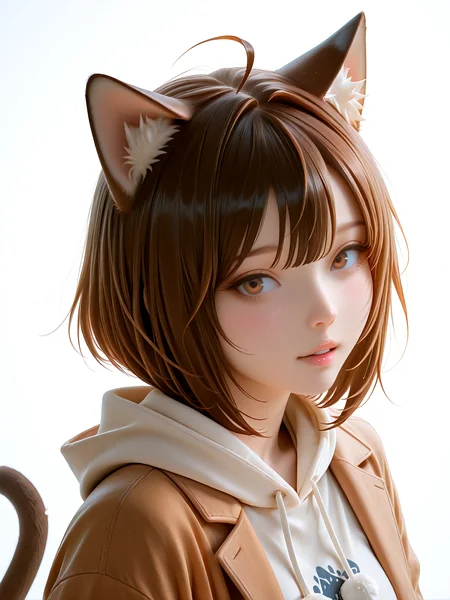
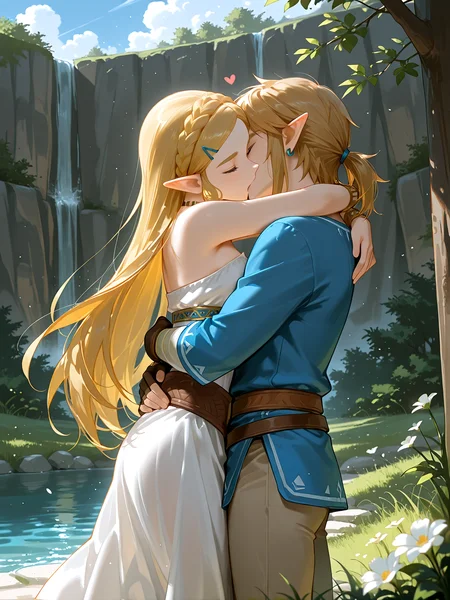
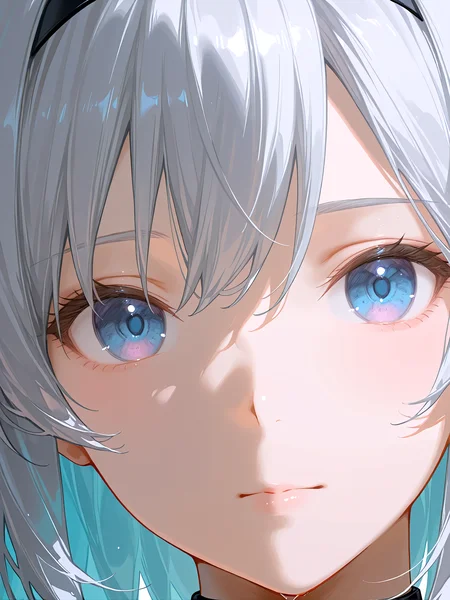

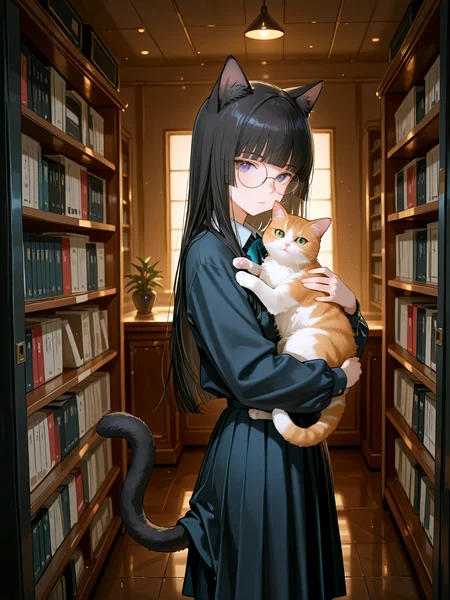
請你在讀完這個指引前別下載我的模型!!!
Please do not download my model before reading this guide!!!
想要下載一個模型,然後試畫兩張圖…覺得不滿意又換另一個新的模型嗎???
你有沒有想過這只是在浪費你的時間??
Do you want to download a model, try drawing a couple of images... and then switch to another new model if you're not satisfied???
Have you considered that this is just a waste of your time??
一個獨立的模型創作者如果每星期都能發布2個新模型讓你免費下載,那有沒有可能他自己也不了解自己做了什麼? 有沒有可能你只是一隻小白鼠呢??
你有沒有想過真正應該做的是下載一個上限很高的模型,然後花2星期去試用和了解它呢?
If an independent model creator can release two new models for free download every week, is it possible that they themselves don't understand what they've done? Is it possible that you're just a guinea pig??
Have you considered that what you should really do is download a model with a high potential and then spend two weeks trying it out and understanding it?
如果你有點認同,那就來看看這個模型的一些入門設定吧~~~
這個模型能畫出非常出色的皮膚,而且設定上的一些小改變就會造成風格的大變。
這個模型對很多細微的設定十分敏感,想要用這個模型畫出好的圖必須先花時間了解這個模型。
If you somewhat agree, then take a look at some basic settings for this model~~~
This model can produce very excellent skins, and even small changes in its settings can drastically change the style.
This model is very sensitive to many subtle settings; to draw good images with this model, you must first spend time understanding it.
首先,我建議使用以下 prompt 作預設風格
First, I recommend using the following prompt as a preset style:
<lora:ppkkmoon_dark-000008:.8>,wlop:.4,sakimichan:0.3
Or
<lora:Realistic_Asian_Beauty:.8>,wlop:.4,sakimichan:0.3
如果想加點真實感(特別針對怪物),可以使用以下 lora
If you want to add a more realistic feel (especially for monsters), you can use the following lora:
<lora:DemogorgonILf:.3>
如果想要些更有真實感的圖,可以使用以下風格:
If you want more realistic images, you can use the following style:
<lora:Realistic_Asian_Beauty:.8>,sakimichan:0.65
這個組合有時有驚人的效果....
This combination sometimes has amazing effects....
<lora:Realistic_Asian_Beauty:.8><lora:ppkkmoon_dark-000008:.8>,wlop:.4,sakimichan:0.3
建議的 CFG Scale 為 3.5~6 ,CFG Scale對這模型的對比度變化比一般模型更敏感.
在取樣方法為 Euler a 時,使用 Schedule type 為 Uniform 可以畫出有點真實感的3D皮膚,
在取樣方法為 Euler a 時,使用 Schedule type 為 Exponential可以畫出有閃亮水感的2D皮膚,
The recommended CFG Scale is 3.5~6. CFG Scale is more sensitive to contrast changes in this model than in general models.
When the sampling method is Euler a, using Schedule type as Uniform can create a somewhat realistic 3D skin.
When the sampling method is Euler a, using Schedule type as Exponential can create a 2D skin with a shimmering, watery feel.
如果想要畫出有閃亮水感的偏真實女性皮膚你可以參考以下設定:
取樣方法為 Euler a、Schedule type 為 Uniform、CFG Scale為 5.5
然後配上 Hires. Fix,Hires. Fix中取樣方法為 Euler a、Schedule type 為Exponential、CFG Scale為 5
這樣就可以通過Hires. Fix畫出有閃亮水感的偏真實女性皮膚,你還可以通過改變其他細微設定去做出不同變化….例如在畫圖及Hires. Fix均使用Euler a Exponential、CFG Scale= 5.5 生成鮮艷的圖…
當然你也可以隨便設定,但這樣可能發輝不出這模型的性能,然後讓你覺得它也只是個普通的模型.
If you want to create a more realistic female skin with a shimmering, watery feel, you can refer to the following settings:
Sampling method: Euler a, Schedule type: Uniform, CFG Scale: 5.5
Then add Hires. Fix, Hires. The sampling method in Fix is Euler a, Schedule type is Exponential, and CFG Scale is 5.
This allows you to create realistic female skin with a shimmering, dewy look using Hires. Fix. You can also make different variations by changing other subtle settings…For example, in both drawing and Hires. Fix, Euler a Exponential and CFG Scale=5.5 are used to generate vibrant images…
Of course, you can set it arbitrarily, but that might not showcase the model's performance and make it seem like just an ordinary model.
推薦VAE為 sharpspectrumvaexl_v1
The recommended VAE is sharpspectrumvaexl_v1
另外,因為這個模型對細微設定非常敏感,所以在使用 ADetailer 時請把 Inpainting mask blur 拉高然後輸入合適的 prompt ,如果你無法控制好這個模型在ADetailer 中的表現,請考慮放棄ADetailer,因為大部分時候即使不配ADetailer 這個模型的表現也不錯。
Additionally, because this model is very sensitive to subtle settings, when using ADetailer, please increase the Inpainting mask blur and input an appropriate prompt. If you cannot control the model's performance in ADetailer, consider abandoning ADetailer, because most of the time the model performs well even without ADetailer.
如果無法控制 ADeatiler 的面部修服,可以考慮把 ADeatiler 的 Steop 設為 9~15之間
If you cannot control the facial contouring of ADeatiler, you can consider setting ADeatiler's Steop to between 9 and 15.
作者推薦的 prompt 如下 :
The prompts recommended by the author are as follows:
masterpiece,best quality, highres,sharp focus, film grain, Cinematic,8k, realistic with anime style, NSFW, uncensored, smooth shading, glossy surfaces,colorful depth, lens flare,natural lighting, dramatic lighting, particles, Visual impact,scenery, Emotionalization, fashion style, A breathtakingly erotic human girl, Extremely provocative and intensely erotic, detailed eyes, artwork,dark environment,very detailed image,realistic lighting,realistic shadows,
1girl,
“你的內容your content”
<lora:ppkkmoon_dark-000008:.8>,wlop:.4,sakimichan:0.3 ç 風格控制Style control
Neg prompt 推薦:
Neg prompt Recommended:
worst quality, text, low-quality,face off screen, 2navels, double navels, long waist, long body, signature, monochrome, 3d, censored, lowres, long neck, long waist, 2girls, fat, abs, censored, mosaic, long neck, long waist, (lowres), deformed, mutated, mutation, ugly, disfigured, poorly drawn face, skin blemishes, skin spots, acne, the wrong limb, lowers, bad anatomy, bad hands, text, error, missing fingers, extra digit,Excess fingers, fewer digits, cropped, worst quality, low quality, normal quality, jpeg artifacts, signature, watermark, username, blurry,Black line,Excess hands, extra hands, jpeg artifacts, crowd, multiple girls, multiple views,
最後,希望我沒有浪費你們的時間。玩得開心點 ^^
Finally, I hope I haven't wasted your time. Have fun! ^^
Description
Ver 2.0 !!
Do not ask where is Ver 1.0 ^^
FAQ
Comments (33)
请问为什么我的出图最终偏灰白?没有例图那样的色彩。是直接读取例图数据的。
看流程会在最终出图的时候变灰
90% 是因為你沒有設定VAE
@ppkkmoon 非常感谢,换上正确的VAE之后就好多了,现在还在研究怎么出例图一样的图像。这个模型的皮肤和人物线条质感是我见过最好的之一。现在在研究脸部问题,加上推荐的lora之后脸会很怪。
@kkuyloveorigami 臉部問題很簡單,因為不同UI的權重其實是不樣的,所以你可能要改權重...當然,如果在 ADetailer 中改模型也是一個方法....
@ppkkmoon 谢谢回答,请问您使用的哪个UI呢?
@kkuyloveorigami 我使用Forge ~ 你可以試試在 ADetailer 中選用 "Use separate steps" 然後設為 10 左右, 因為不同模型的變化不同。
@ppkkmoon 好的谢谢,我再研究研究
@ppkkmoon 请问我直接用例图数据出的图总是有很强的反光效果,衣服和皮肤都是,不想例图的哑光那样自然。请问这该怎么改进呢?
@kkuyloveorigami 試試把含有"lighting" 及 "lens flare" 類的 prompt 都刪除,也可以把 CFG 降低或不用 Euler a Exponential 全部改用Euler a Uniform
@ppkkmoon 谢谢,减去lighting相关prompt和加上muted color这个tag之后改善了很多
@kkuyloveorigami 你是用哪个UI
@usernametheone forge
我發覺秋葉中帶的 Forge 和 獨立安裝的Forge 中的 CFG 根本不同,在秋葉中的 Fore CFG 設在5 會有不錯的圖, 但 獨立安裝的 Forge CFG 要降到 3 左右.....
@ppkkmoon 您用的是秋叶的Forge还是独立的?
@kkuyloveorigami 兩個都有用,大部分圖是用秋葉生出的
@ppkkmoon 跑了这几天最大的难点感觉是鼻子,鼻孔太明显太外翻的感觉,感觉很突兀。
大佬你好,很喜欢这个模型。但是pixai上面上传的版本不允许nsfw内容。能不能请你用一张不那么写实的封面重新上传一次。求求了🥺
我沒用過pixai呢~ 我把封面換了 ^^ 這個可以嗎 ?? 我過兩天再改回來 ^^
阿~~~因為VAE問題這個模型不支持在pixai上生成,你不用搬了 ^^
@ppkkmoon 这样子,大佬的模型每次都被人很快的搬过去。我还以为是你亲自搬的。
大佬,最近z image base出了,期待z image版的大佬新作,6gb的sdxl不够玩了。qwen image 1225也不错。推荐!
不知我的4080還夠不夠用.... = =|||
大佬,能不能打包一下VAE,非常喜欢你的模型,但不知道为什么用你推荐的VAE,每次缩放图像或者细化脸部都会使整体图像饱和度变高,同样的工作流其他模型不会这样,不知道是什么问题。
先試試把 ADetailer 中的步數降到 11 左右吧~
太强了,我来到这仅仅是为了向您表达我的感激和对这个模型的喜爱之情
大佬您太厲害,我透過e-hentai來的。模型這個我從未接觸過。我是來看大佬在e-hentai未發表的創作圖的。
Amazing checkpoint
Thank you so much ^^
Details
Available On (1 platform)
Same model published on other platforms. May have additional downloads or version variants.