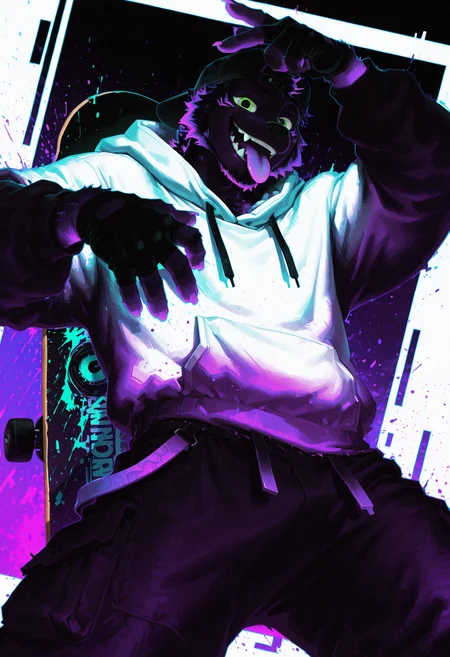
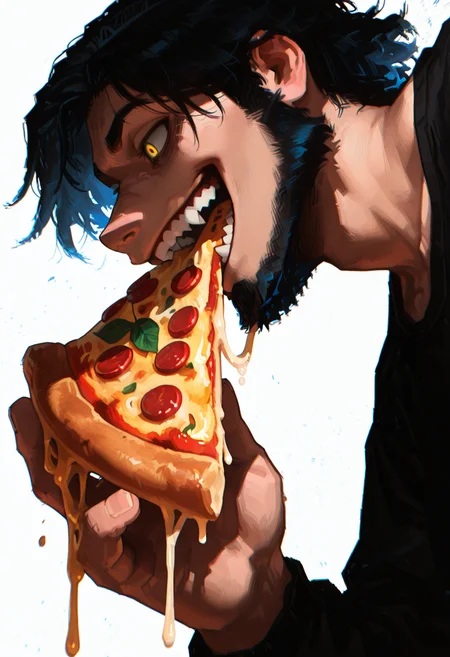
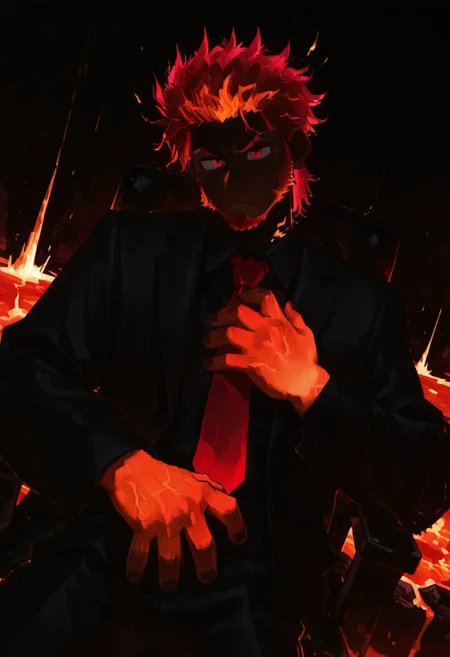
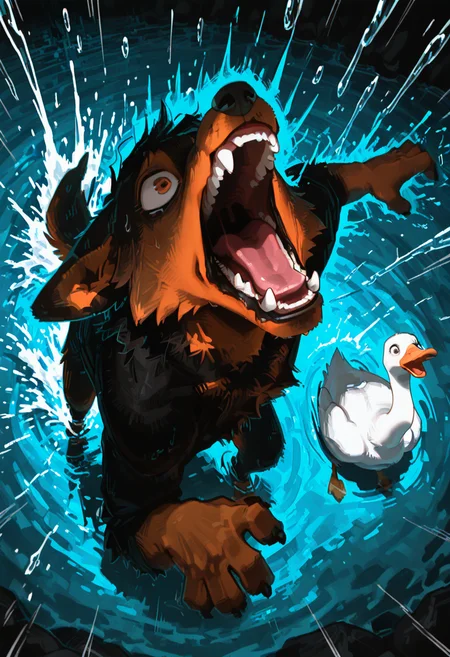
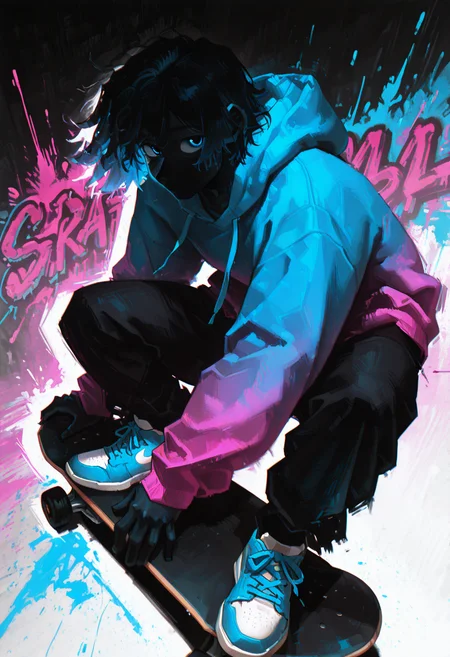
Chromatic Trip
V2: Remove the face mark and improve the male face appearance (small tweak dataset).
Shadows deepen, and the style works especially well on black or white backgrounds. This LoRA will often push characters toward near-black bodies with strong glowing color highlights and texture effects.
This LoRA was trained on a small dataset. It has a strong bleed effect, especially in hair and some appearances. Despite this, it consistently picks up the art style and actively changes the image rather than simply overlaying color.
Try a lower weight for more flexibility for anthro species.
Trigger Word: tr1p
Helpful Word: black body, black background, white background, [name hairstyle]
As always, adjust weight if needed. I use 0.8-1 most of the time.
Please comment your thoughts on this Lora and share your results.
Note: You can used NoobAI and IL for this. Don't forget to turn on ADVANCED MODE in your Account Settings > Generation Settings.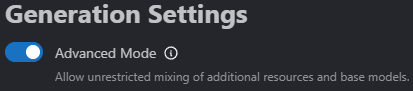 This will allow you to use NoobAI checkpoints with this IL LoRA.
LoRA vs Without LoRA using Shadow Shift Checkpoint


Description
FAQ
Comments (7)
It’s been forever since I released a LoRA. Yes, I’m still alive and kicking. Please update your missing person posters.
God, your Loras are just fantastic. Loving this one!
Another creative LoRA by Soxan, yay! It really deepens the image and makes the colors pop! I found it a bit restrictive with certain artstyles but I can work around that!
Do anyone have an issue with the "tattoo" next to the eyes? I am not sure if it is a checkpoint issue or lora.
I've definitely noticed a tattoo/marking or 'light' around the eyes. Its not always there or it might blend in enough its not noticeable, but it is pretty common.
@TaurisKhan I think one certain image got burn in too much. I will need to replace that image with something else. Thanks.
I did try adding more variant images to expand the flexibility of this lora but it removes a lot of charm so I end up tweaking little bit. I only focus on removing the mark and add little more human image in the training data.