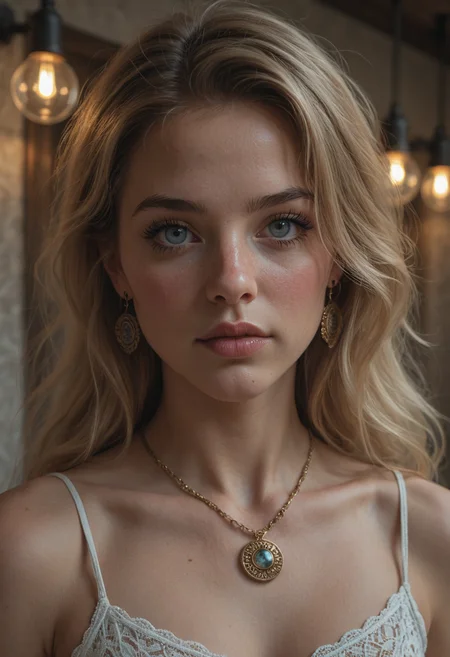
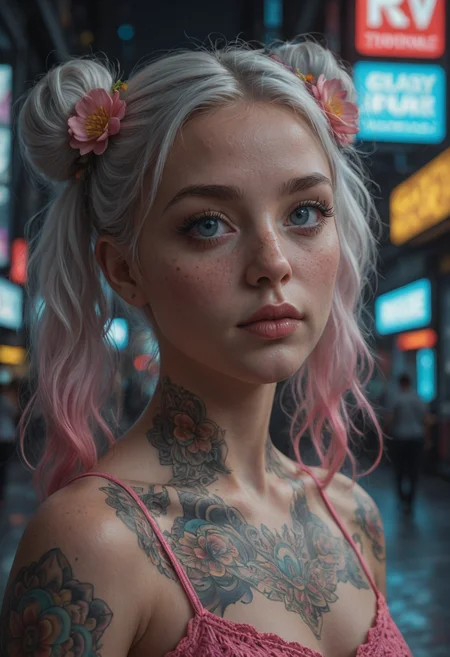
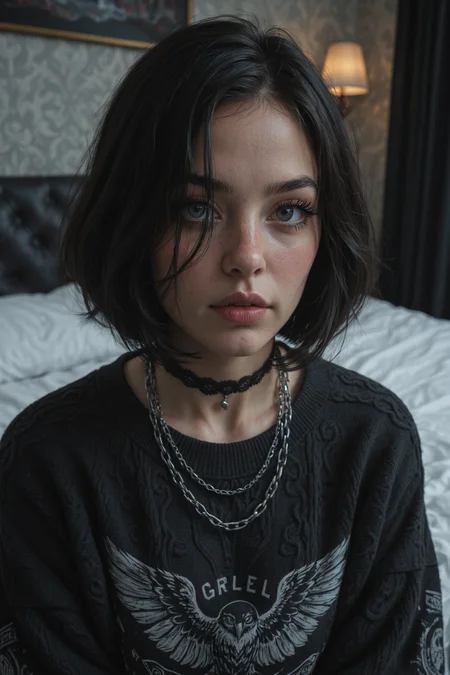
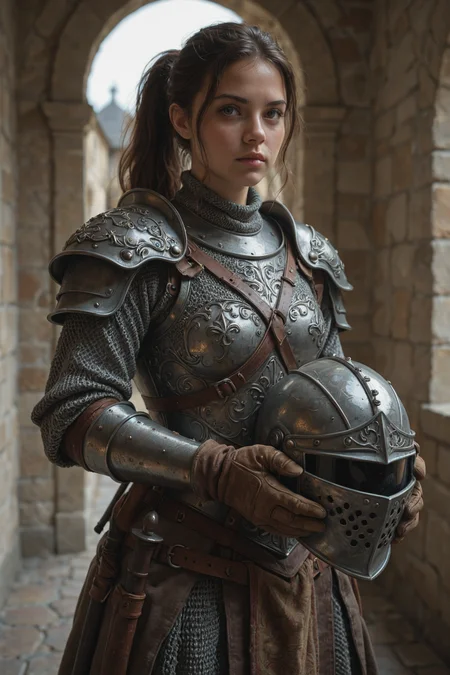

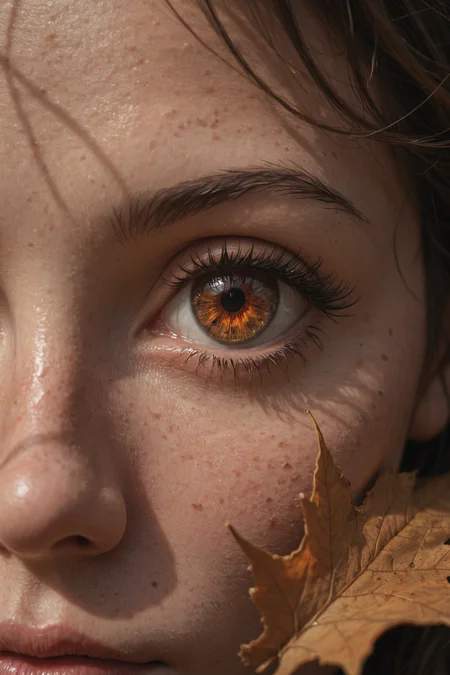
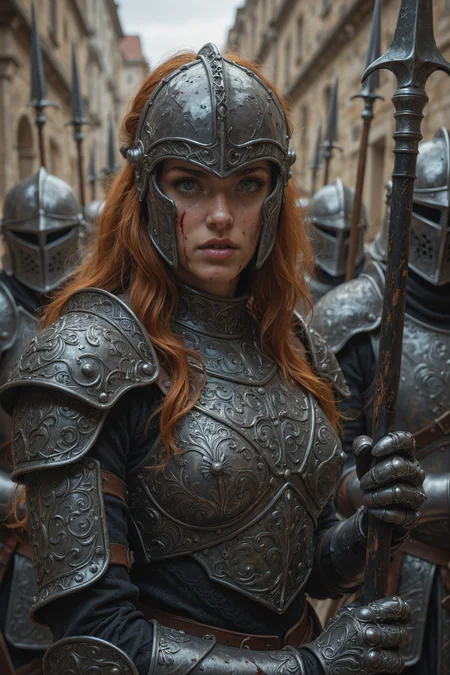
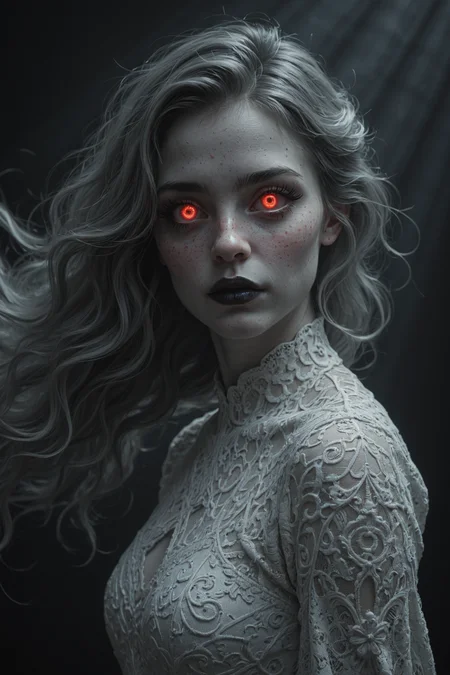
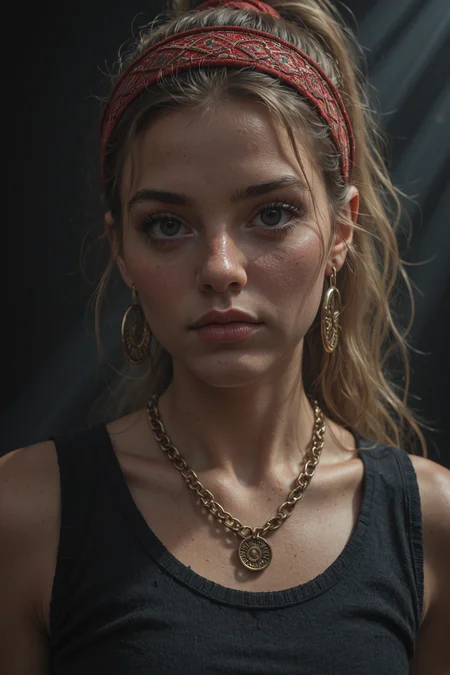



Exclusive Models / Early Access / Support - https://boosty.to/bl4cksnow or https://boosty.to/llikswonskcalb or https://app.lava.top/blacksnowskill
Illustrious Realism
v4 update:
- Everything is a little better than it was
- A vector has been set for the development of pure realism
V3 Early Access on Boosty
An engineering approach to realism. No random merges, just surgical correction.
The Philosophy
I created Illustrious Realism for a simple reason: I tested many actual realistic models based on the Illustrious architecture, and I was deeply disappointed. Despite the fact that the version numbers reach ridiculously huge numbers, the actual generation quality remains stagnant. Many models suffer from fundamental issues that their authors seem to ignore, repackaging the same flaws over and over.
This model is my answer to that. It is an attempt to create a genuinely stable, high-quality realistic foundation for Illustrious that actually evolves.
The Engineering Method
This model was built using a strict R&D workflow aimed at fixing the architecture's weak points:
Surgical Correction: Instead of blindly merging checkpoints and LoRAs, I trained custom LoRAs and utilized a proprietary workflow with Masked Sliders (both positive and negative weights).
Anatomy & Detail: This allowed me to surgically target and fix specific weights in the UNet. For example, I used masked training to force the model to render anatomically correct eyes at various distances.
Aesthetic Vision: While the fixes are objective, the aesthetic is my personal vision of a versatile, high-fidelity realism. It is designed to be a broad "True Base" rather than a niche model locked into a specific "amateur" or "cinematic" look.
Usage
Resolutions: Works natively with standard Illustrious resolutions.
Samplers: Use whatever works for your workflow. Personally, I prefer:
Euler A for a softer, more natural look.
DPM++ 2M SDE for sharper, highly detailed results.
This is version 1.0. Future updates will only be released when there is a tangible, technical improvement, not just to inflate the version number.
Description
v2.0: Color Science & Aesthetic Recalibration
This update focuses on fixing the visual fundamental flaws of the previous version while pushing the creative capabilities further.
Changelog:
Color Grading Correction: Addressed the "green tint" bias and luminance issues. The histogram has been normalized—shadows are no longer crushed, and the overall color temperature is now balanced and natural.
Enhanced Detail & Artistry: The model now renders micro-details (skin texture, fabric) with higher fidelity. It feels less "flat" and more artistically dynamic.
Prompt Adherence: Tighter alignment between text prompts and generated output. The model follows complex instructions more accurately.
Creativity Boost: Increased the model's internal variability, allowing for more creative compositions without needing heavy prompting.
Surgical Micro-Fixes: Various weight adjustments to improve stability across different seeds.
FAQ
Comments (19)
Perfect! Just Perfect.
I have a big question. What for all that crappy triggers in positive prompts? Like "high detailed" "amazing quality" and so on. They do nothing, as i see, except pointless weight stealing. Am i wrong?
Thanks for the 'Perfect'! I'm glad the model is serving you well.
Regarding the 'Quality Tags' debate: You are about 90% right. Modern checkpoints (especially highly fine-tuned ones like this) do not need a 'word salad' of 10+ quality tags. That is a habit left over from the SD 1.5 era. That is exactly why I do not list them as requirements in my description—I prefer cleaner prompts too.
However, the Technical Nuance: Since the base is Illustrious XL, it was trained on the Danbooru dataset where tags like "highres" and "absurdres" are statistically linked to high-resolution images. Mathematically, these tokens do exist in the latent space and they do shift the vector slightly towards the 'high-res' cluster. They aren't completely 'empty noise'.
My Verdict: On my model, the 'native' quality floor is already raised very high, so these tags suffer from diminishing returns. They won't hurt, but you absolutely don't need a wall of text to get a great result. I recommend finding your own 'common language' with the model, just as you are doing!
@llikswonskcalb thank you for the answer. Indeed - your checkpoint generate outstanding result even at very lowstep sampling. (10 to 15 steps). Still - i disagree that "they won't hurt". "Mature aged woman" turn to kind of young/adult because of those triggers. So.... how many tokens support IL v2.0? What length of the prompt can be feed to model?
@vasilypodvornyak988 вы же русский?
@vasilypodvornyak988 Я провел тесты (https://civitai.com/images/120260312) и убедился: теги качества (masterpiece) работают скорее как 'бьюти-фильтр'. Они сглаживают текстуру кожи и морщины, из-за чего mature персонажи действительно могут терять возраст и выглядеть моложе.
Про токены:
Модель базируется на архитектуре SDXL/Illustrious.
Контекст обрабатывается чанками по 75 токенов.
Технически можно писать промпт любой длины (софт сам разобьет его на чанки и слинкует).
На практике модель лучше всего держит контекст в пределах 150-225 токенов (2-3 чанка). Если писать больше, внимание (Attention) начинает размываться, и эффективность падает.
@llikswonskcalb i do.
@llikswonskcalb я тоже потестировал твои генерации и не заметил существенных отличий после чистки тэгов. Проверю сейчас на другой модели и посмотрю будут ли существенные изменения от чистки "тэгов". Схожая модель. Chaos v9.
@llikswonskcalb well. I've tested tags affection. An can say surely - modern sdxl checkpoints do not need them, Chaos, except composition change, loose nothing too without those tags. Even Pony model works perfectly without tones of them. Both positive and negative. More over - most of them do harm instead of improvement. Can you believe that, "masterpiece" tag is very harmful for Pony. Model try to change basic composition with that "attention" and through that add pointless, absurd details. This tag should go to negative prompt instead of positive.
I conclude that for Illustrious model those tags completely useless. Pony model still have useful triggers, but overall - situation is the same. By cleaning all my old prompts i achieved much more better results. For SDXL i got nothing to say. I don't use that models. Only few essential LoRAs. That's all i have to say.
Anyone got any loras or even just tags to make the focus in shadow, like it;s night time and there isn't a camera flash, which is why I asked for the lora first because the training data is going to heavily prefer the focus to be well lit.
Quick answer yes. https://civitai.com/models/1844250 Tag "night"/"moonlight" at the prompt and set weight value 2+.
Here another one LoRA for night vibe. https://civitai.com/images/120675426
@vasilypodvornyak988 Thanks, after screwing around for a while I managed to get it to work, which honestly the solution was dummy simple, my workflow has a bunch of extra's which read the concat conditioning for tags to determine among many other things contrast and lighting etc, so as soon as I moved "night, dark, dim lighting, " to the concat... well obvious things are obvious... so yeh it worked, I was playing around for hours as well... now I feel really dumb...
But yeh the Lora works great as well, wouldn't actually look like night without it.
Great model and great quality but it is so biased towards Asian women that's it's nearly impossible to get any other look other than an Asian. Even with multiple prompts to get any other race it will still make the woman with an Asian face and then just add those other features to it.
Regardless, great work.
Thanks for the feedback!
Please keep in mind that you are currently using the version explicitly labeled 'Anime' (formerly 'Asian'). This behavior is intended by design: this specific version is heavily biased towards Asian/Anime facial structures to maximize consistency for that style.
If you need flexibility with ethnicities (like Irish or African features), please use the Standard Version (without the 'Anime' tag). It is not locked into this specific aesthetic
@llikswonskcalb Oh, I didn't know that. Thank you for the quick reply.
this model just incapable of generating plain surface without any pattern.
it generate patterns on bed sheet, towel, cloth, bra, skirt. literally every textiles.
This is a common behavior when the prompt contains too many 'detail boosters' (like intricate, high detailed, ornate, masterpiece).
Since the model is already tuned for high-fidelity textures, adding extra detail tags forces it to fill every 'empty' pixel with information to satisfy the prompt.
To get plain surfaces:
Clean the Positive Prompt: Remove intricate, complex, ornate.
Negative Prompt: Add pattern, complex, intricate to the negative prompt.
@llikswonskcalb Great response!
I like patterns on stuff. I think it makes it look less AI. Real life does not have solid colors on all surfaces. 👍👍
Details
Available On (2 platforms)
Same model published on other platforms. May have additional downloads or version variants.