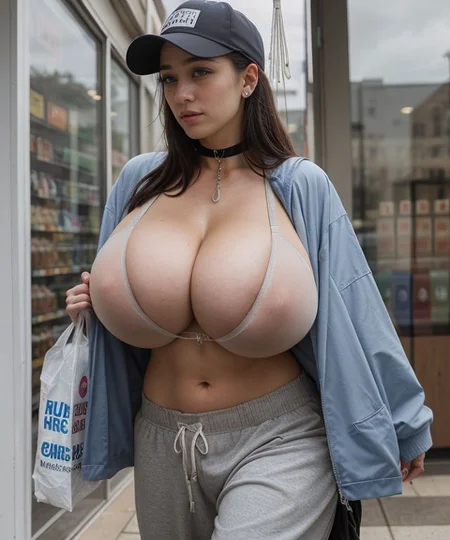
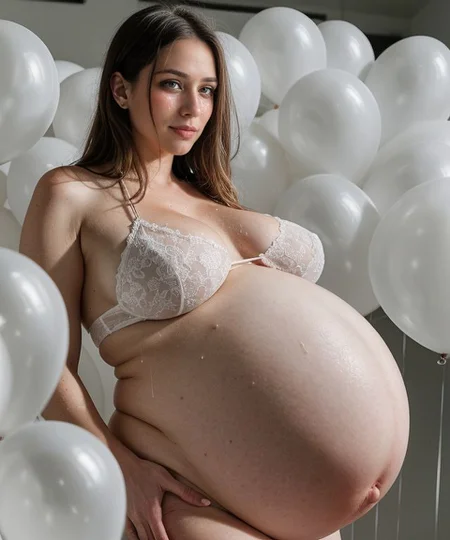
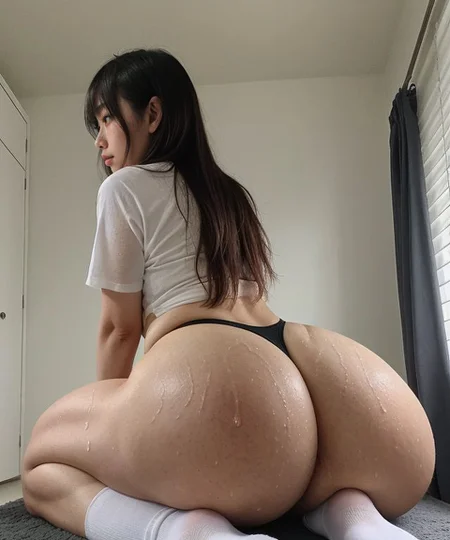
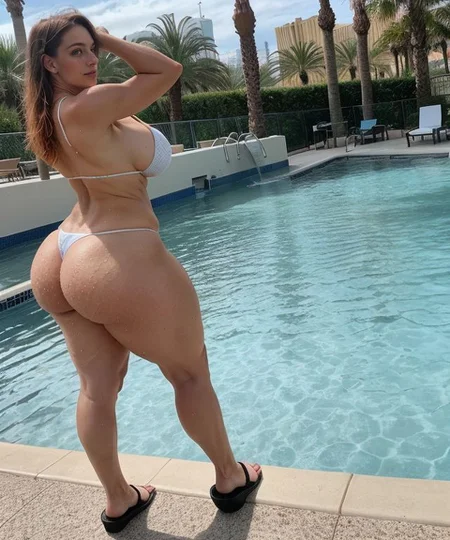
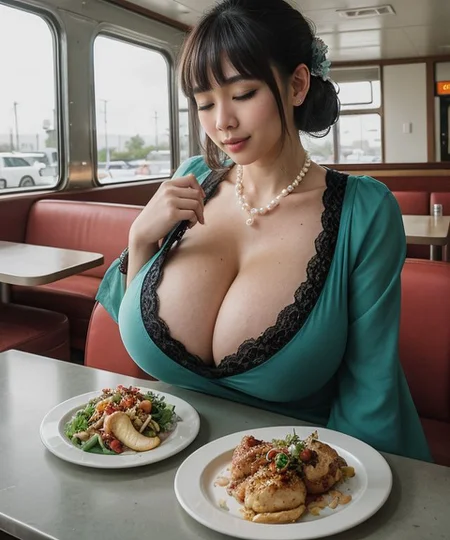
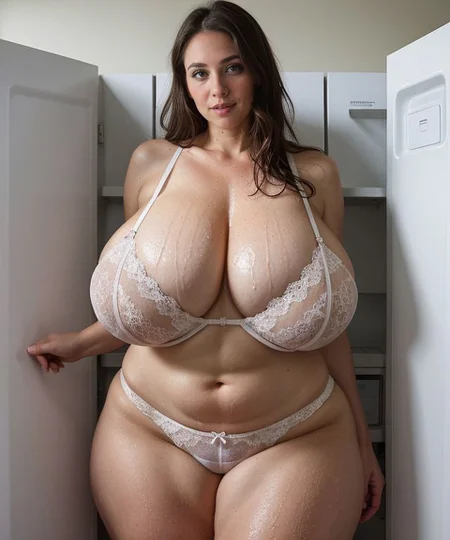

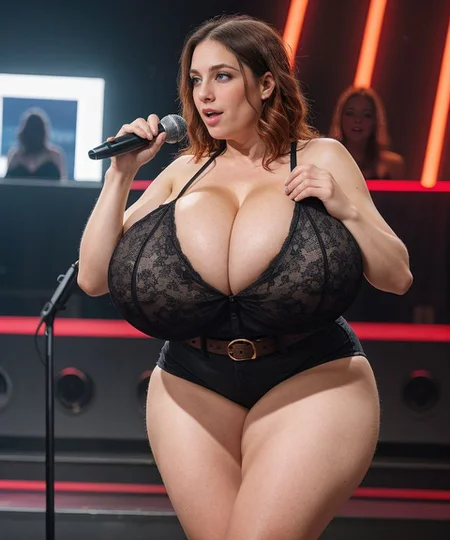
Welcome to VixenMix!
If you’re looking for more exaggerated proportions and variety in female bodies, check out VixenMix!
Thank you for visiting VixenMix!
⭐If you like it, please rate and share your thoughts and gens! ⭐
📜Generate Responsibly📜
About
The purpose of VixenMix is to provide exaggerated control over the proportions of female bodies whilst maintaining a realistic style. Current realistic models struggle particularly when pushing the limits of body sizes - VixenMix aims to increase the range of sizes available without severely deep frying the model.
Simply put, if you want bigger boobs or ass or whatever, VixenMix aims to achieve that but remain realistic.
VixenMix is a block merge consisting of multiple realistic models as well as Thojm’s hyperfusion at its core to provide more knowledge of exaggerated proportions to the model.
How to use
CFG: 5 - 7
Steps: 50 - 100
Recommended VAE:
Vae-ft-mse-840000-ema-pruned
Recommended base prompt example:
photo of subject, details
Recommended advanced prompt for increased composition creativity:
[: base prompt : details : 0.30]
Recommended negative:
Without negative embeddings:
[: (3d, render, cgi, doll, painting, fake, cartoon, 3d modeling:1.4), (worst quality, low quality:1.4), child, deformed, malformed, bad teeth, bad hands, bad fingers, bad eyes, long body, blurry, duplicated, cloned, duplicate body parts, disfigured, extra limbs, fused fingers, extra fingers, twisted, distorted, malformed hands, mutated hands, mutated fingers, conjoined, missing limbs, bad anatomy, bad proportions, logo, watermark, text, copyright, signature, lowres, mutated, mutilated, artifacts, gross, ugly :0.04]
Sample negative prompt using negative embeddings:
[: (deformed, deformed, semi-realistic, cgi, 3d, render, sketch, cartoon, drawing, anime), jpeg artifacts, duplicate, morbid, mutilated, extra fingers, mutated hands, poorly drawn hands, poorly drawn face, mutation, deformed, blurry, dehydrated, bad anatomy, bad proportions, (extra limbs, extra arms), cloned face, (worst quality, low quality:1.3), (perfect skin, smooth skin, depth of field, high fov, blurry),(By bad artist -neg, ng_deepnegative_v1_75t), (bad-hands-5), (easynegative), (UnrealisticDream:1.2), (Unspeakable-Horrors-Composition-4v), (verybadimagenegative_v1.3), :0.04]
Okay, why wrap in a [::0.04] format?? To put it short, I’m letting the model be as creative as it can be, totally unrestricted from the negative, for the first 4% of steps (2 steps when sampling steps is 50, 4 steps when sampling steps is 100, etc). This helps generate more interesting compositions without deep frying the image.
I cannot stress how important the negative is for composition. Any slew of negative prompts and negative embeddings can have a major effect on composition of your image. Negative embeddings in particular, while useful, have significant tradeoffs in creativity of your output (most notably by constraining the image to portrait style images). If you want to easily generate great looking portrait style images, negative embeddings are for you. If you want to generate more creative results, it will be more difficult with negative embeddings (but still possible).
Improving Results - LORAs
VixenMix alone can produce great results, but to achieve even more exaggerated proportions, a few additions are recommended:
Thojm’s hyperfusion LORA: This further pushes the exaggeration of body types. Recommended weight is 0.5
epiCRealismHelper: There are many realism helpers, even from epinikion himself, but this is the one that I felt works best to boost realism and textures without affecting overall composition. Recommended weight is 0.5
Ostris’ slider LORAs: These sliders are great for further fine tuning bodies and compositions when needed. They will affect composition when too high though so try making a base image without the slider first, then tune from there. The weight slider and detail slider is particularly useful
Leosam’s Clothing Adjuster LORA: As the prompt has more of the body defined, particularly boobs, clothings tends to strip off. Using this lora will help counteract that. Recommended weight is -0.5 to -0.25. Yes, NEGATIVE.
Breast size slider by CptPancakes: Sometimes you just need some extra oomph - this slider gives you that oomph.
All of the above are completely optional. In fact, I’ve found most success when I use no LORAs to get as close as possible to what I want, then using LORAs to provide the extra oomph to get me my extra mile.
Improving Results - Tools and Extensions
I’d recommend many of the standard tools and extensions to help increase the quality of generations. Use when needed:
ADetailer: Tried and true, almost guaranteed to fix wonky faces and add details to hands. I like to use Epicphotogasm for fixing faces.
Refiner: Built in to Automatic1111, great for adding extra realism. Would recommend using either Epicrealism or AmIReal, with “Switch At” set to 0.8.
ControlNet: For further control over compositions.
CFG Rescale: Helps you get more details in your generations even if at a lower CFG scale. I use a CFG scale of 5 and a CFG rescale of 0.5
Cutoff: Originally used for color control, I’ve found it can also be useful for other adjectives like “Taller” and “Shorter”
Loractrl: Loras cannot be utilized in prompt-editing, meaning a lora is always active for all generation steps. This extension allows control over which sampling steps a lora is active for. Particularly useful for adding more realism to the generation without affecting textures.
Prompt Fusion: An extended version of the built-in prompt editing feature, allowing greater control over what is prompted during which steps of the generation. Incredibly useful for fine-tuning the balance between composition and detail.
Improving Results - Advanced Prompting
I am preparing an article that outlines the techniques I use for controlling prompting. They are nothing special but I hope they can be helpful. I will link it here when it’s complete.

As a preview however, I’ll share some tips:
A significant issue I find with prompting more details is that the overall image composition can become more bland and static - namely becoming a series of portrait shots with centered subjects. This is not inherently bad, but is a personal gripe for me who enjoys more varied posing.
To counteract this, the simple answer is to simplify the prompt. However, if you have many details you wish to include in the image, this can be difficult. An alternative is to use prompt editing.
By using prompt editing, you can tell the model to use a certain set of prompt tokens for a number of steps before switching to a different set of tokens. In my observations, I’ve found that image composition is generally done in the first 20-30% of sample steps, while details appear in the latter 70-80% of steps. So, if we use a basic prompt in the first 20-30% of steps and then switch to our detailed prompt in the latter 70-80%, we can achieve more creative compositions with increased details.
Here’s an example:
Base prompt:
instagram photo, photo of 38 y.o chinese MILF in front of christmas tree, outdoor, new york citychristmas tree, outdoor, new york city
And Full prompt:
instagram photo, photo of 38 y.o chinese MILF in front of christmas tree,
mature, aged,
curvy, (huge breasts:1.2), wide hips, massive thighs, thick thighs, huge ass,
(sagging breasts, wearing yellow dress, open blue cardigan), cleavage, round glasses, short hair,
pale skin, (cellulite, fine lines), sweating, dripping wet sweat, steam(detailed skin texture & pores, (goosebumps:0.7), photo grain)
```
Write a prompt in this format:
[Base Prompt : Full Prompt : 0.3]
The results are like so:

We’ve achieved increased breast size and skin detail without destroying the overall composition of the image.
By using the prompt fusion extension, you can gain even higher control over which prompt tokens are used during which steps. Check it out here: https://github.com/ljleb/prompt-fusion-extension
Credits:
epiCPhotoGasm - https://civarchive.com/models/132632/epicphotogasm
Realistic Vision - https://civarchive.com/models/4201?modelVersionId=130072
AbsoluteReality - https://civarchive.com/models/81458?modelVersionId=132760
majicMIX realistic - https://civarchive.com/models/43331?modelVersionId=94640
epiCRealism - https://civarchive.com/models/25694?modelVersionId=143906
hyperfusion finetune 550k images -https://civarchive.com/models/186849/hyperfusion-finetune-550k-images
Description
Initial Version
FAQ
Comments (2)
Bro comes in, drops the best SD1.5 Realistic pinup checkpoint there is and rides off in to the night. Never to be seen again
the man is a hero amongst big booba lovers