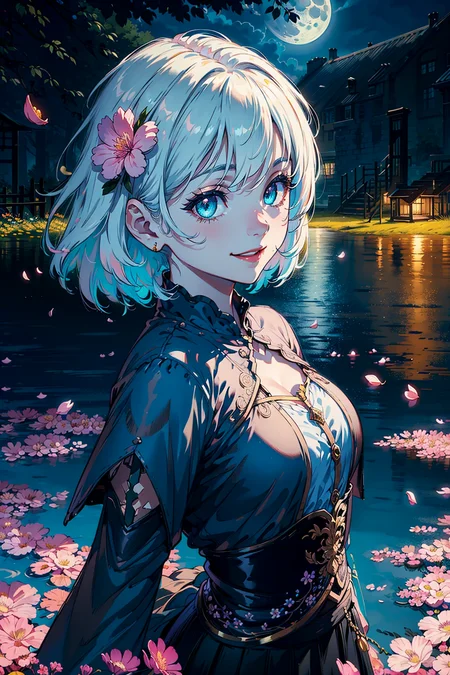
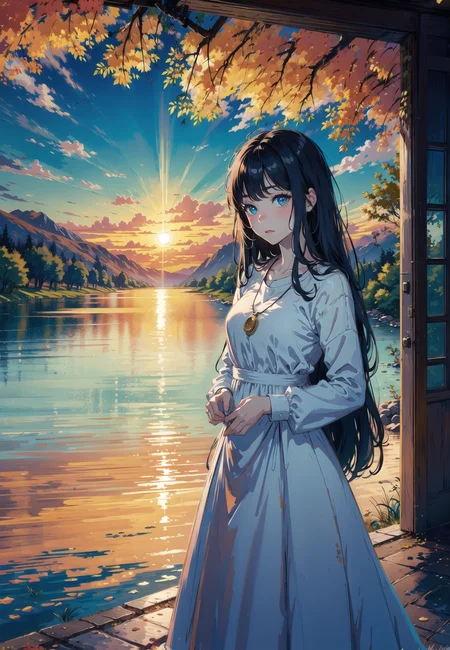
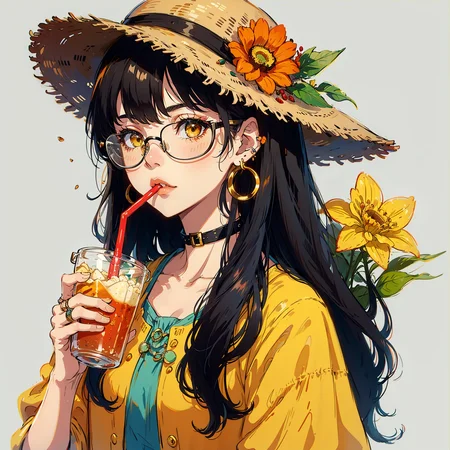
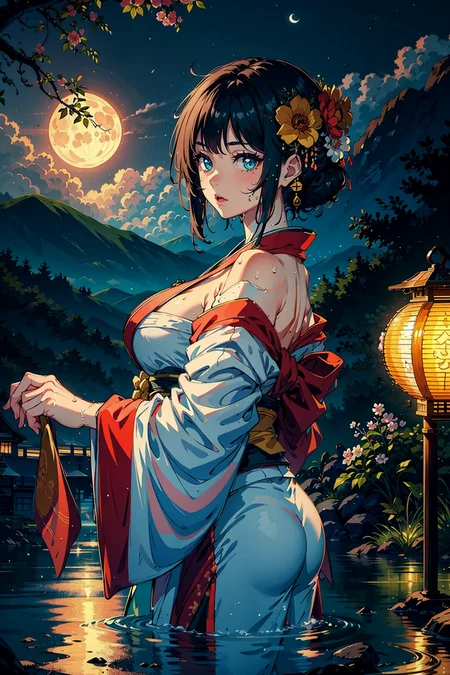
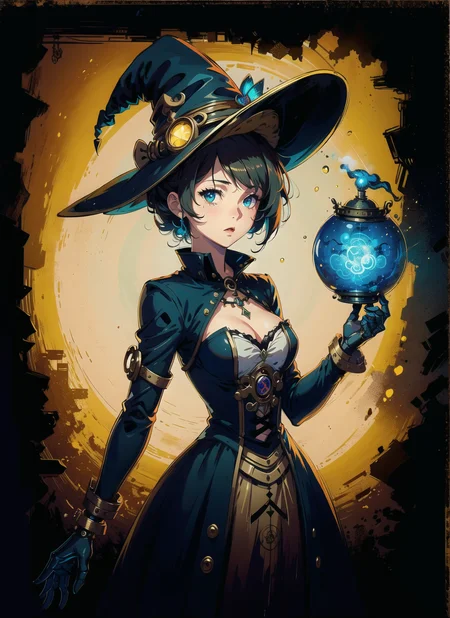
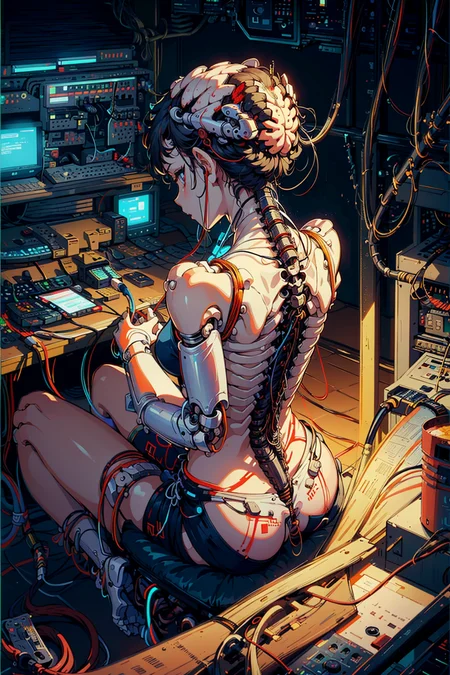

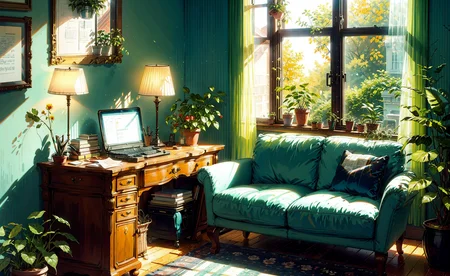
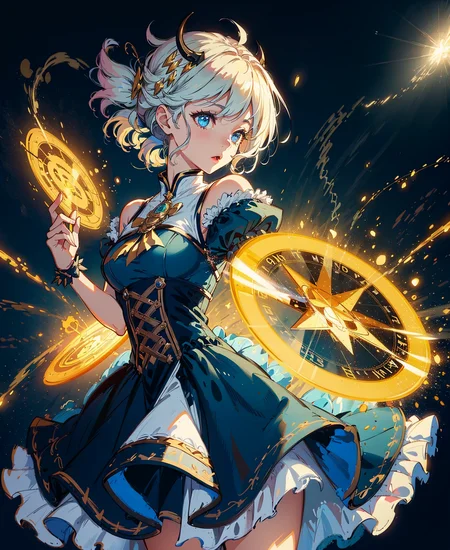
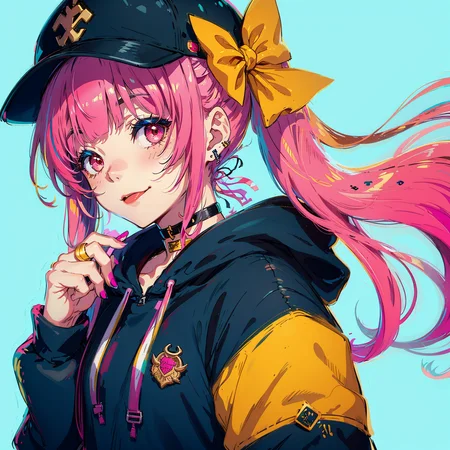
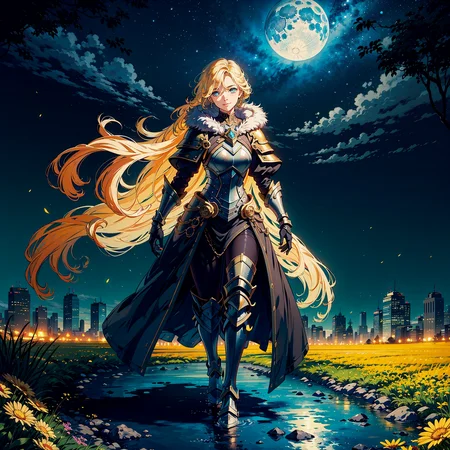
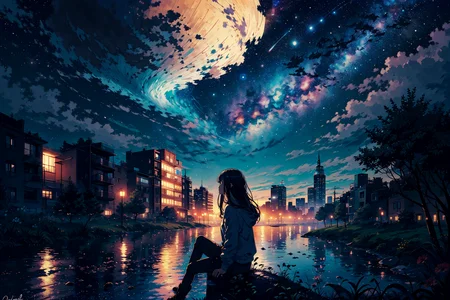


Recommend:
vae-ft-mse-840000-ema
use highres fix to improve quality.
打了一个月王国之泪后重操旧业。
新版本算是对2.5d的整合,保留整体二次元画风的同时肢体上比前几个版本要好,脸型也要更多样化一点。
但光影和线条上就和2.5D更像一些,我也纠结了很久究竟该放在哪边,最终还是放在这了。于是干脆起个2.25d的版本名吧,至于孰好孰坏就见仁见智了。
多少有点背离初衷了,一点都不暗了。想暗的话还是自己加noiseoffset吧
After playing Tears of the Kingdom for a month, I resumed my old work. The new version is an integration of 2.5d, which retains the overall anime style while being better than the previous versions on the limbs, but the light and shadow and lines are more like 2.5D, so i simply call it 2.25d version.
起名废玩烂梗系列,事后想想起的不错。
首先暗图效果比较好,dark合适,自己融的时候差不多也是寿司那样什么都塞点,dark 寿司没毛病。
光效比较好,能生成比较暗的图,正常亮度的图片也有不错的光影表现。
融了群友私模和一大堆我也记不住组成的以前的自融模
能确定包含的是自己之前的五仁Five Nuts Mixed 五仁月饼Mix | Stable Diffusion Checkpoint | Civitai 和Unrule | Stable Diffusion Checkpoint | Civitai
以及群友的TmndMix ,绝对的杰作,推荐大家都去试试 https://civarchive.com/models/27259
darker版本里还加了noiseoffset的lora,生图要比brighter版本暗一些,光影表现上要强一点,但缺点就是正常生图也会比较暗。大家一般用brighter版再自己调用noiseoffset的lora也能达到类似效果。
Intro:
named from a dark soul's meme in Chinese community.
merged with my friend's pravite model and some other models merged by myself.
Including Five Nuts Mixed 五仁月饼Mix | Stable Diffusion Checkpoint | Civitai ,
Unrule | Stable Diffusion Checkpoint | Civitai
and my friend's TmndMix https://civarchive.com/models/27259 .it's definitely a masterpiece.
if you like dark sushi ,you should also try tmnd.
noiseoffset lora is merged into the darker version. So the imgs generated by the darker version will be darker ,and have better light and shadow performance. you can use brighter version and noiseoffset lora to get similar effect.
Description
A more colorful version.
Preview's vae is 840000.
If you feel too colorful, you shall change the vae into others.
FAQ
Comments (32)
来个群号,一起交流炼金术。
I don't know what I'm doing wrong but the images I create with this look awful as hell. The faces are just smudges of indistinct shapes and for some reason glow. I really want to use this as the images shared look amazing but what I end up getting looks nothing like it...
Here's info on what i use if it helps:
Vae: Kl-f8-anime2
Sampling: DPM++2m Karras
Steps: 30
HiRes Fix, steps 15, Denoise 0.3, upscale by 2
Upscaler: R-ESRGAN 4x +Anime6B
HxW: 328x328 (656x656 with upscaler)
CFG: 10
Haven't tested yet but my guess is your base resolution too low, and I'd imagine the glow is from noise offset. If you can't generate at higher res this might not be a good model.
Resolution is too low.
@Aitasai Damn I was worried about that, I can't run Hires fix any higher than that with my 1660Ti as it runs out of Vram x-x I guess with that there's no point using Hires if it just ruins the image like that. Would this still work without Hires? Or is that pretty much needed? Regardless thanks for the help finding the issue!
@Hybridwolf 6g vram should be able to run higher resolution.Last year when i only used a 1050ti which have only 4g vram, I could generate 1024*704 pics. Maybe you should look for where is wrong with your settings.
@Aitasai Were would I look to check settings for HiRes fix? whenever I try to run it higher than 326x328 I get a message in CMD that says:
"torch.cuda.OutOfMemoryError: CUDA out of memory. Tried to allocate 2.00 GiB (GPU 0; 6.00 GiB total capacity; 3.35 GiB already allocated; 243.73 MiB free; 3.94 GiB reserved in total by PyTorch) If reserved memory is >> allocated memory try setting max_split_size_mb to avoid fragmentation. See documentation for Memory Management and PYTORCH_CUDA_ALLOC_CONF"
That was at base res of 512x512 And it says that everytime it gets to the HiRes portion of generation.
@Hybridwolf try SET COMMANDLINE_ARGS= --medvram --precision full --no-half
or EXPORT COMMANDLINE_ARGS= --medvram --precision full --no-half
@Aitasai Tried it with those settings in commandline Arg and it still comes up with teh same message, I had medvram already so I added in the precision and no-half. I also had Xformers in there too.
Would changing the batch size and batch count help? I usually try to run it with Batch count 2, batch size 4 so I don't have to run multiple times for more than one image.
Update: well turns out it does but I have to set the Size to just 1 for it to work, but the image does look 1000x better now xD Guess it was my fault for trying to do larger Sizes, I just have to run the Batch count as the higher number instead. Sorry for being dumb xD But thanks for the help getting this sorted out, will help with not only this but other models I've been trying to use :D
@Hybridwolf You can also search for "VRAM usage polls" on the settings and increase it, setting it to max should be fine. It (should) help prevent VRAM related crashes.
I can't remember if it needs xformers or don't work with xformers, but increasing it won't hurt anyway.
love the style and my images are ok, but on colorful extremly oversaturated, even more than the sample pics. No idea what i am doing wrong. using 84000 vae
that's a flaw of this version. if you feel the color is oversaturated, you can use other vae, like nai
@Aitasai there is one sample image i think u didnt use 84000 :D probably because of that i felt like :)
The Models are great, i just get somehow in the dark version more blurry/artifacts in the picture results, have no idea why. Just as a general info.
Check your rendering size. I think they were trained on 512. I normally use native 768x1024. But I was getting blurry pics on both models with that. I changed to 512x768 and then upscale to 691x1036
@Rachey13x I tried this but I'm still getting some blurry artifacts and odd contrast, could you list your exact settings ?
@Rachey13x ty , for me the brighter one works best. still getting some blurry stuff, i used 512x512 -> and 512x768
@DetaKongz you might want to change ur sampling method, try Euler a at 25 -35 steps that's usually works out for me 512x768
大颗寿司=Dark souls
SD 1.5?
Thank you for the amazing model! Can you please add a BakedVae model please?? Praying... THANK YOU
I have some issues using img2img and inpaint using Colorful and Brighter Pruned versions. Whenever i render img2img with denoising strength smaller than 0.5 the outcome image becomes very unsaturated and bland. Completely loses all saturation and color, even though i don't get the same problem with other checkpoints and exact same settings. But other than that the model is absolutely gorgeous.
我能加群吗
Hey there, can we have a baked vae version! Ty so much!
does this go into the models/stable-diffusion folder? im new to this
yes
@MoltenHeart ty, any other good pointers with the content of this page? or a good tutorial
@belmont725 Well I know a bit but I'm no expert. Are you familiar with this webpage? https://huggingface.co/hollowstrawberry/stable-diffusion-guide/blob/main/README.md#index It has a lot of good info on it.
Details
Files
darkSushiMixMix_colorful.safetensors
Mirrors
darkSushiMixMix_colorful.safetensors
darkSushiMixMix_colorful.safetensors
darkSushiMixMix_colorful.safetensors
darkSushiMixMix_colorful.safetensors
darkSushiMixMix_colorful.safetensors
darkSushiMixMix_colorful.safetensors
darkSushiMixMix_colorful.safetensors
darkillus.safetensors
darkSushiMixMix_colorful.safetensors
darkSushiMixMix_colorful.safetensors
colorfulillus.safetensors
darkSushiMixMix_colorful.safetensors
drksshmx.safetensors
darkSushiMixMix_colorful.safetensors
darkSushiMix_colorful.safetensors
darkSushiMixMix_colorful.safetensors
darkSushiMixMix_colorful.safetensors
darkSushiMixMix_colorful.safetensors
darkSushiMixMix_colorful.safetensors
darkSushiMixMix_colorful.safetensors
darkSushiMixMix_colorful.safetensors
darkSushiMixMix_colorful.safetensors
darkSushiMixMix_colorful.safetensors
DarkSushiMix-Colorful.safetensors
darkSushiMixMix_colorful.safetensors
darkSushiMixMix_colorful.safetensors
darksushimix.safetensors
darkSushiMixMix_colorful.safetensors
darkSushiMixMix_colorful.safetensors
darkSushiMixMix_colorful.safetensors
darkSushiMixMix_colorful.safetensors
darkSushiMixMix_colorful.safetensors
darkSushiMixMix_colorful.safetensors
darkSushiMixMix_colorful.safetensors
darkSushiMixMix_colorful.safetensors
darkSushiMixMix_colorful.safetensors
darkSushiMixMix_colorful2.safetensors
darkSushiMixMix_colorful.safetensors
darkSushiMixMix_colorful.safetensors
Available On (1 platform)
Same model published on other platforms. May have additional downloads or version variants.