
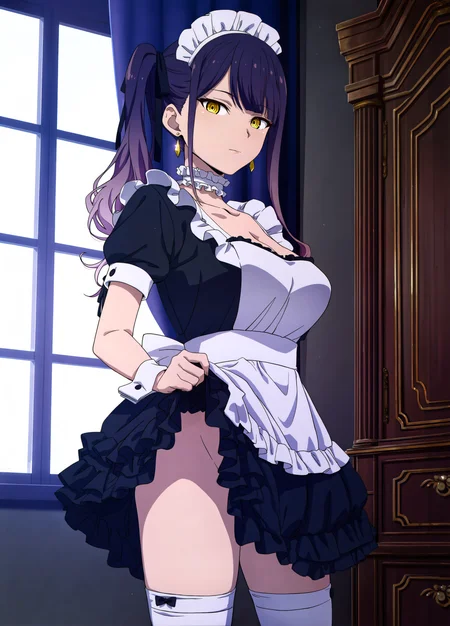

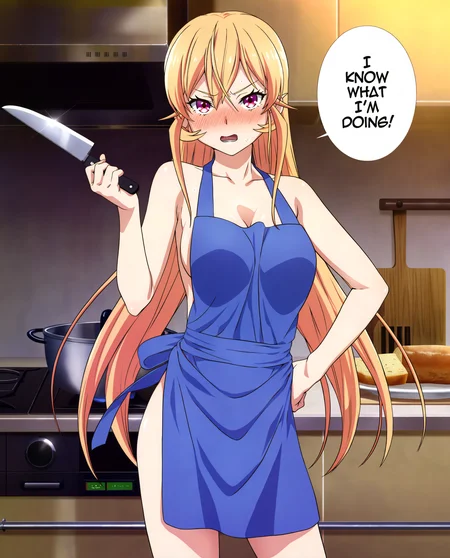
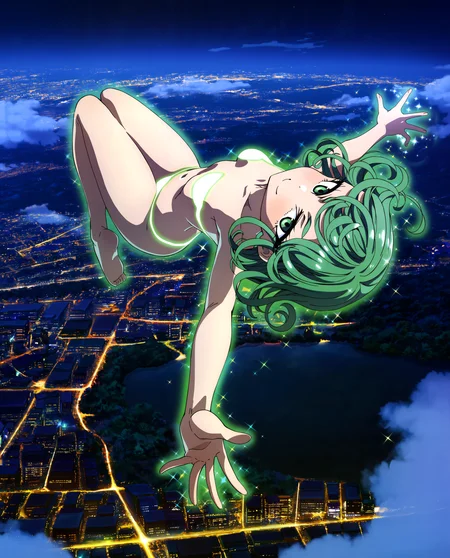


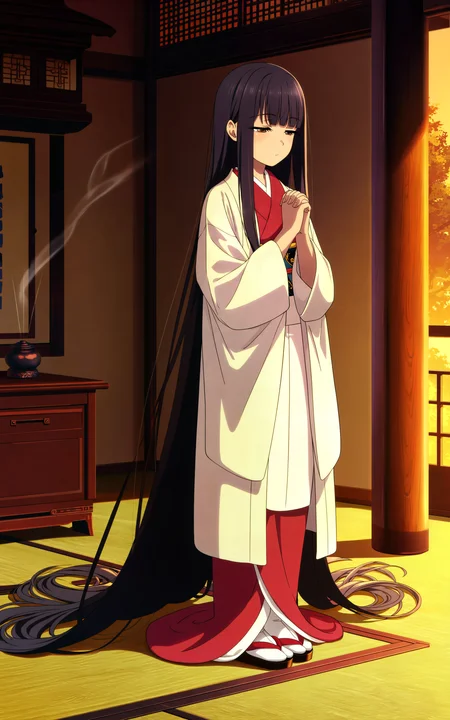


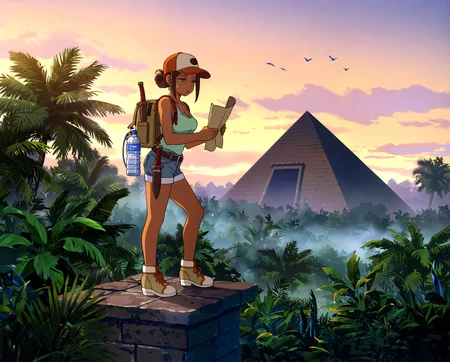



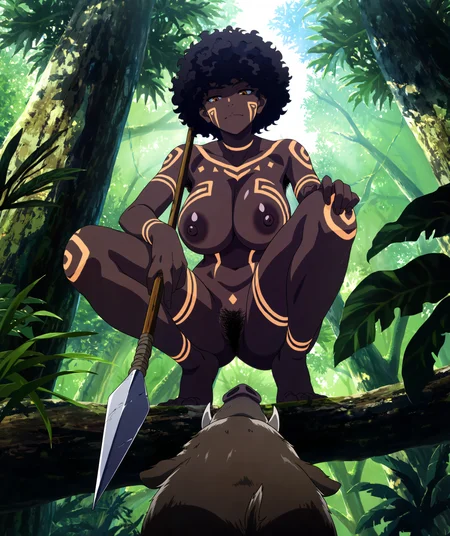

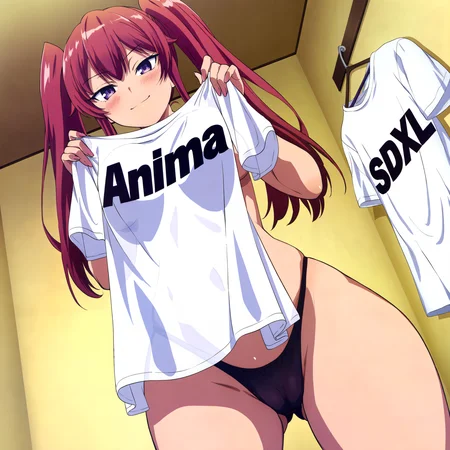
These loras were trained on images from Megami Magazine from late 2018 to 2026. Anima already knows the Megami Magazine tag but it's riddled with japanese text. These loras were trained with the text manually removed. Please read the About This Version for more information.
To get the results you see in the images above, these are the settings I used.
Visit My Site For Models I Can't Post On CivitAI: https://qtgurl.com/
The loras for Anima V1 were trained at 1792 resolution. So they're capable of generating at around 1792x1792 or higher.(I use 1600x1984) The P2 and P3 loras were trained at 1536 resolution, so they're capable of generating around 1536x1536. (I use 1408x1792 for most gallery images.) All of the loras are capable of generating smaller sizes just fine.
MeMaAni - V2+B+C
Trained on 48-68 (mostly) new and old images. Dataset was re-collected and edited for the best possible quality.
MeMaAni - V1
Trained on the same data used in Preview 3.
MeMaAni - Anima Preview 3
Trained on the same data used in Preview 2 with slight changes to improve results. Most of the improvements come from the Anima P3.
MeMaAni - Anima Preview 2
Trained on the same data used in 2d Gold Fish. I guess you could call it MeMa F, but I suppose that would make it A for this model. It uses a lot of images from the A dataset so it's close enough.
Comment On Anima
The final release of Anima 1.0 is fantastic. The model has so much capability. If you haven't made the switch, now is the time. It doesn't matter if all you post is one girl, the jump in quality, prompt comprehension, 16 channel VAE, newer anime knowledge and just raw stable performance makes it the worth while model to switch to as an anime genner.
Description
This version was trained on Anima 1.0.
This is the same dataset from P3 but trained up to a resolution of 1792x1792. That mean you could theoretically gen at 2028x2048 but I just stick to around 1600x1984. The reason I chose a higher res than before was because Anima 1.0 supports up to 1536 and my past training tests has shown me I can get away with slightly higher training numbers.
As for the results, Anima 1.0 is a ridiculous improvement in cleanliness and coherence. Granted, I've made a few setting changes on my end that has also improved my image generation.
I highly, highly recommend you use the Sampler Method: SA Solver PECE and Schedule Type: Simple with this lora. It improves the final image greatly and gives more accurate hands and feet 7/10 times.
FAQ
Comments (18)
You should try out Euler A2 with SGM Uniform. Works great. You need an extension/node if using comfy or forge neo.
Ohh, neat. I'll test it some more but it seems pretty good and a lot faster than what I'm currently using. Thanks for letting me know about this combo.
Are you using Comfy? I can't find a custom node for Euler A2 anywhere
@AzulAuthority I use Neo, but there is a node and an extension.
@HaloSkull Thank you!
Works better with Beta after some testing rather than SGM Uniform.
@HaloSkull I've heard the sampler gauss-legendre_2s is pretty good on Anima but it's Comfy exclusive under the RES4LYF node suit. I would like to try it but I use Forge Neo and don't plan to learn Comfy if I can help it.
@Fish788 Panchovix might be able to add it to the extension if you open an issue.
SA Solver PECE sampler is decent but it feels slower than regular ER SDE/Euler. At these high resolution and step counts I can't see it being worth it
(or I could just be spoiled by SDXL generation times, its hard adjusting)
Yeah, SA Solver PECE is very slow but I feel it's worth it to have consistently correct body parts in exchange for spending less time playing gen roulette. Use the settings you feel works best for your hardware. In about a month, Russ will be releasing a Turbo model of Anima 1.0 so if that's your thing it should be helpful.
thanks for the tip about the sampler/scheduler, really valuable advise, and unfortunately so rare from creators <3
This LoRA captures the anime style very well, but when I add the prompt 'Megami Magazine', text tends to appear in the top-left and top-right corners of the image. Even after adding 'text' to the negative prompt, it still shows up.
After I turned off the colorfix LoRA, the text on the watermark disappeared. I'm not sure if it's just a probability issue.
It really is a probability issue. The text still appears. I tried your settings but it still persists. Is there any solution?
There is no prompt solution for removing text when using the Megami Magazine tag. The tag has an extremely strong association with japanese text since every raw Megami Magazine image has text on them. None of the base anime models (anima, illustrious, etc.) have bothered to edit out the text like I have. You're only real solution is to not use the tag or manually remove the text after the image is generated. This is one of the reasons why I made this lora in the first place. This lora gives you the style without having to deal with the text from the Megami Magazine tag. I recommend you don't use the tag at all.
@Fish788 Understood, I will further adjust the settings.
@Fish788 I tried using the BAS ANIMA checkpoint released by another author earlier. It can give images a flat anime style. Combining this checkpoint with your LoRA, at 25 steps, 4 CFG, ERA+Normal, it can generate a pretty good image within 20 seconds.
Details
Files
Available On (1 platform)
Same model published on other platforms. May have additional downloads or version variants.