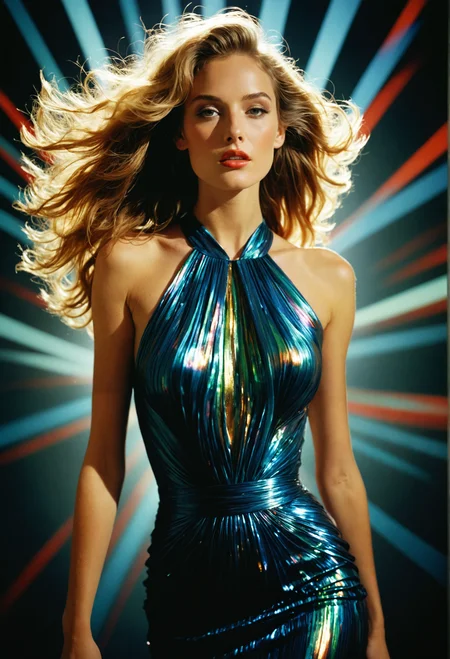
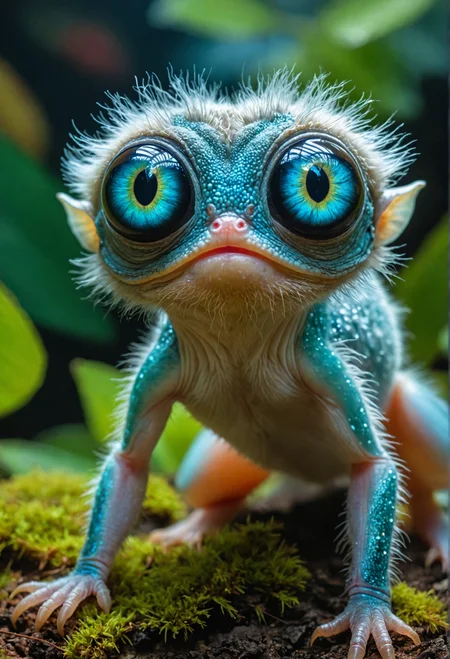
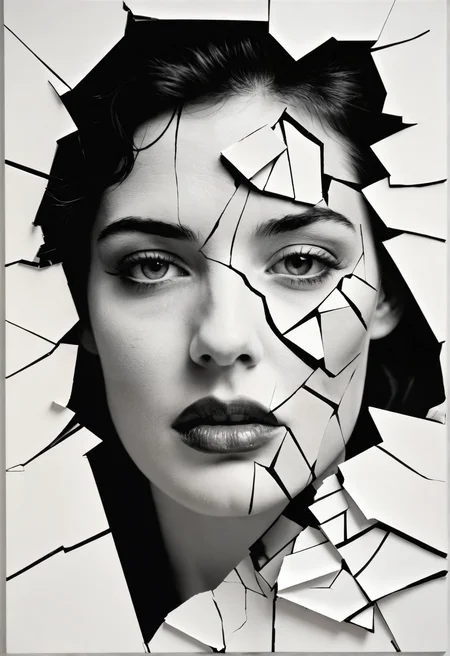
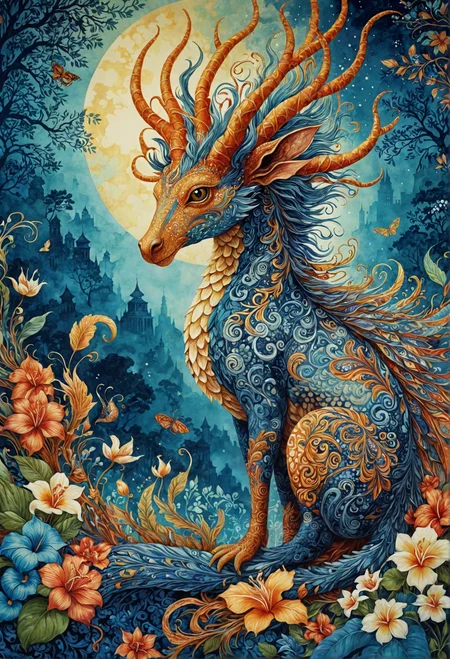


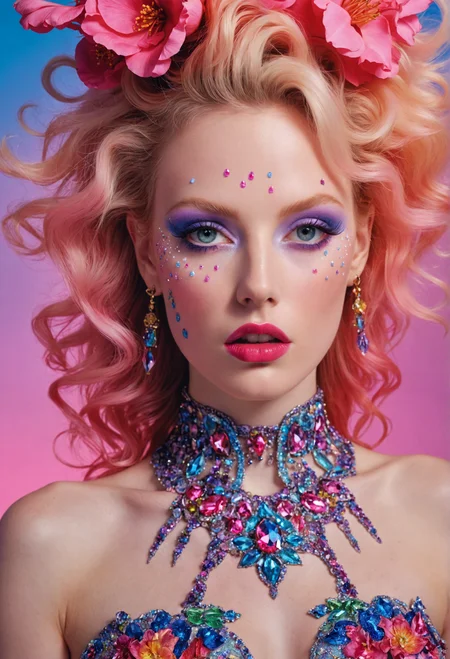
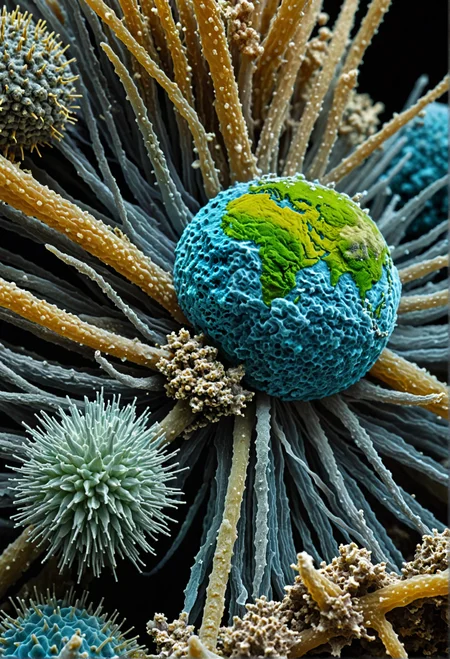
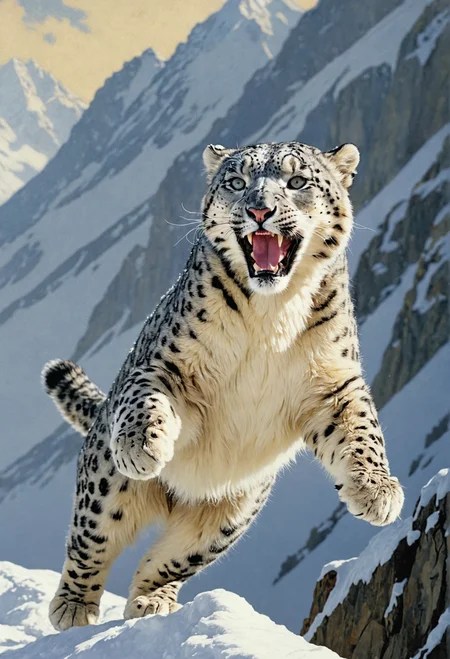
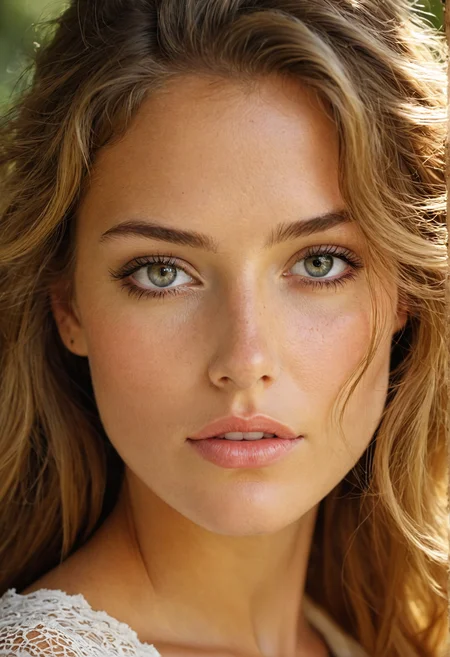
IMAGINARIUM
Welcome to the Imaginarium a place where fantasy interfaces with reality, and wonder is found in every corner.
This model sets out to achieve a high level of photorealism, while also enabling creativity and exploration of concepts. It started as an offshoot of my Omnium model, incorporating it's state nearing V3. But then taking on additional training to get a very distinct look.
An imaginarium is a place devoted to the imagination, meant to stimulate all sorts of creative, spiritual or even scientific endevours. SDXL offers a brilliant springboard to achieve exactly this, and with this checkpoint I hope to offer a premium experience of what SDXL has to offer.
I am delighted to see what impressive imaginative imagery you will all conjure forth inside the Imaginarium.
Description
Turbo boosted version of Imaginarium
Use with DPM++ SDE Karras, 3 steps or more, CFG between 1 and 3.
Can be used at 832x1216, but you run the risk of running into elongated features, the lower you go the less likely this is, 728x1064 seems to work just fine. But I'd say even 832x1216 is pretty stable for a lot of use cases.
You can use hires fix or ultimate upscale for increased resolution and details.
Enjoy!
FAQ
Comments (12)
i'm about to try this, but i won't lie, the first thing i notice is that every single sample image and almost every single image in the gallery below, the subject has the eye on the right higher than the eye on the left.
I looked at some of your posts and noticed the same, if anything it's a SD tendency.
@FrenzyX to credit the model, it was the best turbo checkpoint i've ever tried, and i don't recall seeing this issue in any of the generations i did. however, i still can't personally get into turbo, the overall quality just seems so much lower... and my system is quick enough for me on mainline SDXL anyway. I was giving turbo another shot on the advice of glitter_fart who had recommended your checkpoint as a top-3 turbo SDXL
@shapeshifter83 Thanks!
There is one image in my showcase for the model that has it quite bad, but that actually appeared during upscaling and I didn't want to bother with tweaking until it disappeared.
I generally like to run plain SDXL as well, but it's still cool that it's possible to create pretty decent images in just 3-5 steps.
Hello,
Thank you very much for this model.
I was wondering if you could share the settings to be used please. Such as the Steps, CFG or anything else that someone new to this would be helpful :)
Thank you.
Hi, check the about this version, that should get you started. At least for the Turbo build, in general you can check the metadata of the images for each version to get a good grasp of how it should be used. If you still want additional feedback, just provide the desired version and I'll share some more data.
@FrenzyX Thanks for replying. My query was specifically on the settings for the '1.0 Turboboosted' model. I am using Automatic 1111.
Sorry again very new to this : )
@makaveli_313 Then the suggestions in the about version are exactly what is needed. Should in essence be the same under A1111.
Hello, i'm using online Google Colab 1111 with SD 1.5 since 1 year.
Now what if I want to use SD XL?
I put the XL checkpoint in the same folder of other.
Then... what else should I know?
Is the turbo boosted lower quality? And is this the successor to Photonium with more flexibility or is Photonium still more capable with photorealism.
This model seems to have a wierd preponderance for black and white vintage style images, even when I put that in the negative prompt. Any idea why?
Works great with "CFG Scale" = 2,5-3
Details
Files
Available On (2 platforms)
Same model published on other platforms. May have additional downloads or version variants.