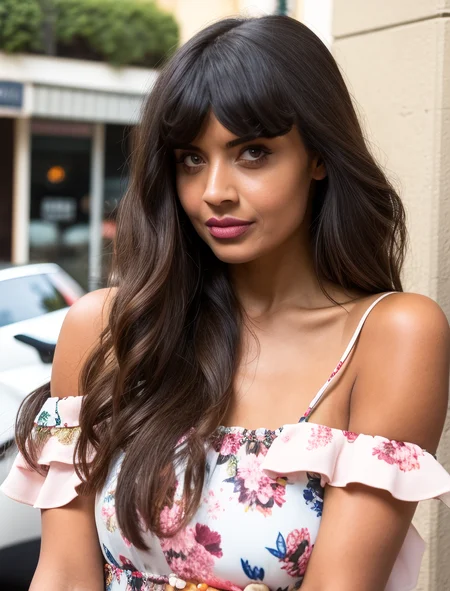

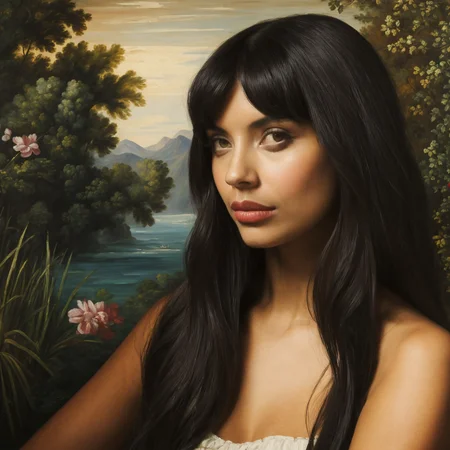
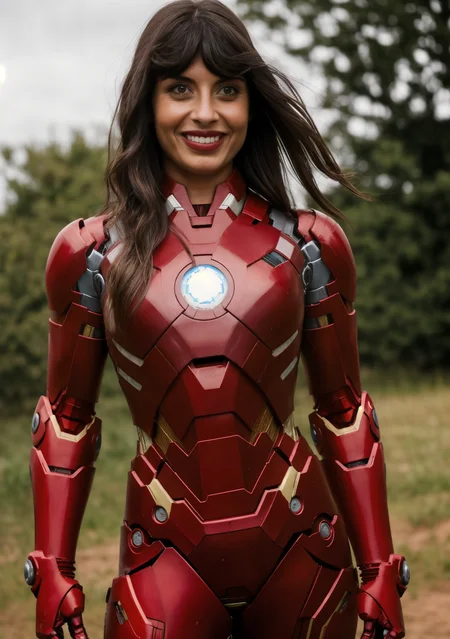

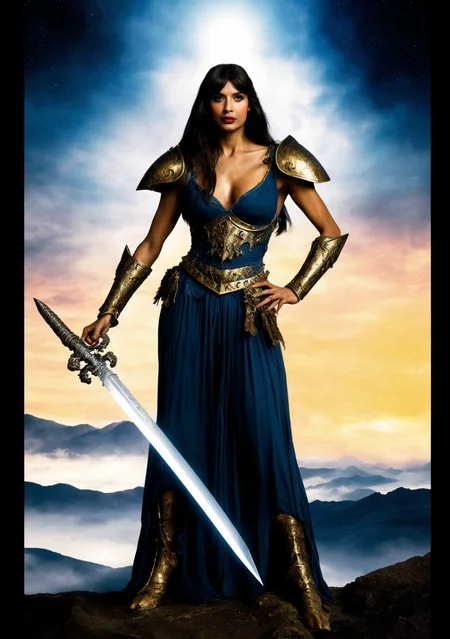
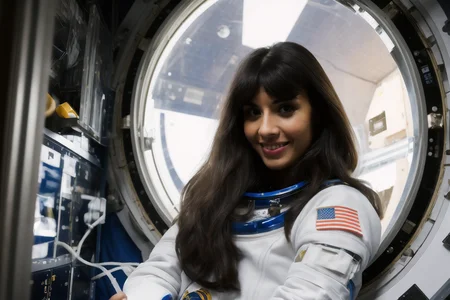
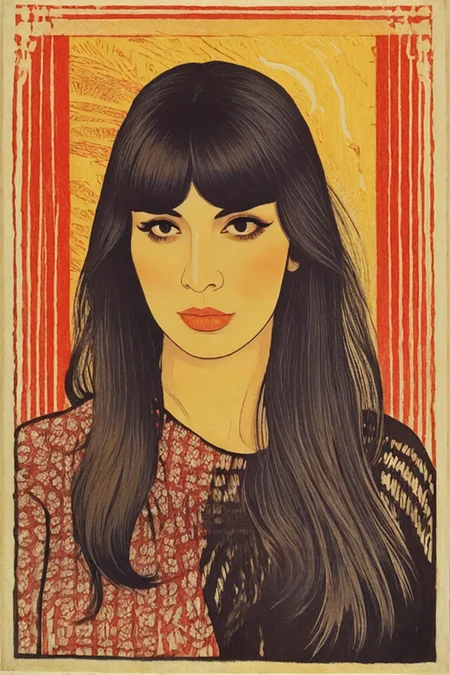

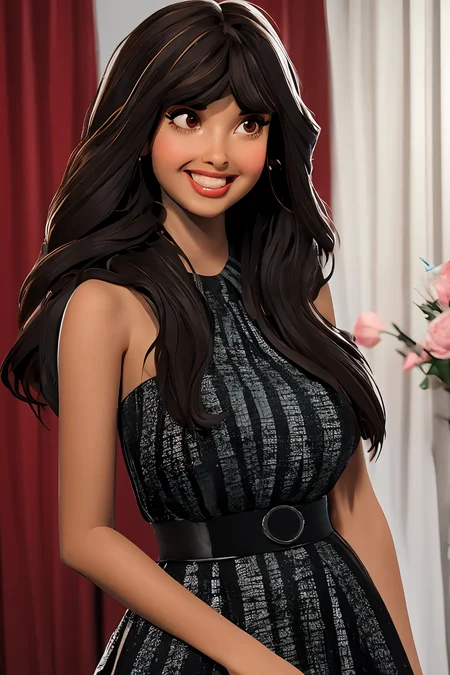
Jameela Jamil, British actress of Pakistani descent best known for playing Tahani Al-Jamil on the television comedy The Good Place and the villain Titania on She-Hulk: Attorney at Law.
Usage
Recommended Starting Settings
It can take a lot of trial an error to get a very good likeness, but starting out with these settings should give a good head start:
Steps: 30-40
CFG: 6-9
Sampler: Euler
Scheduler: Normal
LoRA Weight: 1
Size
The LoRA was trained at various resolutions centered on 640x640, so for starting size try resolutions where the width and height add up to around 1280.
Prompt
Start off with however you normally prompt with your model of choice, and instead of saying "Jameela Jamil" say "woman" or "1girl" e.g. "A woman accepting the Nobel Peace Prize" or "1girl, solo, goth, red eyes, full body, red sword, blood dripping, angry face." You may get lucky and get a good resemblance off the bat!
If not you can start adding terms describing Ms. Jamil that will connect with the LoRa if you are not seeing them in your image: "long dark hair," "curtain bangs," "big brown eyes," "eyeliner" and/or "mascara," "tall," "brown skin" or "light brown skin," "prominent cheekbones," "strong jawline, " and "full lips."
Some negatives to throw in: "weak chin," "masculine" and/or "man," and "botox" if her cheeks or lips are looking too puffy.
Check out the positive and negative prompts in the example images for inspiration.
Strength/Weight
Play around with levels between 0.9 and 1.2.
Iterating
Now start experimenting with the various steps and CFGs in the recommended range and various sampler/scheduler combinations to see what works best for your prompt. Then keep trying different seeds until you get a person doing what you describe in your prompt that has at least an OK resemblance.
You then have the opportunity to improve the resemblance in the upscale denoising process, trying different denoise levels, and different seeds depending on the tools you use.
Finally, you can use the LoRA with "Adetailer" or "FaceDetailer" or similar tools using a custom prompt for them with just the words that describe Ms. Jamil listed earlier. At this point hopefully you have got the result you were looking for!
All of the example images went through this process - none of the faces had photoshop or manual inpainting work, they just came out of trial and error and automated inpainting using the LoRA with FaceDetailer in ComfyUI.
Description
Trained on 61 high-resolution manually captioned photos
FAQ
Looks like we don't have an active mirror for this file right now.
CivArchive is a community-maintained index — we catalog mirrors that volunteers upload to HuggingFace, torrents, and other public hosts. Looks like no one has uploaded a copy of this file yet.
Some files do get recovered over time through contributions. If you're looking for this one, feel free to ask in Discord, or help preserve it if you have a copy.
Details
Available On (1 platform)
Same model published on other platforms. May have additional downloads or version variants.