


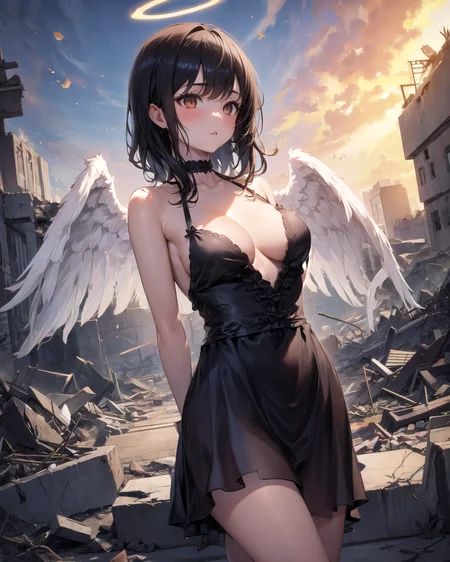
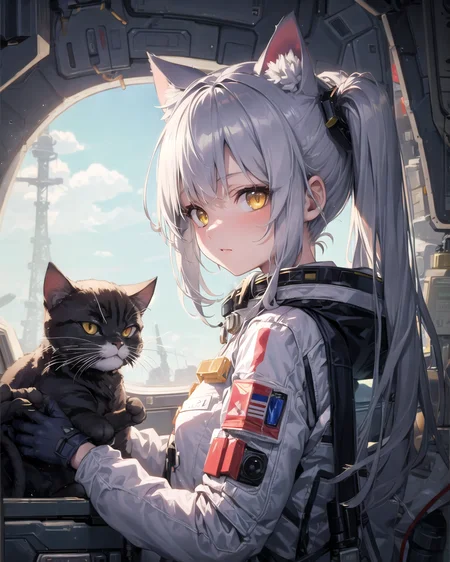
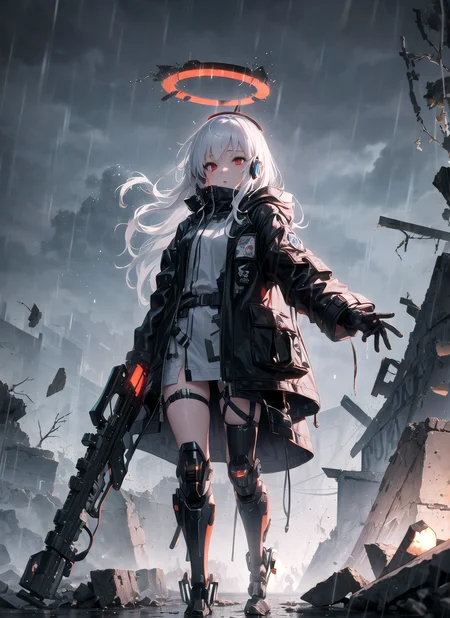
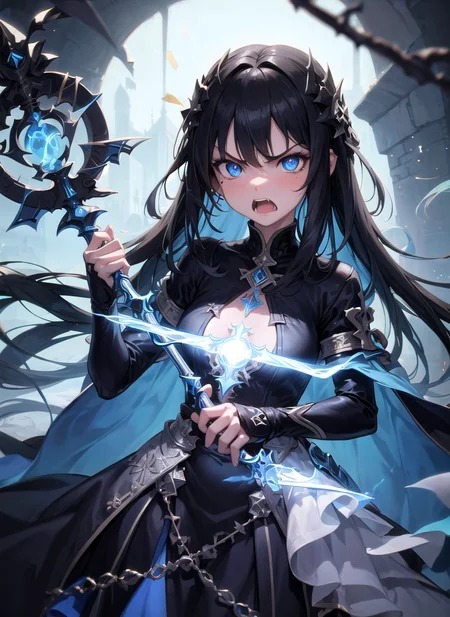
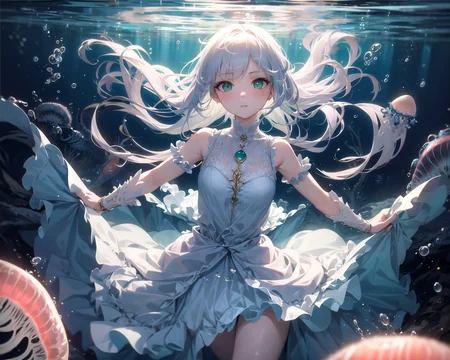
Hassaku aims to be a model with a bright, clear anime style. Model focus are nsfw images, but also with a high emphasis for good looking sfw images as well. My Discord for everything related to anime models and art.
My Discord for everything related to anime models and art.
If you'd like to support my work, you can do so at: SubscribeStar, every bit helps and is truly appreciated!
____________________________________________________________
Supporters:
Thanks to my supporters tamashiicolle, pttcot, SETI and Kodokuna
_____________________________________________________
Using the model:
Use mostly danbooru tags. No extra vae needed. For better promting on it, use this LINK or LINK. But instead of {}, use (), stable-diffusion-webui use (). Use "masterpiece" and "best quality" in positive, "worst quality" and "low quality" in negative.
My negative ones are: (low quality, worst quality:1.4) with extra monochrome, signature, text or logo when needed.
Use a clip skip 1 or 2. Clip 2 is better for private parts, img2img and prompt following. Clip 1 is visually better, because i assume, the model has more time and freedom there. I use clip2.
Don't use face restore and underscores _, type red eyes and not red_eyes.
Don't go to really high resolutions. Every model, like hassaku, get lost in the vastness of big images and has a much higher chance to greate, as example, a second anus.
_____________________________________________________
Every LoRA that is build to function on anyV3 or orangeMixes, works on hassaku too. Some can be found here, here or on civit by lottalewds, Trauter, Your_computer, ekune or lykon.
_____________________________________________________
Black result fix (vae bug in web ui): Use --no-half-vae in your command line arguments
I use a Eta noise seed delta of 31337 or 0, with a clip skip of 2 for the example images. Model quality mostly proved with sampler DDIM and DPM++ SDE Karras. I love DDIM the most (because it is the fastest).
Description
Biggest change is a more drawn style with less extreme bright skin
What is better:
- Slightly more open pussy and anus (with highress fix)
- Anuses are less forgotten
- More responsive to nsfw tags
- Less realistic faces, without face defining prompts (ugly big lips faces, not good semirealistic)
- Slightly less chances of double limbs
What is better/worse for some:
- A little bit less "shiny", more drawn and less extreme bright skin (especially on highresfix)
- Clothes are more revealing
- Bigger possibility of motion lines, motion blur and floating symbols
What is worse:
- More chance of double anuses
- Less precise to create men
Hard to determine:
- Hands seems better then in 1.1, but hands are hands
- Highressfix seems more controllable (less changes on highress)
Trained with 30k NSFW images with later on fine-tune iterations. But needed heavy merging to make hands better again and reduce motion lines, motion blur and floating texts and hearts which are prominent in NSFW images. Problem with those, on highress, motion lines blend with the body and do spikes, motion blur extens to blurryness and floating texts/hearts morph into objects. The end result is much less changed as anticipated, sometimes identical, i decided to put it up as 1.2 version.
FAQ
Comments (61)
1.2 changelog?
When I want to generate pink ballet leotard, it always gives me a black plastic-like bodysuit leotard.
That's confused....
"black leotard" had on danbooru 39k images to 3,5k for "pink leotard" and a big amount of images with simply tagged "leotard" only, what feature mostly black ones (typical bunny ear bodysuit black leotards). No surprise that my model put black as priority up.
You can check danbooru tag list danbooru.donmai.us/wiki_pages/tag_groups
It show everything sorted by catergory!
@Rkkzne Thanks, I'll read them.
Dear creator, could you recomended me best size pictures for having good results?
Updated the inpainting model for V1 models with 1.2.
Any prompts for generating NSFW images?
If you click on the little "i" you can see the prompt that generated the sample images.
Is this model better with 512 or 768?
I'm using It with 768×1024 and it produces very good images. So I think You can go to 768 or even 1024.
Currently hosting a event on my discort, with small prices at the end of the month
https://discord.gg/pGdWUb29?event=1105466564679061524
Big shoutout to the author / contributor :) Great work, thanks!
One question: It seems to me that it always generates thick (big) thighs. Any ideas how to avoid this?
Seems cool but img2img constantly generates just black images, no matter what sampler or prompts. Shame.
That is not a model problem, but a common vae problem on every model, use --no-half-vae in the command lines
@Ikena Hi, i have --no-half-vae but I still get black images when I set vae to "none" in SD settings. Any ideas?
edit: vae-ft-mse-840000-ema-pruned vae works though when I switch it back to this one.
Could you upload a non-baked-vae version please? I love this model, but the color seems too sharp for me, and lines are bold.
Maybe alternative vaes can sove the problem?
You can force other vaes in the settings, baked in vae is used, if no other vae is set. I can provide a non baked vae version, but later. I’m currently not home.
@Ikena Thanks a lot! Hats off to you.
いつもおせわになってます。素晴らしいモデルをありがとうございます。
名前がすごいことになってます。
great model! thank you!
crazy quality
When trying to generate girl with small breasts or flat chest, ribs are always visible. I add "ribs" or "petite" in negative prompts but it doesn't work. Any solution?
whats the best sampler for this model??
Every karras sampler or ddim
the ai keeps making nearly only photo collages
any tips for making the face more anime like? cuz especially the nose and mouth are too realistic.
Put in negativ "realistic" helps sometimes
New contest "monster girls" started:
https://discord.gg/sd-citrus-models-1072156418402156624?event=1115043617707393096
first place get 40€, second place get 20€, third place get 10€.
Runs from 05.06 to 25.06
Recommended settings of Hires.fix for best quality results? Whenever I use Hires.fix I get abomination results most of the time and bad results.
The most important thing is to use the :R-ESRGAN 4x+ Anime6B" upscaler option for illustration-type images, and R-ESRGAN 4x+ for realistic images. Never use "Restore faces", especially for illustration-type images.
Denoising strength is a matter of taste, since the higher the number, the further the result will be from what you're choosing to upscale, which could be good or bad, but above 0.4 you're basically getting a different image. I've never really played with Hires steps and I don't know the advantages or disadvantages of using more or fewer steps in upscaling than in the original sampling. I generally leave it blank, which means it defaults to the same number of steps, and it seems to be fine.
And be sure you're using the ADetailer extension, since that runs after the upscale, which means more attention paid to faces, including people in the background that would otherwise just be smudges. I think a number of anime checkpoints assume you'll be using ADetailer and put less effort into faces because of it, which is going to be a lot more obvious after the upscale.
You can ignore all the settings and keep the defaults, except for the choice of ADetailer model itself, which can provide slightly different takes on the same image. I find face_yolov8n is usually most reliable, but it can be worth checking with face_yolov8s and mediapipe_face_full for a second opinion if you don't like the first one. Again, it's a matter of taste. (I've personally never gotten good results from the hands or person models, which is a shame.)
I hope this helps!
@A1322 I find your comment quite helpful so thank you.
@A1322 For me I use about 7 for hires steps, and that's what I found to be the best balance between quality and time
why it's really hard to make a deepthroat without Lora?
Well the only logical explanation is that model is not trained enough on it or not at all + might also be related to deep throat prompts.
Which Lora do you use?
Is it just me or does Hassaku have a really STRONG bias for plants? Like every single gen has a plant or leaves somewhere in it, which can get so annoying. Not only that, I also noticed 2 other strong biases. Characters are very often holding something such as hair. The second thing is that a lot of gens have characters wearing sleeves, even when prompted to be nude. Like they'll wear nothing except sleeves.
Ho to make another shape of eyes? I tried about 50 tokes of eye shapes and sizes, from realistic and geometry shape ones to anime drawing styles, using emphasis up to 1.3. I am trying to make diverse characters but all of them has similar faces. Yes you can adjust hair, eye color, makup and such but almost every face is similar no matter what I do. And I want to make with without using Loras, just with the model.
Do you happen to still have the older grapefruit V1 to V1.2 models on your computer?
Sorry, i deleted them for space reasons
@Ikena how about the old preview images on the grapefruit V1 model? Like the girl wearing a kimono holding a grapefruit, do you still have that one?
@Ikena Or do you still remember the merge recipe for grapefruit V1?
@FIFTTP Sry no, i cant remember it anymore
@Ikena ah alright, was kinda missing the more 3D and desaturated look of your original V1 model haha
@FIFTTP I might find them. I'll let you know
@IAmSteve Tried finding it on huggingface, almost found it on web archive but the login screen prevented me from accessing the model :<
@IAmSteve It's alright lol, no need to waste your time finding a lost model for some stranger on the internet haha
@FIFTTP I found it on my google drive, feel free to download it (it's the 1.4 version though): V4 - MISREAD THE TITLE, SORRY
@IAmSteve Are you sure? From the name it says V4. V2.4 to V4.1 can be downloaded here https://civitai.com/models/24383?modelVersionId=29173 Only V1 to V2.3 is missing.
@Ikena Yeah you are right... my bad, I misread the version number. Sorry
Details
Files
hassakuSD15_v12.safetensors
Mirrors
hassakuHentaiModel_v12.safetensors
hassakuHentaiModel_v12.safetensors
hassakuV1_2.safetensors
hassakuSD15_v12.safetensors
hassakuHentaiModel_v12.safetensors
hassakuHentaiModel_v12.safetensors
hassakuHentaiModel_v12.safetensors
hassakuHentaiModel_v12.safetensors
hassakuHentaiModel_v12.safetensors
hassakuHentaiModel_v12.safetensors
hassakuHentaiModel_v12.safetensors
hassakuHentaiModel_v12.safetensors
hassakuHentaiModel_v12.safetensors
hassakuHentaiModel_v12.safetensors
ChatlyDiffusionV2.safetensors
hassakuHentaiModel_v12.safetensors
hassakuHentaiModel_v12.safetensors
hassakuHentaiModel_v12.safetensors
hsskHM12test.safetensors
hassakuHentaiModel_v12.safetensors
hassakuHentaiModel_v12.safetensors
hassakuHentaiModel_v12.safetensors
hassakuHentaiModel_v12.safetensors
hassakuHentaiModel_v12.safetensors
hassakuHentaiModel_v12.safetensors
hassakuHentaiModel_v12.safetensors
hassakuHentaiModel_v12.safetensors
hassakuHentaiModel_v12.safetensors
hassakuHentaiModel_v12.safetensors
hassakuHentaiModel_v12.safetensors
hassakuHentaiModel_v12.safetensors
hassakuHentaiModel_v12.safetensors
hassakuHentaiModel_v12.safetensors
hassakuHentaiModel_v12.safetensors
hassakuHentaiModel_v12.safetensors
hassakuHentaiModel_v12.safetensors