


This simple workflow was made to implement new elements in an initial image without changing too much the composition.
The way it works is simple :
You have a first "load image" node in green which is to obtain a depth map of your initial image. Then you put a second image where you have added some details with paint or any other software. Then just play around with the denoising and the positive prompt to find a good result.
Should work with all image sizes if you have the same size for the two image inputs.
You can afterward, upscale it with my simple upscaler but noticed that because of the noise bring by the latent empty image, it will destroy complex and original patterns added so that you can't manage to get the pattern you want. So, I found that still up-scaling with a1111 is better in most cases.
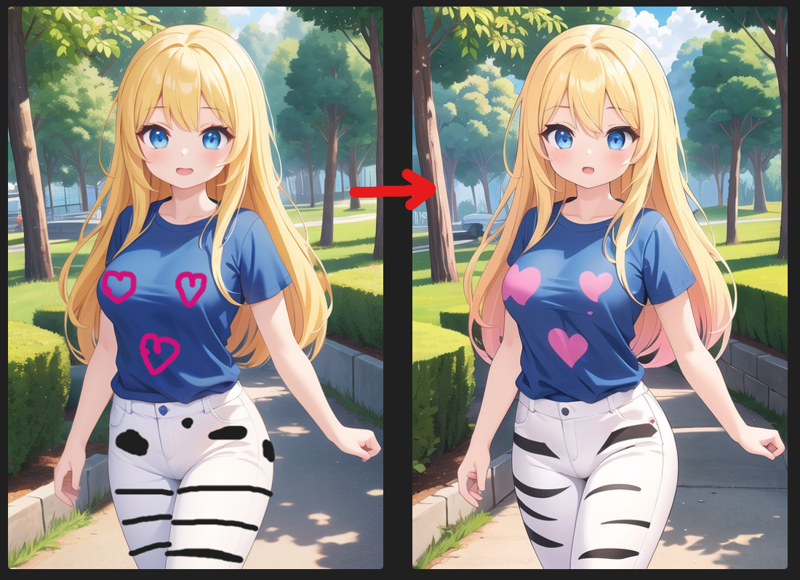
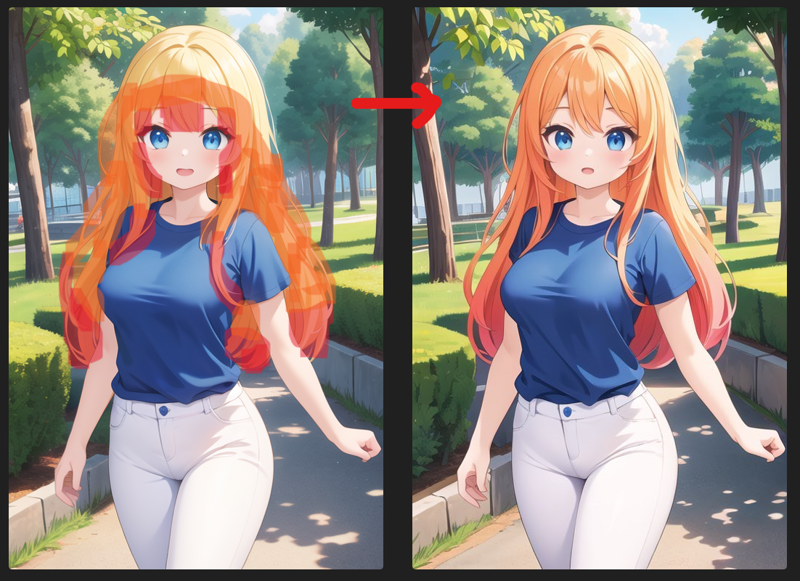
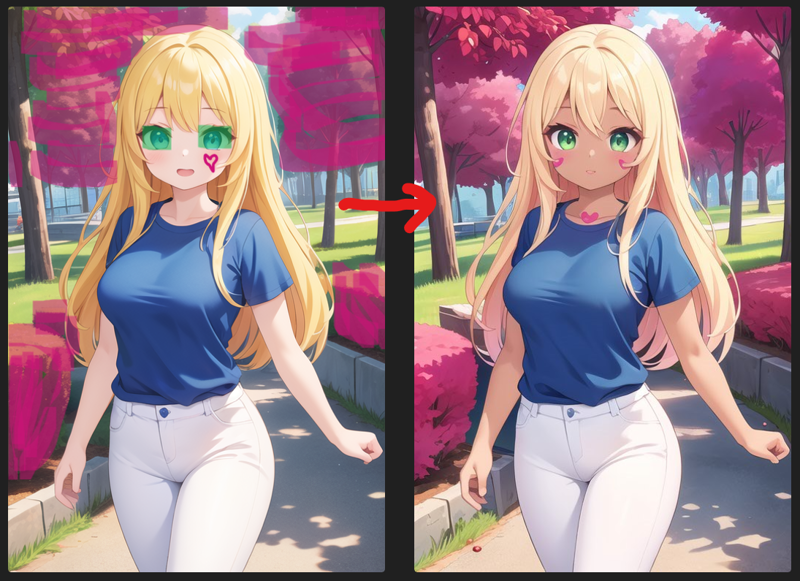
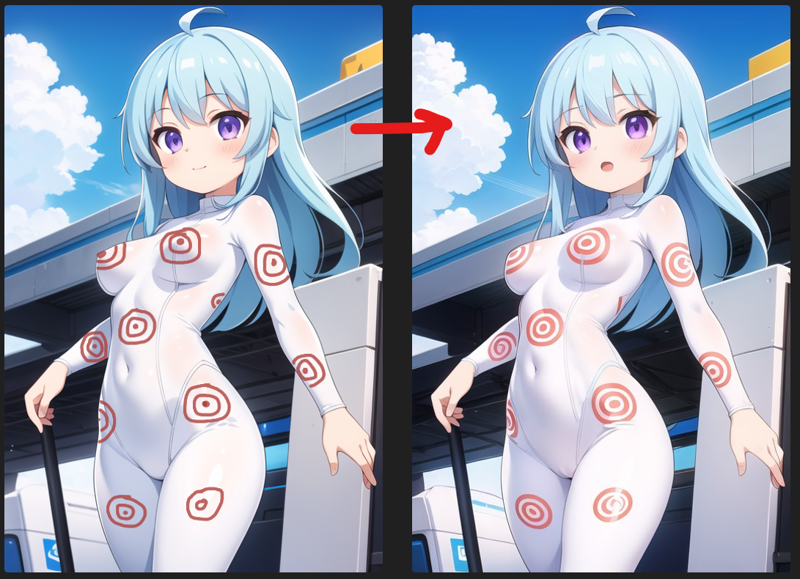
Here are some examples of transformation, you'll find upscaled versions in posts and others examples :
Description
v1, working for same size of the image inputs.