










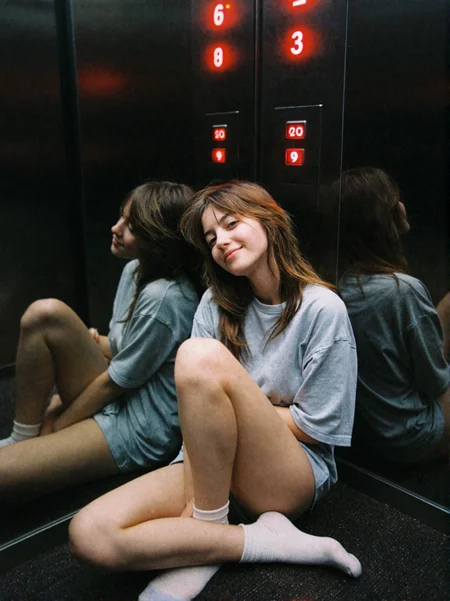
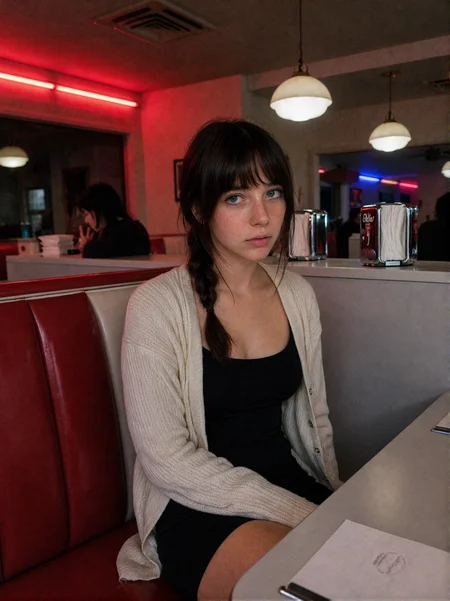
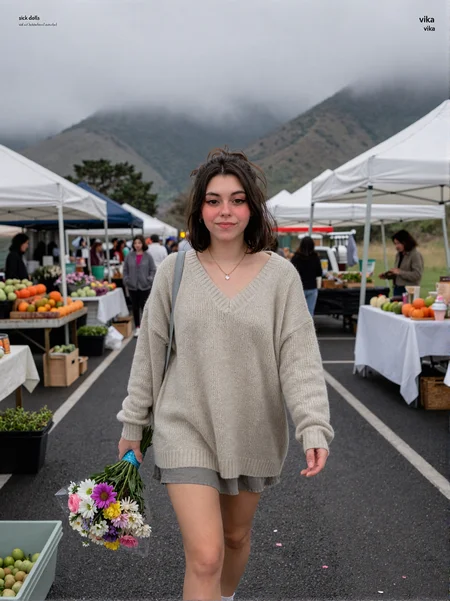

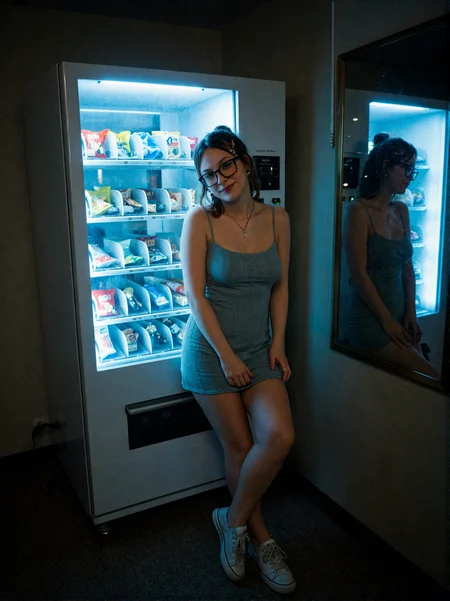
*Sup*
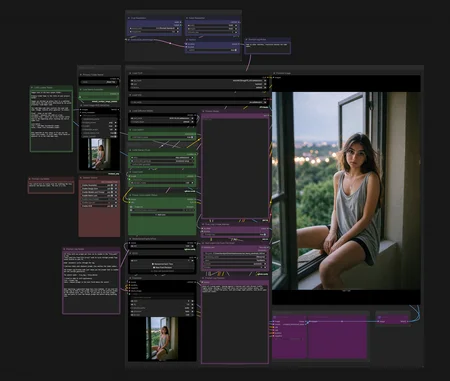
This is basically my quick little ComfyUI speed workflow for testing LoRAs, cycling prompt logs, and keeping outputs organized.
Two files attached to download here. JSON file is the workflow. Txt file is a simple prompt log for testing LoRAs on female characters with the "Text Load Line From File" node.
Main thing it’s built for:
Batching through character LoRAs and prompt logs fast.
Images save into your normal ComfyUI output folder.
The “Primary Folder Name” node is your main project folder name.
Inside that, images get sorted into subfolders named after the LoRA from the green “LoRA Name” node, so if you’re batch testing a pile of LoRAs it doesn’t just dump everything into one folder.
You can also disconnect the "LoRA Name Subfolder" value and just name those folders whatever you want if you prefer.
The LoRA Name node also controls the LoRA loader.
Set “Control after generate” to:
Fixed - stays on one LoRA
Increment - moves one LoRA at a time
Increment-Wrap - probably the one you want, cycles back to the beginning after it hits the end of the list
LoRA Switch:
True = uses the incremental LoRA Name loader
False = uses the Power LoRA Loader if you want to stack stuff manually. (I also use false to not use any LoRAs and just leave everything turned off in the stacker.)
Only annoying thing: if you use the Power LoRA Loader, filenames still use whatever is sitting in the LoRA Name node. Not ideal, but havent figured out a fix for it yet, just makes it a pain if you are searching for images by LoRA name and find a bunch that aren't related.
There’s also a prompt log setup.
Local TXT files with one prompt per line can be loaded into the “Text Load Line From File” node. Set it to automatic and it’ll cycle through the prompt log.
The Prompt Log Preview node just shows the prompt currently being used.
Prompt switch:
True = Prompt Log
False = Manual prompt box
I tried to name the nodes throughout the workflow so they make sense with the switches. Resolution nodes at the top work the same way.
One useful way to test LoRAs:
Set the prompt switch to False and use the Manual prompt box. Then you can run the same exact prompt across a bunch of LoRAs and compare them cleanly.
If you want the same seed too, set the seed to fixed instead of random. That lets you test one prompt + one seed across every LoRA, which is usually the cleanest way to see what each LoRA is actually doing.
If you don’t want it to process your entire LoRA folder, just set the LoRA Name node to the first LoRA you want to test, then change your ComfyUI run count to however many LoRAs you want it to move through. So if you want to test different epochs of a character LoRA, set the run count to your number of epochs, select the first epoch and make sure it's set to 'increment' and let it walk down the list.
Personally, I usually just move everything except the LoRAs I’m testing out of my LoRA folder because I’m apparently like this, but you don’t have to.
There’s also a Detailer/Upscale switch section. That switch is mostly just there to turn Face Detailer and Upscale on/off. The rest is in that switch is just autopopulated in based on the group boxes.
Small warning:
If you drag a generated image back into ComfyUI and it was made from a prompt log, the prompt will show in the preview window until you hit Run. If you want to reuse that exact prompt, copy it into the manual prompt box before touching anything else.
That’s pretty much it.
Not some magical giga-workflow. Just a clean little batch/testing setup I made because I got tired of doing the same annoying clicks 900 times.
There's a lot of connector nodes behind the main nodes if you wanna peek at anything.
Description
FAQ
Looks like we don't have an active mirror for this file right now.
CivArchive is a community-maintained index — we catalog mirrors that volunteers upload to HuggingFace, torrents, and other public hosts. Looks like no one has uploaded a copy of this file yet.
Some files do get recovered over time through contributions. If you're looking for this one, feel free to ask in Discord, or help preserve it if you have a copy.