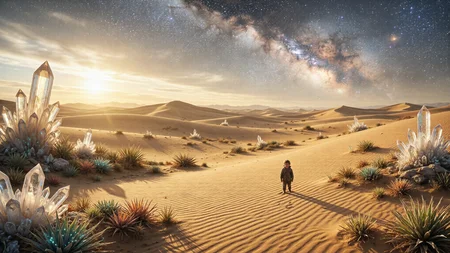
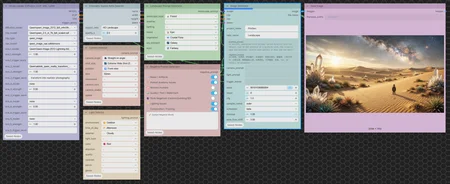
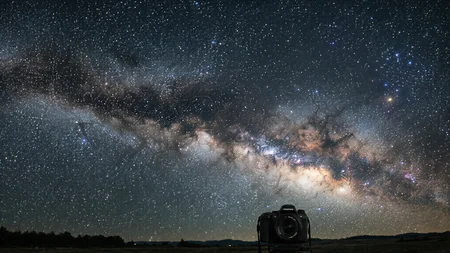
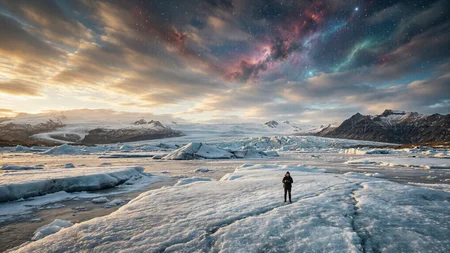
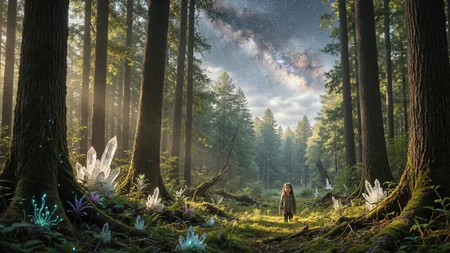
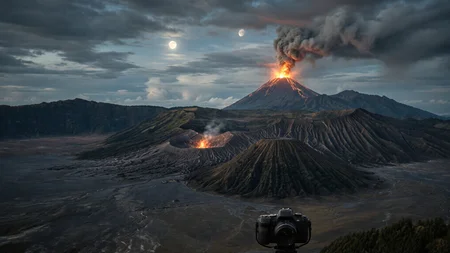
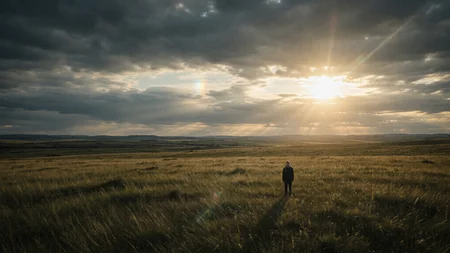
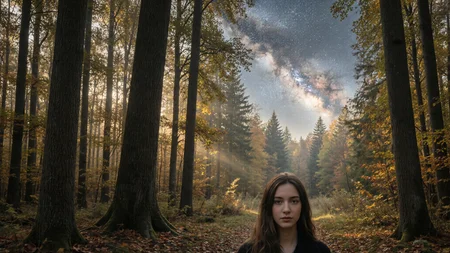
🏞️ Landscape Generator – ComfyUI Workflow
Created by Me – a filmmaker & AI workflow designer. This is my all‑in‑one custom node‑based workflow for generating cinematic landscapes. It combines cinematic aspect ratio selection, camera controls, lighting design, and AI‑powered prompt generation into a single streamlined interface – built with my own custom nodes for the ultimate creative control.
---
### 🧩 Overview
This workflow is designed to take the guesswork out of landscape generation. It includes:
- Cinematic Aspect Ratio Selector – choose from 10+ standard and cinematic ratios (like HD Landscape, 2.39:1, etc.) with quality scaling.
- Camera Selector – control camera angle, shot size, position, lens, movement, and even shake/speed.
- Light Selector – set environment, time of day, weather, light type, colour, direction, quality, contrast, Kelvin, and genre.
- Landscape Prompt Generator – select landscape type, weather, lighting, mood, vegetation, sky element, and style to automatically build a detailed positive prompt.
- Negative Prompt Generator – toggle common negative categories (anatomy issues, quality, lighting, etc.) to quickly build a robust negative prompt.
- Model Loader with LoRAs – load your diffusion model, CLIP, VAE, and up to 5 LoRAs with their trigger words – all in one node.
- Image Generator – the final engine that combines everything (prompts, model, latent, camera/lighting descriptions) and outputs a high‑quality image with a descriptive filename.
All nodes are custom‑built by me for cinematic workflows – no more messy node spaghetti!
---
### 1️⃣ Flexible Model Setup – Use Your Own Engine!
This workflow is model‑agnostic – you can easily swap the diffusion model, CLIP, VAE, and LoRAs to match your preferred setup. Just select your files from the dropdown menus in the Model Loader with Lora node:
- Diffusion Model – any Qwen‑Image, Flux, SDXL, or other compatible model.
- CLIP Model – choose the text encoder that matches your model (e.g., Qwen, T5, CLIP-L, etc.).
- CLIP Type – set the correct type (e.g., qwen_image, sd3, stable_diffusion).
- VAE Model – load the VAE that pairs with your diffusion model.
- Up to 5 LoRAs – add your own LoRAs with custom strengths and trigger words – the workflow automatically inserts the trigger words into the prompt.
> 💡 No need to stick with Qwen – you can use SDXL, Flux, Z‑Image, or any other engine. Just make sure the CLIP type and VAE match your chosen model.
---
### 3️⃣ How It Works (One‑Click Cinematic Landscape)
1. Select aspect ratio – choose your desired frame (e.g., HD Landscape, CinemaScope, Square).
2. Set camera parameters – pick angle, shot size, position, lens, movement, and shake.
3. Design lighting – define environment, time of day, weather, light type, colour, direction, quality, contrast, Kelvin, and genre.
4. Generate landscape prompt – select landscape type, weather, mood, vegetation, sky element, and style – the node builds a detailed prompt automatically.
5. Build negative prompt – toggle common negative categories (e.g., noise, anatomy issues, quality, lighting issues) to fine‑tune your unwanted elements.
6. Load your model & LoRAs – pick your preferred diffusion model, CLIP, VAE, and LoRAs from the dropdowns.
7. Generate image – the Image Generator node combines all inputs, adds the camera and lighting prompts, and produces a high‑quality image with a descriptive filename.
All custom nodes are designed for simplicity – just select, toggle, and generate!
---
### 6️⃣ Advanced Settings (Optional)
- LoRA Trigger Words – each LoRA can have its own trigger word, which is automatically added to the prompt.
- Quality K – adjust the quality scaling in the aspect ratio selector for faster or higher‑quality latents.
- Aura Flow Shift – fine‑tune the model sampling shift (default 3) for optimal results (adjustable per model).
- Negative Prompt Toggles – quickly disable unwanted elements without typing long negative prompts every time.
- Custom Negative Words – add your own negative terms alongside the pre‑defined categories.
- Seed, Steps, CFG, Sampler, Scheduler – full control over the KSampler parameters inside the Image Generator – easily tweak for different models.
---
### 📦 Final Output
After running, you’ll get a high‑quality cinematic landscape image saved with a descriptive filename (e.g., ProGen_Landscape_001.png). The workflow also saves your camera and lighting choices in the filename for easy organisation.
---
Why I built this: As a filmmaker, I wanted a single, clean workflow that could generate consistent, high‑quality landscapes without dragging dozens of nodes around. These custom nodes let me focus on creativity – selecting the shot, lighting, and mood – while the AI handles the rest. And because you can swap the engine and LoRAs, it works with whatever model you love. Perfect for storyboarding, concept art, background generation, or just exploring cinematic ideas. I hope it helps you create stunning landscapes as easily as I do! 🌄🎥
---
📬 Contact: If you’d like to donate, ask a question, or order a custom workflow, reach out to me on Civitai (SaeedKhalili), visit my website SaeedKhalili.com, or email me at [email protected]. I’m always happy to help fellow creators!
Description
Looks like we don't have an active mirror for this file right now.
CivArchive is a community-maintained index — we catalog mirrors that volunteers upload to HuggingFace, torrents, and other public hosts. Looks like no one has uploaded a copy of this file yet.
Some files do get recovered over time through contributions. If you're looking for this one, feel free to ask in Discord, or help preserve it if you have a copy.