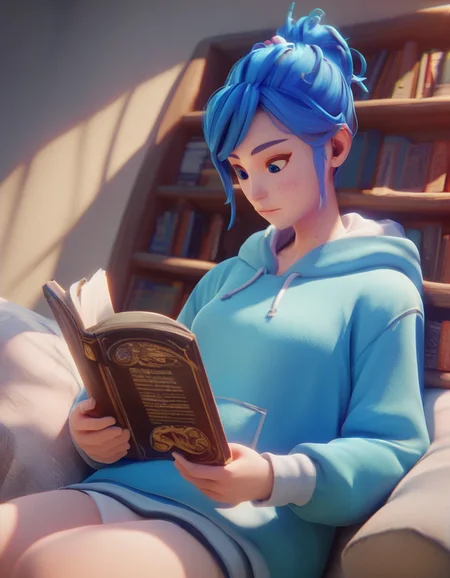
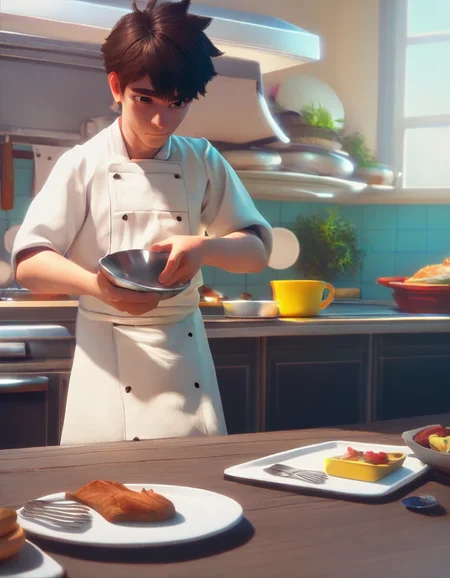
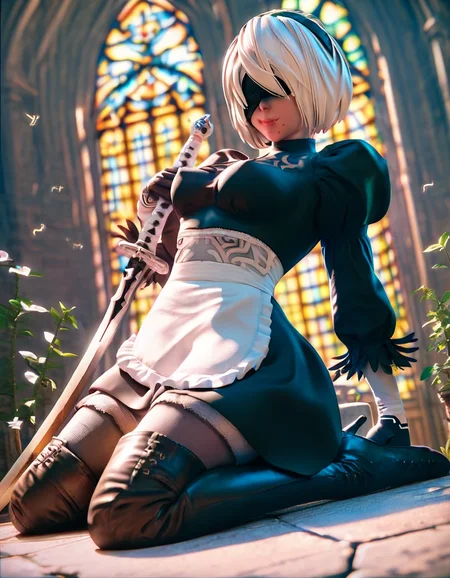
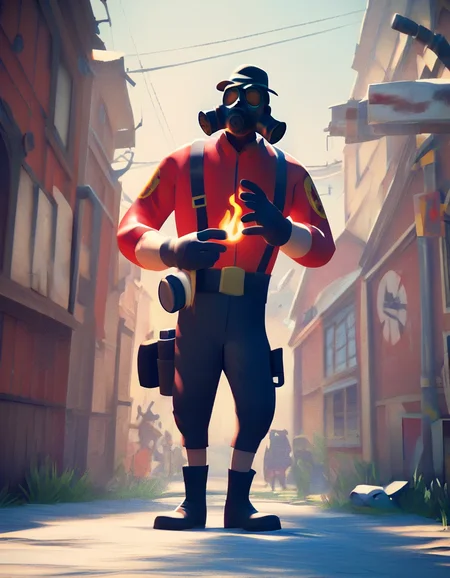
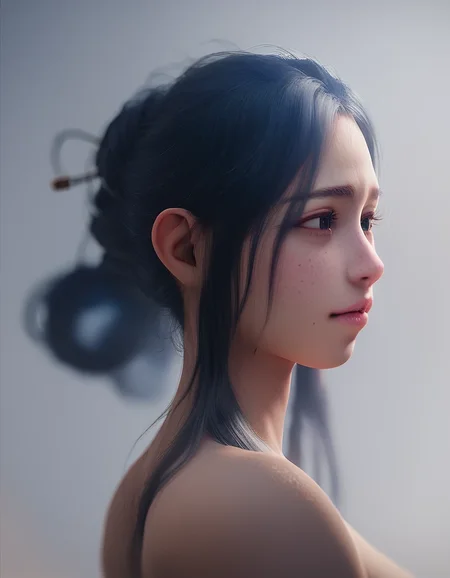


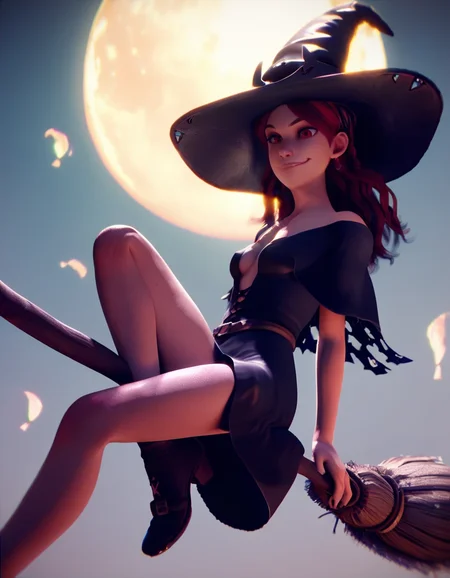
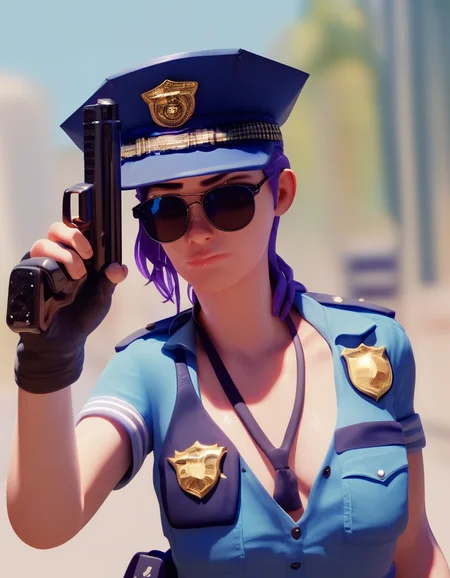
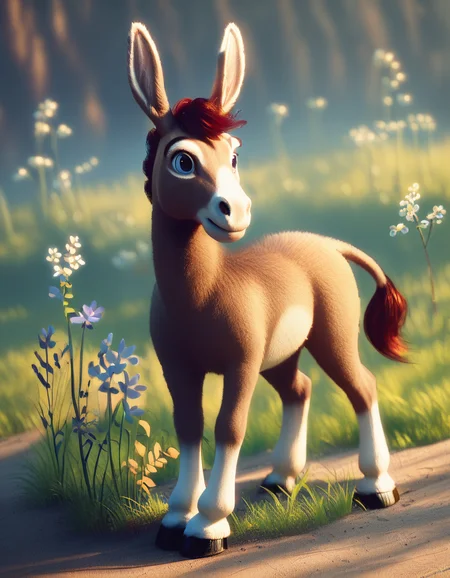
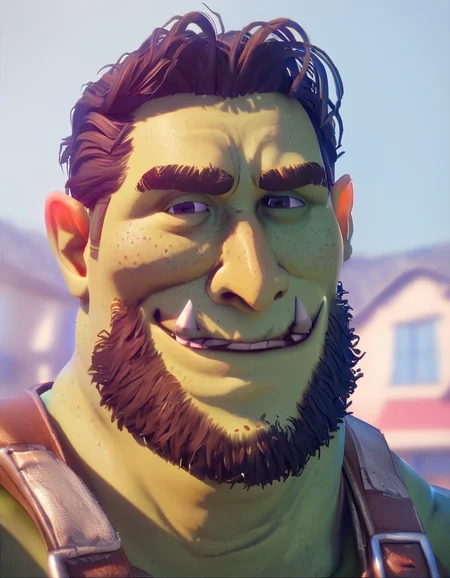
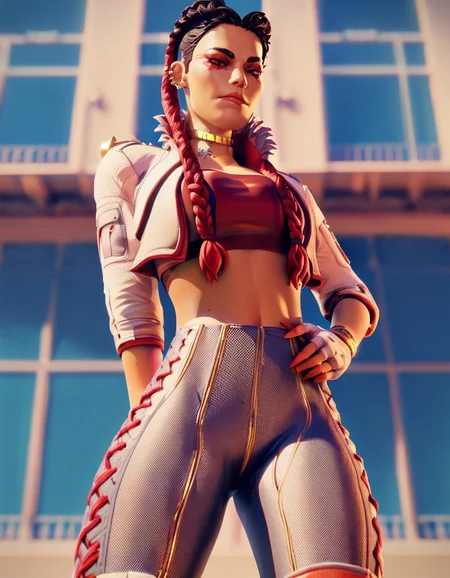
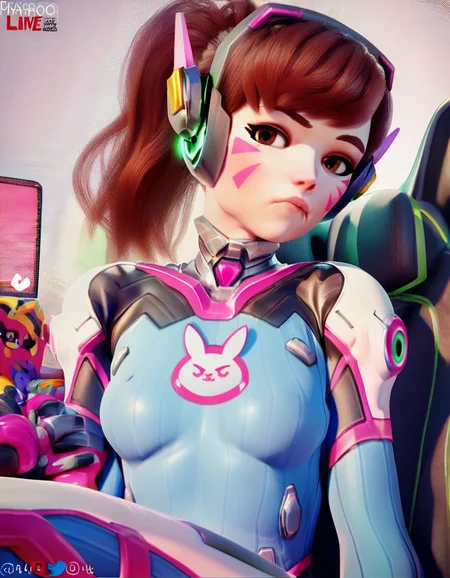
This is a SDXL LoRA trained on the ponyDiffusion_V6XL base model. (It doesn’t work on other models; however, you are free to try).
The intended effect is to create images which look like high quality (well lit) 3D renders.
The base model is already perfectly capable of generating images in a 3d style (using the tags 3d and blender), however I wanted more of a certain style, and if possible, also more flexibility.
For that, I tagged a certain list of keywords during captioning, in the hope to be able to specify certain styles. As quite a bit of images however had a mixture of those tags, the biggest influence is achieved by using multiple tags at once. However, even not using any tag at all has some influence.
To show an exaggerated, non-cherry-picked example (not using 3d and blender tags, and using source_anime, with seeds 1,2,3) this is the effect of the LoRA with the prompt:
score_9,score_8_up,score_7_up, 1girls, big_breasts, sfw, selfie, female, light_skin, slim, crop_top, leggings, pink_hair, brown_eyes, v_sign, peace_sign, living_room, source_anime, rating_safe
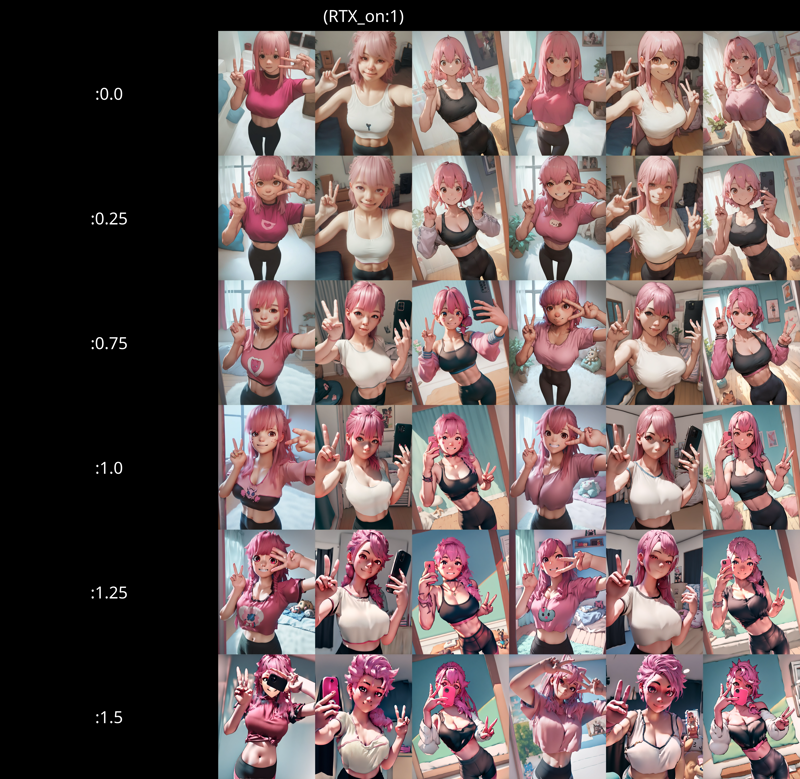
(View full resolution here)
The tags specifically are (together with a description):
RTX_on – This is what I intended to be the base tag, which was tagged for every image
RTX_soft – Soft rendered images, and soft lighting
RTX_flat – Used for 3D images which were rather flat, especially in skin texture (imagine Overwatch models, but rendered with Source Filmmaker and few lights)
RTX_pt – Stands for “path tracing”, tagged in images with especially dominant lights and shadows, or when the the scene was very well lit (read realistic global illumination, ambient occlusion, indirect lights, accurate shadows, …)
RTX_hairsim – Stands for “simulated hair”, I tagged a subset of images, where the hair was realistically simulated with many individual hairs. However I did not tag all of them, and seemingly insufficient, so this tag can be a bit stubborn
RTX_texture – Similar to the opposite of RTX_flat, this tag was applied when realistic skin or fabric textures were used, or realistic fluids (sweat / water) were on skin, as the previous tag, this was not tagged throughout, so can also be a bit more inaccurate
While RTX_texture and RTX_flat seem like opposites, there were some source images where I tagged both. Speaking in video game terms, this was in cases where the skin didn’t really have an albedo texture, but it had a normal map and was lit in the correct angle, so that shadows were created.
For a rough idea of what the individual tags do, I refer to the following example image.
That image is a matrix of all tags, where the columns have an increased weight compared to the row (to show the effect of the tag a bit more strongly). Always both tags are in the prompt, the column tags are first. I suggest opening the image externally.
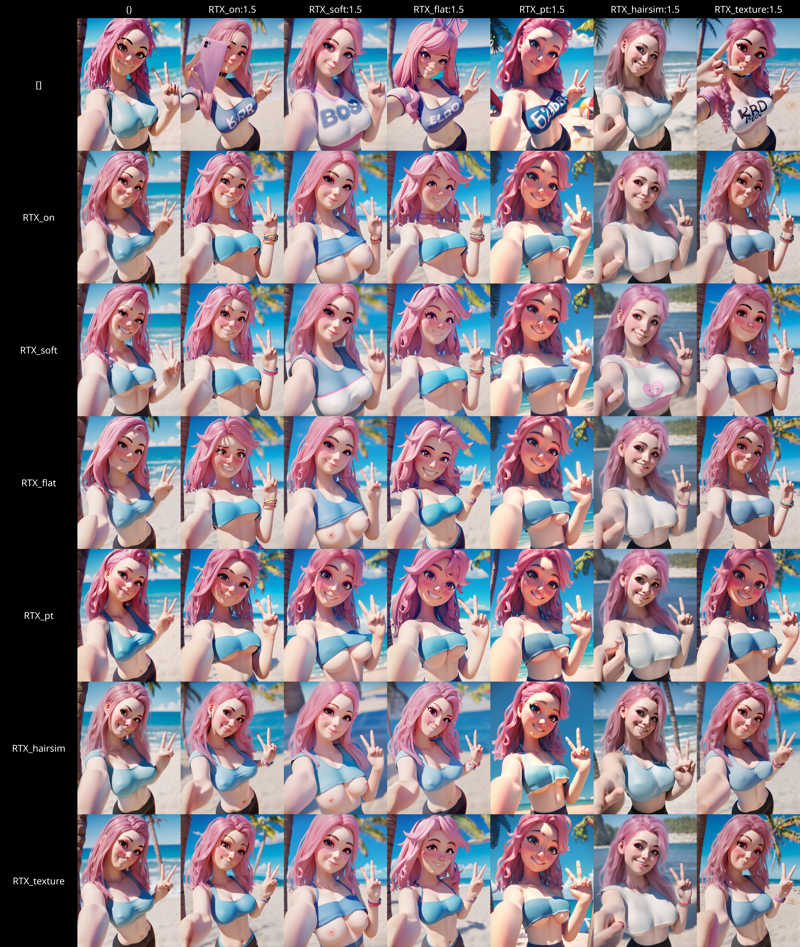
(View full resolution here)
Images were sourced from rule34, this means this LoRA could have worse effects on non-humanoid or realistic characteristics. (I did one or two example images, which looked fine (probably thanks to it being SDXL), but I suggest looking at sample images and reviews from other users, to get a better overview).
Training
As always, I will add a little bit about the training.
This was the first time I trained on a non-base model, and the first style I tried. I am personally sufficiently happy with the results, although I would have hoped for them to be a bit better.
I selected 1250 high resolution base images from rule34. Due to my requirements of image feel and quality, this resulted in a good part of the images being from games like overwatch, Cyberpunk 2077 or similar. Many source images also had watermarks. This could increase the likelihood of creating characters looking like for example overwatch characters (when not prompting for specific characters), but also the likelihood of it generating watermarks.
For the collected images, I kept the original tags they had, but then added the above listed custom tags. RTX_on was tagged for almost every image besides very few exceptions. In addition to that, I added the relevant tag, when I felt like it fitted for the image. As most of the images had a certain base style (imagine for example a Cyberpunk 2077 screenshot), I decided to keep only the RTX_on tag on those images, I didn’t for example tag RTX_hairsim or RTX_texture. In retrospect (if I would do this again), I would also tag these details in all images.
The training itself was done in kohya, I chose 4 repeats, batch size 6 and 30 epochs. This resulted in 25110 steps. As I was using booru tags, I enabled shuffled captions and kept the first 3 tokens for each caption. Additionally, as some images had tons of tags from the boorus, I increased the max token length to 150.
I tried out the Prodigy optimizer for the first time, so I chose my settings very similar to the settings which seemed to work for somebody else. If you want to know more about those settings, I really recommend watching this video: https://www.youtube.com/watch?v=QpWacUWeqbE
During those 30 epochs, the LoRA did not overbake, so unlike previous LoRAs I made, I didn’t mix together multiple versions I had for better results. So, you can actually also look at the additional metadata in the safetensors this time around.
Training was done on rank 128 (both dimension and alpha), which was later resized to a target rank of 32.
The overall training process took a bit more than 19 hours on a cloud RTX 4090 (using 23.5 GB peak VRAM).
If you have any more questions, feel free to ask me.
License
As this model is trained on Pony Diffusion V6 XL, I decided to license the LoRA under a similar modified Fair AI Public License 1.0-SD (https://freedevproject.org/faipl-1.0-sd/) license.
The following modifications have been added to Fair AI Public License:
You are not permitted to run inference of this model on websites or applications allowing any form of monetization (paid inference, faster tiers, etc.). This applies to any derivative models or model merges.
Explicit permission for commercial inference is granted to CivitAi and Hugging Face.
Description
FAQ
Comments (4)
With the shadow of tree draw on girl's body, I think the lora also work on Js2Prony.
Amazing LORA!
We need a cursed variant like Hoolopee's
Awesome style!
Details
Available On (1 platform)
Same model published on other platforms. May have additional downloads or version variants.