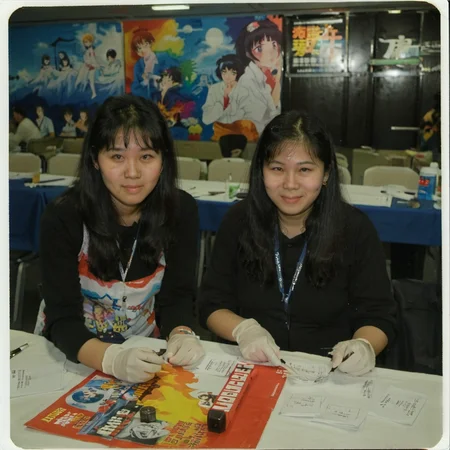
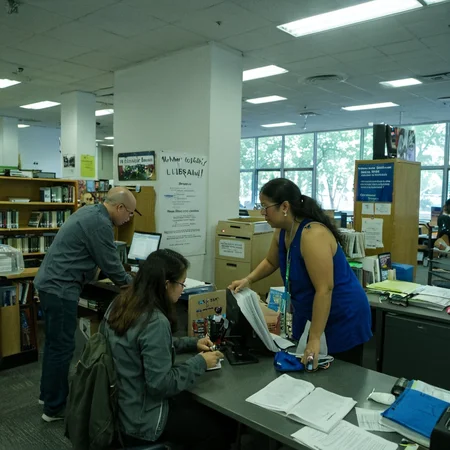

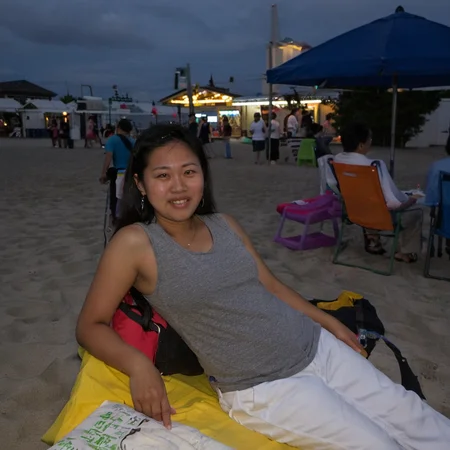

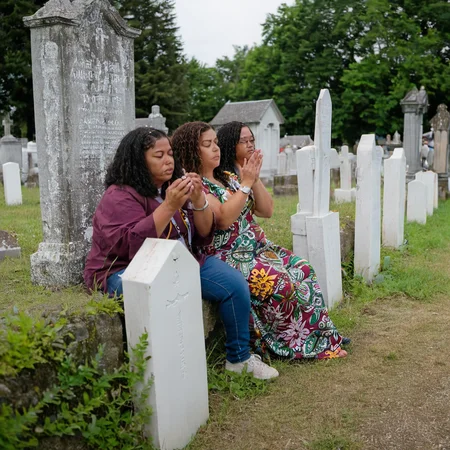
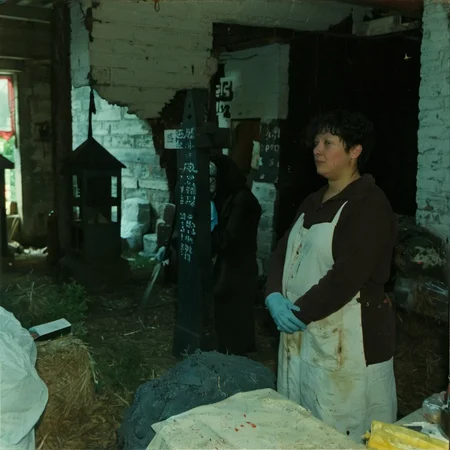
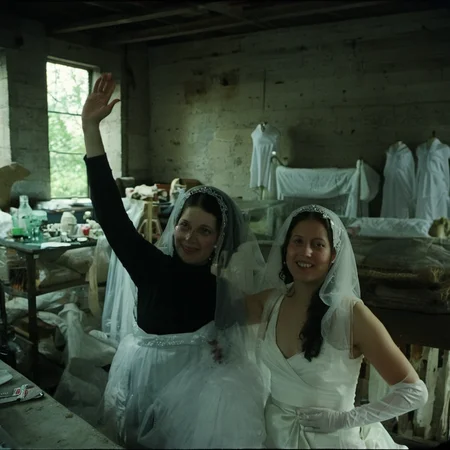
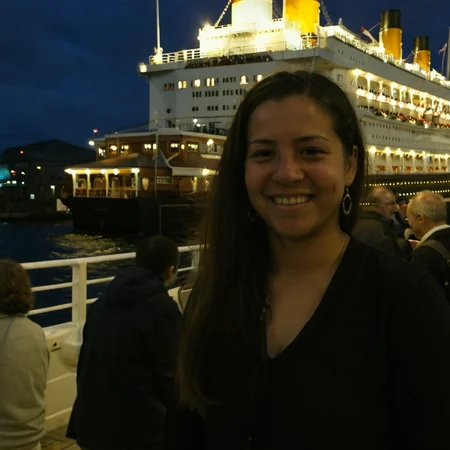
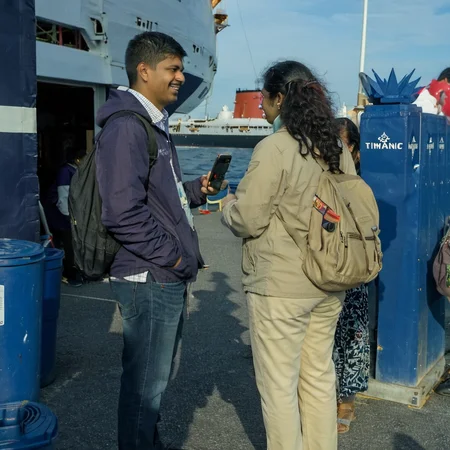

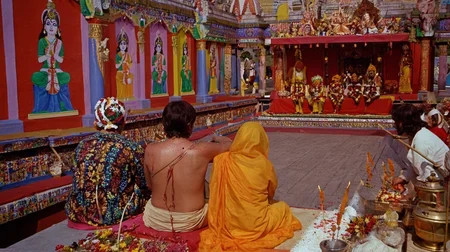
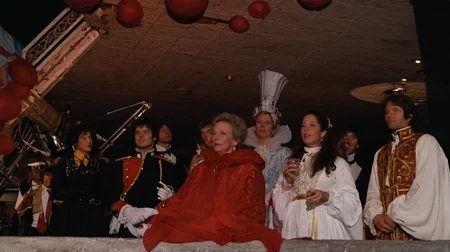
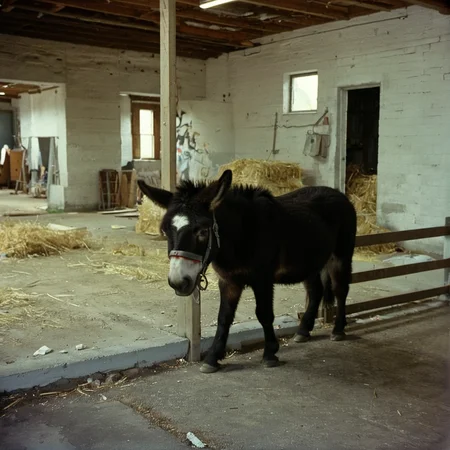
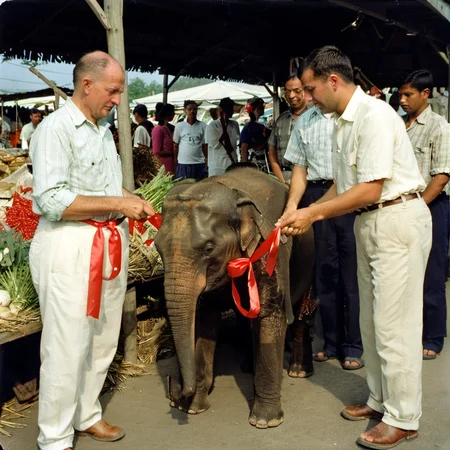
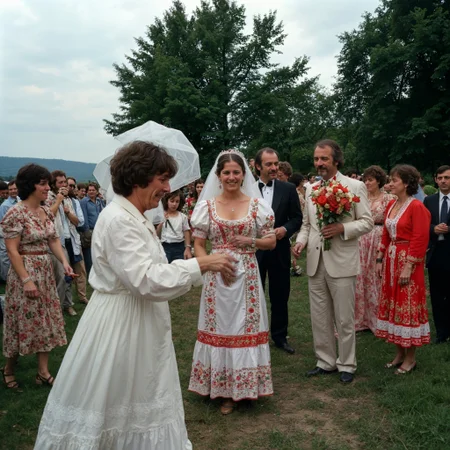
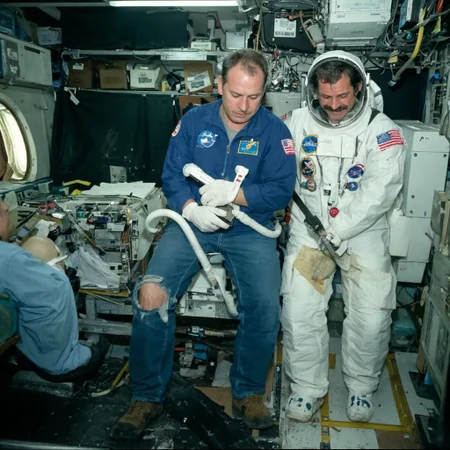
NOTE: Please read below for working with these loras. They are unlikely to give good results when used individually and as is.
This model is actually a collection of LoRAs that each behave a bit differently but work together to achieve photo-realism. They are using some experimental techniques that depend on training on only a small number of portrait shots in order to maintain complex scenes. New versions in the future will likely change drastically once there is more understanding for this approach.
For now follow this short guide for starting off:
Due to these small number of faces trained on, the quality of the faces will be very distorted and often share the same features (hands will also be bad). It is strongly recommended to use a very powerful upscaler like MagnficAI to fix the faces as it will also evenly fix up the scene. Individual face improvement tools like those with ADetailer may cause the sharpness of the scene to look off.
These loras primarily work with the SDXL Base model. Using a different SDXL model will likely lead to less interesting scene complexity (though it might fix the faces up a bit).
These LoRA versions are each attuned to slighly different scenes. BoringReality_primaryV3 has the most general capabilities followed by BoringReality_primaryV4. It is best to start out using multiple versions of the lora and scale the weights evenly at a lower number, and then start adjusting them to see which results works best for you.
Currently any negative prompt added will likely ruin the image. You should also try to keep the prompt relatively short.
To get even better results out of these LoRAs, you should try using a img2img with depth controlnet approach. In Auto1111, you can place a "style image" in the img2img and set the denoise strength to around 0.90. The "style image" can be literally any image you want. It will just cause the generated image to have colors/lighting that are close to the style image. You would place another image with a pose/sceneLayout that you like (could be something you created in text2img) as the control image and use a depth model. Have the control strength lean more towards the prompt.
Try not use very simple prompt descriptions like "a man" as you may get bizarre results at times, but also try to avoid very long descriptions as they may cause the results to become bland.
For initial prompts you may want to consider starting out with something like <lora:boringRealism_primaryV4:0.4><lora:boringRealism_primaryV3:0.4> <lora:boringRealism_facesV4:0.4> and then experiment going out from there.
Also start with standard DPM++ 2M Karras, 20-25 steps, and CFG around 7.0. You can likely increase the CFG a good bit to get even a better sharp look sometimes, though it might also start to get very distorted.
Random Additional Information
To get a better sense of the general capabilities of these LoRAs beyond phone photos, here is a AI video I made a while ago for a 2 day AI film contest using entirely images from these LoRAs to prompt the video. The style, time period, and elephants are completely unrelated to any of the type of images I originally trained on. Try to ignore unrelated weird motion and editing.
Description
As with the other LoRA versions, this lora will not work well on its own. It should be used with others with weights adjusted to preference.
FAQ
Comments (18)
I just tried this but it's not working for me with base model with same settings, it's giving base model results. Edit: Ahh, It's because there is an extra .0 in your instructions in the part "For initial prompts you may want to consider starting out with something like <lora:boringRealism_primaryV4.0:0.4><lora:boringRealism_primaryV3:0.4> <lora:boringRealism_facesV4:0.4> and then experiment going out from there."
Remove the .0 from that guys and it works! like this: <lora:boringRealism_primaryV4:0.4> <lora:boringRealism_primaryV3:0.4> <lora:boringRealism_primaryV2:0.4>
Thanks for noticing that. I updated the description with those ".0" removed. I made a mistake with the filenames (they should also have been "Reality" not "Realism") when uploading them and I am not sure if civitai will allow me to update them on the web side to match the version names.
any train for SD1.5 based model?
I would like to try some SD1.5 versions at some point in the future to get an idea of how that base model will work with this approach. I am not sure how badly the 512px resolution will affect it as well as the other differences that SD1.5 has compared to SDXL.
@kudzueye can't we just use 1.5 SD starting from1024*1536 to have enough pixels to work with?
SDXL is better, but if you don't have some highend hardware... it takes so long compared to SD1.5
Absolutely fantastic! I use it for surreal eerie environments and it gives a very weird yet realistic results.
That is exactly what I had in mind when I saw this. Thinking it might be nice for making liminal space type images!
very cool to see someone else also trying to train this kinda thing. I got some success with my badquality Lora. Looking forward to testing this
Yea I tried out mixing your badquality loras with these boring ones early on. Yours do a lot better with the face diversity which is a big issue I have been having with trying to fix on these loras without breaking something else. If you plan on making another bad quality lora at somepoint, I would recommend trying out a relatively equal ratio of different poses/layouts, scenes with diverse outdoor lighting, and avoid filters and shallow depths of field. That image training approach seems to get SDXL to open up more in its photo abilities.
@kudzueye I actually have v03 I'm playing with . trained on a lot of various phone pics, very diverse but not quite as 'bad' , does do a decent job of grounding things.
This works really nicely with fine-tuned dreambooth models, way more realistic!
Did you train the Base Model or a custom Model? Please give us some more details
@Zarathustra90 I used Juggernaut v9.
Amazing work!, any chance of a 1.5 version?
It seems to work with other loras, checkpoints and negative prompts. A least for me. Thanks!
Please make a SD 1.5 version instead of SDXL
if you're to use 1 lora of these only , you will use v3 or v4 ?
1.5 version plz
Details
Files
boringRealism_primaryV4.safetensors
Mirrors
boringRealism_primaryV4.safetensors
boringRealism_primaryV4.safetensors
9_boringRealism_primary.safetensors
boringRealism_primaryV4.safetensors
boringRealism_primaryV4.safetensors
boringRealism_primaryV4.safetensors
boringRealism_primaryV4.safetensors
boringRealism_primaryV4.safetensors
boringRealism_primaryV4.safetensors
lora_boringRealism_primaryV4.safetensors
boringRealism_primaryV4.safetensors
boringRealism_primaryV4.safetensors
boringRealism_primaryV4_277695.safetensors
boring-reality.safetensors
boringRealism_primaryV4.safetensors
boringRealism_primaryV4.safetensors
Available On (1 platform)
Same model published on other platforms. May have additional downloads or version variants.