

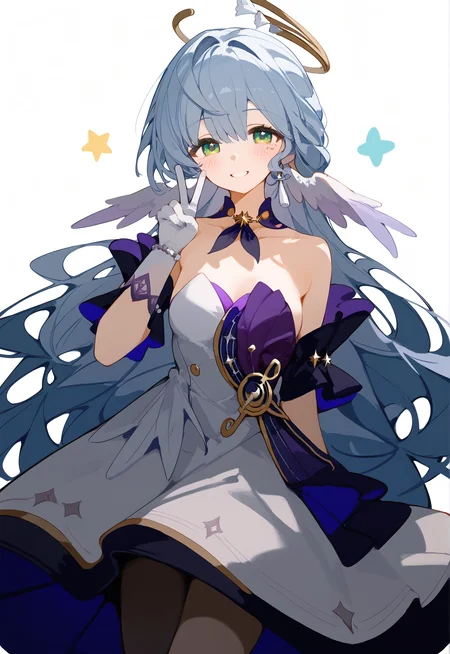
What is this Lora?
With this Lora you can create an illustration of a chubby girl!
It is not suitable for creating boys or men.
Recommended settings when using this Lora.
When using Hires.fix, we recommend "4x-UltraSharp" for Upscaler and 0.5 for Denoising Strength(If you increase the value, it will most likely break).
If "nsfw" is not included in the negative prompt, it is easy to disassemble and the clothes are easy to remove.
Prompt on Pony Diffusion V6 XL version
I just started using Pony Diffusion V6 XL, so there may be something better out there.
parameters
score_9, score_8_up, score_7_up, BREAK source_anime, rating_explicit, best quality, masterpiece, uncensored, 1girl,
Negative prompt
worst quality,low quality,normal quality,lowres,bad anatomy,bad proportions,bad hands,extra fingers,uncensored,retro artstyle,1980s \(style\),1990s \(style\),realistic,jpeg artifacts,completely nude,source_pony,source_furry,source_cartoon
Comparison of v1.0 and Lora not applied
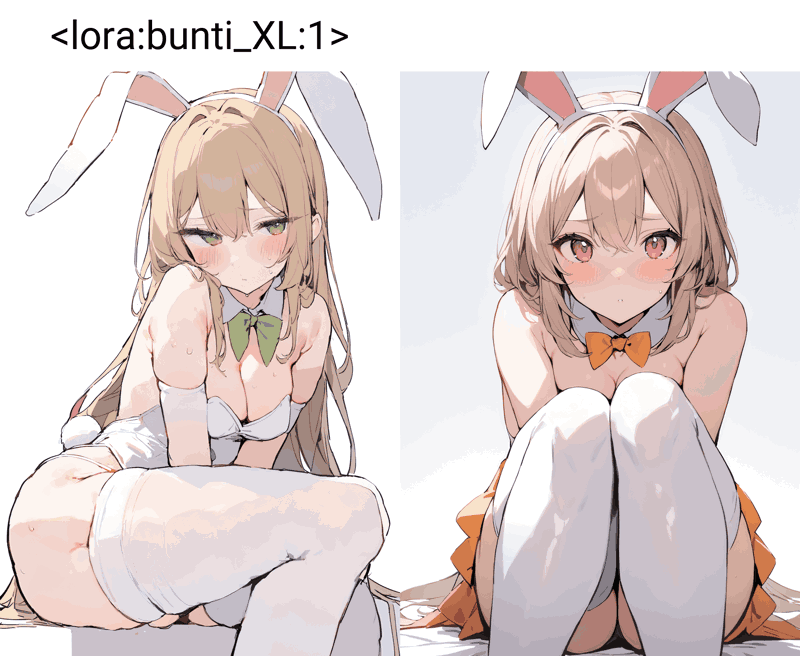
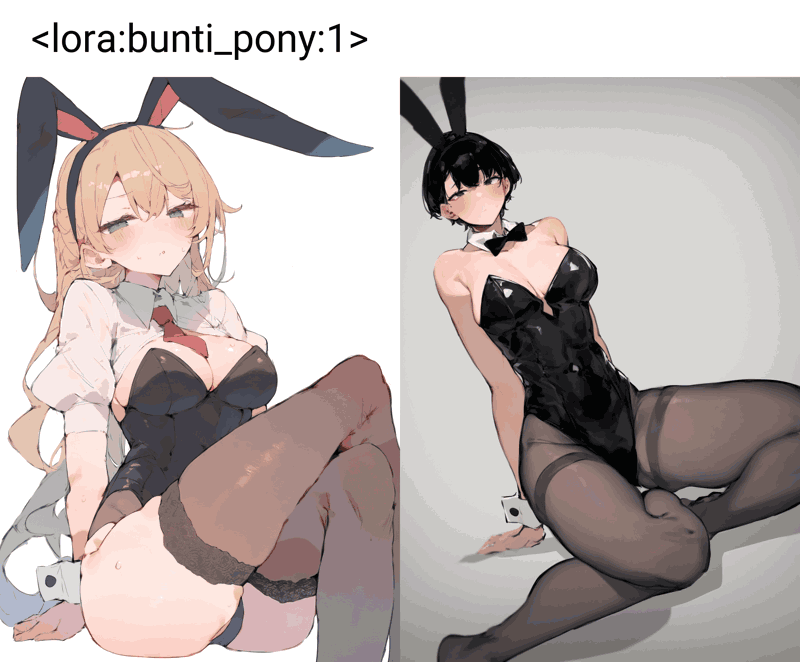
If you like this Lora, please like, comment, or send us an illustration you created!
このLoraは何?
このLoraを使うとむっちりした女の子のイラストが作成できます!
男の子や男性の作成には不向きです。
このLoraを使用する際の推奨設定。
Hires. fixを使用する場合、Upscalerは「4x-UltraSharp」Denoising strengthは0.5をお勧めします(値を上げると高確率で破綻します)。
ネガティブプロンプトに "nsfw "が入っていないと、破綻しやすく服がはだけやすいです。
Pony Diffusion V6 XL版でのプロンプト
Pony Diffusion V6 XLはまだ使い始めたばかりなので、他にもっと良い物があるかもしれません。
parameters
score_9, score_8_up, score_7_up, BREAK source_anime, rating_explicit, best quality, masterpiece, uncensored, 1girl,
Negative prompt
worst quality,low quality,normal quality,lowres,bad anatomy,bad proportions,bad hands,extra fingers,uncensored,retro artstyle,1980s \(style\),1990s \(style\),realistic,jpeg artifacts,completely nude,source_pony,source_furry,source_cartoon
v1.0とLora未適用の比較
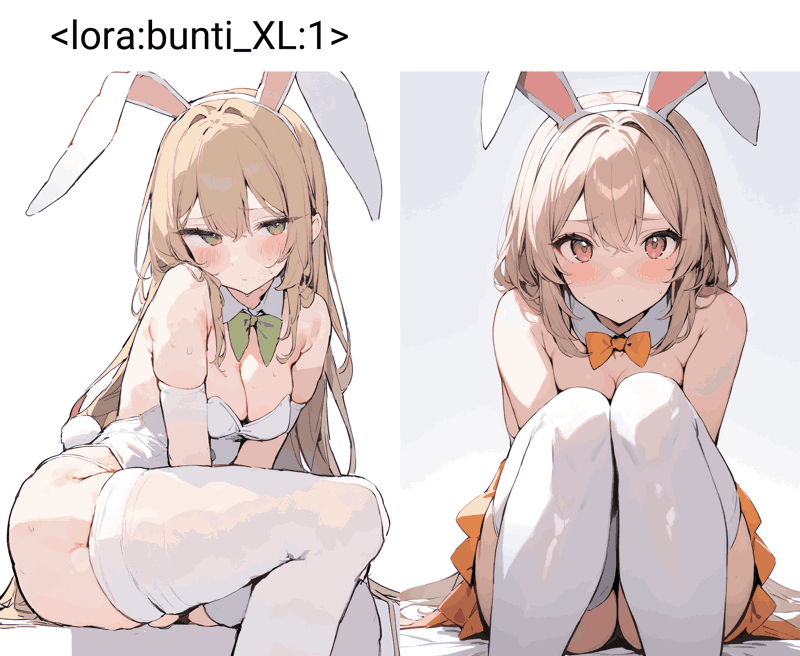
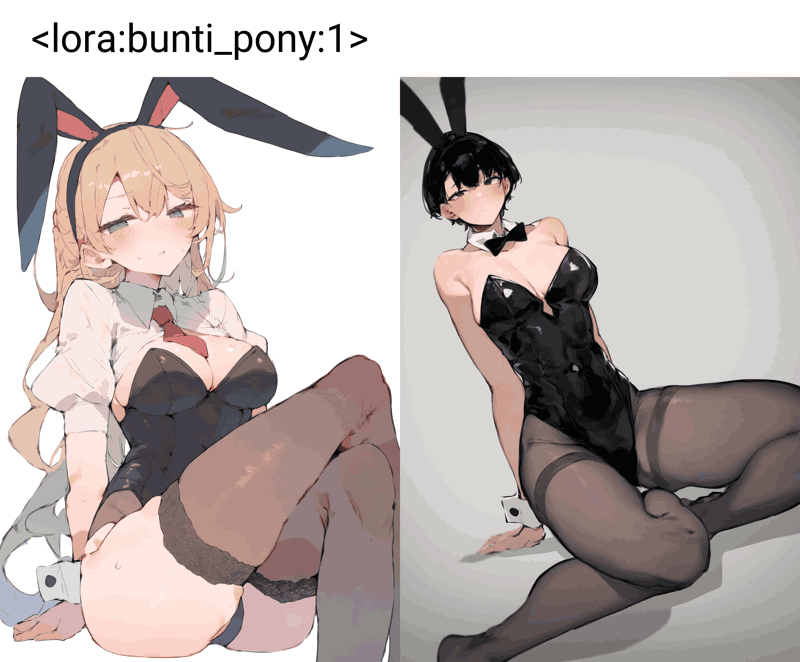
このLoraを気に入っていただけたら、いいねやコメント、作成したイラストを送ってくださると嬉しいです!
Description
The first version is generally buggy.
There are some differences between the animagine-xl-3.0 version and the image.
Slightly improved stability compared to the animagine-xl-3.0 version.
May not maintain style when used with character Lora.
I trained with Pony Diffusion V6 XL with 85 pictures.
初期バージョン、全体的に破綻しやすいです。
animagine-xl-3.0版と絵柄に若干の違いがあります。
animagine-xl-3.0版と比べて安定性が若干向上しています。
キャラクターLoraと併用するとスタイルが維持できない可能性があります。
Pony Diffusion V6 XLで85枚の画像を使ってトレーニングしました。
FAQ
Comments (2)
any suggestions on what parameters I should use for style training? I've been running like 1500 steps on 100 images for a 64/128 network dimm 16 alpha and it doesn't seem like its learned much are my steps too low?
1. parameter settings when captioning images
- The text generation setting is Overwrite.
- Interrogators are "wd-v1-4-vit-tagger-v2."
- Interrogattor Settings are left at default.
- Captions can be unedited.
2. parameter settings for Lora training
- The parameter settings for training with SDXL are based on the Kohya_ss GUI preset "SDXL - LoRA adafactor v1.0".
- However, as it takes too long to learn with the preset as is, we have adjusted the batch size, number of epochs, learning rate, network rank, alpha value, etc.
- My settings are as follows
- Batch size: 1
- Number of epochs: 10
- Learning rate: 0.001
- Network rank: 64
- Network Alpha: 32
- If you train with this setting, Lora will be completed in about 7 hours.
3. data set size and number of epochs
- Adjust the size of the data set so that the product of the number of images and the number of iterations is approximately 1000. This means that approximately 1000 steps will be performed per epoch.
- Training is performed in 10 epochs. However, more epochs can be selected if the GPU has good performance.
4. prompt selection and over-training check
- Run only the minimal number of prompts as input in the X/Y/Z plot prompt S/R.
- To prevent over-learning, check that the model does not over-fit the prompts during training. Once satisfactory results are obtained, the model is complete.
- The criterion for determining whether overlearning in my case is the difference in adornment or clothing from the state in which nothing is applied. Please verify the model by using it in conjunction with other Lora to ensure compatibility, if necessary.
my pc specs
CPU: Ryzen 7 5800X
GPU: PROART-RTX4070TI-O12G
RAM: 48GB
SSD: 970 EVO Plus MZ-V7S2T0B/IT
What I used as reference when creating Lora
https://youtu.be/0n4ahiPppVs?si=utxyMaA32_7BlA-D
https://kurokumasoft.com/2023/08/07/stable-diffusion-xl-lora/#toc8
Some of the information may be difficult to understand because it has been converted from Japanese to English using DeepL translation.
Hope this information is useful to you! If you have any questions, please ask again.