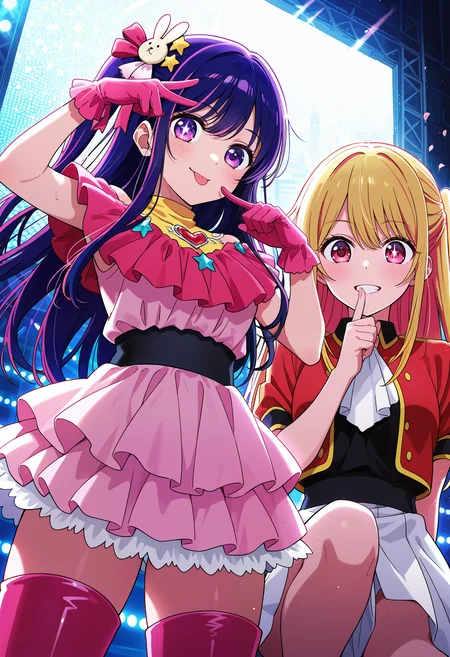
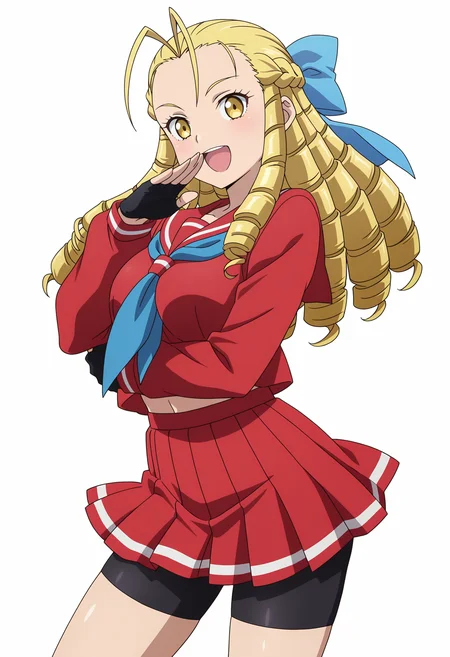
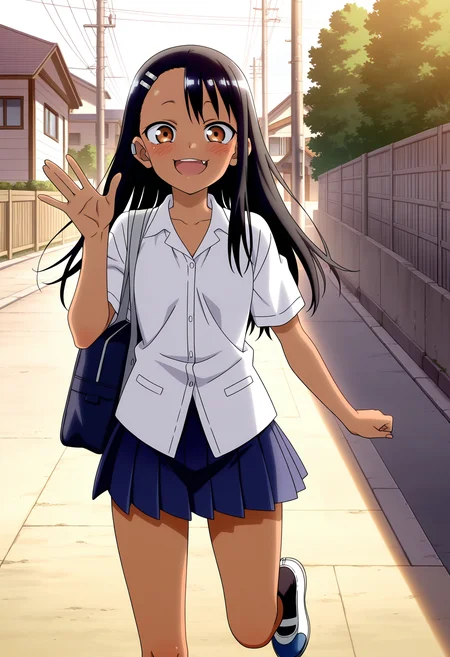
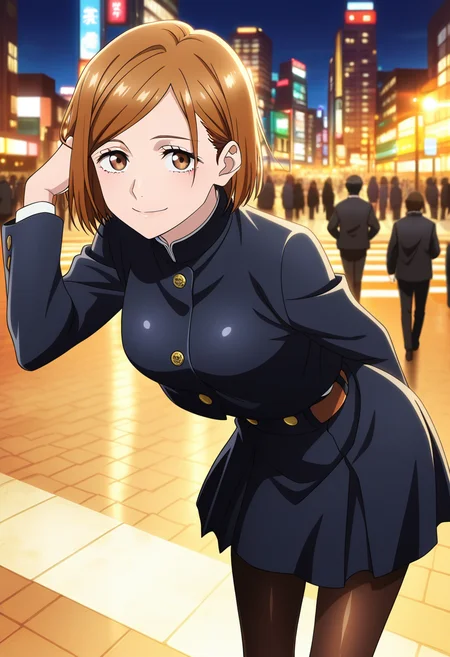
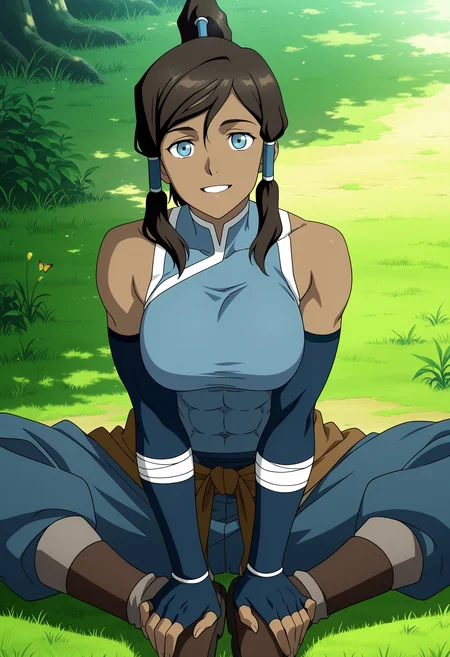
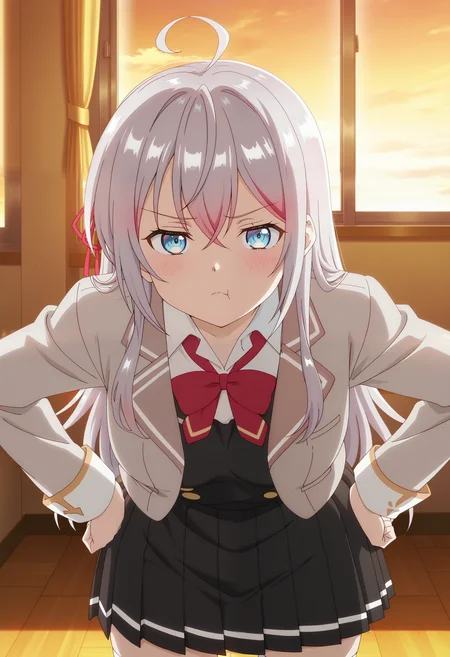
Illustrious/Noobai
Version 3 is here!
The screencap style has been improved, and now it will be better applied and integrated even with parrots that do not use anime images in their dataset. (does not apply to realistic loras)
-rained with a new high-quality dataset and trained with a new configuration.
Improved color, shadows, lighting, etc.
Backgrounds improved slightly compared to V2.
Anatomy further improved (although this still depends largely on the model used when generating).
Works well with a weight of 1, the minimum is 0.7 and the maximum is 1.2.
The official style and official art tags can help improve the results and screencap style, although they are optional.
Recommended to use in the negative prompt: ai-generated, pale color, will help improve backgrounds, objects, characters, and color.
The recommended samplers are Euler a and Euler, and the schedulers: normal, simple, Kl optimal, and DDIM.
Enjoy it and have a happy New Year!
previous versions
Fine Anime Screencap version 2 is here!
This new version has an improved training, as well as a new dataset made from scratch.
color has been improved compared to version 1
the screencap has been improved, now the style is stronger so it will apply to most of the characters it is used on*.
*it will depend on the base model used
can generate better backgrounds than the default backgrounds of the base model
interprets light and shadow better
adapts to the anime style of the character used
*only if the character's lora was trained with some screencap images
recommendations:
sampler euler a + normal, automatic, simple (recommended) or euler
use at the positive prompt: anime screencap, anime coloring, 2d, anime style (the latter are optional)
negative: 3d, limited palette, pale color
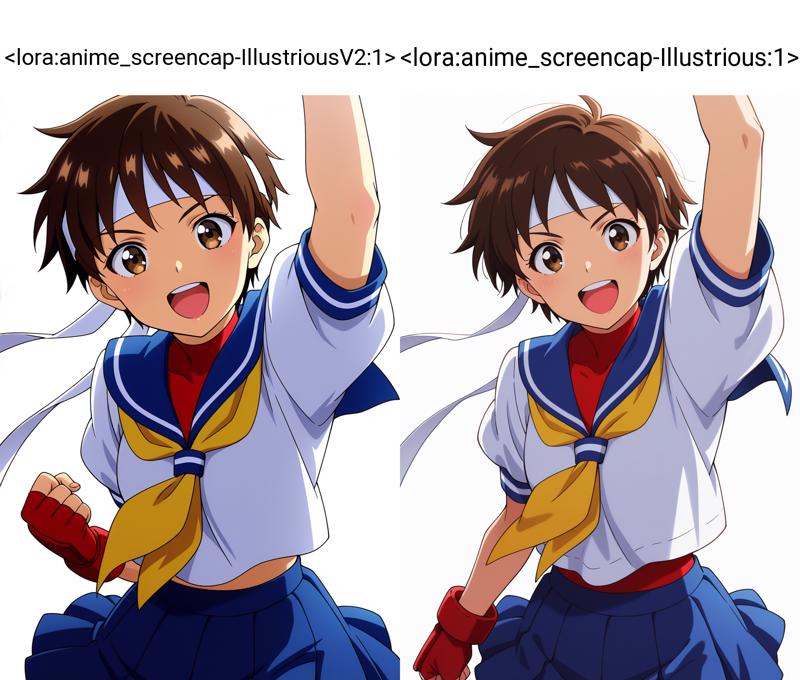
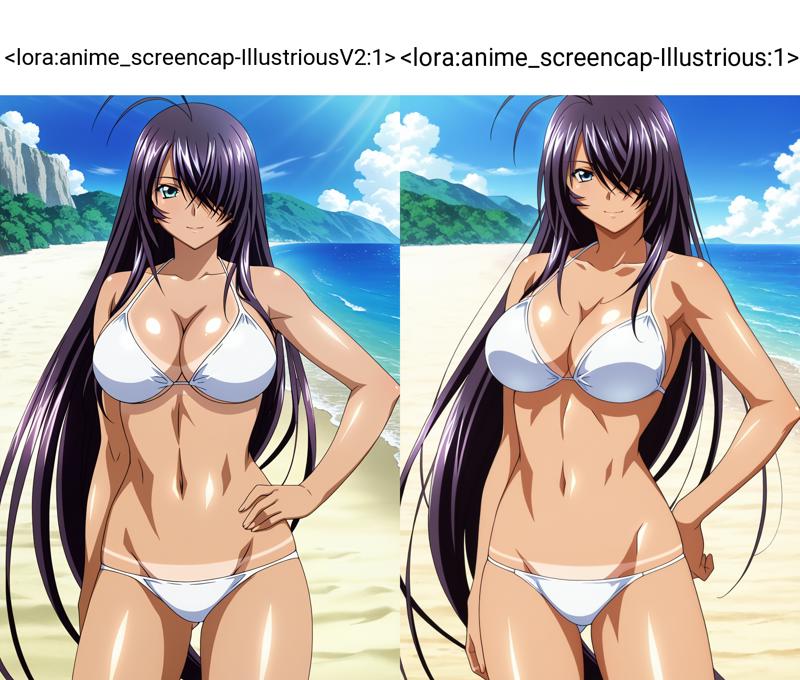
Enjoy!
Pony
Version 2 is here and it comes with these improvements!
Improved training
Now when generating the image it no longer generates blur as in version 1.
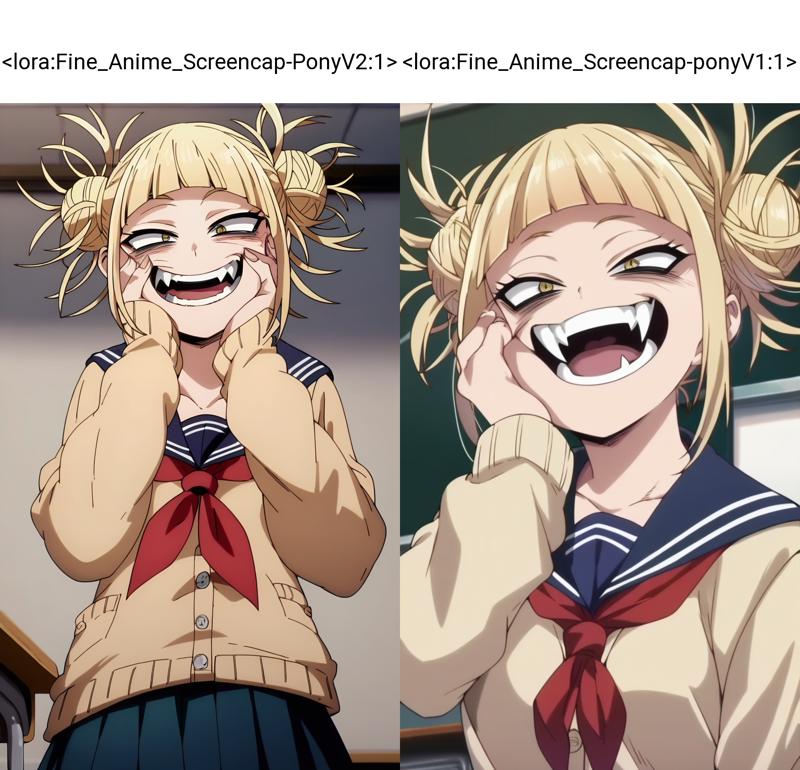
Much easier to generate screencap style
Improved color generation, it is not as pale as in version 1.
For some loras of pony trained characters it uses a weight of 1.2 to 1.5, with native characters of the model it uses 1
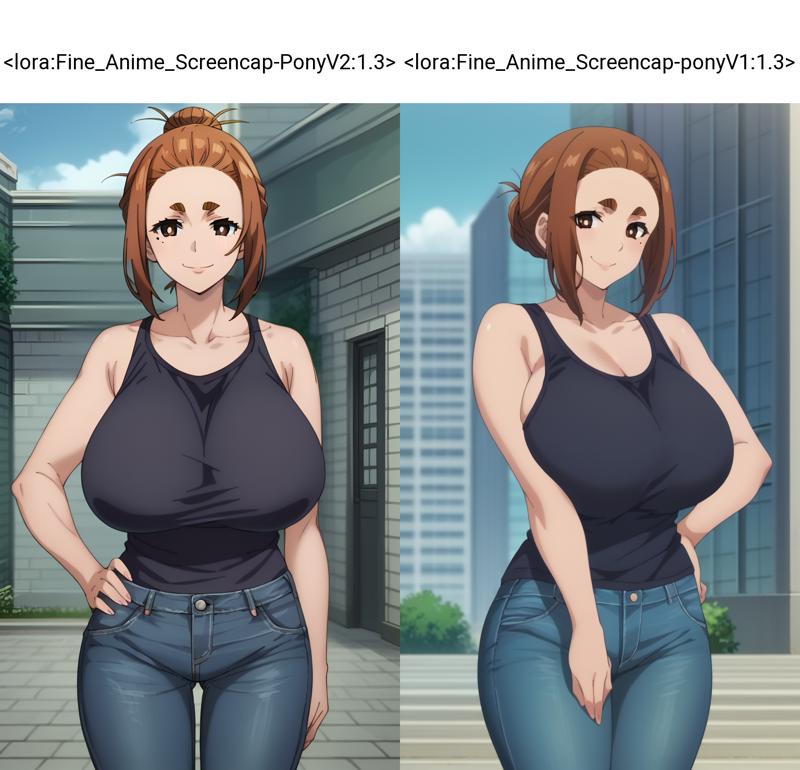
Recommended sampler: euler a and euler
Add to your positive prompt: source_anime, anime screencap and to your negative prompt: 3d, photorealistic, realistic, for best results.
Enjoy it!
V1
This Lora only works with PonyXL or AutismMix XL (it can also work with blends of these).
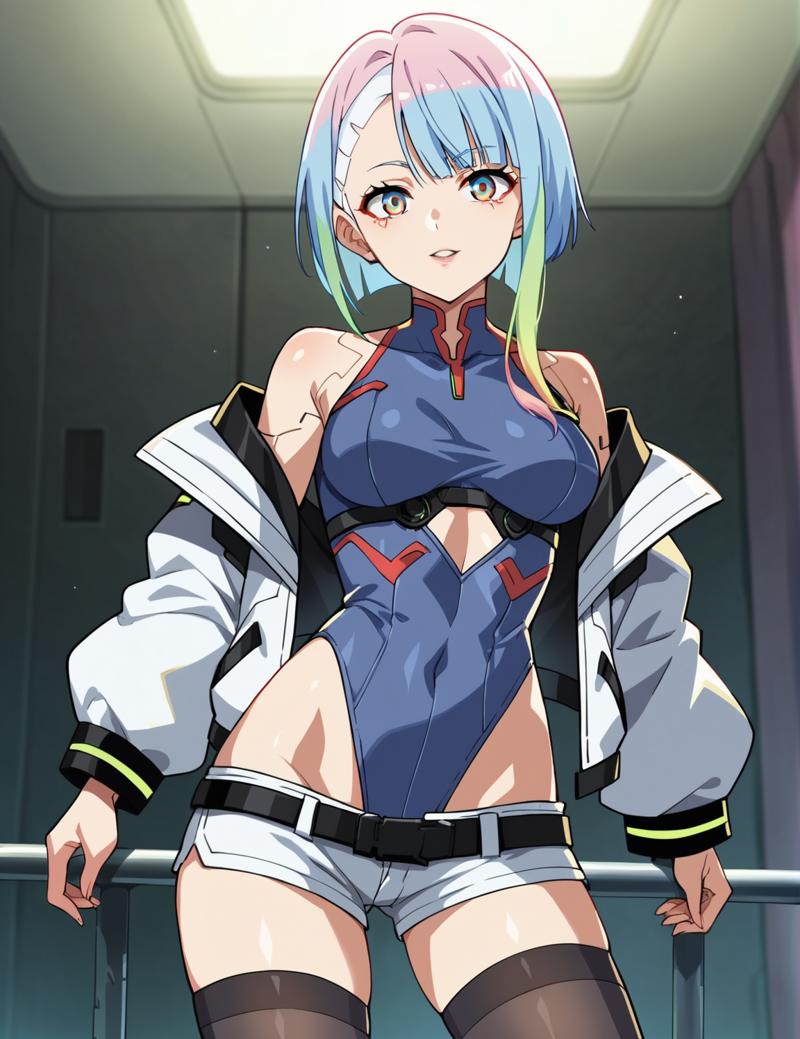
The purpose of this Lora is to generate anime-style screencap images. PonyXL is a powerful model with many styles and characters available solely through prompts, but it cannot accurately generate the screencap style. That’s why I decided to create this Lora to fulfill this purpose.
Without applied style lora
With applied style lora
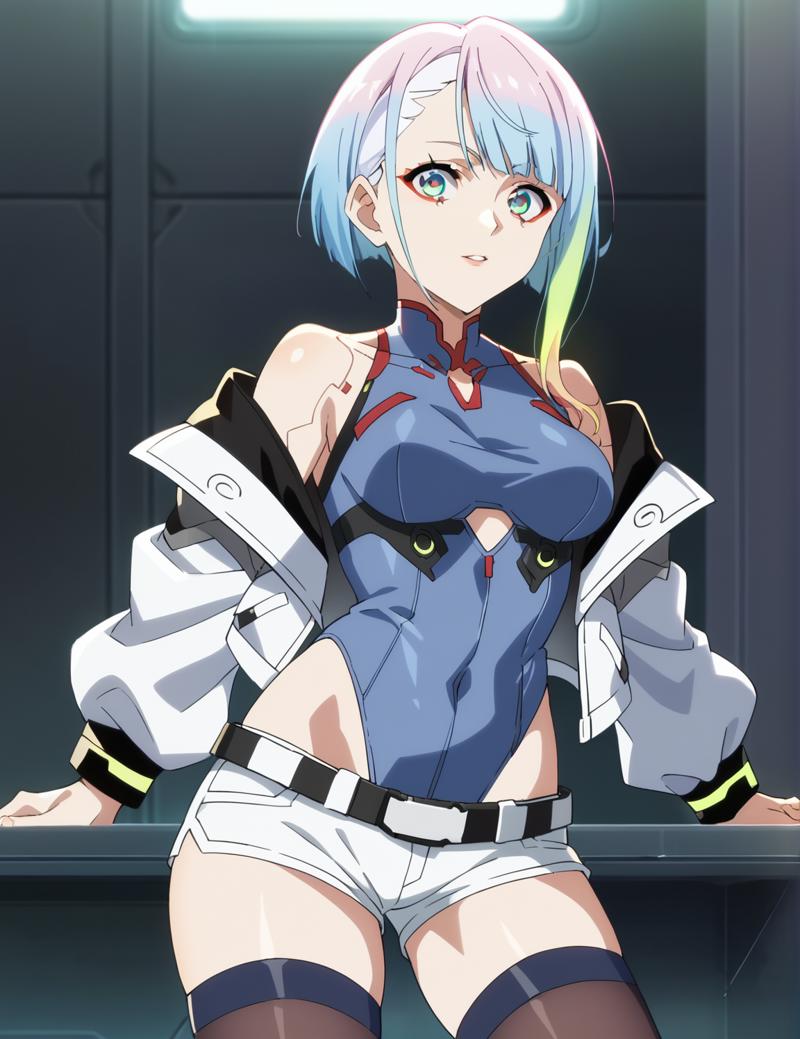
During testing, I realized that the Lora works better with AutismMix XL, as it produces a much better screencap style than Pony. However, you can still achieve good results with Pony by following the following settings:
Sampler: Euler a
Steps: 25-30
CFG scale: 6-8
Clip skip: 2
weight from 1 to 1.3
Any resolution compatible with SDXL
Add the following to your prompt:
For positive prompts: source_anime, anime + Trigger of LoRa
For negative prompts: 3d, realistic, photorealistic, source_cartoon, paint, sketch
I hope you enjoy generating images, and don’t forget to share your creations!
Description
Fine Anime Screencap version 2 is here!
This new version has an improved training, as well as a new dataset made from scratch.
color has been improved compared to version 1
the screencap has been improved, now the style is stronger so it will apply to most of the characters it is used on*.
*it will depend on the base model used
can generate better backgrounds than the default backgrounds of the base model
interprets light and shadow better
adapts to the anime style of the character used
*only if the character's lora was trained with some screencap images
recommendations:
sampler euler a + normal, automatic, simple (recommended) or euler
use at the positive prompt: anime screencap, anime coloring, 2d, anime style (the latter are optional)
negative: 3d, limited palette, pale color
Enjoy!
FAQ
Comments (4)
Jumped straight into 2.0 when it came out. This version does great solo pics with nice detail and coloring. However, it seems to have trouble with 2 people in portrait pics with it often fusing the characters, even with regional prompter. I've also noticed that several pics leaned toward a sunset orange background when not specified. I feel it still needs some tweaks, specifically for multiple character images, to truly outshine 1.0.
Thanks for your comment! You can try Forge Couple, it's simpler and easier to use. The sunset thing honestly never happened to me, but if you put "day" in your prompt it should no longer happen.
V3 Update: Ok i tried enough times to have an idea. This is actually better than previous ones on almost everything. Better background, details, lighting,character art. BUT... I noticed it makes eyes way too big. Honestly my only complaint is this so far.
V2: Holy... Great job man... Haven't checked finer details and compatibility and stuff but my first impression for general composition and artstyle, this is much much better than the previous ones.
Update after further use: Despite the claims for me(tested on WAI mix models) old one gives generally better backgrounds so when i am making scenes more reliant on good backgrounds i actually still use 1.0
Incredible
Details
Files
Available On (1 platform)
Same model published on other platforms. May have additional downloads or version variants.