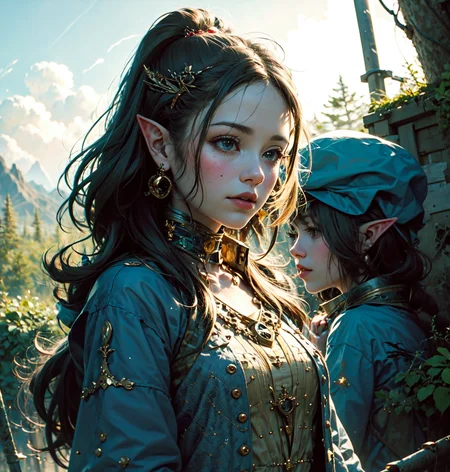
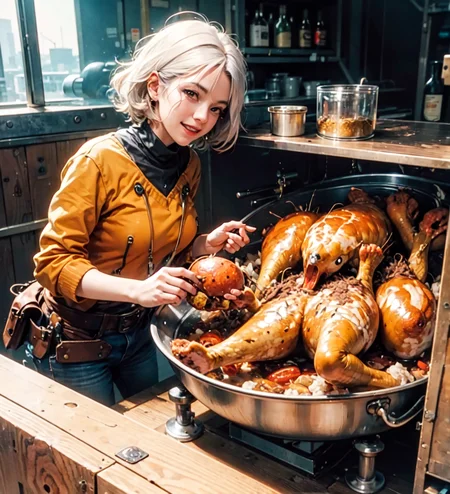
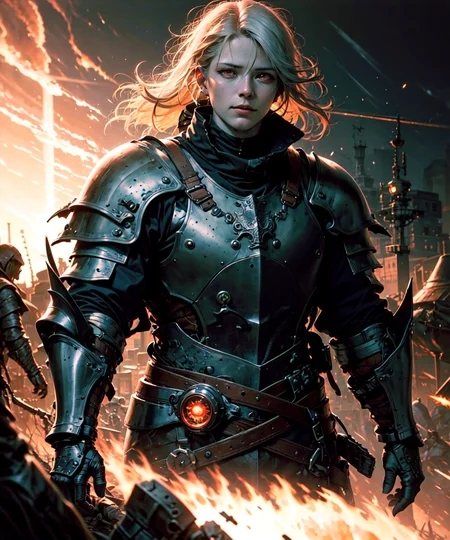
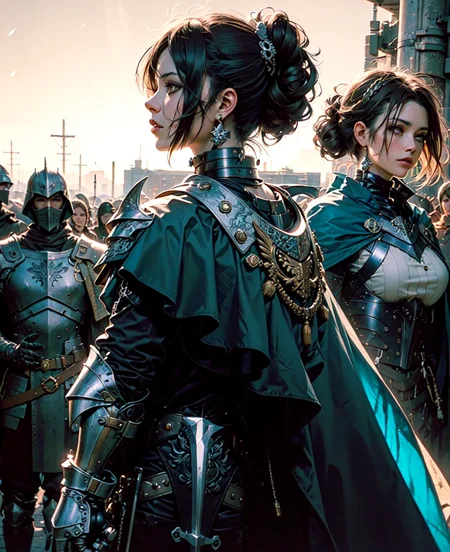
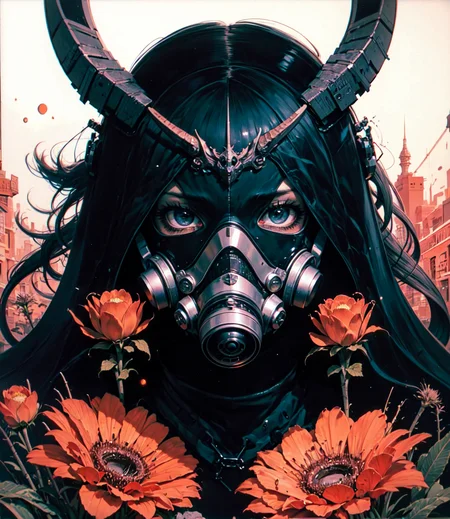
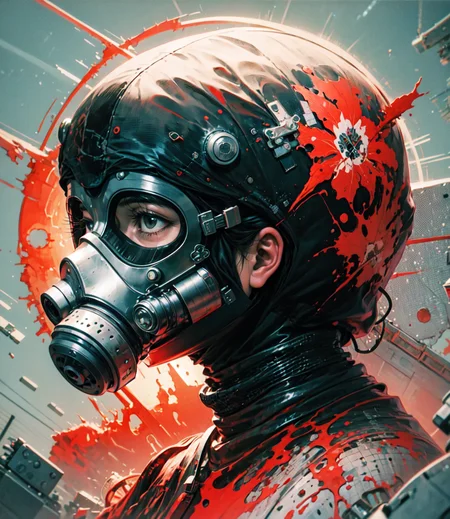
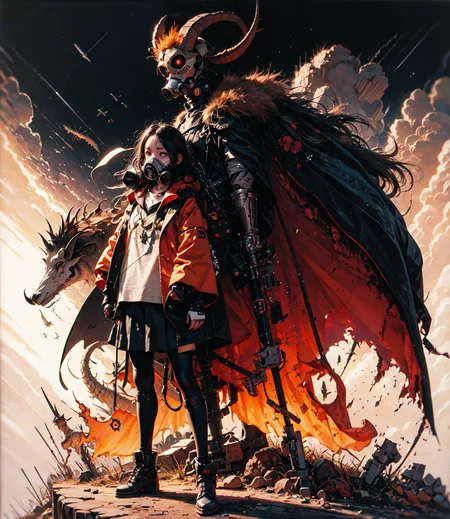
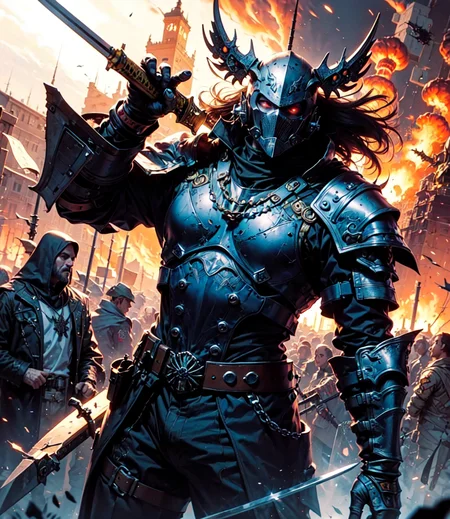
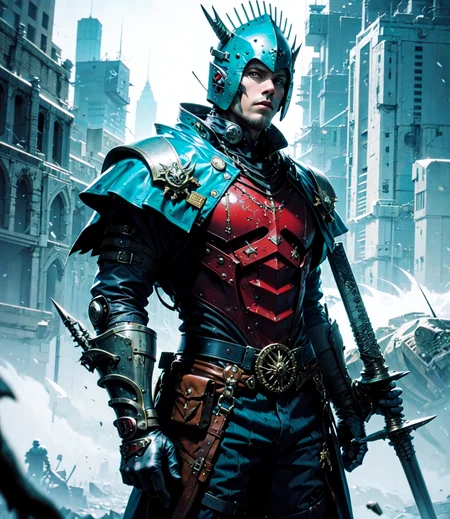
Hello thank you for taking an interest in my model ♥
just trying to make a model that makes cool images :)
I like dark stuff so it might have some dark elements to it along with fantasy.
V4.2
Still has fantasy elements, less dark, more delicate features, tried to fix some stuff to make it a bit better
(different negative embeddings give it different effects so experiment, explore)
Just used block merging on older models.
Please use adetailer to fix them faces - https://github.com/Bing-su/adetailer
I use this for negatives for most images: (worst quality:2), (low quality:2), (normal quality:2), (monochrome), normal quality, lowres, watermark, badhandv4
Or
(worst quality:2), (low quality:2), (normal quality:2), lowres, bad anatomy, normal quality, ((monochrome)), ((grayscale)), ((text, font, logo, copyright, watermark:1)), easynegative, badhandv4
[or just use whatever you want baby]
DPM++2m Karras and DPM++2S a Karras give nice results
Pruned version has baked vae, full version does not.
_https://ko-fi.com/skumerz - If you like my work be sure to support my caffeine addiction 😛___________________________________________________________________________________________
Version4
Finally got something I was happy with, had to do some training to get it the look I was trying to achieve, hope you like it : D
Once again it is dark, like my soul. It has dark fantasy and some scifi elements to it.
Tools used:
I had best results using: (worst quality:2), (low quality:2), (normal quality:2), lowres, bad anatomy, (text, font, logo, copyright, watermark), easynegative
Badhandv4 - https://civarchive.com/models/16993?modelVersionId=20068
Bad-Hands-5 - https://civarchive.com/models/116230/bad-hands-5
Fast Negative Embedding - https://civarchive.com/models/71961?modelVersionId=94057
[ these work too ]
EasynegativeV2 - https://civarchive.com/models/100191?modelVersionId=107234
Easynegative - https://civarchive.com/models/7808/easynegative
Deep Negative V1.x - https://civarchive.com/models/4629?modelVersionId=5637
Adetailer - https://github.com/Bing-su/adetailer - use to fix up faces, this is a miracle tool
((please use hire.fix to improve quality))
Upscaler - https://mega.nz/folder/zZhA1KoD#ds2nmgDNV4hfFpNSfEqN6Q – 4x- UniScaleV2_moderate
If necessary be sure to use inpaint after upscaling to polish things up even more,
Be sure to use: (worst quality:2), (low quality:2), (normal quality:2), lowres, bad anatomy, (text, font, logo, copyright, watermark) [ negative embedding ] - in negative prompt to get similar results
_________________________________________________________________________________________
Version3
tried to make it more realistc, still dark and fantasy stuff :)
Pruned
baked in VAE
Tools used:
I noticed [TI] EasyNegativeV2 along with Deep Negative can give decent results, so I would definitely recommend to try those out. Those embeddings tone down the saturation.
[TI] EasyNegativeV2 - https://civarchive.com/models/100191?modelVersionId=107234
Deep Negative - https://civarchive.com/models/4629?modelVersionId=5637
_________________________________________________________________________________________
Easynegative - https://civarchive.com/models/7808/easynegative
badhandv4 - https://civarchive.com/models/16993?modelVersionId=20068
Vae used - baked in
Upscaler used - https://mega.nz/folder/zZhA1KoD#ds2nmgDNV4hfFpNSfEqN6Q -- 4x-UniScaleV2_moderate
((please use hire.fix to improve quality))
If necessary be sure to use inpaint after upscaling to polish things up even more,
__________________________________________________________________________________________
Version 2:
Tried to make things a bit better, better faces, a bit more color, and a bit more nsfw support
Pruned
baked in VAE
Tools used:
vae - baked in
upscaler - https://mega.nz/folder/zZhA1KoD#ds2nmgDNV4hfFpNSfEqN6Q -- 4x-UniScaleV2_moderate
Suggested negative tags: (worst quality, low quality, normal quality:1.7), lowres, normal quality, ((monochrome)), ((grayscale)), ((text, font, logo, copyright, watermark:1.6))
Description
FAQ
Comments (16)
This style is very good, but it seems a bit difficult to use. The effect I generated is very poor, I don't know the reason there!!!!
Hello,I would like to help you,
You can add me on discord: Skumerz#5833 so I can try to help you
But if you can not, can you explain to me the type of effect you are generating?
@skumerz The body is severely deformed and the color is incorrect. Anyway, the picture is completely different from what you gave birth to!
@fangpop I did inpainting on some of the images so the seed changes, I can provide the orginals if you would like, but test the first one and let me know if you were able to get the same or somthing similar. if you are using automatic1111 you can save the image and send it to png info, then send to txt2img to get the correct parameters
@skumerz They are all the same parameters as you. I obtained the information, but the generated information is completely different from yours. It is estimated that there is a problem with the TEXTUAL INVERSION file, and I did not download the relevant file here, resulting in a different result!
@skumerz I have easynegative, but I don't know which one you used for the rest! Can you indicate it?
@fangpop Message me on discord so I can further assist you and can you provide a screenshot/image of results please, thank you
someone has a prompt to trigger a leather armor, witcher style armor? Thanks
love the style but i think the model is too biased and transforms characters too much.
Love the art style but faces that even a little bit in the distance are completely busted. Tried fixing them with inpaint to no avail.
Make sure Resize mode is “Just resize (latent upscale)”
Mask blur at 3
Have inpaint area is set to “only masked”
Increase width and height to anything above 750
Set denoising strength to anything above 45 but below 55 (for faces) - I use 48 as default and adjust if I have to
I did notice this about this model, and for now inpainting has been my solution to solving this
Let me know if the above settings help
I am working on trying to fix the issue for the next update
Thanks for the response. Yes the settings did help on some of the more complete faces, so I do appreciate the advice.
@skumerz I've had some success fixing the issue I brought up using the Loopback Scaler script (https://civitai.com/models/23188/loopback-scaler) which I just recently found out about.
So, the only difference between the 2 versions is that in the second you baked the standard anime vae that is available and I can apply or should I also download the baked version as some other things are different? thanks for your hard work!
For version1 nothing is different other than just adding in the vae, so they are the same just one has a vae baked in. if you dont want to manually download and upload your own vae, baked in versions are recommended. Baked in vaes just makes it easier, but sometimes can mess with loras, which is why others prefer non baked versions
@skumerz thanks so much for the awesome explanation, now I know that I should get non-baked versions because I love to use Loras :D !! Cheers