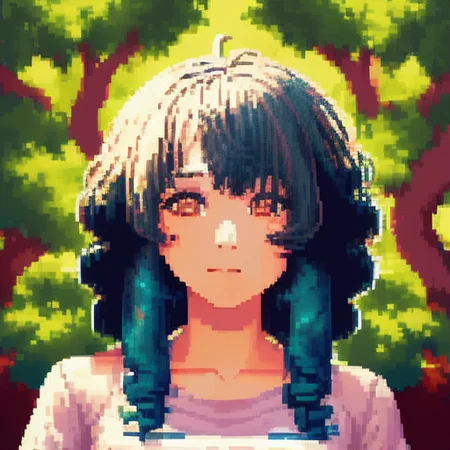


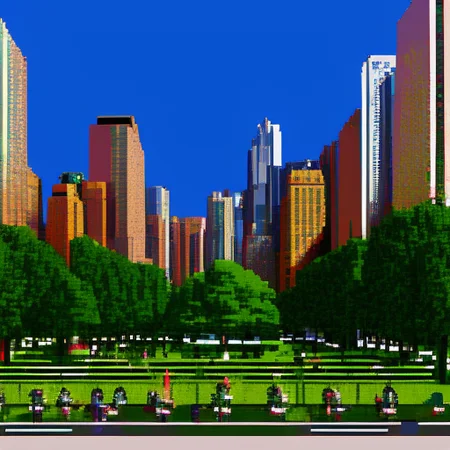
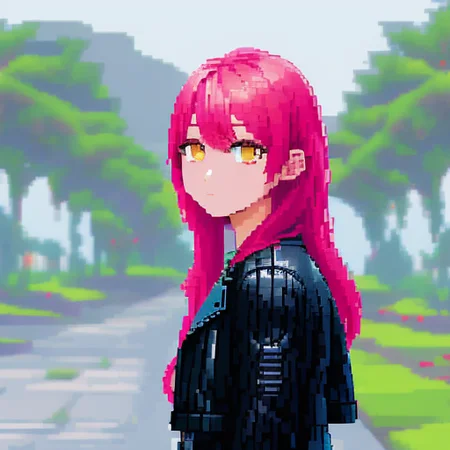
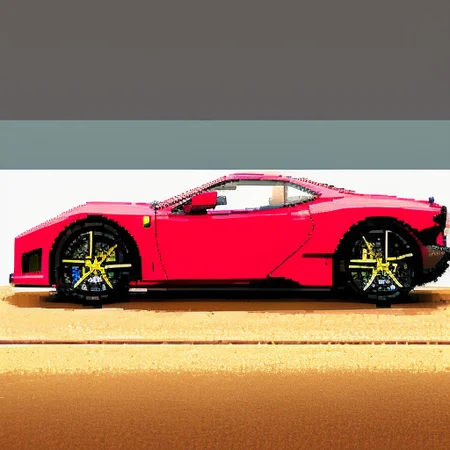
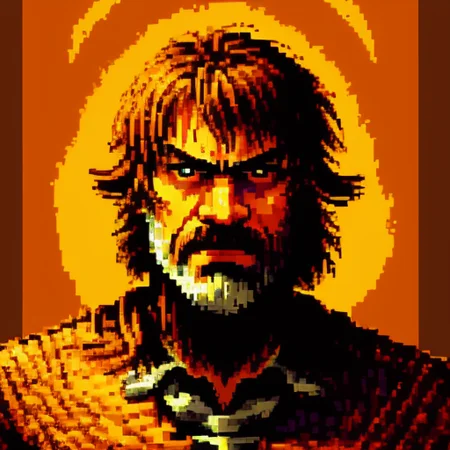


no trigger needed, automatically do pixel art.
trained on ratnika, but works in every stylized/cartoony model
[realistic model can be messy and bad as hell]
Description
FAQ
Comments (13)
I really appreciate you're making all these as hypernets rather than model files.
I know right... I have like 250GB of model files, which is a lot on a 2TB NVME SSD.
Great! now all we need is pixel embedding! :-*
model/hypernetworks
yes, I have it saved in that folder but I can't make it work even by putting "LuisapPixelArt_v1" as prompt, is there something else to do? sorry I don't know
in your SD go to the stable diffusion, hypernetwork settings section and change the one you have for this one, when you want to not use it you must repeat the process,
@terawatt If you're using Automatic 1111, go to settings, and stable diffusion, you should see "hypernetworks" click the drop down to select the one you want to use.
@hellegedly No need to go to settings in auto1111, the red button under "Generate" folds out a UI element to quickly and easily select among all extra networks be they textual, lora or hyper
Hi there this looks great! When I use this hypernetwork it shows up in the metadata but doesn't pixelate the image - am I missing something?
EG metadata: Steps: 28, Sampler: DPM++ 2M Karras, CFG scale: 12, Seed: 2668253505, Size: 512x512, Model hash: a28e9f7d, Hypernet: LuisapPixelArt_v1, Clip skip: 4, ENSD: 31337
Disregard this - it's working today though I don't know why. I have been messing with my setup quite a lot, changing versions, adding and removing plugins - maybe something got messed up and subsequently repaired.
tell me what models useing ?pls
Well,guys.这是一个hypernetwork模型,而非embedding或是lora,在SD的models文件夹下有一个独立的hypernetwork文件夹。在使用时,把hypernetwork放在正向提示词里。
Well, guys. This is a hypernetwork model, not an embedding or Lora. There is a separate hypernetwork folder in the models directory of SD. When using it, include the hypernetwork folder in the forward prompts.(From Chat-GPT)