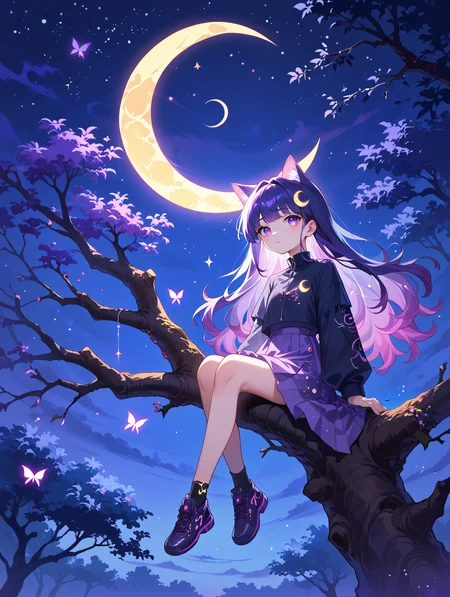
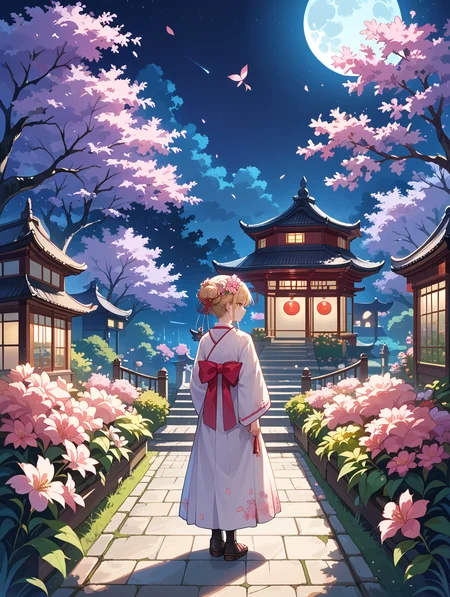
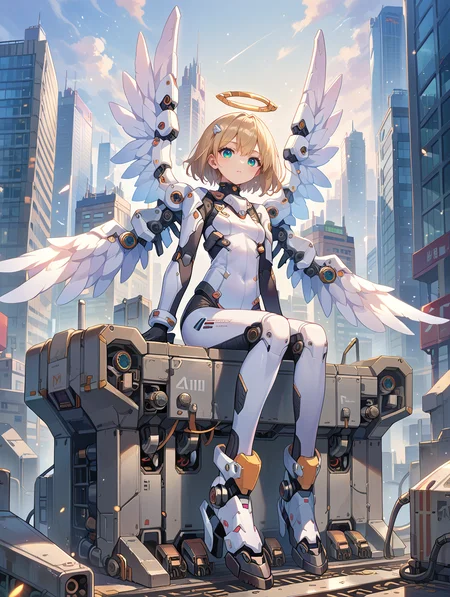


If you want to use more my checkpoint online generation, please visit here.
https://tensor.art/u/762555264535746522
You can run WAI-ANI-NSFW-PONYXL and use its API on SinkIn:
V14 released.
Increased composition diversity and improved model accuracy now allow images to be generated with fewer steps.
Recommended Setting
Steps:20-30
CFG scale: 5-7
Sampler: Euler a/DPM++ 2M Karras
ADetailer face_yolov8n/s.pt use can fix eyes
For the example images
I used 1024x1360,
generated directly without AD or hires fix.
Positive Prompt
score_9, score_8_up, score_7_up,source_anime,Negative Prompt
worst quality,bad quality,jpeg artifacts, source_cartoon,
3d, (censor),monochrome,blurry, lowres,watermark,
V13 released.
Increased body stability and accuracy.
overall balance adjustment.
Recommended Setting
Steps: 30
CFG scale: 7
Sampler: Euler a/DPM++ 2M Karras
ADetailer face_yolov8n/s.pt use can fix eyes
For the example images
I used 1024x1360,
generated directly without AD or hires fix.
Positive Prompt
score_9, score_8_up, score_7_up,source_anime,Negative Prompt
worst quality,bad quality,jpeg artifacts, source_cartoon,
3d, (censor),monochrome,blurry, lowres,watermark,
V12 released.
Style adjustment, background adjustment, and increased stability.
Added more compositions.
Recommended Setting
Steps: 30
CFG scale: 7
Sampler: Euler a/DPM++ 2M Karras
ADetailer face_yolov8n/s.pt use can fix eyes
Positive Prompt
score_9, score_8_up, score_7_up,source_anime,Negative Prompt
score_6, score_5, score_4, source_cartoon,
3d, (censor),monochrome,blurry, lowres,watermark,
v11
Weight adjustment, balancing the art style
All example images(Except the cover) are generated at 1024x1360, without using AD and hires fix.
Recommended Setting
Steps: 30
CFG scale: 7
Sampler: Euler a/DPM++ 2M Karras
ADetailer face_yolov8n/s.pt use can fix eyes
Positive Prompt
score_9, score_8_up, score_7_up,source_anime,Negative Prompt
worst quality,bad quality,jpeg artifacts, source_cartoon,
3d, (censor),monochrome,blurry, lowres,watermark,
V10
Better Background
Clothes details up
Better mature female
Recommended Setting
Steps: 30
CFG scale: 7
Sampler: Euler a/DPM++ 2M Karras
ADetailer face_yolov8n/s.pt use can fix eyes
Positive Prompt
score_9, score_8_up, score_7_up,source_anime,Negative Prompt
worst quality,bad quality,jpeg artifacts, source_cartoon,
3d, (censor),monochrome,blurry, lowres,watermark,
++++++++++++++++++++++++++++++++++++++++++++++++++++++++++
V9 Hyper12step
Please refer to the instructions on the right side of V9 Hyper12step for usage.
V9 released.
v8->v9
adjusted the facial data to make it more versatile, allowing for easier generation of faces across various ages.
added more NSFW materials.
attempted to reduce the generation of some unnecessary details.
Recommended Setting
Steps: 30
CFG scale: 7
Sampler: Euler a/DPM++ 2M Karras
ADetailer face_yolov8n/s.pt use can fix eyes
Positive Prompt
score_9, score_8_up, score_7_up,source_anime,Negative Prompt
worst quality,bad quality,jpeg artifacts, source_cartoon,
3d, (censor),monochrome,blurry, lowres,watermark,
__________________________________________________________________________________________________
hyper12step released.
about size
Various combinations from 768x768 to 1360x1360 can produce good images.
Recommended Setting
Steps: 12
CFG scale: 3.5
Sampler: Euler a
Not very necessary to use ADetailer correction
Positive Prompt
score_9, score_8_up, score_7_up,source_anime,Negative Prompt
score_6, score_5, score_4, source_cartoon,
3d, (censor),monochrome,blurry, lowres,watermark,
PS.The example images use a size of 896x1192. no AD no Hires. fix
__________________________________________________________________________________________________
Version 8 released.
v7->v8
Added some training related to camera angles and backgrounds.
Added more NSFW materials for additional training.
Added some training for special effects.
Optimization of overall composition logic.
Fixed some minor issues.
better eyes and hands.
Recommended Setting
Same as v7
__________________________________________________________________________________________________
Version 7
v6->v7
Fixed the issue where images appeared entirely covered with snowflakes.
Revised the composition logic to be more suitable for general scenarios.
Added new assets for backgrounds, mature women, and clothing.
Ensured consistency with the previous model and further fixed the issue of blurry eyes in medium and long shots.
Fixed some minor issues.
V7 Recommended Setting
Steps: 30
CFG scale: 7
Sampler: Euler a/DPM++ 2M Karras
ADetailer face_yolov8n/s.pt use can fix eyes
Positive Prompt
score_9, score_8_up, score_7_up,source_anime,Negative Prompt
score_6, score_5, score_4, source_cartoon,
3d, (censor),monochrome,blurry, lowres,watermark,
________________________________________________________________________________________________
Regarding the 8step model, it is a lightweight model that can generate images in as few as 8 steps. However, the quality and text comprehension will be relatively lower. If speed is not a major concern for you, it is recommended to continue using version 6.0.
8 STEP Setting
Steps: 8-12
CFG scale: 3
Sampler: Euler a
ADetailer face_yolov8n/s.pt use can fix eyes
Positive Prompt and Negative Prompt same 6.0
__________________________________________________________________________________________________
6.0
v5->v6 Change point
Better Background
better eyes
fix vae
Recommended Setting
Steps: 30
CFG scale: 7
Sampler: Euler a/DPM++ 2M Karras(better eyes)
ADetailer face_yolov8n/s.pt use can fix eyes
Positive Prompt
score_9, score_8_up, score_7_up,source_anime,BREAKNegative Prompt
score_6, score_5, score_4, source_cartoon,
3d, (censor),monochrome,blurry, lowres,watermark,
You can view the Supported art styles from https://civarchive.com/articles/5715
Thank you, DeepDark_Fantasy514, for providing the test.
v4->v5 Change point
Better Background
Clothes details up
Add some mature female
Little better hands and eyes
Recommended Setting
Steps: 30
CFG scale: 7
Sampler: Euler a
ADetailer face_yolov8n/s.pt use can fix eyes
Positive Prompt
score_9, score_8_up, score_7_up,Negative Prompt (THX for snipsnapsnipsnap recommend )
Base:score_6, score_5, score_4, source_cartoon
Optional: source_furry, source_pony can bleaches skin
else: 3d, (censor),monochrome,blurry, lowres,watermark,
I often use it now
[score_6, score_5, score_4, source_cartoon,
3d, (censor),monochrome,blurry, lowres,watermark, ]
Description
FAQ
Comments (29)
The "8-Step" thing is a game changer... I have never changed the CFG Scale EVER, and now with 3 I get much cleaner pictures with a more defined anime style. Crazy good model!
Could you please make v7.0 available for on-site generation again? This is my absolute favorite model!
Sorry,The website can only have one online generation for each model, so I replaced it with the latest version. You can try using it.
@WAI0731 Ah, I didn't know that! Thanks for the info. :)
I have a problem. Sometimes it draws different eyes on characters, if I use ADetailer face_yolov8n.pt, it changes not only the eyes but even face expressions of the characters. For example, if there is a boy and a girl in the picture, it makes the boy's face feminine. What should I do? I know the only option is to set a limit on Detection model confidence threshold. But when generating many pictures, this will not work.
Try ADetailer face_yolov8s.pt use (ADetailer sampler: DPM++ 2M, ADetailer scheduler: Karras )
I find lowering the "Inpaint Denoising strength" on ADetailer's Inpainting options from the default of 0.4 to 0.3
0.3 Can't fix terrible faces, but at least it will help reduce: different expressions/gender/etc. AND even just overall seems and strange behaviour (like throwing a hand in on the face).
Also, I always use an explicit ADetailer prompt (vs. leaving blank to fall back on main prompt). In this explicit prompt I'll strip out all non-face related keywords. AND if I know the gender of the only face ADetailer will detect, I'll set my explicit prompt to only this genders keywords.
ALSO, I bring up my ADetailer "Detection model confidence threshold" from 0.3 up to 0.7+. A clear face taking up a reasonable amount of the frame will almost always detect at a 0.8+, such as 0.86 and so cutting your threshold up will help cut out background faces so that you can 'hone-in' on your one face WITH its custom prompt.
Lastly, in order to get nice faces off the hop (so that a 0.3 denoise ADetailer can actually perfect) I set my steps to a whopping 60!! and with all Pony models I stick with Euler a, occasionally DPM++ 2s a than DPM++ 2M Karras.
cheers!
Add tags " astoundingly professional cel shading". Anyways, right now this is my number one checkpoint. Don't get to excited though, my number one checkpoint to use changes every month. Checkpoints come out to fucking quick 🤣
Thank you for best model
This model right here turned me onto AI generation altogether. Without it, I would not only not be doing as well as I have been, I probably wouldn't be doing it much at all. I hope my contribution helps you out in your buzz crisis! ⚡️
Do yo mean You have 0 free trial generation remaining sources?
How to help with getting fingers/hands/feet correct? New to AI in general but I heard that embeds like EasyNegative and PonyXLEmbeds don't make a different or don't work. What should I do?
Use inpainting or lock the seed, then apply seed offset to generate multiple images.
@WAI0731 Does IMG to IMG Variation work just as well? I'm Buzzrupt right now so I don't want to risk it
@HarmonyMLG If you want to redo the hands in a specific image, you'll need to try many times. This is true for almost any model. My suggestion is, if you can use it locally, do so. The online functions are still too limited, and the results aren't as good as using it locally.
@WAI0731 I haven't gotten my 4070 yet I am still stuck with a 1070. Thanks for the tips.
Wait holy shit you're the guy! You're the guy that made the model! You're the best man thank you
@HarmonyMLG If you have any questions, feel free to leave a message. I'll do my best to answer when I see it.
哇,我现在就想用口牙!吔!!!
怎么这里也有颠佬(
I'm using this with invokeAI and I can't get upscaler to work O_o
Trying to use RealESRGAN_x4plus or any of the ESRGAN upscalers ( which is supposed to work with both SDXL and SD1.5 ) it says I need to get Tile ControlNet model for the chosen main model architecture but none of the ControlNets I found for SDXL bypass that error.
Am I missing something or doing something wrong?
I've only tested with ComfyUI and A1111's WebUI, so I'm not familiar with how other UIs work. Sorry, I can't help with that.
Edit: There may be delay in obtaining generation EA after purchase.
I purchased for on-site generation EA but there's still "You have 0 free trial generations remaining with resource" block, I wonder if it's Civitai bug.
happened to me as well.
This model is getting better and better. Thanks for the good works!
Does aspect ratio matter with this model?
For example 3:2 vs 16:9
同样参数的图8.0的画风比7.0幼了好多...但是tag加mature female又会过了
这个只能说个人喜好了..我肯定是按我自己的喜好调的.你觉得幼加个风格Lora就好了.
@WAI0731 是的,找了个年龄滑块lora搭配好多了,8.0的背景感觉丰富了好多
Details
Files
waiANIPONYXL_v80.safetensors
Mirrors
waiANINSFWPONYXL_v80.safetensors
waiANINSFWPONYXL_v80.safetensors
waiANINSFWPONYXL_v80.safetensors
waiANINSFWPONYXL_v80.safetensors
foxPonyXL_v1.safetensors
foxPonyXL_v1.safetensors
waiANINSFWPONYXL_v80.safetensors
waiANINSFWPONYXL_v80.safetensors
waiANINSFWPONYXL_v80.safetensors
foxPonyXL_v1.safetensors
waiANINSFWPONYXL_v80.safetensors
waiANINSFWPONYXL_v80.safetensors
waiANIPONYXL_v80.safetensors
waiANINSFWPONYXL_v80.safetensors
Available On (1 platform)
Same model published on other platforms. May have additional downloads or version variants.