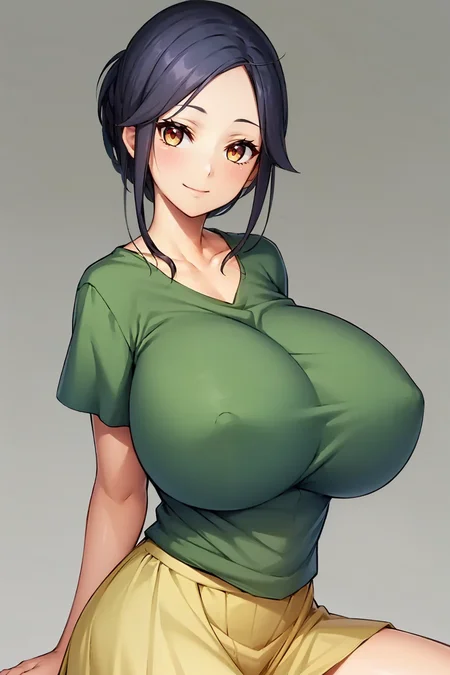
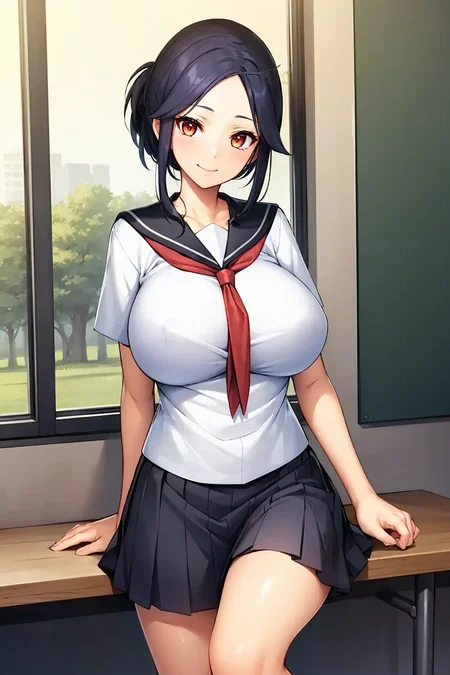
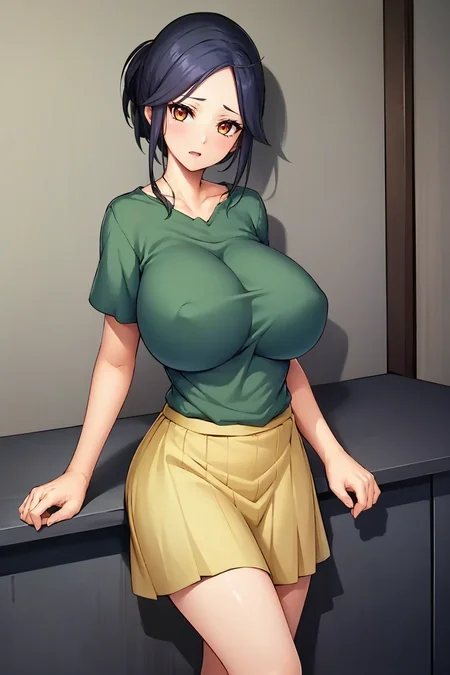
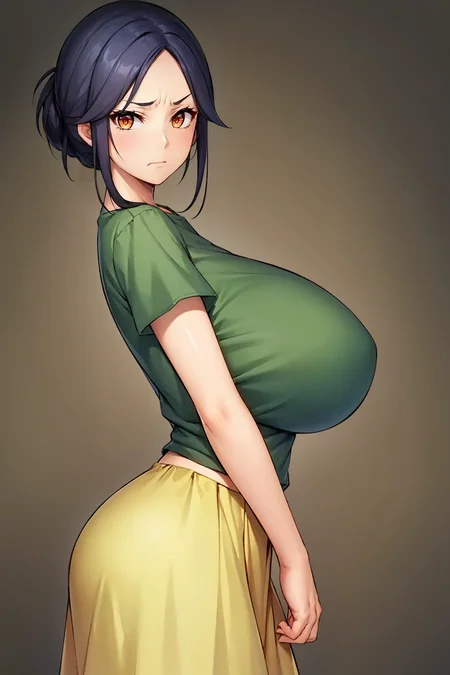
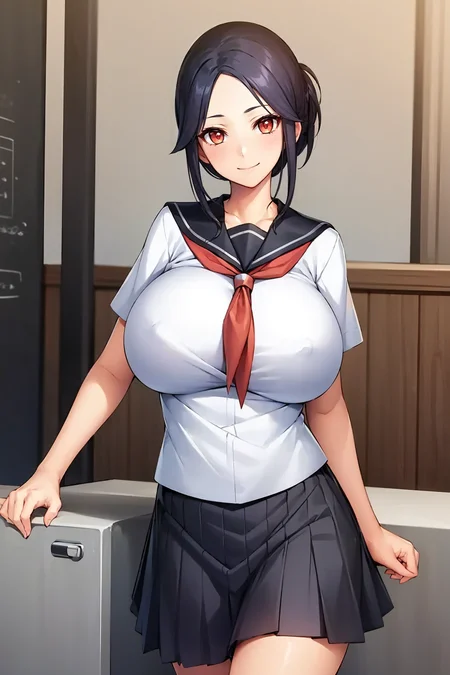
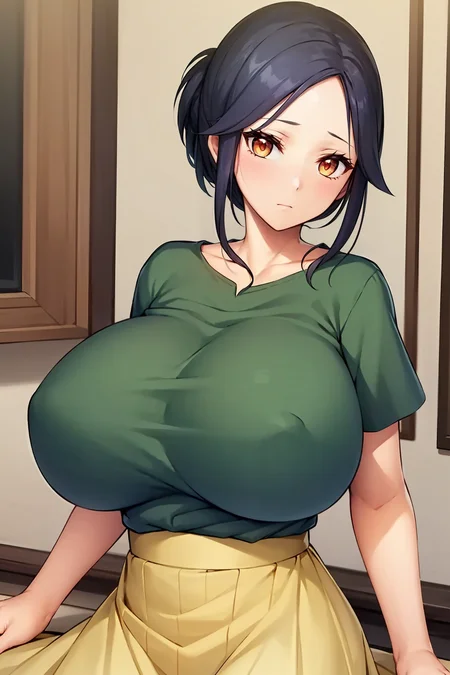
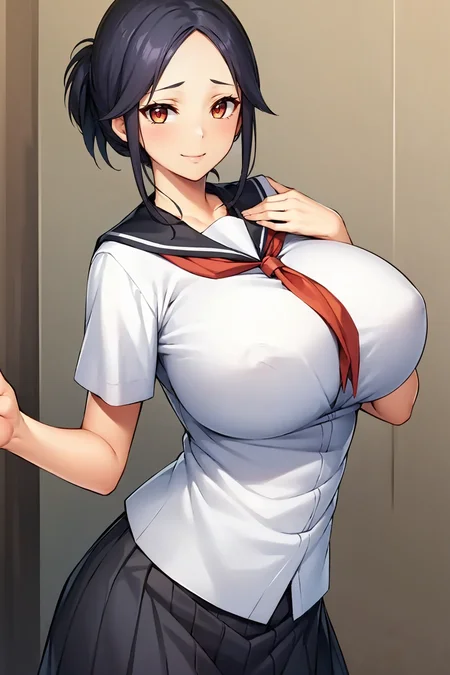
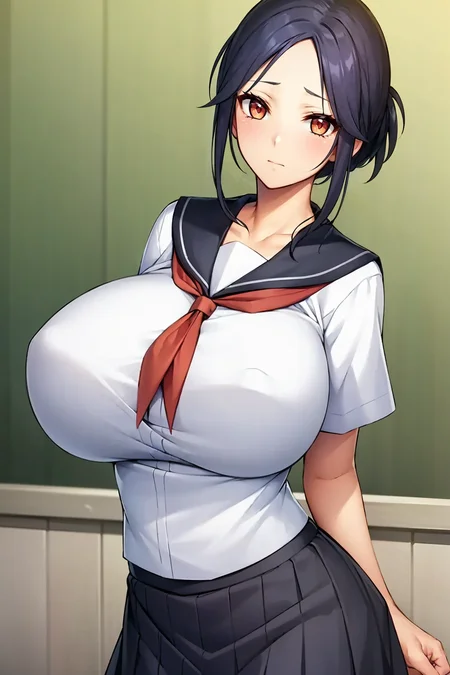

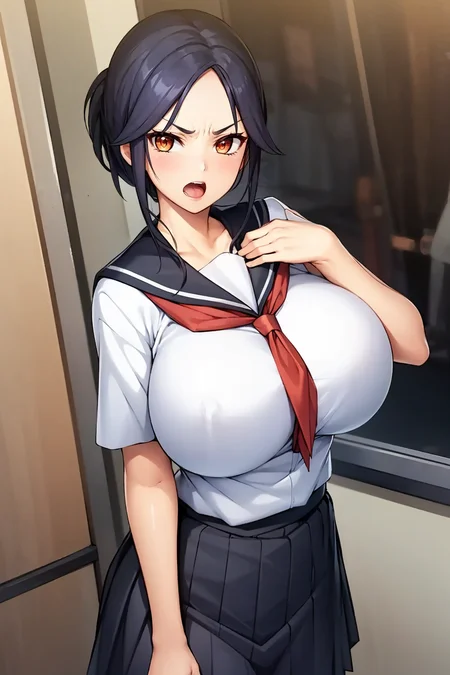
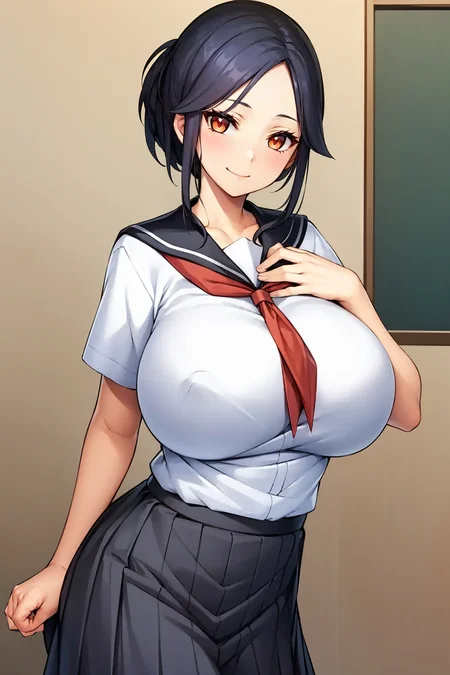
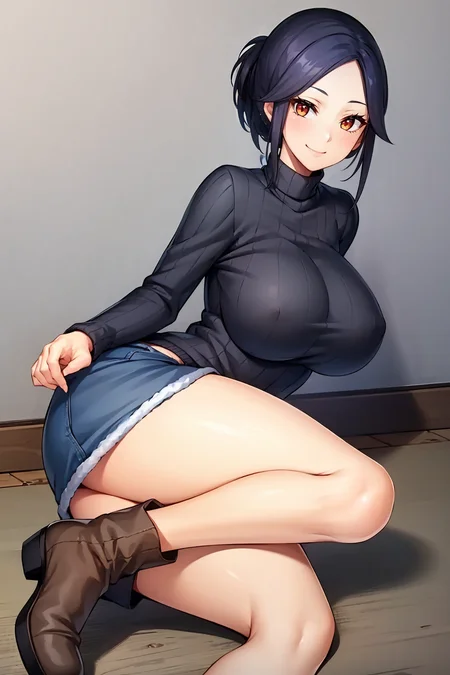
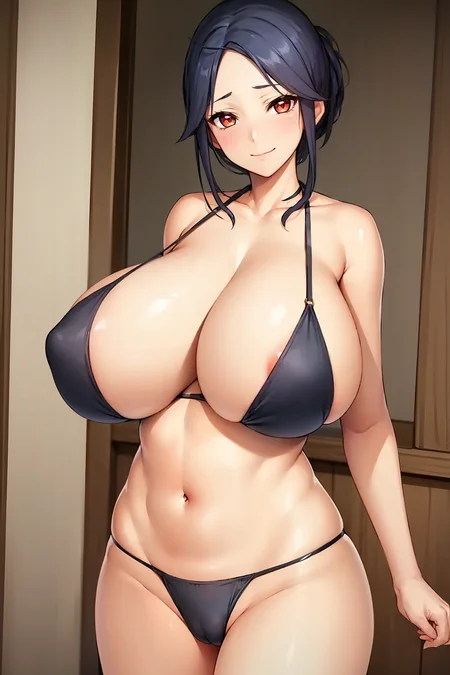
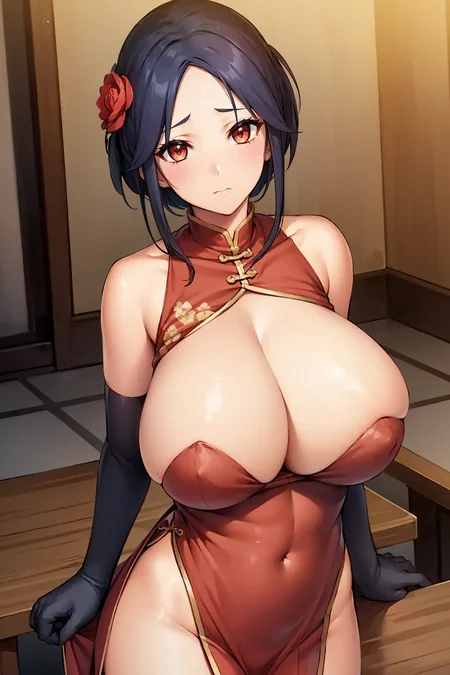
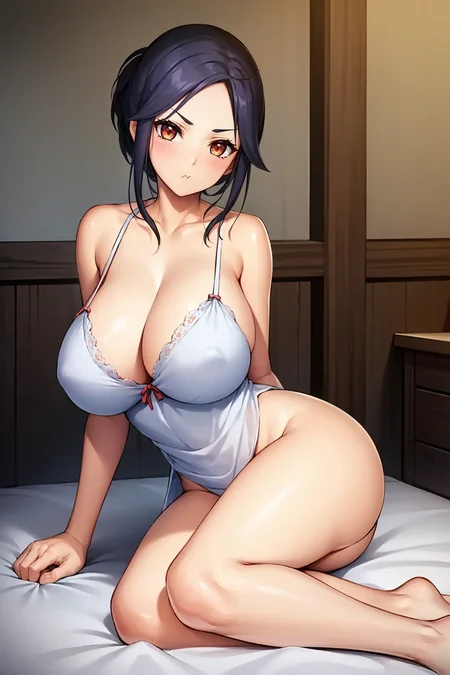
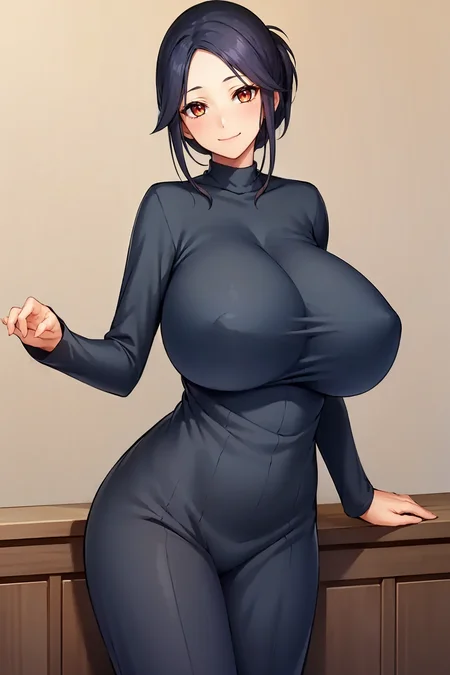
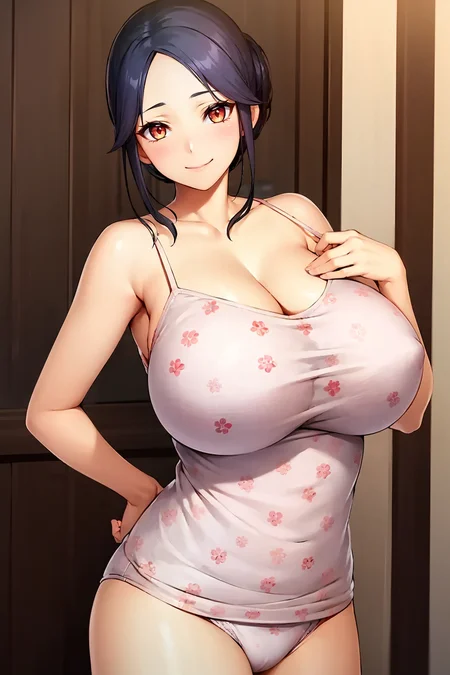
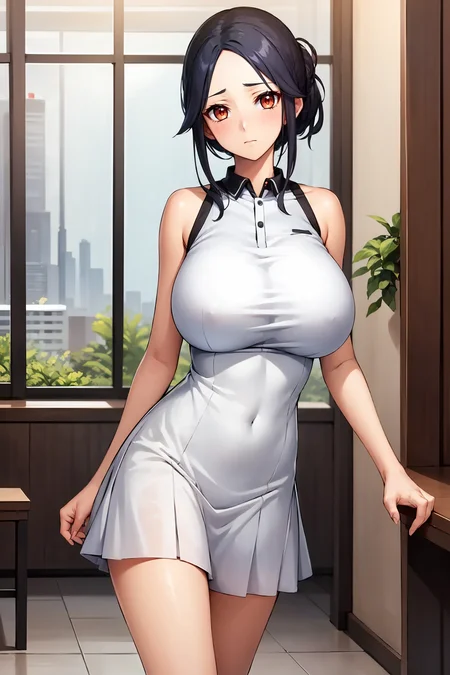
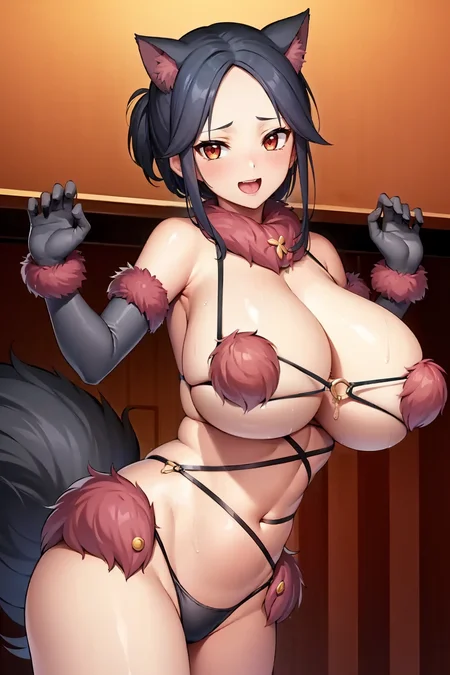
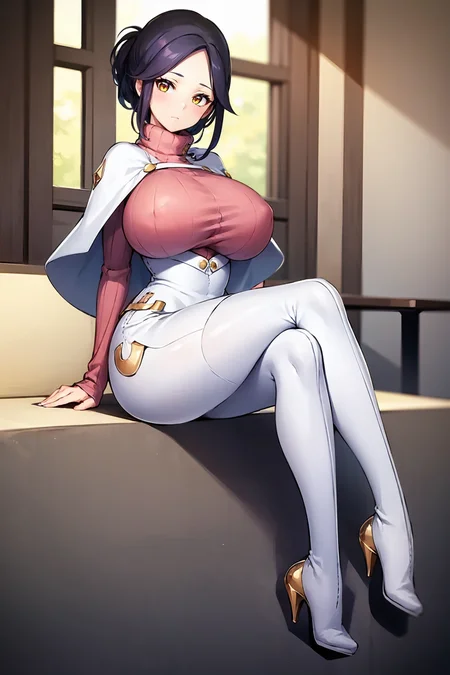
Artist is Ichikawa Noa
character description (VNDB):
The mother of the protagonist (Shingo). She's a rough-and-tumble person, but she cares for Shingo, hence why she's so strict with him. With a rejuvenated body, she wants to enjoy her youth again.weight: 0.8-1.0 (lower if using with other loras)
character trigger:
black hair, mature female, huge breasts, single hair bun, brown eyes, sidelocks, parted bangs, foreheadoutfit:
shirt, green shirt, skirt, yellow skirt, short sleevesschool uniform, skirt, serafuku, pleated skirt, shirt, short sleeves, black skirtI tried another training method, works great so far
Tutorial: New workflow for 1.5 LORA training : r/StableDiffusion (reddit.com)
I used this to turn the 0.4 to 1.0
GitHub - ostris/ai-toolkit: Various AI scripts. Mostly Stable Diffusion stuff.
Description
FAQ
Comments (6)
hi, could you help me? How do you create such beautiful Loras, which look a lot like the anime? I tried some: :hollowstrawberry-kohya-colab
But I get Loras who don't look much like the character I wanted to create :(
Sorry I run (almost) everything locally (training, genning) so I'm not sure how much I can help with colab but I will try my best to explain my process.
I'll assume you can gather and tag a dataset so I will go past that step.
I first used this guide as a starting point:
https://civitai.com/models/77908/lora-lazy-dadaptation-guide
This method overtrains a little but it saves the epochs that progresses incrementally, so you can trace back to the exact epoch version that looks just right to you. This work pretty well by itself, I've used this method up to the Elite Dairy Cow character model.
Now, I'm trying a combination of the first method with another method, which supposedly helps with overfitting:
This is more tedious than the 1st method by itself as you need to crop, tag and train your dataset twice (512x512 and 512x768 width x height wise). After training I would pick out the best looking ones from the 512 and 768 sets of epochs and combine them in kohya according to the 2nd method.
Now this step isn't necessary but after using the 2nd method, your lora's ideal strength will be at 0.4, so what I like to do is use this tool:
https://github.com/ostris/ai-toolkit#lora-rescale
to rescale that 0.4 to 1.0
Afterwards I just finetune with testing and see if the character can handle different pose/clothes outside of it's dataset. If the hands look bad or artifacts appear at this stage I'll just lower the weight.
would i recommend my way of training loras?
Dunno, I'm still experimenting and not sure if the extra effort is worth it. The comment of the reddit thread in the second method seem to look upon it positively.
Tools I recommend:
https://www.birme.net/ for mass cropping and resizing
https://github.com/starik222/BooruDatasetTagManager for tagging danbooru tags
@kettleSettle hi, I have a fairly powerful PC, having an RTX 4070 OC and an AMD Ryzen 7 5800x CPU I should be able to do everything :)
@kettleSettle so can you tell me how you do it locally?
sorry I wrote this at 1am so pardon the messy writing and keyboard mashing. I'll edit and clarify if there's any concerns. sorry for the wall of text.
@ApexThunder sure, have you installed kohya-ss and automatic1111 webui already or do you need some help with the installation?
GitHub - AUTOMATIC1111/stable-diffusion-webui: Stable Diffusion web UI
They're both needed if you want to train and test locally.
next I would grab the novelai leaked model for training, most lora training guides online I've read say this ckpt is the best for training anime, so I've been using it for anything anime since then.
--GUIDE-- (rentry.org) (I forgot where I got my version from, but this source should be fine)
Then comes getting the dataset. What I usually do is look for any characters I like on hentai sites, I find the hentai games assets uploaded there quite convenient if they have character portraits and expressions. You don't have to worry about other subjects mixing with your character (though there is the risk of overbaking). This character for example is Hasegawa Ai and was trained from her assets from her visual novel. sites like hitomi.la don't require sign-ins so I use that one. Artist-CGs in the original Japanese language sometimes have a no text version in their second half is also a good source for character art, Rinko from Lucky Douskebe was collected that way.
If it's a peculiar character you're after, you can always look at danbooru. They don't have everything but can point you there. All images link their source at the left side menu, you can follow that for more similar images. If it's a work or OC by a specific artist danbooru links their twitter, pixiv and other platforms. That's how I gathered material for Cynthia (Ikuchan Kaoru version).
For anime only characters I have little experience if the material is only available in video form, so I don't have much input. I suppose you could screenshot or extract the frames anytime there's is clear shot of their body, face, costume (without any subs of course).
For manga characters, I recommend doing ones with some color illustration so the LORA has some reference of how they should appear. Unless you really like the manga character, I would stay away from all-page monochrome manga. Hilda from NPC Mod had her on the color cover of the sequel, so I was able to upscale and use that. if you download the dataset from her lora page you'll see how little color goes a long way.
Then I prepare the dataset. My main tools for this step are the Photo application from windows as it has an erase tool that can correct blemishes and Paint.NET - Free Software for Digital Photo Editing (getpaint.net) a free image editor (I'm too dumb for GIMP and PS). I use 'Photos' when I'm not confident I won't mess the colors and let the 'windows photo ai' handle it for me, I mainly use this to get rid of sfx, text, blur faces if they couldn't be cropped out so the focus is the subject I'm training.
Paint.net is used to separate the character from the background with the magic wand tool and manually erasing tiny leftover bits then slapping on a random color as background. I also use this program to erase text and speech bubbles if I can and if it doesn't mess up the image's color as this program is better at painting over stuff on a solid color background than 'Photos' ie. text in a white bubble. 'Photos' is better for blurring shades of colors imo.
Edit: the whole bit about two datasets and cropping in the following sections can be ignored if you only want to use the first method https://civitai.com/models/77908/lora-lazy-dadaptation-guide and you can use any resolution (provided it's not too small)
Afterwards I crop them into 2 datasets with BIRME (link in my previous comment) and run them through the interrogator from BooruDatasetTagManager (also linked in my last comment). If you need help installing this let me know or you can use the WD1.4 tagger from kohya-ss. What I use is wd-convnext-tagger-3 at 30% confidence. You can tag and prune both datasets at the same time by having both sets of images and their folders in a folder together and opening the folder contain both subfolders when loading in the tag manager.
(Be warned that BDTM doesn't work that great with .avif or some less used image formats so I recommend convert all dataset images to png or jpg before cropping on BIRME)
After tagging I prune using the BooruDatasetTagManager (BDTM). If it's a character I'm not picky with about outfits, then I prune the character's name that the tagger may detect and any of their basic identifiable features that consistently shows up whenever the character appears. Most of the time it's face and hair related tags (i.e. red eyes, ahoge, sidelocks, white pupils etc.). The rest of the tags I'd just leave them as long as it's not outrageously wrong (like having the tag 'books' despite none shown in any of the images).
Then I'll add a trigger word that's unique in this case and won't be associated with other concepts. The would-be lora would learn this new word in the place of tags that would describe your character and associated that trigger with the character when training. When adding the trigger word, make sure to add it to the first spot of each image by clicking on the drop-down menu and changing from down to top.
But if you don't want to deal with trigger words, that's understandable. In that case I'll just prune tags that's obviously out of place and leave it at that. The character tags describing the subject are left untouched.
Training - for this stage I start up kohya-ss and load up training configurations provided in a json file from https://civitai.com/models/77908/lora-lazy-dadaptation-guide (make sure you're on the LORA tab, not the default Dreambooth tab before loading, I've gotten confused before because of this).
After that I'll prepare the folders kohya needs with folder names, dataset source, repetitions and folder destinations. This method always sets the repetitions as 1 so I make sure that's the case. After kohya has prepared the folders, I click the 'copy info to folders tab' button to override the previous folder settings and names from the json file.
At this point the only things I will change is:
the training model location - make sure the model loaded is the novelai leaked (NAI) model from earlier,
the would-be-lora's name,
the training batch size to a number that suits your gpu (mine being 1),
change the save every epoch from 10 to 1 (I have the storage to support this but this can be changed to suit your needs),
and the number of epochs - make sure to change this setting on both the 'Epochs' box and in
--max_train_epochs="50"
in the 'Additional parameters' box under the 'Advanced' tab. The 50 here is an example, the numbers just need to match.
Note: If training anime, make sure clip-skip is on 2.
And if you are using the trigger word - make sure 'Keep n tokens' is at 1
As for epochs, I try overshoot slightly so backtracking becomes less of a pain. Somewhere between 3000-5000 steps (since repeats = 1, steps becomes images x epochs). So if you have 30 images, I'll go for 150 epochs - totaling to 4500 steps. Then starting training.
Testing:
After it has finished, move the models into your Lora folder and test them all at strength:1 - the way I do this is:
1. open up automatic1111 and enter your prompts, you can use your preferred anime model.
2. load in your lora, use any small factor as a starting point (e.g. if I trained 60 epochs then I'll use <lora:example-000006:1> as 6 goes into 60 ten times nicely)
3. scroll down to scripts, change it XYZ Plot
4. on the x-axis change it to Prompt S/R - what that does is it searches and replaces any prompts both positive and neg
5. use chatgpt (TalkAI - Talk With ChatGPT) to come up with a sequence for convenience e.g.
"generate a list of numbers from 006 to 060, in steps of 6 without any space and separated by comma"
"006,012,018,024,030,036,042,048,054,060" paste this sequence into X values
6. generate your grid of the lora climbing up in epochs
7. check your results and repeat step 5 and 6 while narrowing down your ideal LORA
e.g. you find epochs 24 to 42 looks pretty good so you search again
"generate a list of numbers from 024 to 042, in steps of 2 without any space and separated by comma"
"024,026,028,030,032,034,036,038,040,042"
don't forget to change the lora in the prompt box from <lora:example-000006:1> to <lora:example-000024:1>
And there you have it, that's the first method by itself.
If you want to use it along with the second method https://www.reddit.com/r/StableDiffusion/comments/16tywgr/tutorial_new_workflow_for_15_lora_training/
then the training and testing steps must be done seperately for 512x512 and 512x768 datasets
note: when training the 768 dataset, remember to change the 'Max resolution' from 512,512 to 768,768
After doing so, you can combine them in koyha-ss, with your new ideal weight being 0.4
If you want to rescale the 0.4 to 1.0, I can provide the steps.
@kettleSettle Hi, thank you very much for your guide, but unfortunately I'm the kind of person who understands with images or with a video. I rarely understand in words. But I can say that you are truly an expert on the subject :)
Details
Files
Available On (1 platform)
Same model published on other platforms. May have additional downloads or version variants.