







Update: Please if you see any of my models somewhere else report or let me know! Thnx
Trained on base model xl 1.0 + F1D + zib
Update: SD1.5 version added.
Please read info. (Box on right) about this version.
Works well with juggernaut model and pretty much any other model.
This works well when combined with Detailed Perfection style XL (An extension to the style)
In addition, you can use the model as an extra layer without any prompt when combined with any other lora model(s). (Always start with lower weight)
Also you can check hands asset model and feet asset model (will add more value when combined)
Feedback and ratings are much appreciated.
Other models to check:
Skin Tone (Cinematic Photography) Style XL (Human skin color)
Realistic Skin Texture style XL (Detailed Skin)
Description
Thia is v1 of detailed style.
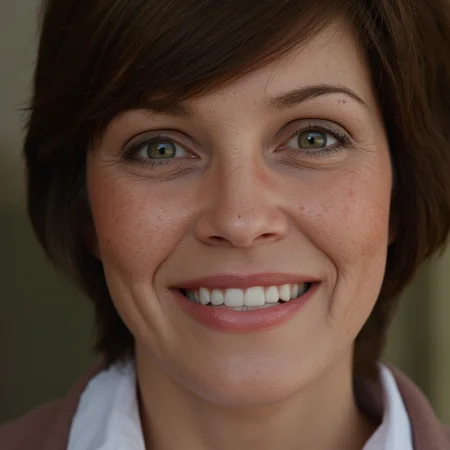
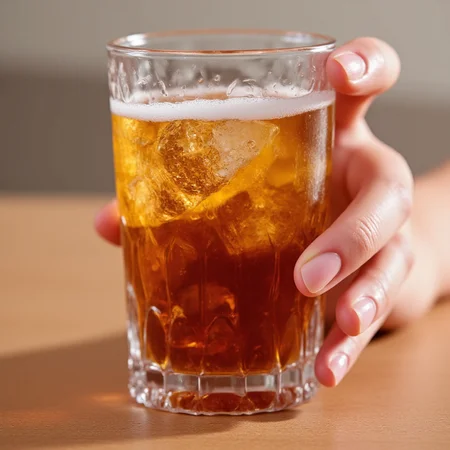
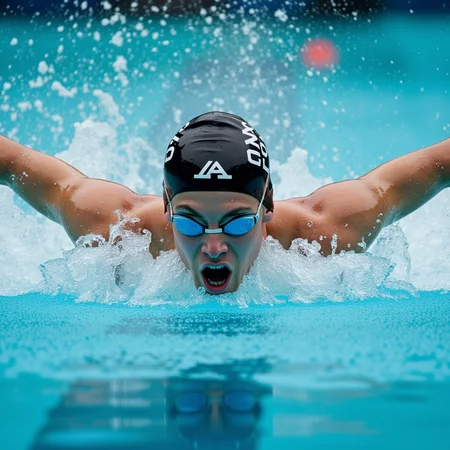
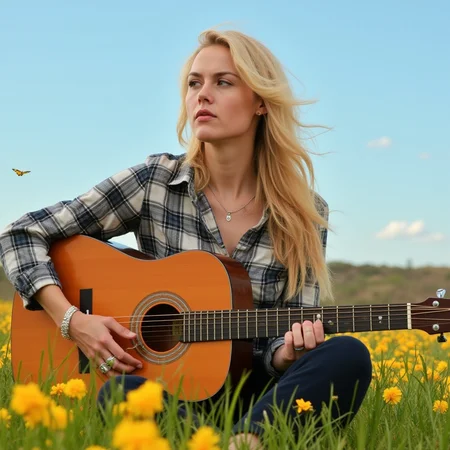
Overall, the model should give you a more detailed image(s).
FAQ
Comments (9)
??? 3 loras in prompt, only FLUX working right ?
For flux version yes. The three lora's will give you these images (fine tuned) when combined together. Or you can use this lora alone as shown in other generated image prompt(s).
@EauDeNoire ??? where i can get these other lora ??? you can make suggested resources
i hate loras where other loras inside !! WHy you do that ???
@sevenof9247 Mostly, Any image will contain more than one lora. However, you don't have to generate a stunning image with multiple lora's. You can generate great images with no lora or a single lora ot multiple lora's. It all depends on what you have in mind. Lora's are only an assists that help with image generation.
The other lora's (Flux1D) are already mentioned in model description below. (Not info)
@EauDeNoire maybe bring some order into it and dont mix SDXL and flux ^^
Out of curiosity, what's the difference between this and the Detailed Perfection Style lora?
Different training images, trigger word, etc. (Same for other lora's)
The idea is when combining both lora together (or adding more), it should give you a much better detailed image(s). As long as you balance lora weight correct.
What's the optimal weight when using both?
@Fluffies No clue, can be very tricky. You can start with 0.5 on all models, then lower or rise lora weight(s) when needed on each model. You may go 0.9, 0.8 on a single model and 0.5, 0.4 on another. (Depends)
Details
Files
Available On (1 platform)
Same model published on other platforms. May have additional downloads or version variants.