
About
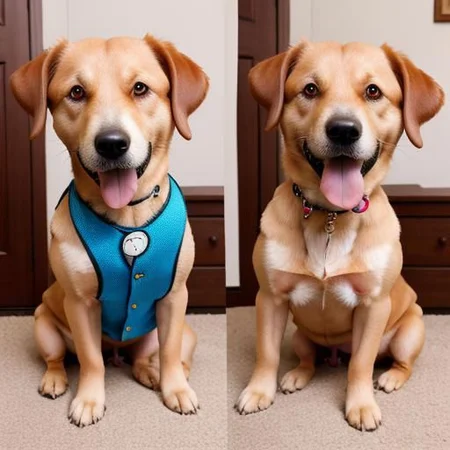
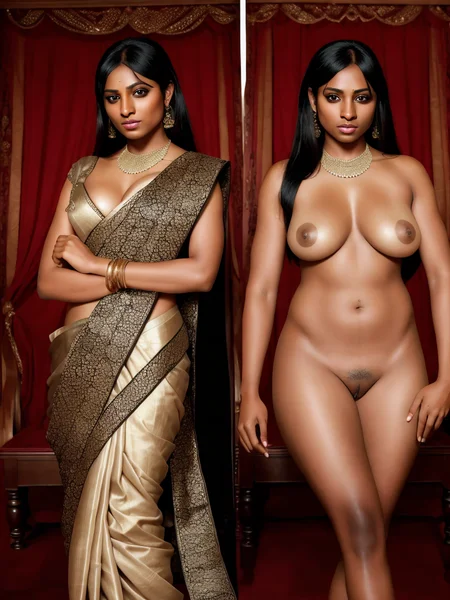
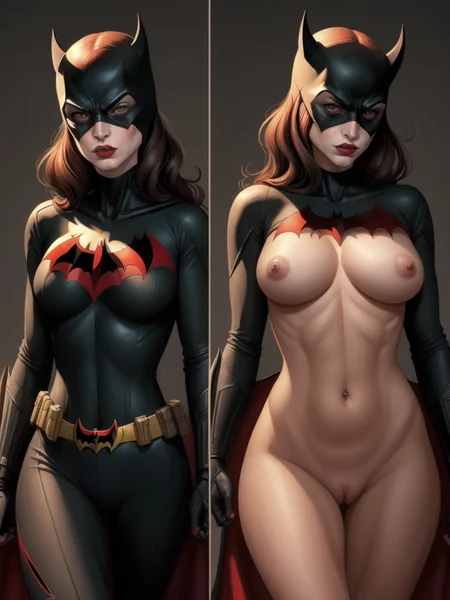
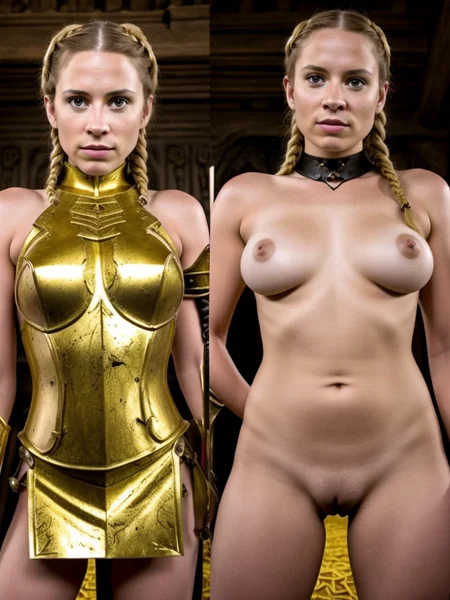
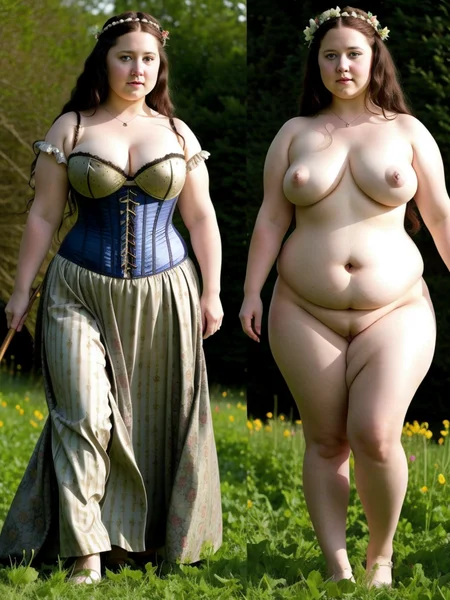
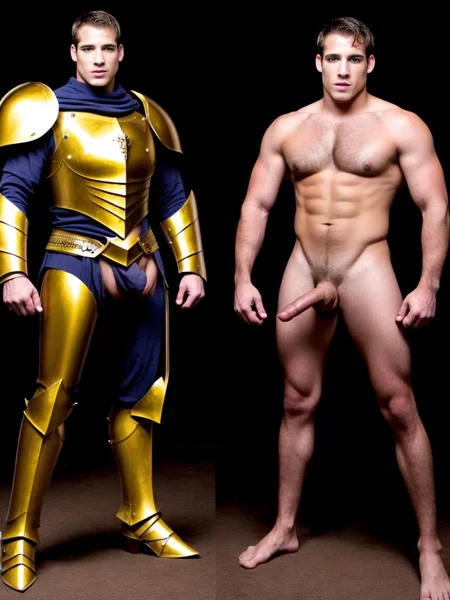
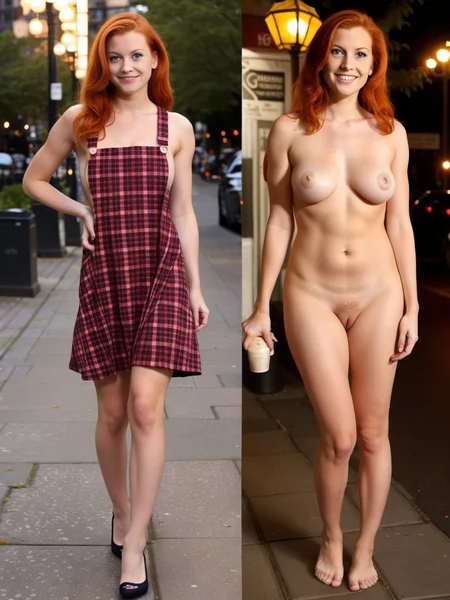
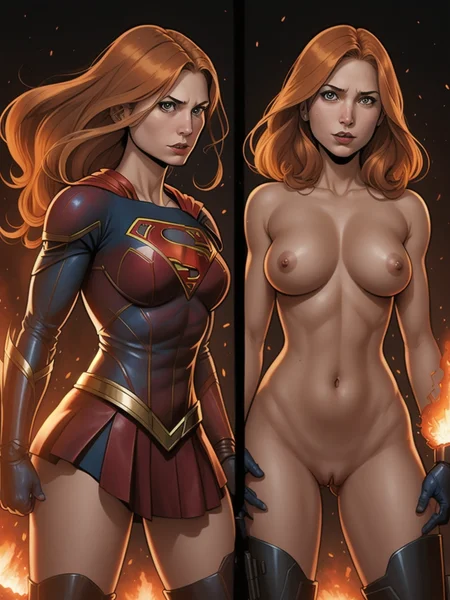
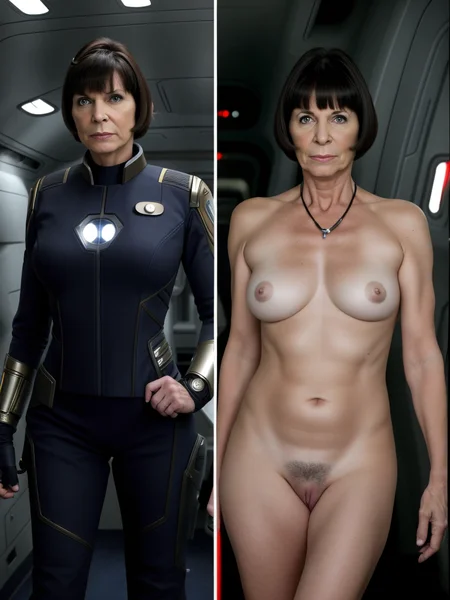
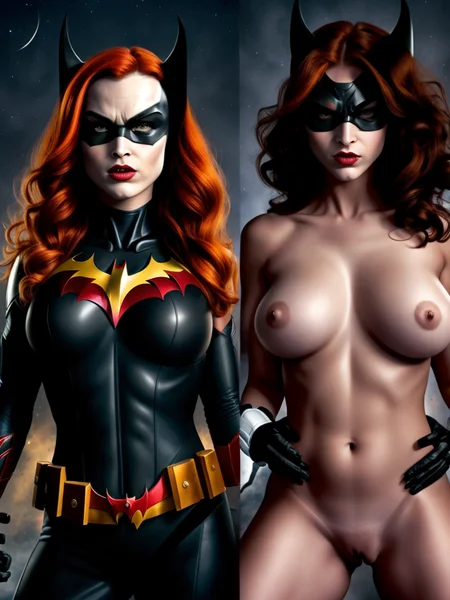
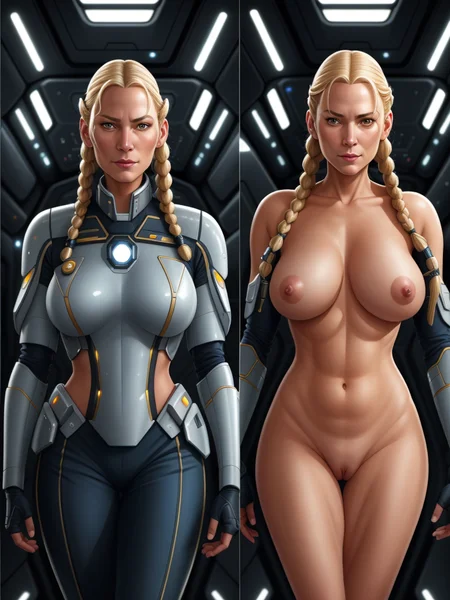
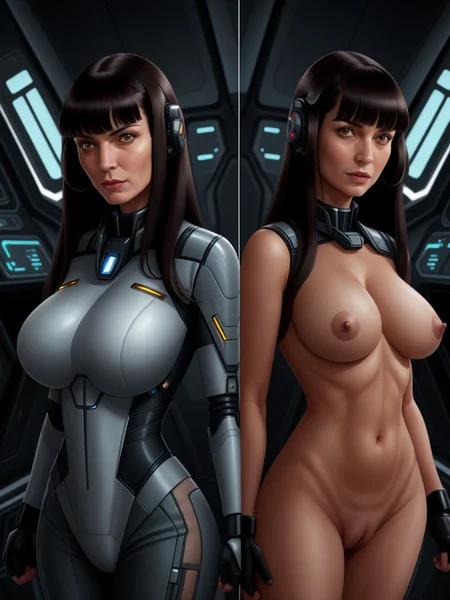
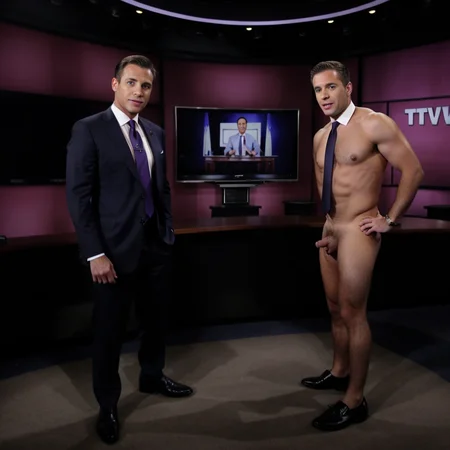
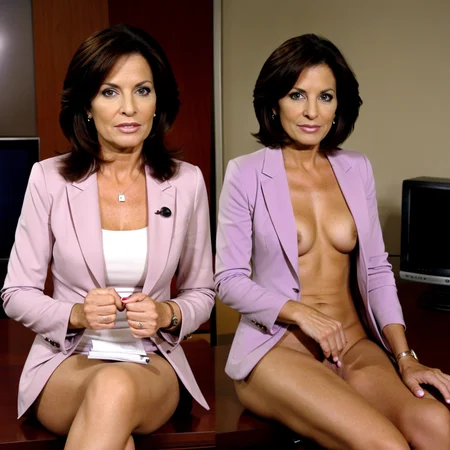
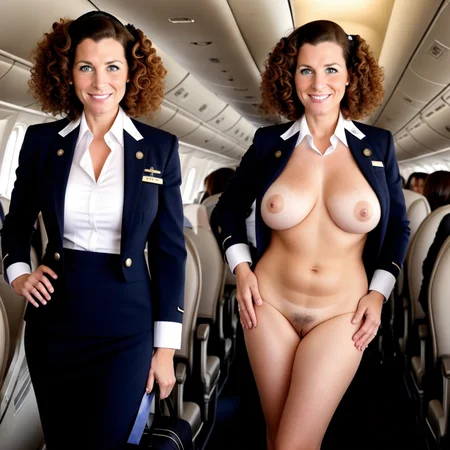
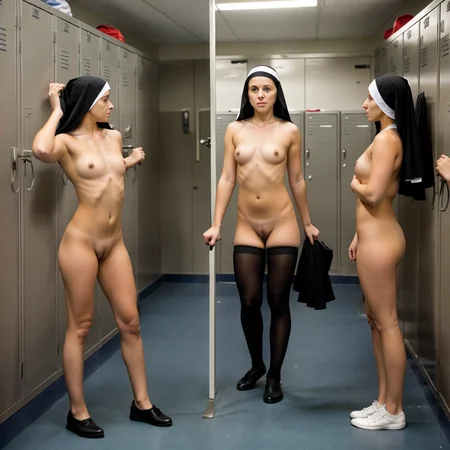
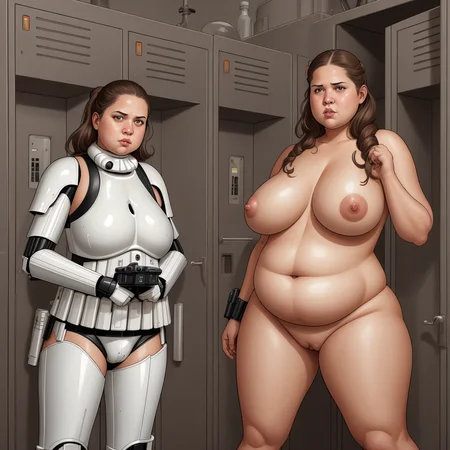
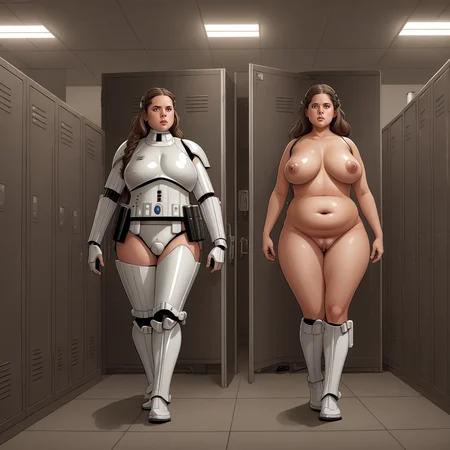
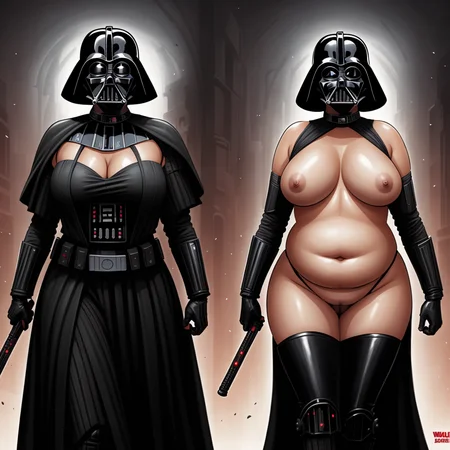
This LoRA is intended to generate an undressed version of the subject (on the right) alongside a clothed version (on the left). Precede your prompt with the "onoff" keyword, and then describe your subject (including any clothes you wish to appear on the lefthand image).
Versions
The latest version 4.0 takes advantage of more recent optimization enhancements and seems more reliable than previous versions. However, it was trained at 640x640 pixels, and it also tends to oversaturate and increase the brightness of the image if you use it at a smaller resolution. Please let me know how it works for you.
v4.0 - Best at 640x640. Used the dynamic learning rate from the Prodigy optimization settings and a more controlled dataset to more reliably produce the desired configuration.
v3.26 - Best at 512x512. Increased the size and quality of the training set and captions compared to previous versions, but used a smaller network rank (still larger than version 1.x) to improve overall control
v2.39 - Larger training set than 1.x, larger network rank, can handle more subjects and styles. Might work better for more heavily tuned models like CyberRealistic.
v1.28 - Original version, best suited for individual female subjects
v1.50 - More heavily trained original version if you have trouble getting 1.28 to work with your prompt.
If you're looking for the right hand image to be wearing underwear instead of nude, try the dedicated On/Off (Underwear) LoRA.
Tips for best results
Prompt
Precede your description of the subject with "onoff," and mention the subject's clothing in the following sentence. Adding "side-by-side photo" or "split screen" can help steer your base model toward generating the right shapes for the LoRA to take hold.
You can try "onoff couple" and "onoff male" to work with subjects besides individual women.
Weight
In most cases the models should work at the default weight of 1. If the concept is not being applied on your image, and you've already tried adding "helper" phrases like "side-by-side photo" and "split screen," first try increasing the weight of the "onoff" keyword in the prompt rather than the weight of the LoRA; both methods can work, but an overcooked LoRA model is likely to warp faces.
Speaking of which, I recommend using high res fix for better faces.
Control Net
Check out Mastabe's image post for an example of what you can accomplish with Control Net for fine control over the side-by-side image placement: https://civarchive.com/posts/234028
Description
IMPORTANT: this version trained at 640x640 pixels! 512x512 images will come out oversaturated. This updated version also uses the Prodigy optimizer and a truncated dataset.
FAQ
Comments (14)
How to use on existing image?
DO you still need to add the prompts for the nude side? I keep getting 2 or 3 splits but all are clothed. The faces are also pretty bad lol. Lora at normal weight
Is there a way to "control" suggest the number of splits to use? Was there a particular phrase that was used for training (e.g. 2split, 4split etc.)
May I ask how to operate it? Is "Inpaint" used? I'm not sure what steps are missing.I have already added “onoff” "side-by-side photo" "split screen"
Can you tell how to create existing picture step by step
Anyone else experiencing this? There is a different face problem that seems specific to v4. It can be improved with dialing down training steps & CFG but 3.26 doesn't seem to have the problem.
Very good Lora - works surprisingly well! Question, though: What on earth did you cook this on? The bodies seem to react more strongly than they do otherwise, and look a little different in general.
can i feed a image for on and off?
I copy the prompts into automatic1111 and keep getting this error. Can someone please help??
RuntimeError: mat1 and mat2 shapes cannot be multiplied (77x3072 and 768x64)
Time taken: 0.4 sec.
Hi, excellent work thanks.
is it possible to get only the naked part without the split?
Hello everyone, please tell me, can this lora be used in img2img?
Any chance of an on/off front/back?
maybe my fav lora now???
lots of fun, great lora!
Details
Files
Available On (2 platforms)
Same model published on other platforms. May have additional downloads or version variants.