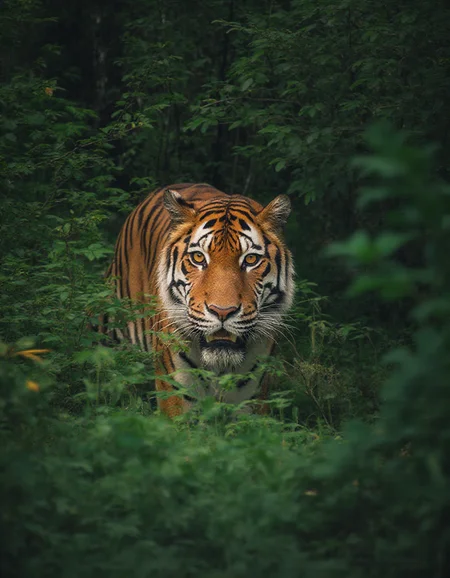
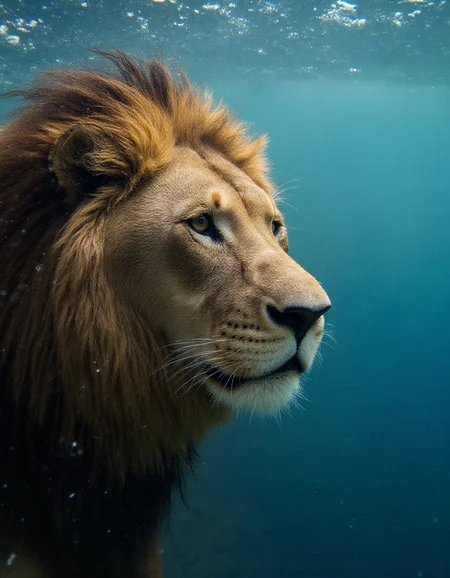
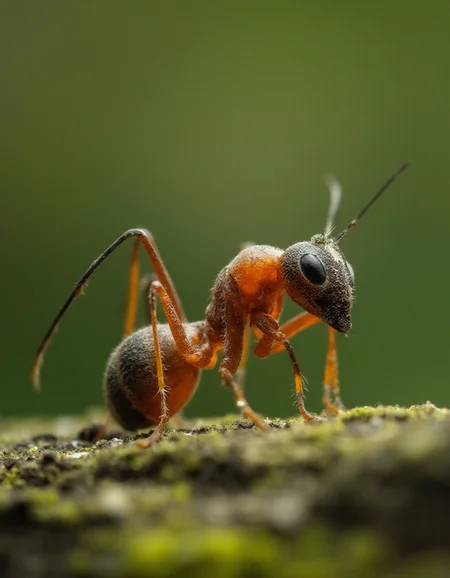


This model is focused on improving the details in faces, skin, clothing, fur, and materials. It performs well in both txt2img and img2img/upscaling workflows.
K2 - Pops on 4MP resolution for me.
I highly recommend to use this between 0.2 and 1 and between 2 and 4 megapixel resolutions to get best effect.
Flux Model v2 - Weak vs. Strong:
The weak version is more flexible, allowing for a wide range of outputs.
The strong version enhances details more dramatically but has a higher risk of inconsistencies.
Both versions have their pros and cons. The strong model can really make details stand out, while the weak version offers more control and stability across different styles.
Recommended Settings:
CFG: 2.0 - 2.5
Steps: 20 - 30
SDXL/Pony:
Upscaling (1.5x - 2x) really brings out the fine details. I’ve personally had great results with full strength, but anything from 0.3 to 1 with 30 to 60 steps can make a noticeable difference.
Recommended Settings:
CFG: 2.0 - 7.0
Steps: 30 - 60
As a heads-up, most of the provided images (except for upscaled ones) were generated through txt2img without any editing, so there may be a few minor issues visible here and there.
Description
FAQ
Comments (3)
This is probably the best Flux detailer in terms of what it adds to a scene, but for some reason I get consistent vertically banding in all my gens when it's enabled, regardless of resolution or aspect ratio. I'm not sure why. I'll post some examples in the gallery.
Sorry for the very late response. didnt saw your message.
I noticed these vertical lines too on multiple models if te cfg is too high.
Here I only see it with normal cfg and detailifuier + 2, lora.
To fix this for me I just lower the cfg to 2-2.5 from the original 3.5
@zwaetschge I usually run with the Flux guidance at 2.8 or so but I'll drop down to 2 and see if that clears it up!
Details
Files
Available On (4 platforms)
Same model published on other platforms. May have additional downloads or version variants.