
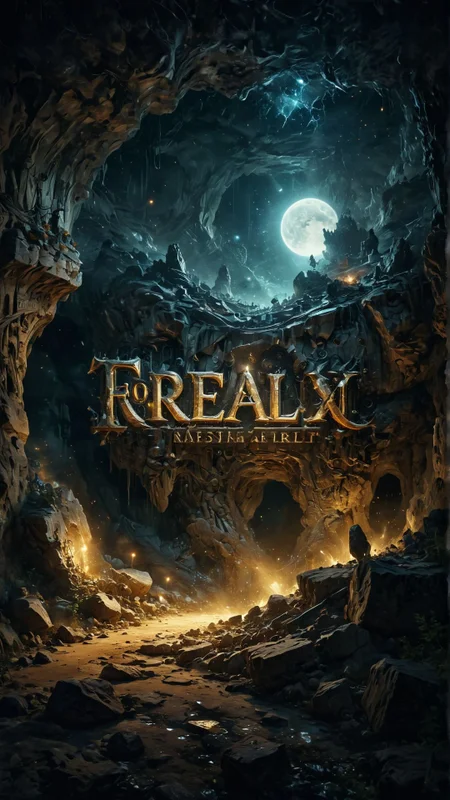
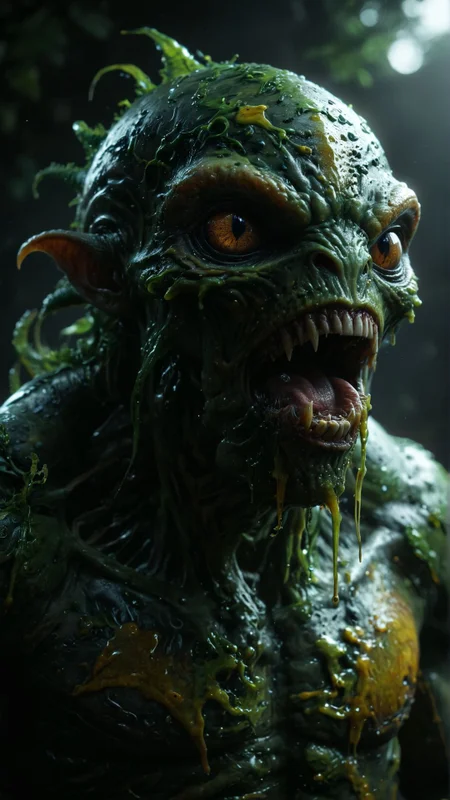

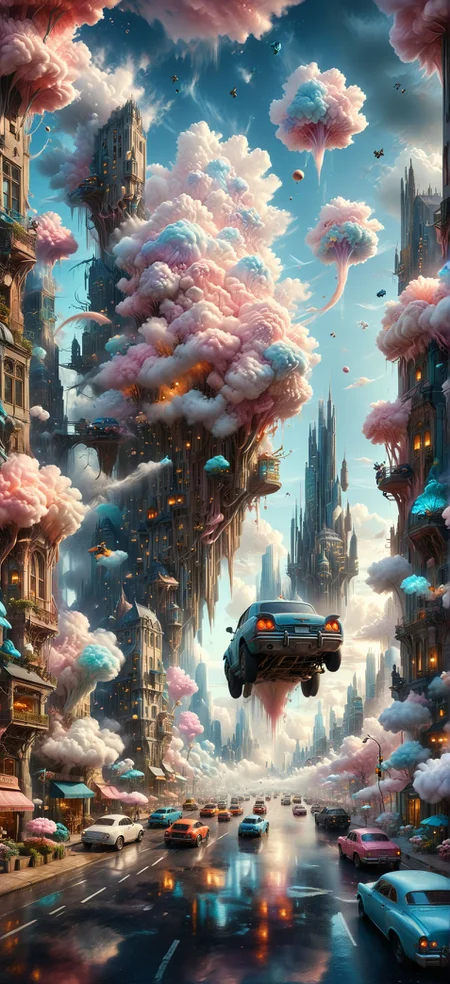

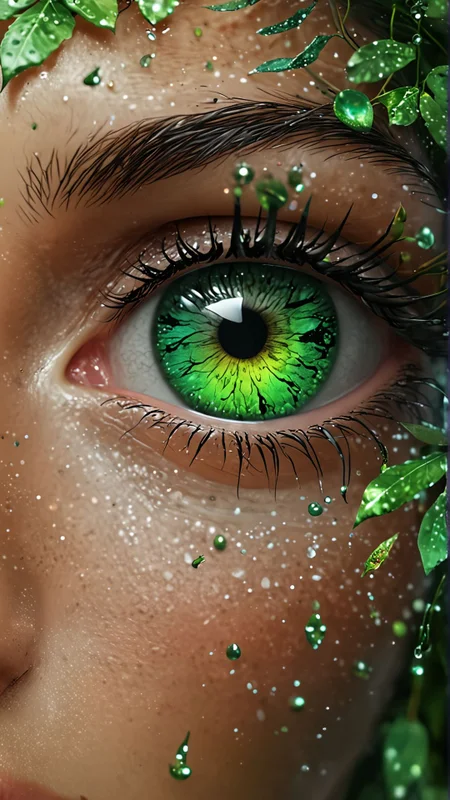
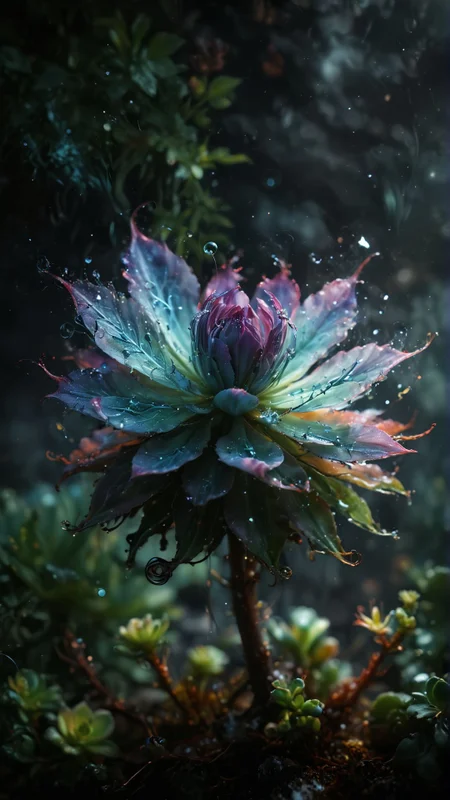

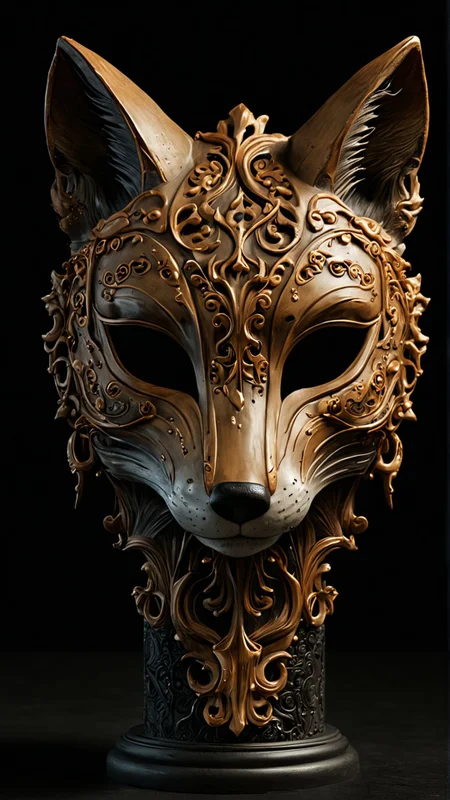
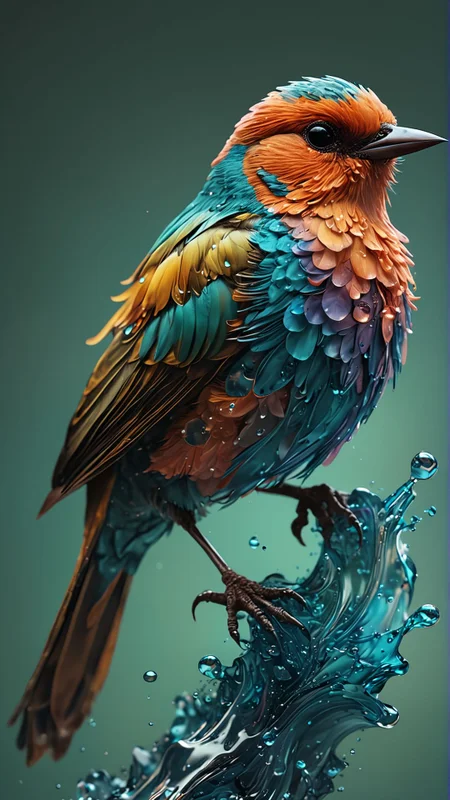
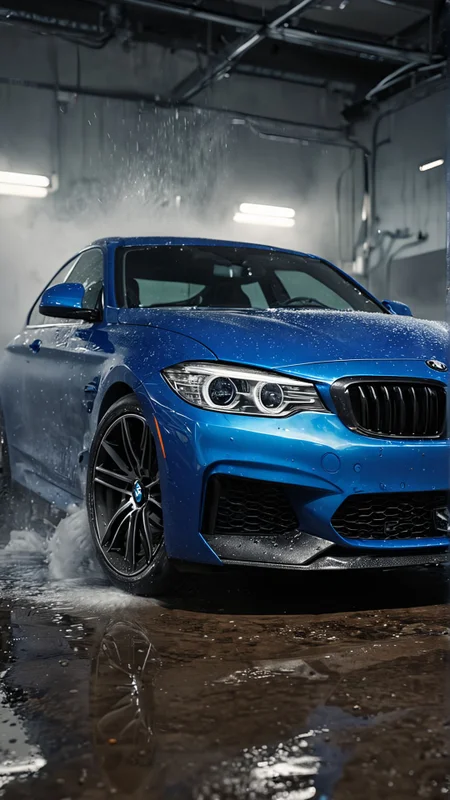
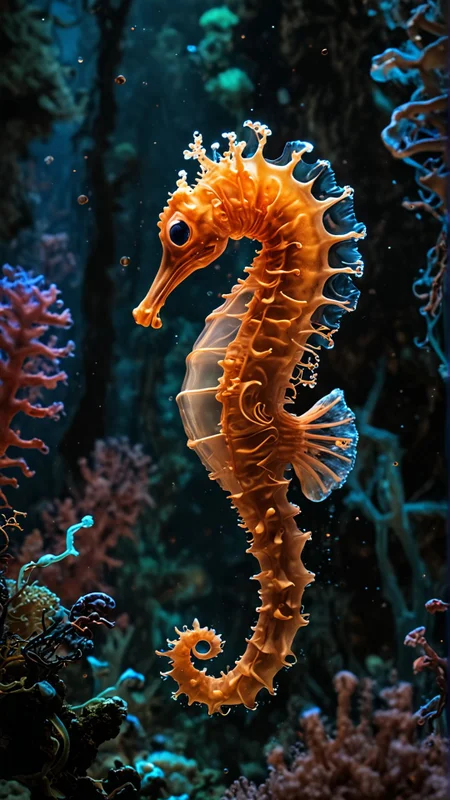
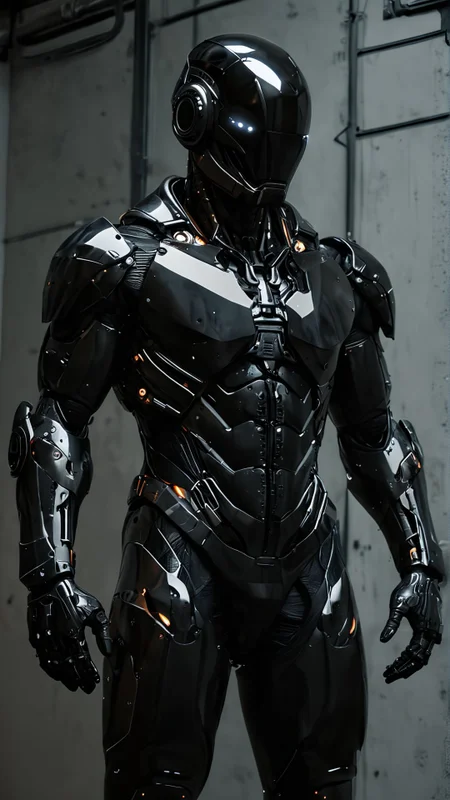
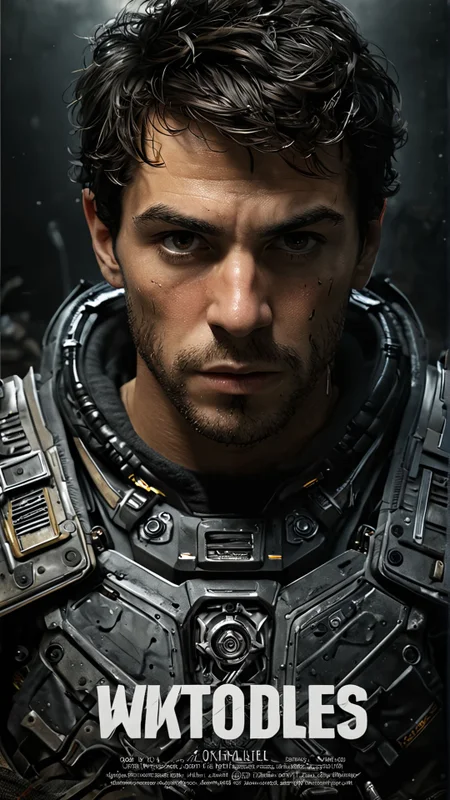


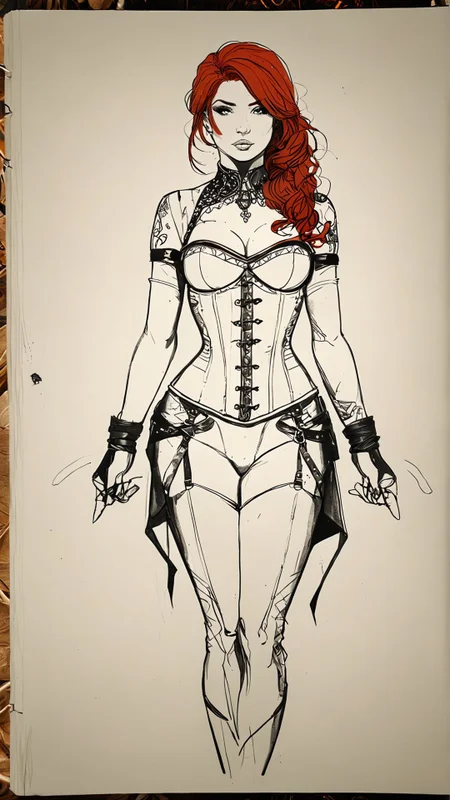
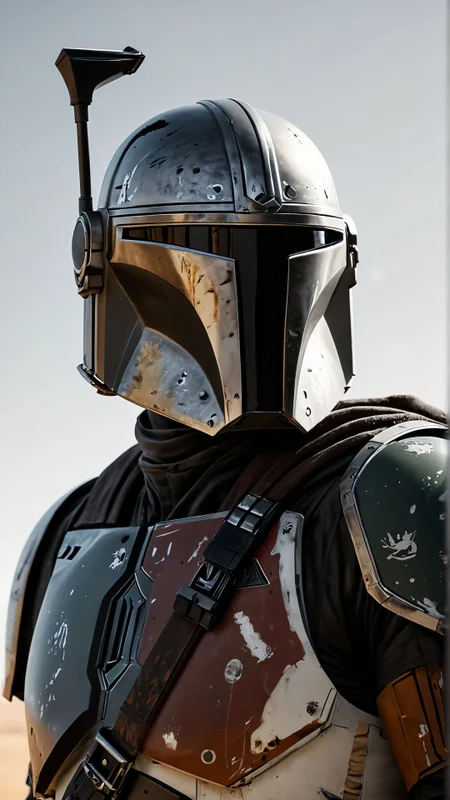

Hello ♥
for whatever reason you want to show me appreciation, you can: ❤️Ko-Fi❤️

Special Thanks to
badassdragoon2 georgebanjog Mr_fries1111 barytdruck124
Please take a look at their amazing work!
Update v1.0:
if you see when V0.5 was released, you can imagine how hard it was for me to create a better version that is really better in all areas.
This is the result of probably 100 different versions.
more Details
better colors at low cfg
better faces (and more variance) (not perfect)
For people and faces, you should not use DDPM. Use DPM++ 3M SDE or Euler
Update v0.5:
Small improvements
- better skin, teeth and eyes in humans
- more details
I am still working on the following improvements
- deformed faces / displaced eyes
- faces from a distance
- xxx
Update v0.3:
It's just a small update to fix some issues from v0.1.
It doesn't change every subject, but some improve.
I haven't had a picture in about 1000 pictures where v0.3 wasn't better, so the upgrade is definitely worth it.
I can notice the following improvements:
a bit sharper
more realistic
a bit more creative
a bit more possibilities to get nicer hands/faces on full body photos
________________________________________________________________________________
This is a merge of the following Models:
Boltning
JuggernautXL
WILDCARD Lightning
Recommended Settings:
Sampling Method: DDPM (my absolute favorite), Euler, DPM ++ 3M SDE
Sampling Steps: 10 (more very rarely make a difference.)
CFG Scale: 1-4 (lower, more realistic, i prefer 1-1.8)
Upscaler: SwinIR _4x (this is my all time favorite)
(Hires steps: 15; Denoise: 0.28, upscale by 1.5 - 4 (depends on your GPU))
📌 USE sdxl_vae
All Images generated in SD Forge with Nvidia RTX 4090
Please test other Settings and share with the communty, so i will learn about the Settings and can optimize.
Recommended Loras:
Please experiment with the weights. Loras are really gamechanging in this Model!
TESTS
Here you can find and download my tests:

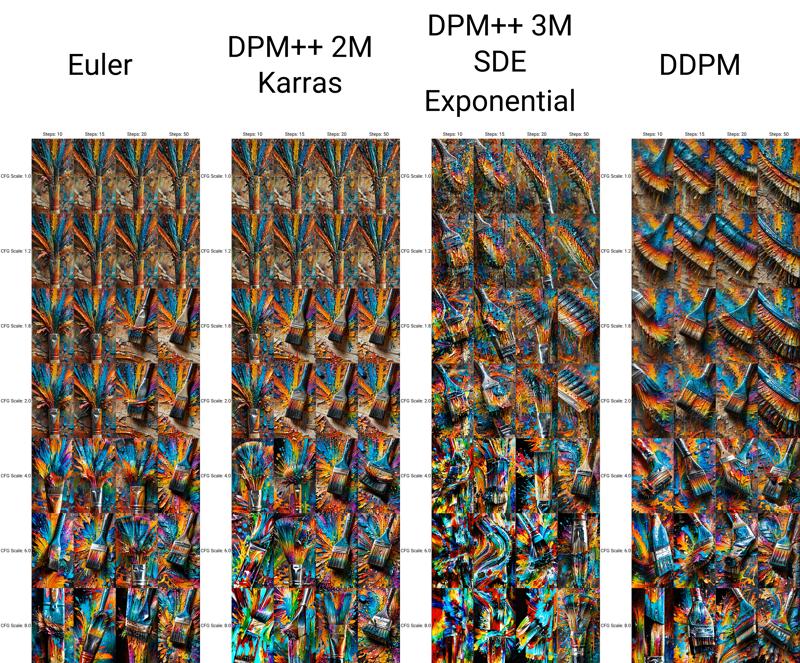

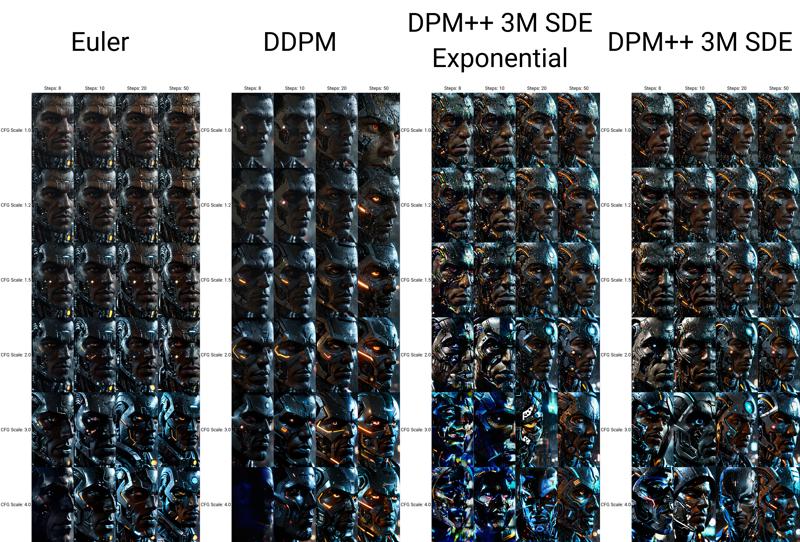
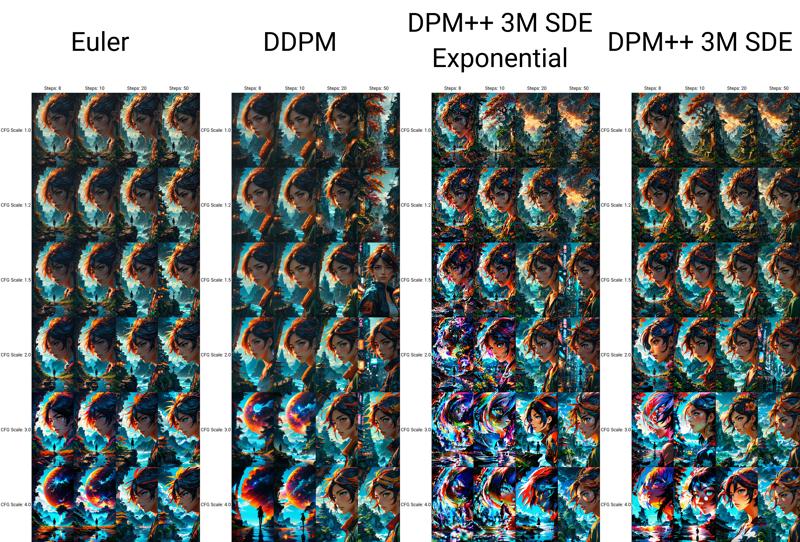
Thank you so much for using this Model. Hope you are get insane results and create some BANGERZ ♥
Description
FAQ
Comments (43)
Awesome =) can't wait to try it!
Edit: It's amazing
♥
Thank you so much for all the Images! ♥ The Results are stunning
Wow, that looks cool. I will definitely try it out =) P.S. it's not bf16, it's float or BF32
Thank you so much ♥
Do you mean FP32? i don´t have BF32
@AIDigitalMediaAgency Yeap FP32 it's float point 32 bit. This is exactly the format of your model. =)
This looks amazing! Really loving those interior design and landscape photos. Any chance in making it smaller than the 12GB?
This model gives these results due to the fact that it uses float format. Reducing its size means changing the format from 32 bits to 16 bits. This will halve the size, but the accuracy will be lost. So there's no point in reducing it. It is for real admirers of very beautiful works, and beauty must be paid for, in this case by the size of the model. 😊
Ahahh, I give up 😁 I tried to convert my model to FP format, but I couldn't get better or at least the same results as you. So congrats, you have the most badass model so far. Great job!
To hear that from someone like you. Unbelievable.
Thank you very much.
i don't understand exactly what this merge is so strong. the results scare me myself.
It really is amazing, but, can't discount the enormous role you played in it! I can't believe either of your models are real.
@AIDigitalMediaAgency The main thing is don't relax 😂 I'm already working on two new models at once.😉
Thank you for recomending my LoRA! Great job on all your images!
Thank you so much ♥
I've now just seen all your other loras, wow!
You are brilliant. I'll be testing your other stuff over the next few days.
I'm extremely excited
@AIDigitalMediaAgency that sounds amazing, thank you ❤
Hello, in both Forge and regular A1111, the images get noisy with a red hue. I've tried different setting / schedulers , CFG, steps . I've copy/pasted the generation data and it's all the same, even if the image looks like the copied one, it has that red noise / overlay.
RTX 3060 12GB 32 RAM, Win11.
Anyway , can you provide the method of merging ? maybe I could try to merge the models myself :)
Important is CFG 1-4 and please try DDPM Sampler.
maybe the Midjourney Lora weight to high? or to much Loras with to high wights?
I can't imagine any other reason for this. Can you send me a picture with the setting? I'll test it on my computer.
Please check discription for the Models
i saw the settings, don´t use Euler a!
Use Euler or DDPM (my favorite)
@AIDigitalMediaAgency I've not used any Lora. CFG 1-4, 10-20 steps, DDPM sampler.. Maybe is something related to FP32.. It is very weird. I've tried converting it to FP16 and same result..
@CVVAD001 your settings show wrong sampler
@AIDigitalMediaAgency Fixed by selecting manually the SDXL VAE!
you should either bake in the VAE or mention that it needs a VAE selected manually. Most models dont need a VAE or if set to Automatic it works just fine :)
@CVVAD001 oh okay, nice to know. Thank you ♥ i will at this in description!
@AIDigitalMediaAgency I've converted your model to FP16 to make it half size (6.46 GB) and baked in the SDXL VAE :) maybe for further versions you could do the same.
Nice model!
same problem on rtx 3050 8gb, Forge
SAME ISSUE ON FOOOCUS AND FORGE
@RainfromNalchik please show your settings
@shuffler123 please show your settings
@AIDigitalMediaAgency it's working(SD vae need to be added to the folder)
@shuffler123 have fun ♥
Amazing! Could you please add pruned fp16 6GB version too? Thanks
Thank you ♥
For 6gb Version, please use Boltning Checkpoint, Link in desription
As far As I c newest Hyper-Boltening is same size.The same unnecessary big size.
Size is anoying,but so I want to try it out.I am very happy with my new external SSD right now ..
how can i get this to work for focus?
i dont know focus, what is that?
@AIDigitalMediaAgency FOOOCUS
maybe this helps:
https://www.reddit.com/r/fooocus/comments/1b25rd0/how_to_use_lightning_models_in_fooocus/
but I don't use fooocus, so I can't try.
I dunno what sampler focus has,or vanilla Aut111.I think there is no problem at Auto 1111 Forge.
Put it on model, checkpoint folder
works great in fooocus I'm testing it now, it works with both the joint method and vae alone
download the recommended vae for just in case not sure if it makes a difference or not and put it in the vae folder, put the model in the checkpoints folder.
@JoeDanger1337 Wow thankl you for the update! ♥