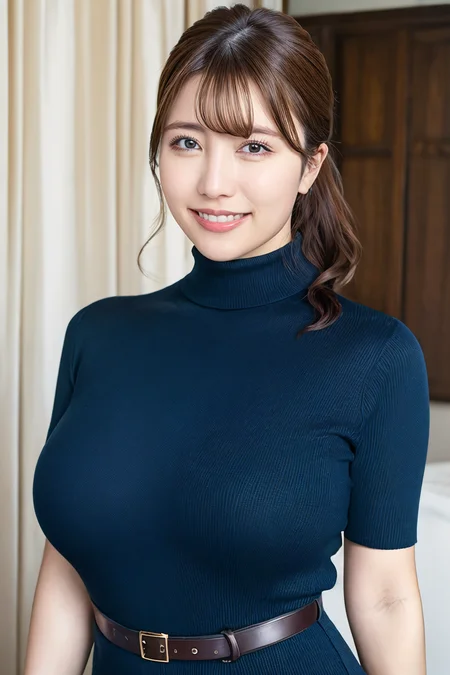
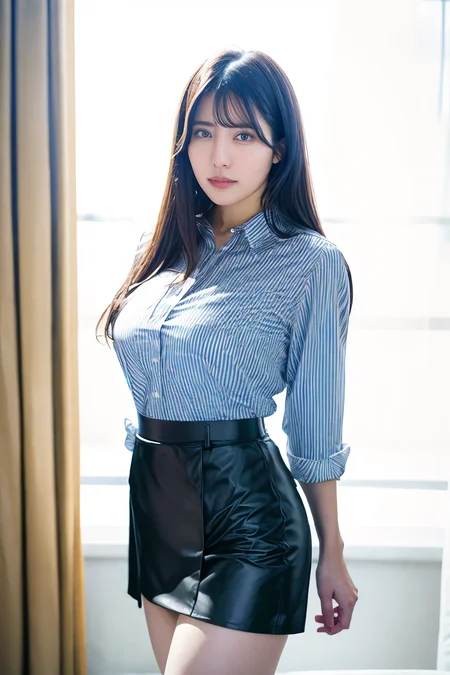
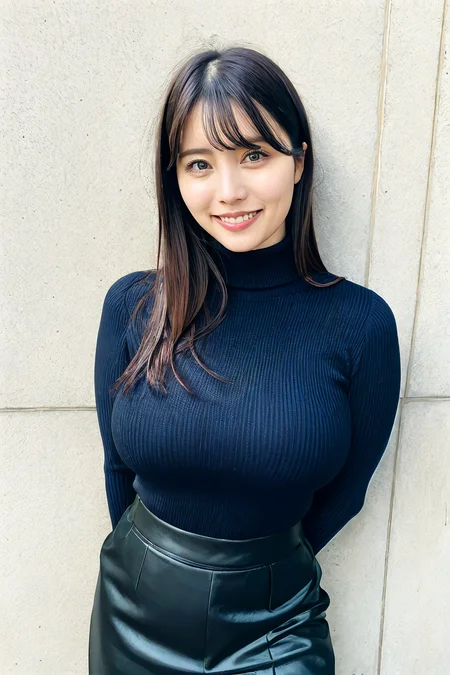
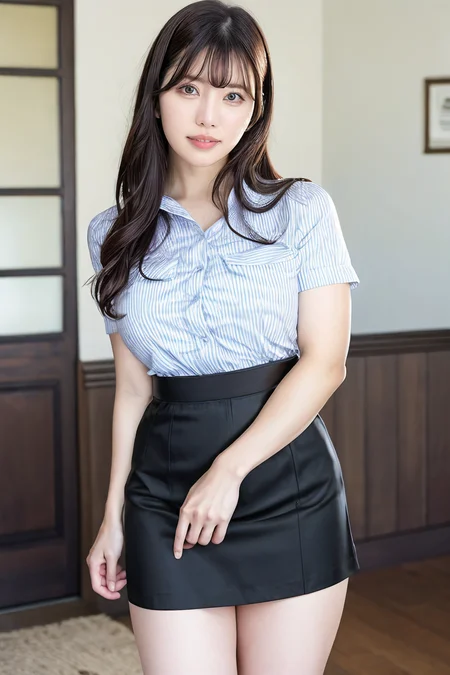
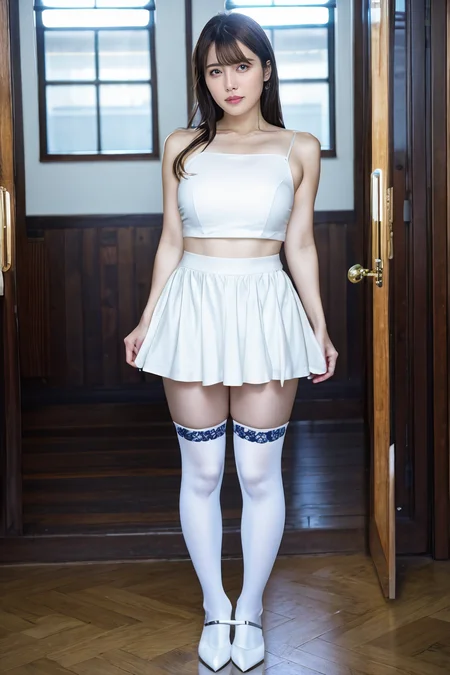
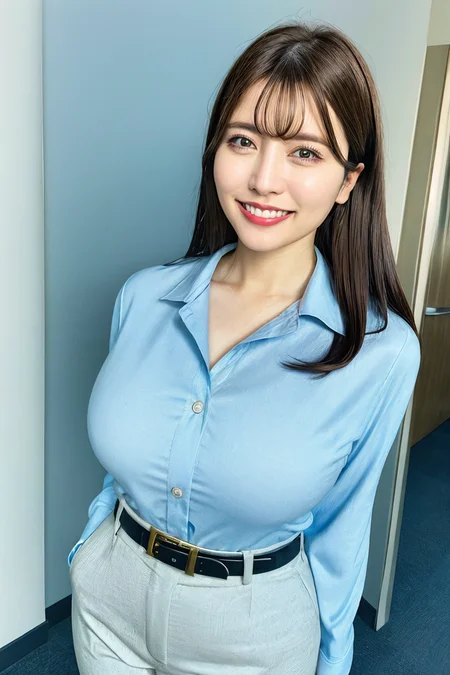
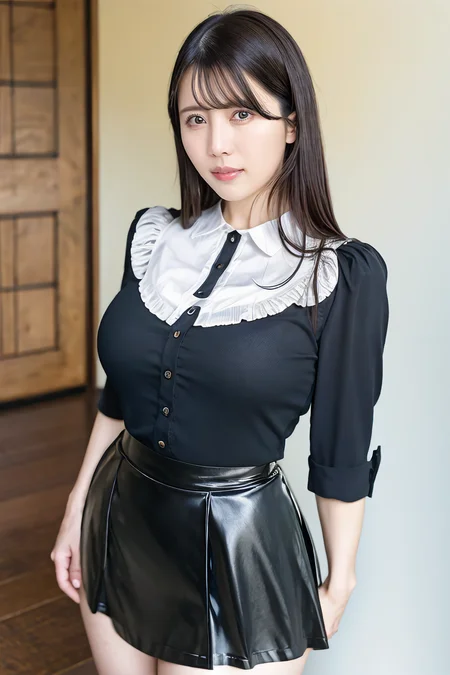
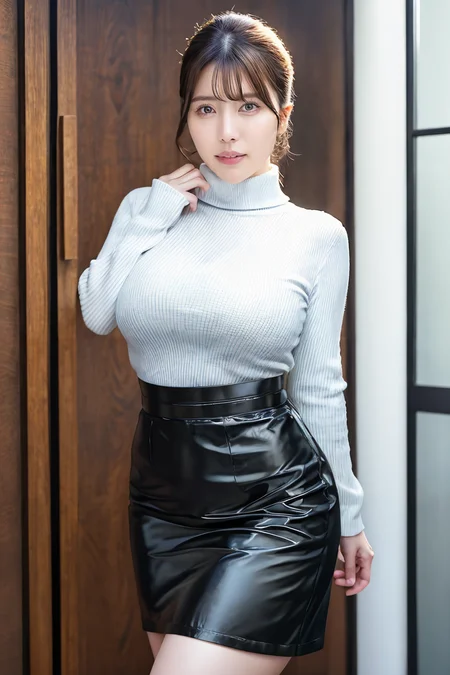
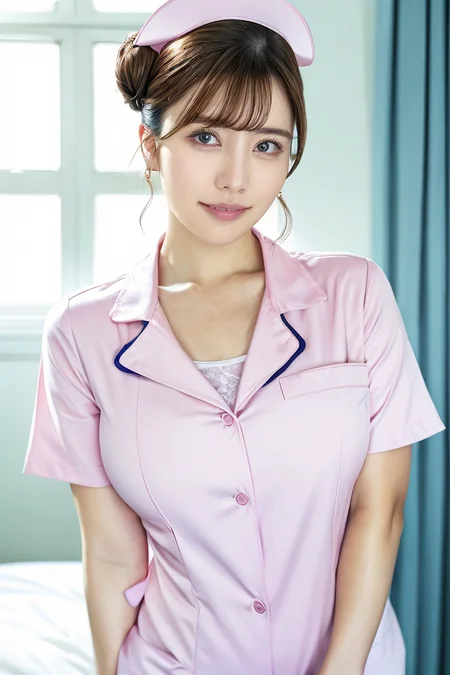
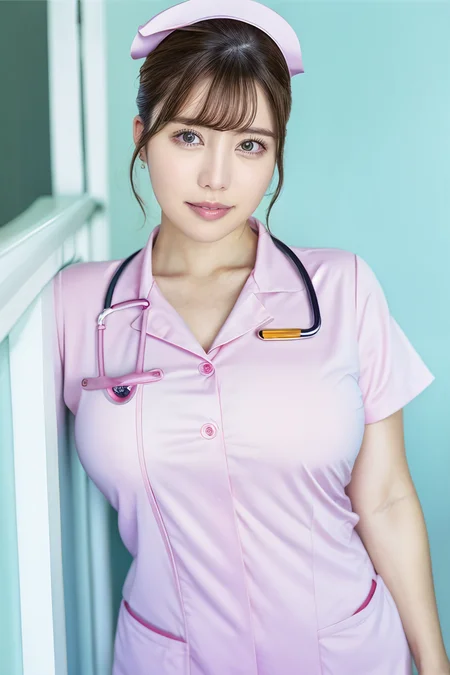
Imitation model. Modelled after Japanese AV actress Riho Matsumoto (松本梨穂).
What more can I say: A hot ex-weathernews caster turned porn actress.
Riho is considered one of the newbie's, having debuted only bout a year ago. She is like the slightly thicc-er version of several mainstream JAV actresses, liek Yua Mikami, but her vibes are totally different. So far, her filmography had been fairly limited, kinda going between soft-porn and NTR plots (housewife, teacher, business trip cheating). Figure-wise, she got a good balance of body fat, chubbiness and somewhat flexible, and her iconic smile. Enjoy!
~~~~~~~~~~~~~~~~~~~~~~~~~~
Recommended LoRA strength: 0.8 (0.7-1.1 are plausible range dependent on checkpoints; higher values >1 creates the downturned eyes but also increases aging..)
Main Prompt:
rihomatsumoto_jav, breasts, long hair, parted lips, lipstick, bangs
variations: single hair bun, ponytail, tied hair, brown hair, red lips
facial variations: grin, parted lips, lipstick, makeup, blush, teeth, smile
*Use of facial prompts depend on checkpoints, I didnt actually bother, since the main prompts works fine. (see tips below)
**use grin, to produce her signature smile. if its too exaggerative, try to set the strength to grin:0.3 (0.2-0.5)
~~~~~~~~~~~~~~~~~~~~~~~~~~~~~~~~~~~~~~
Checkpoints that work well for this LoRA:
1) Realisian. Best render so far.
2) RealisticMix. Manageable this time around.
3) Perfect World. Similar performance to Realisian, slightly more washed up colours. Close-up shots less impressive.
~~~~~~~~~~~~~~~~~~~~~~~~~~~~
Note for achieving good resemblance:
Very easy plug-and-play LoRA. You can choose to either use a custom ADetailer prompt, or just use the main prompt.
Very straightforward to use. If you are lazy, you can just use the main prompt to control for everything and apply Adetailer to fix the faces.
Else, you can separate the prompts into 2 stages:
1. Generate the main prompt using a LoRA strength of 0.8-1.0. so its probably safe to say that this weight is stable for use.
2. Now depending on what you use for (1), turn on facial Adetailer, and put something like
"face of rihomatsumoto_jav, long hair, parted lips, teeth, {use identical hair and makeup prompts to main prompt}<lora here>"
and set denoise strength to 0.4. (adjust accordingly from there)
It is still better to use AD at baseline generation (512,768 etc) and then upscale it later.
Recommended approach: is to not use HiRes, but upscale it with img2img instead.
Use a denoise strength of 0.20 -0.25 (anything higher will overcorrect face during the process), and turn off Adetailer. I prefer 0.2 since I use foolhardy-reMarci.
~~~~~~~~~~~~~~~~~~~~~~~~~~~~~~~~~
Issues:
No issues found as of yet.
Post-production edits/Reproducibility:
No edits. all img2img original upscales.
Happy prompting. And do share [SFW] creations~
Description
v1. trained on 179 images, with multiple hairstyle, see meta-data for full token list.
Epoch #12 chosen (last 3 epoches were very similar).
FAQ
Comments (1)
Beautiful model !
Thank you