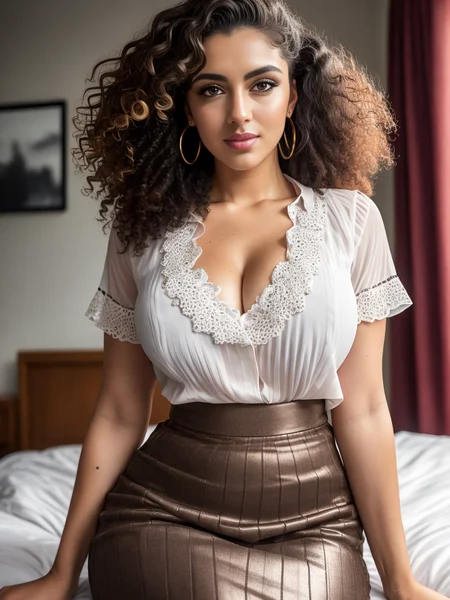
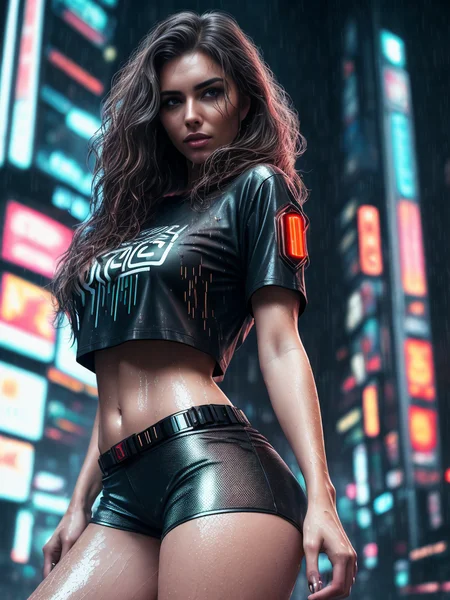
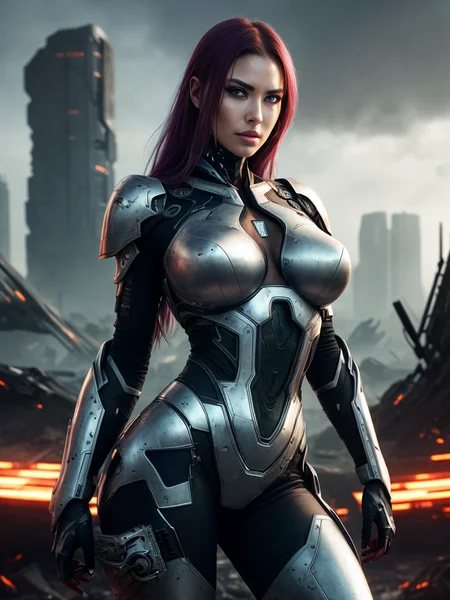
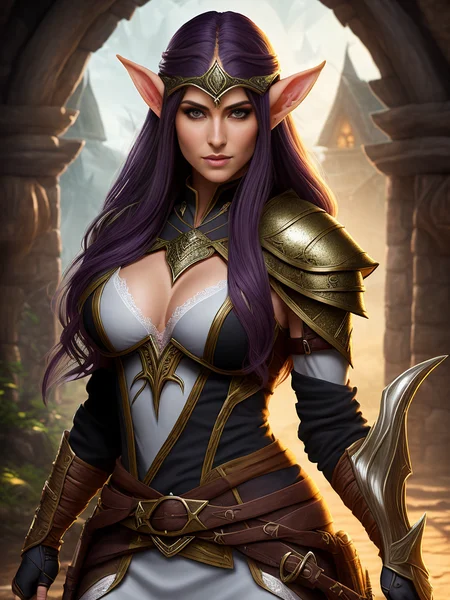
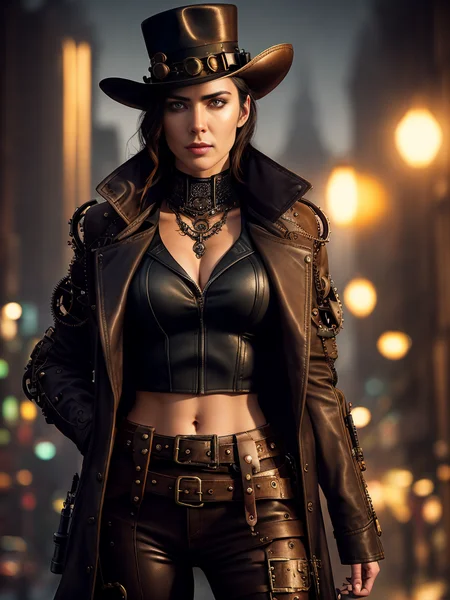


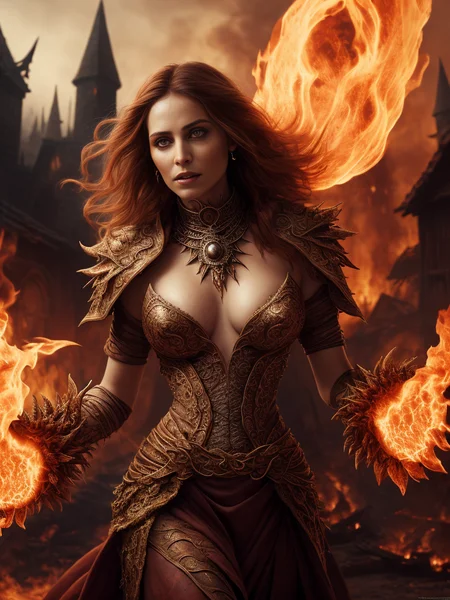
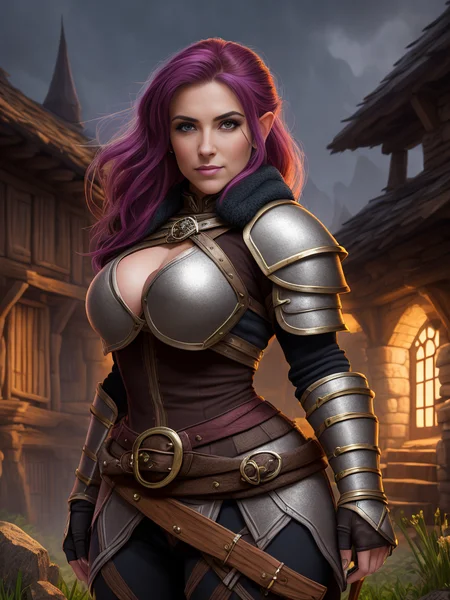
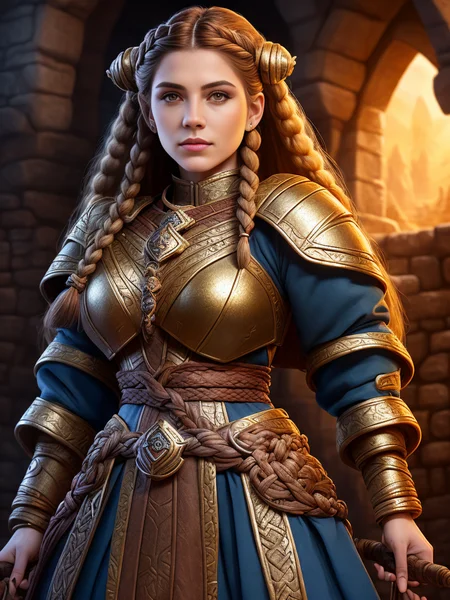
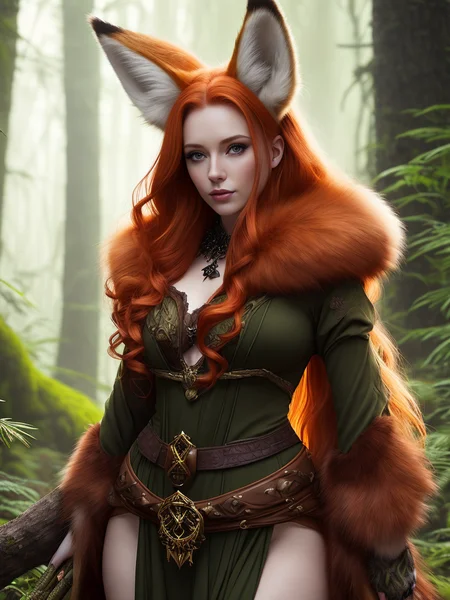
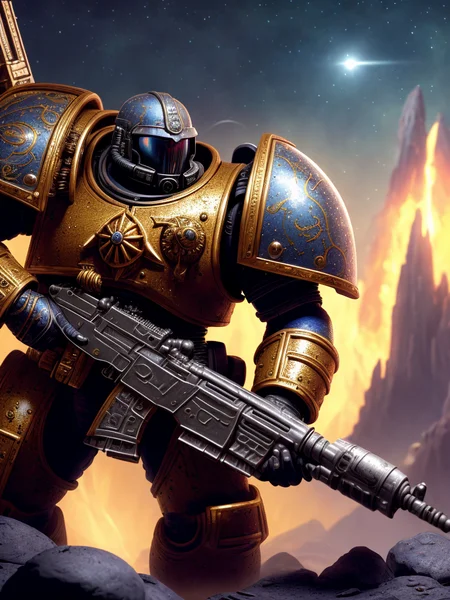
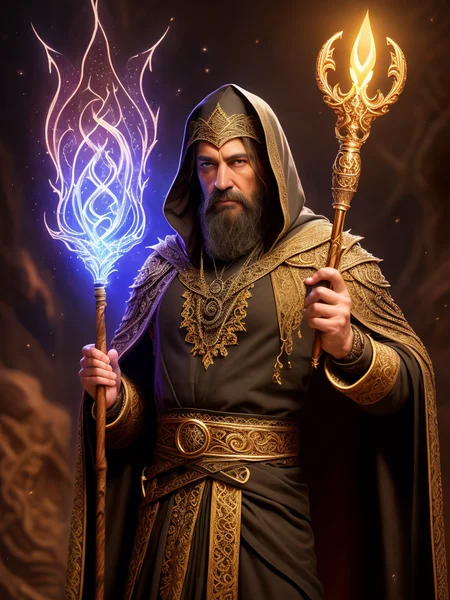
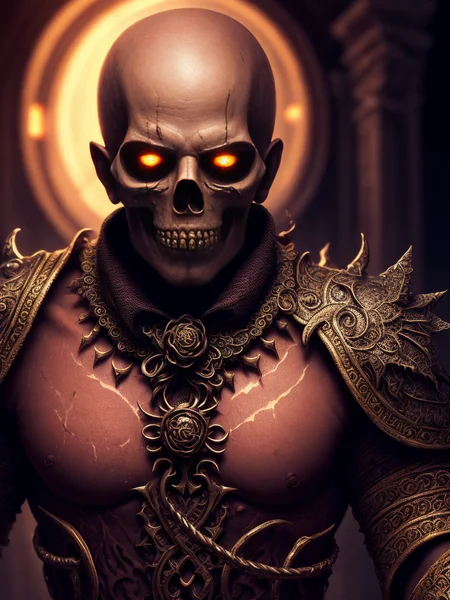


Seek Art license, Dreamlike license.
This is a mix of some of my favorite models to create something that captures the aesthetic I like but also without sacrificing NSFW capabilities. Basically an 'almost' do everything mix for me.
For best results use the Standard SD VAE.
Disclaimer: All prompts in the example images use InvokeAI Syntax NOT Automatic1111 syntax. The key thing you need to know is that 'term+' is equivalent to '(term)' ++ is the same as (()) and so on.
Version 2:
Well... Where to start... This has been a very long project. After using V1 for a while there were several things I just wasn't happy with and felt it needed updates. I tried many different merges and couldn't get what I wanted out of it. I really like Protogen 5.3 and wanted to use it as the base, but I felt like I couldn't get it to give me what I wanted Luckily @darkstorm2150 was gracious enough to outline his full recipe on Reddit and explained how to build protogen from the ground up. I studied this for a while and dug deep into it. In the end I settled on rebuilding using a similar recipe but with several tweaks so that I could get something else out of it. So Version 2 is a complete and total rebuild. Keeping in fashion with Darkstorm who provided the base recipe I will also provide my full recipe below so that you can fully see what I changed.
The following Recipe was created on Automatic1111 WebUI using the Checkpoint Merger tool. There are two possible formulas that show in this recipe.
Primary Model (A) + Secondary Model (B) @ Multiplier (M) -- This indicates that a Weighted Sum merge was used
Primary Model (A) + (Secondary Model(B) - Tertiary Model (C)) @ Multiplier (M) -- This indicates Add Difference was used
Aesthetic_v1.1 = f222_v1 + elldrethSImagination_v10 @ 0.85
Aesthetic_v1.2 = hassanBlend1512And_hassanBlend1512_1 + Aesthetic_v1.1 @ 0.85
Aesthetic_v1.3 = Aesthetic_v1.2 + (rpg_rpgV3Candidate16 - v1.5-pruned-emaonly) @ 0.15
Aesthetic_v1.4 = Aesthetic_v1.3 + (seek_art_mega_v1 - v1.5-pruned-emaonly) @ 0.25
Aesthetic_v1.5 = Aesthetic_v1.4 + (modelshoot-1.0 - v1.5-pruned-emaonly) @ 0.15
Aesthetic_v1.6 = Aesthetic_v1.5 + (daugeph_daugeph - Aesthetic_v1.5) @ 0.25
Aesthetic_v1.7 = Aesthetic_v1.6 + moistmixV1_moistmixV1 @ 0.1
Aesthetic_v1.8 = Aesthetic_v1.7 + openjourney-v2-unpruned @ 0.05
Aesthetic_v1.9 = Aesthetic_v1.8 + analog-diffusion-1.0 @ 0.05
Aesthetic_v2.0 = Aesthetic_v1.9 + (dreamlikePhotoRealV2 - v1.5-pruned-emaonly) @ 0.05
The prunes that are available are fp16 no-ema prunes created using the Model Converter extension in Automatic1111 and I have confirmed that they produce the same results as the unpruned versions. All example images were generated using InvokeAI from the pruned CKPT version using gfpgan face restoration at 0.8 strength and with High Res Optimization turned on.
Version 1:
Models used in the original mix:
Description
For this version I went back to 1.5 and redid the model stack on top of that. The goal here was to get photorealism back to the same level as version 1 without sacrificing any of the fantasy details. Well, It's not quite there yet, which is why this is not a version 3. The photorealism is still just a little but more difficult than I'd like, but after using this for the past couple days I've really grown to like it at its current state. Nipple textures are improved, and photorealism is a little bit easier to achieve. But it can still do digital art/fantasy really well at the same time. I did not intend on releasing this version, but after giving it some thought I couldn't come up with a good reason not to.
The pruned version here is an fp32 no-ema prune. Pruning it to fp16 is possible, but it changes the outputs slightly when using the same prompt/seed. I didn't want to upload something where the example images were not reproducible using their meta data, so I am not uploading a fp16 prune. But you can prune it yourself and still get the same fidelity. Just be aware that it won't produce the exact same image as the example images from their meta data. It will be slightly different, but still good. Example images use the same prompts as V2, but new seeds. The girl on the bed prompt was changed back to the v1 version as that prompt now plays nicely with v2.6. modelshoot style is still supported but not required.
The new Recipe (Look in model description to see what went into v1.5)
Aesthetic_v2.1: Aesthetic_v1.5 + openjourney-v2-unpruned @ 0.05
Aesthetic_v2.2: Aesthetic_v2.1 + analog-diffusion-1.0 @ 0.05
Aesthetic_v2.3: Aesthetic_v2.2 + dreamlikePhotoRealV2 @ 0.10
Aesthetic_v2.4: Aesthetic_v2.3 + (DucHaitenAIArt 2.0 - Aesthetic_v2.3) @ 0.20
Aesthetic_v2.5: Aesthetic_v2.4 + hasdx_hasedSdx @ 0.10
Aesthetic_v2.6: Aesthetic_v2.5 + (hassanBlend1512And_hassanBlend1512_1 - Aesthetic_v2.5) @ 0.15
FAQ
Comments (23)
Your models all say use VAE. I'm a noob can anyone help install and use it VAE? Thank you vm
if you are using the automatic1111 web ui then download the VAE file from the link in the description and put it in the same folder as the model. Then make sure it is named the same as the model but with .vae.pt on the end instead of .ckpt or .safetensor.
@stablydiffused so [stablydiffusedsWild_3.vae.pt] AND another one for your wild mix [stablydiffuseds_26.vae.pt]
Thank you
In AUTOMATIC1111 I'm not using any VAE for this model and results are marvelous.
@tsl314 Well I have the setting set to automatica, with the tick that checks for dedicated Vae or whatever.
I can't seem to get this model working correctly. I've tried all the different prompts and generation settings on the example pics and even comment pics and none match up. Any help? Using 2.6
Not sure if i'm missing something but i tried to replicate some of your example images with all the correct settings (seed, VAE etc...) & the results do not look as good, like not even close. Especially the faces are way different.
I use face restore with gfpgan at 0.8 strength. It really helps with the eyes and cleaning up the faces.
I also use InvokeAI for all my image generation. Auto1111 will produce different results.
Great model. Is there any good prompt to have the character face away from the camera. I tried a lot but the character keeps looking back over the shoulder.
It's probably a training thing. Either that or it's your prompt. I know that sounds silly but legit I've been there struggling to get SD to do something and sometimes it's the words you use and the way your prompt is formed.
My suggestion is to look at others work and find a prompt that shows the result you want and try mimicking that.
There are also textural inversions and other things that specialize in model poses. Many of them admittedly for porn but you can use a 0.2 - 0.6 on them to get a small portion of what they represent and it'll sometimes give the diffuser the nudge in the direction you're looking for.
Either that or study up on how to use Control Net and put the character into the pose you want <3
python crashes after running the model, why I don't know :( (Version 2.6)
I have no clue on this one. I've used the model in both InvokeAI and Automatic1111 and not had any issues.
Why do I generate all black images? If I remove -- no alpha -- disable nan check, it will prompt NaN. Can someone help me? I really want to use this model,My graphics card is 3060, is it because I don't have enough graphics memory?
Really a great model !
Was the v2.6 pruned version also fp16 ? From fp32 to fp16 sometimes the filesize become about 2gb.
No, the 2.6 pruned version was fp32. Pruning it further than that changed the output from the unpruned version. Didn't make it worse, just wasn't the same as the unpruned, so I only pruned to fp32 to make sure that it was consistent. Though my Magnum Opus mix is better and it is pruned to fp16
@stablydiffused Ok, thank you for the reply. No problem.
So you use all these free models but you dont allow selling images
This model used dreamlike. The license requirements come from dreamlike being merged into the mix as they require any merges made of their model to inherit the same license terms.
@stablydiffused Hi! Sorry but i dont understand it. It is possible to use this model for commercial use or not? On Dreamlike page they says ,, You are free to use the outputs (images) of the model for commercial purposes in teams of 10 or less´´
Can you wrote steps to achieve same result as you? I am using invokeai (as you wrote) , using Standard SD VAE as recommend. Also what is the sampler used in samples ? What is base width and high ? For upscale are you using invokeai (what the parametrs ?) or other ? Thanks !!
This is by far the very very very best model I've ever used for SD1.5. It is the only one that is not giving you everything distorted, But, for some reason, for me it is only working when using it in tensorplay. When I use it in my computer it doesn't render anything but noise
Details
Files
Available On (1 platform)
Same model published on other platforms. May have additional downloads or version variants.