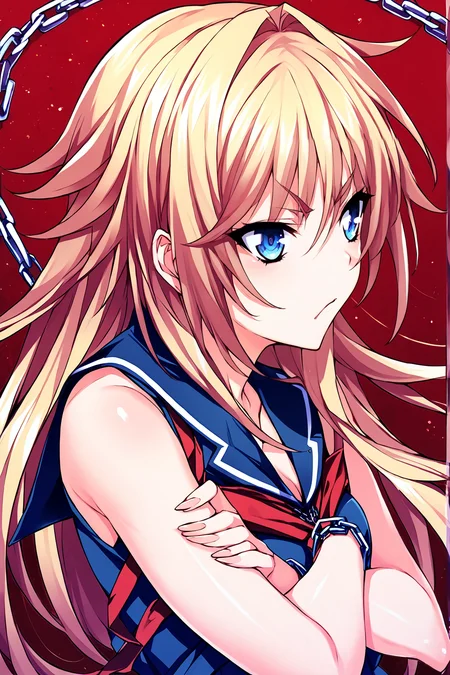
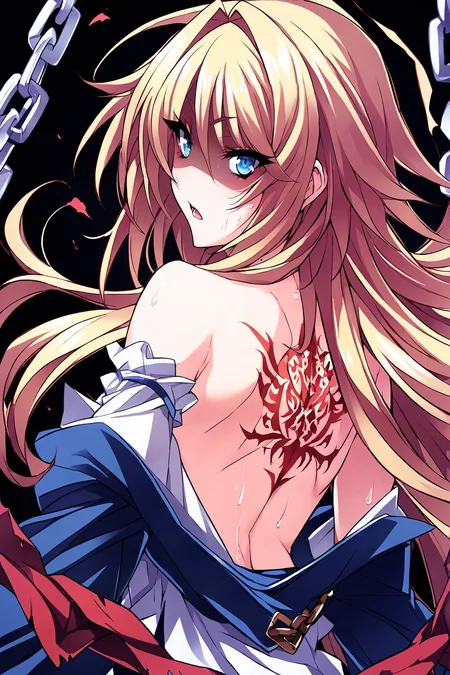
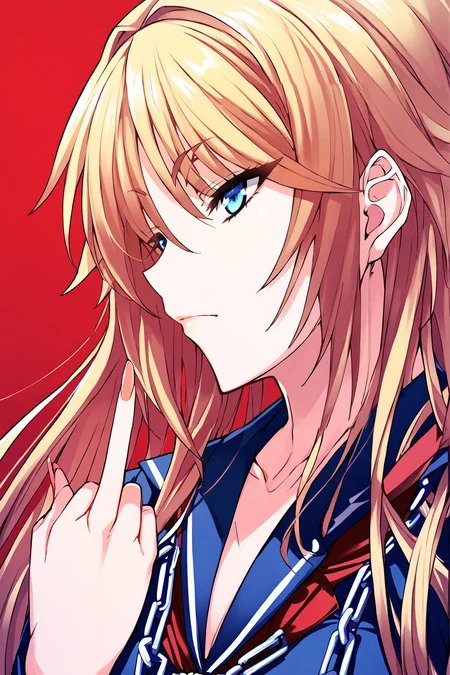
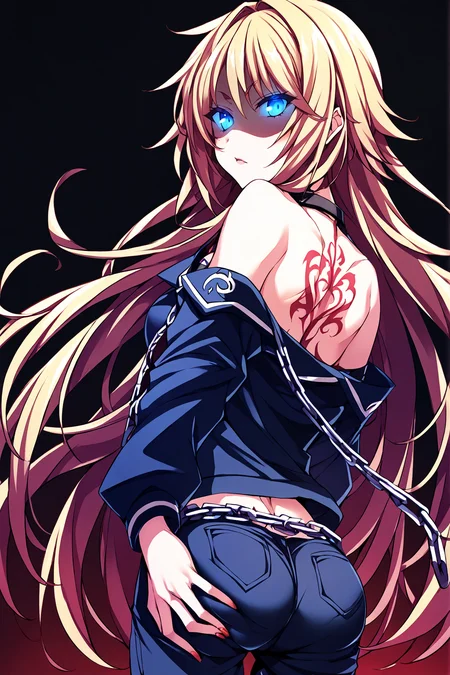
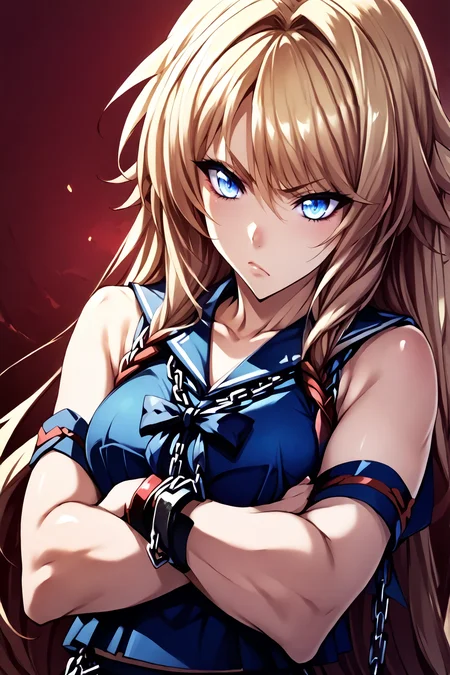
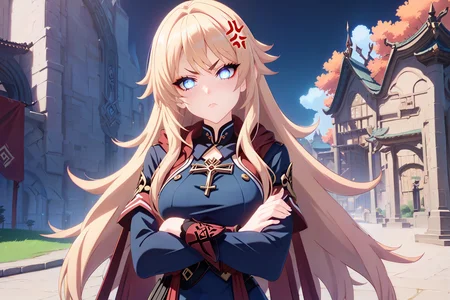
Tsujidou Ai from "Tsujidou-san's Pure Love Road"
The 3.0 model is a DoRA LoCON (Weight Decompose LoRA LoCON). It requires A1111 1.9.0 or newer. For Forge installations, apply the specified PR.
Contains the following outfits (Be sure to check the tags!):
Default outfit
Casual outfit
Gym outfit
Swimsuit
Wedding outfit
White Dress
Description
Added more training images for better character consistency
Increased Network Rank & Alpha to 32
Added more tags to training data
Manually decensored images in training data to avoid mosaic pixelation
Made better preview images
FAQ
Comments (8)
Most Pony models are 200MB, but my current model is only 111MB.
If anyone uses Kohya, please let me know if this is normal or fixable, I'm currently using the instructions from THIS POST.
Thank you!
The size of the LORA is changed by the network rank setting: https://github.com/bmaltais/kohya_ss/wiki/LoRA-training-parameters#network-rank-dimension
If you set it to 32 you will get the 223MB size. However, this might not make the model better. You can experiment to see what works best for your dataset.
Some LORA that are that size set network rank to 32 and network alpha to 32.
You can see the settings used to train a LORA in Automatic1111 / ForgeUI by clicking the Lora tab and then the show internal metadata icon on a LORA. The network rank setting is ss_network_dim in the config file and Network Alpha is ss_network_alpha.
@tappy
Thank you so much for giving such a precise answer! It's been difficult finding precise information.
I will test out different network ranks & alpha and see if the end result actually improves for the next versions, and I'll also be sure to check out the metadata on other lora's within Forge so I get a better idea.
Thanks again!
@Vinbeez You're welcome! I have not tried it but some people also make a LoRA with a high network rank and resize to a smaller one. You can do this in the Lora->Tools->Resize LoRA tab of Kohya. For example, you could train at 32 but then resize it to 16 or 8. This has a different result than training at that rank directly but is another thing to experiment with.
@tappy
I will test that out as well! I'm currently uncensoring some of the VN CG's so the training data won't have any mosaic pixelation.
One last question, should I be resizing\cropping the training images from 1920x1080 to 1216x832? Or is using the native resolutions for training images okay?
I've heard that resizing was necessary for older SD1.5, but I'm not sure if that necessity is the same for XL\Pony.
Thank you so much for the help, I really appreciate it!
@Vinbeez I do not know what is best. I use the native image and have not tried shrinking them to see if that has better results. I heard you need to crop and resize for SD 1.5 too but I did not and thought the results were still fine.
What does make a difference is if the images are smaller than the native resolution of 1024 (for example, if you have images that are 640 x 480). Training on lowres images will make blurry or low detail output. In that case I use UltraSharp and upscale the height or width to a minimum of 1024. If your images are all higher resolution you won't have this problem.
@tappy
Thank you for getting back to me!
I'll try publishing a new version with some changes today and tomorrow I'll test out using the native resolution again.
It's really been a learning journey, but I'm pretty satisfied with how it's coming out, thought I think it can be much cleaner.
Thanks again tappy!
You're extremely cultured knowing about this VN 😩
Details
Available On (1 platform)
Same model published on other platforms. May have additional downloads or version variants.