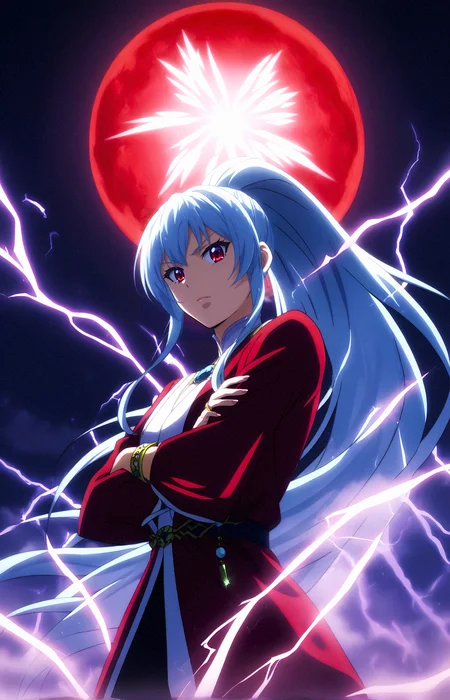
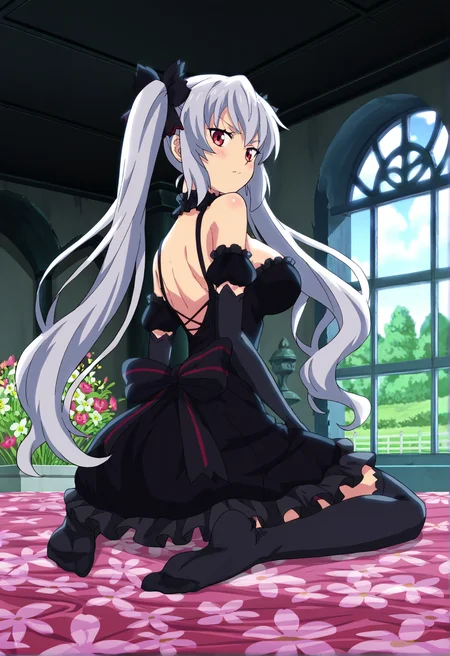
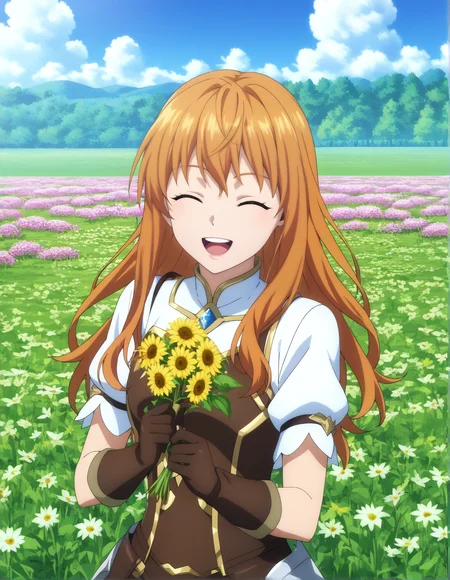
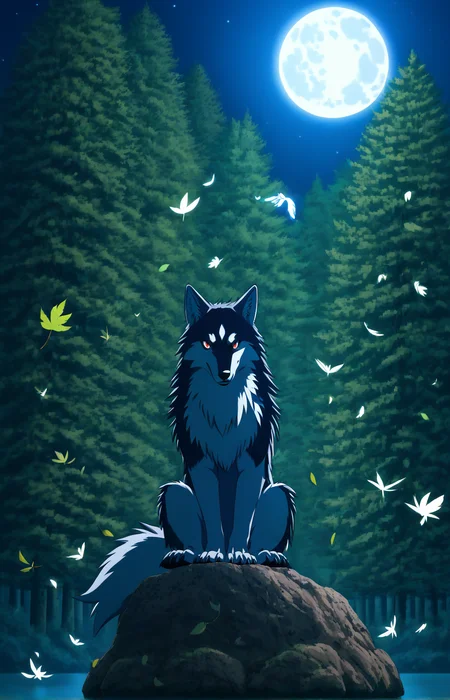
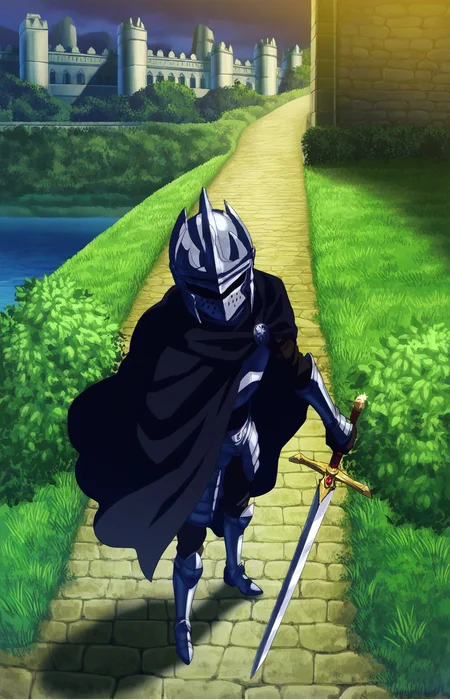
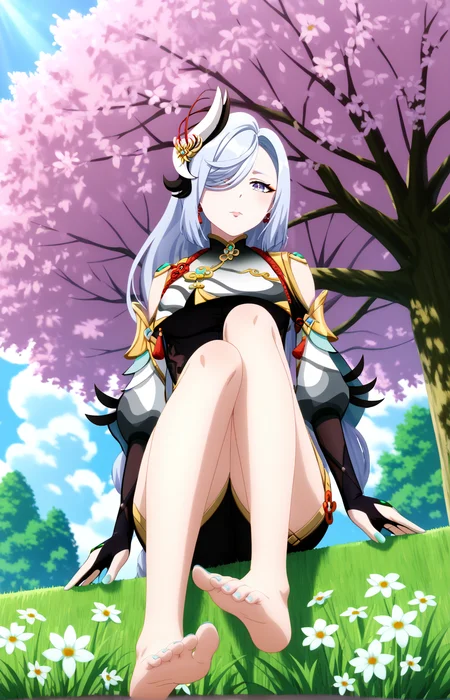
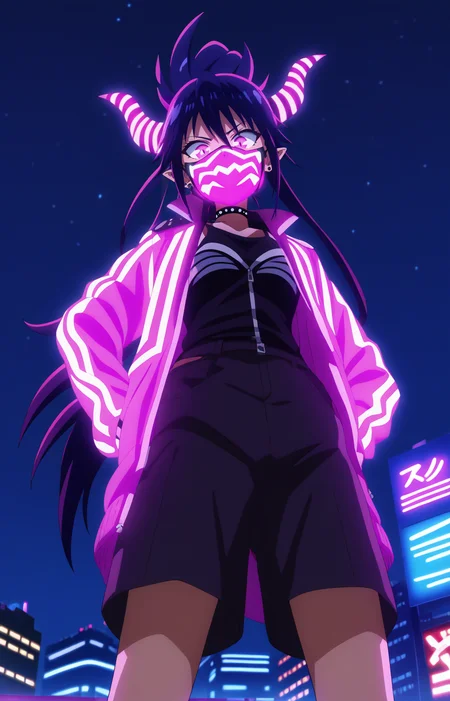
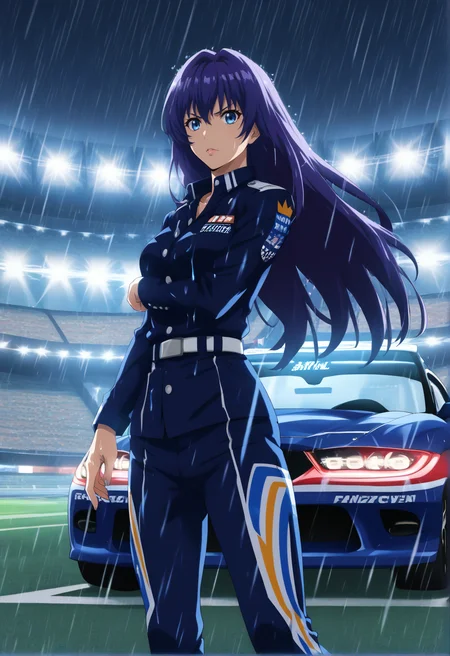
AniMixV9XL AnimeTV Mix.
AnimeTV/Screencap Fine-tuned Model's Based on AutismMixXL & PonyV6. 🔥
All Examples image are RAW. (TxT2Img + Hires.Fix & ADetailer).
UPDATE: Check ''MegaMixXLV3'' My new Checkpoint AnimeTV Fusion/Screencap (Based on Illustrious/NoobAI V1.1) 🔥 AVAILABLE FOR ALL GEN RIGHT NOW!
Power of this model's
Have an AnimeTV/Screencap Style. (Obs).
Capable to change a No-Character/Game Character into AnimeTV Style. (It's also Enhance/Improve some of the AnimeTV/Screencap Like Lora's into more AnimeTV).
Capable of inputting some character's name without lora's (Example: nami (one piece)/raiden shogun Booru Tags.
Pretty Good at SFW/NFSW+.
Anatomy is ''Ok'' in RAW, Easy also to Fix it with Inpainting.
Got a Big Buffer = ''Anime Screencap'' Putting it in Positive prompts = Even more Anime Screencap Style. (I Recommend).
Suggested settings
Sampler: Euler A. (LCM+ Can Work too, just lower the steps and CFG).
Steps: 20-28.
CFG: 4.5-7. (5.5 CFG = Best of both world in my Opinion).
A Good Resolution: 768x1192/832x1216.
ADetailer & Hires.Fix: Is Recommended.
Trigger Word: Anime Screencap Prompt = Buffer, (It's work without, But it's much Better with it if you want a Full AnimeTV Style).
At Beginning: score_7_up, BREAK source_anime (Combine it with Anime Screencap for Full AnimeTV Power).
Don't use negative prompts or Embedding that will deterior the Style. ([Important] Check Examples images for Negative prompts examples).
VAE: Click Here - (Better in FP16).
For Lora's/Model's Creator: It's might be a good idea to train on this model, if your character is a Full AnimeTV and your datasets is it too. (Need to test).
Otherwise i would recommend all the time to Train on the Official/PonyV6 for Full Compatibility.
This Model's have 3/4+ Of my personal Lora's trained specifically for this AnimeTV Style. (Also Added AnimeTV/Anime Background Lora's).
For the Little Story: I created it for the simple reason of: Since PonyV6/AutismMixXL was Lacking Highly in AnimeTV/Screencap Coloring without a Lora's and Even with them sometime the Style was not Consistent.
It was a Challenge also to have the advantage of PonyV6/AutismMixXL (Anatomy, Booru Tags, ect) And to work full without a Trigger Word (Yes because Pony is Not very good without, It's not like SD 1.5/SDXL, you need to hard train a Lora/Put more Weights, This model's taked me Many Die & Retry to create ahah), Now he work without AND have a Buffer with ''Anime Screencap'' Prompts.
Also i'm pretty Satisfied to be the First RAW AnimeTV/Screencap Model's on PonyV6.
More Update's coming it in the Future.
PS: Don't hesitate to post your Artwork/Image, I like to see what Other People's create with My Model's. (It's also help to popularize AniMixV9XL).
PS2: If you merge it into a Model's, @ me on your Model's, or Talk to me in private.
Description
Initial Release.
FAQ
Comments (3)
搞了一个多小时都不能出正常的图,什么cfg5.5??最后发现cfg调到2.5才正常出图了。。
cfg2.5可能都有点高。。maybe。。。明天试试cfg2,现在要睡觉了。
@yzqsdbhyj505 CFG 5.5 is the best in both world in my opinion, tho some people can prefer lower like ''4.5'', That's just depends if you prefer an AnimeTV/Screencap with some Details in it ahah, i don't recommend to go up more that CFG 7.
CFG 2.5 is very low but can work, if you choose this CFG go with LCM+ Sampler, Otherwise Euler A.
The best things i can recommend you if you are lost, just Drag & Drop one of my examples image in the Stable Diffusion PNG Info UI > Send Txt2Img. Like this you will have directly = Good Steps/Good Negative Prompts (Optimised) & Other Settings in ADetailer.
Keep in mind also that Negative prompts impact Highly in PonyV6 Model's, Just follow Suggested settings and you will be fine. 👍 (Btw you can even go without negative prompt, it will work too).