
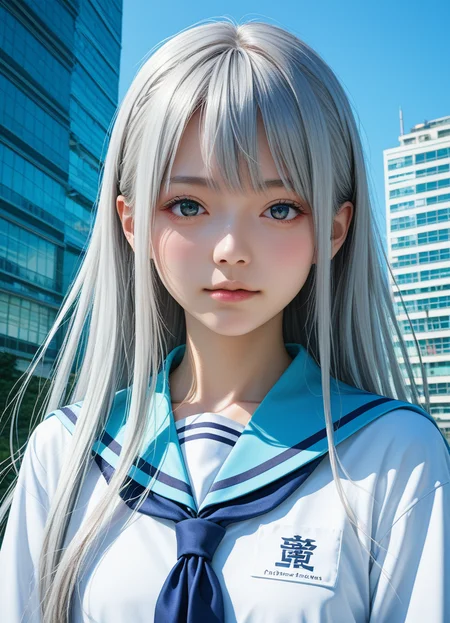

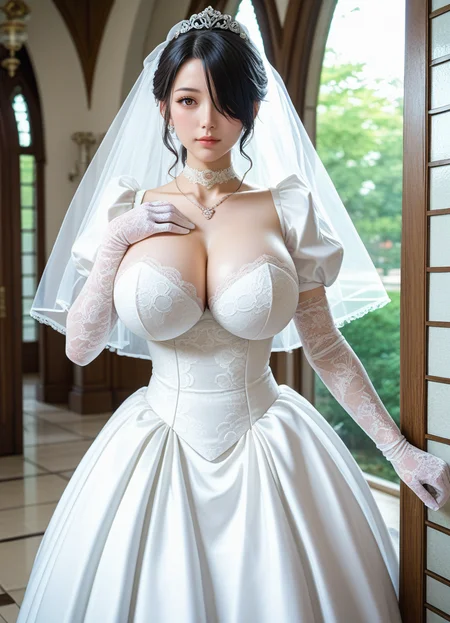
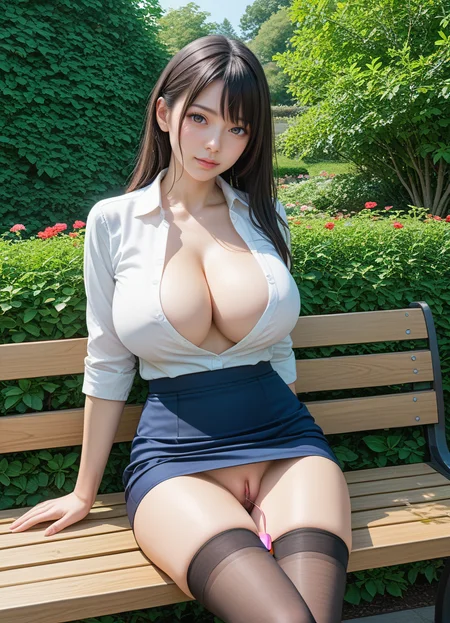



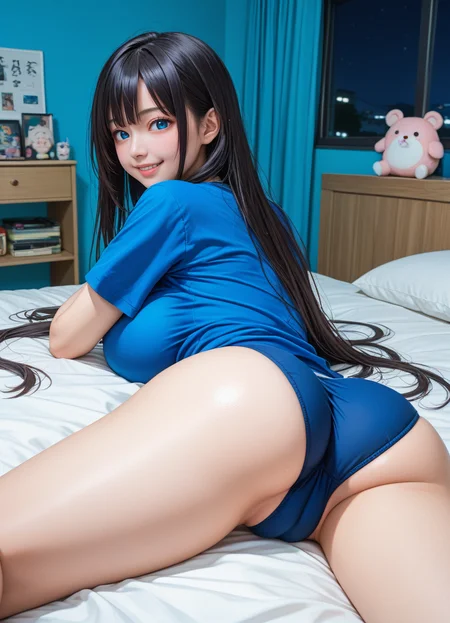

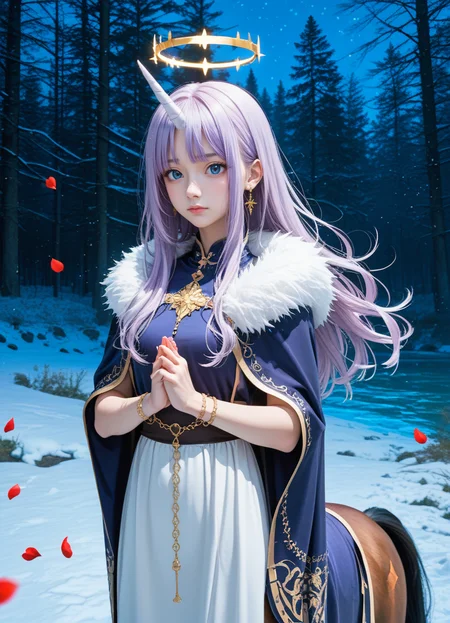


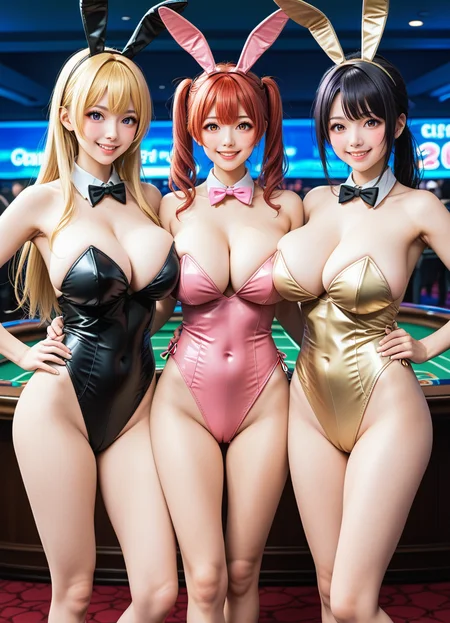
3D_v01
This is the 3rd installment of 3x3x3.
3x3x3の第3弾です
It's not an update of what came before, but a version that uses a different model.
これまでのもののアップデートではなく、別モデルを使用したバージョンとなります。
Usage and licensing are the same as before.
使い方やライセンスなどは以前と同じです。
The posted image does not include "3d cg, realistic, photorealism, game cg", but adding these will make it look more photorealistic.
ポストした画像には"3d cg , realistic, photorealism, game cg "などを入れてありませんが、これらをいれることによりフォトリアルな感じになります。
Model used for merging
V02
This is the second installment of 3x3x3.
3x3x3の第2弾です
This is not an updated version of v01, but a version that uses a different model.
v01をアップデートしたものではなく、別モデルを使用したバージョンとなります。
Usage and license are the same as v01.
使い方やライセンスなどはv01と同じです。
The amount of writing in v01 is O-part level...
v01の書き込み量はOパーツレベル…
Model used for merging
V01
This model is a result of Triple Sum, which is further Triple Sum, which is further Triple Sum.
このモデルは Triple Sum したものを更に Triple Sum したものを更に Triple Sumしたものです
VAE is not merged into this model. Please use your own preference.
このモデルにVAEはマージしてありません。お好みのものを利用してください。
In total, 27 models are used.
合計で27もmodelが使用されています。そうなんだすごいね!
様々なものを混ぜ合わせた結果色々薄まってるとか言ってはいけない
Since it is based on Pony, we recommend score-based tags.
Pony系がベースとなりますので、score系のタグを推奨します
prompt
score_9, score_8_up, score_7_up , source_anime, masterpiece, best quality, perfect anatomy , very aesthetic , absurdres ,negative
score_6 , score_5 , score_4 , source_furry, source_pony, source_cartoon,Sampling method recommends Euler a or Eular a SGM
Sampling methodはEuler aか Eular a SGMを推奨します
If the face is crushed, please use ADtailer etc. as appropriate.
顔が潰れる場合は適宜ADetailerなどを使用してください
We would like to thank the authors of each merge model.
それぞれのモデルの作者様に感謝を!
Model used for merging
(base model : 3x3mixXLtypeB)
model A+B+C=This model!
License
Fair AI Public License 1.0-SD,
This model uses Animagin 3.0 or later model or its derivative model. As such, this model inherits the Fair AI Public License 1.0-SD
Please see the link for details
このモデルはAnimagin3.0以降のモデルや、その派生モデルを使用しています。そのため、Fair AI Public License 1.0-SD を継承しています。詳細はリンク先を見てね!
Description
FAQ
Comments (4)
This is the best Pony checkpoint i have ever used. Thanks to my friend @alexsmileface for recommend me this. Using v01 and it works flawlessly well than Pony Diffusion itself. Ngl i thought this is only for anime and decide to not use but later give it a try and it works very well for any other type, western etc too. My style Loras etc now actually work with this checkpoint. I was so disappointed and thought i did something wrong with training but they were just not work well with Pony Diffusion but works great with 3x3x3mixXL! Much thanks for this and keep up to great works.
Can u make this mix more flexible to style loras?
I always get greyish images with some stranges artifacts.
The settings are mostly the same with Euler A, Clip Skip 2, Guidance 7 and 20 Steps.
Anyone knows how to solve this???
Her is an example... and every generated image looks like this.
Hello! Try using VAE, like this one, for example: https://civitai.com/models/296576/sdxl-vae
After downloading it, put the file in your VAE folder (webui/models/VAE). If you are already using some VAE, try another one. Then, before generating the image, choose the VAE you downloaded in the corresponding field (probably near the one where you choose the Checkpoint). I'm looking forward to see your images, the one you made looks really good, even though it's greyish...