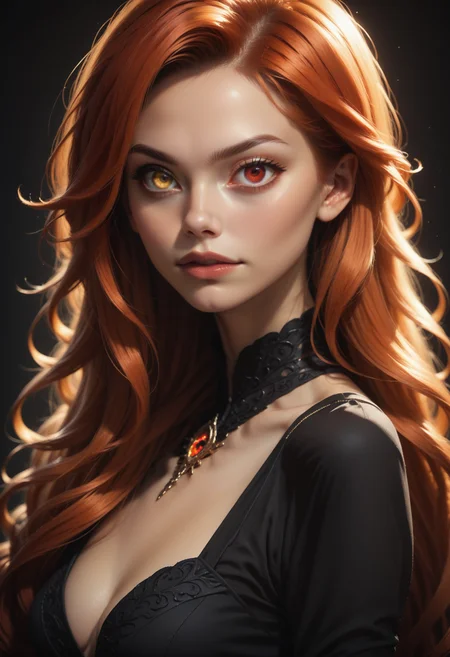
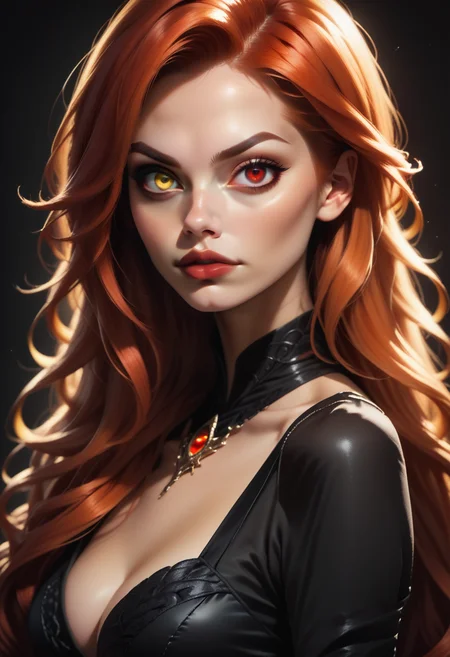
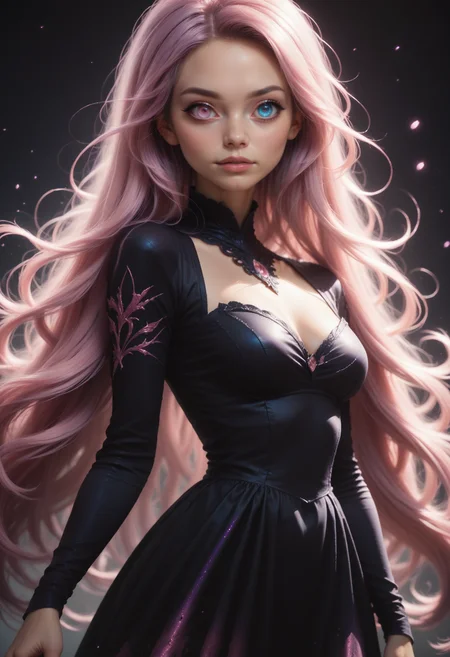
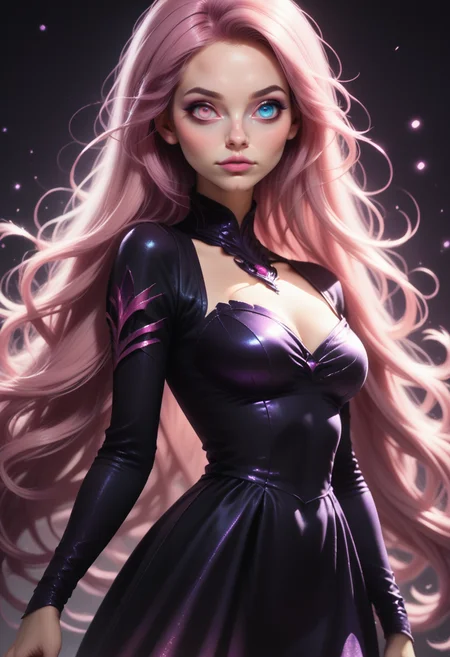
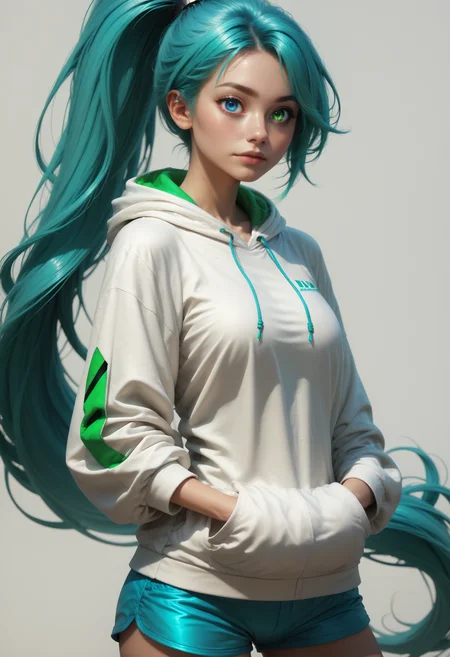
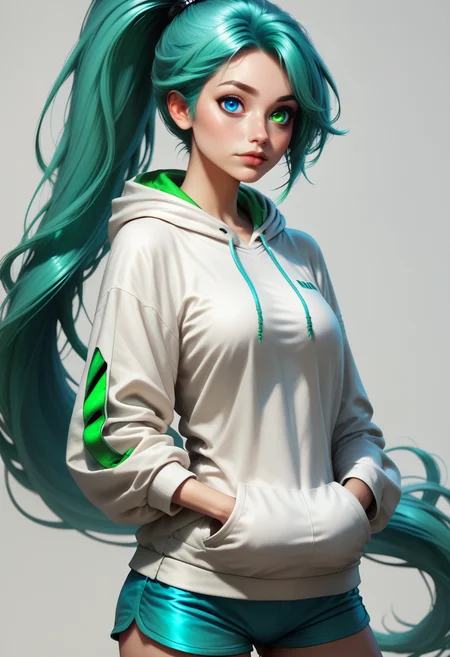
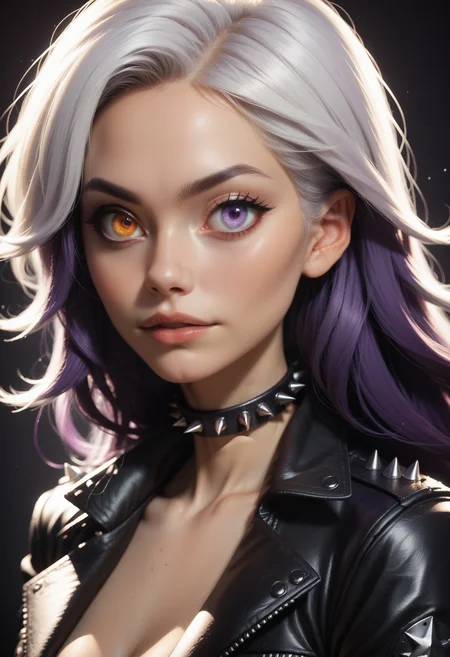
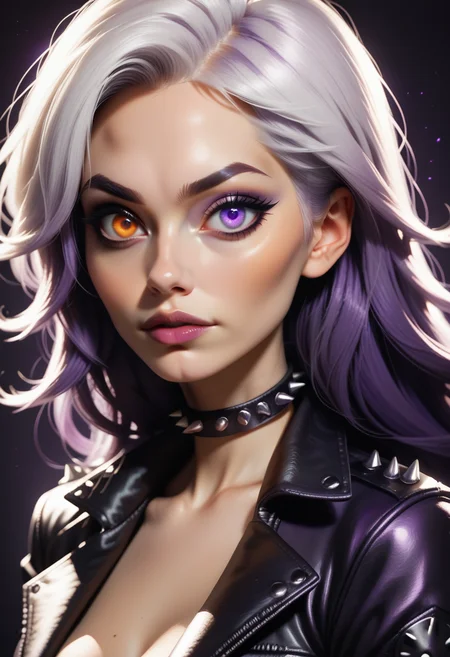
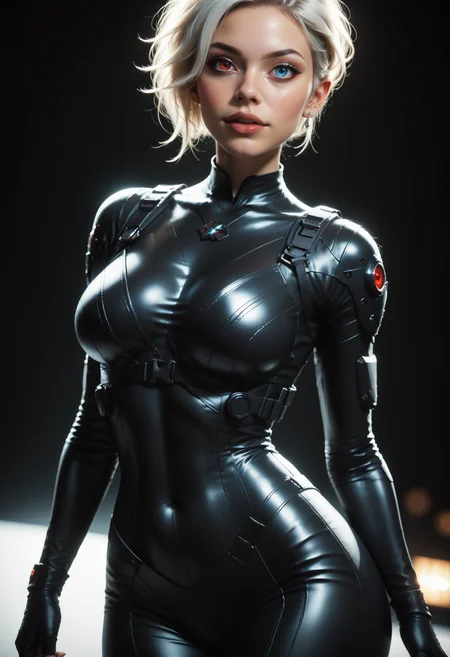
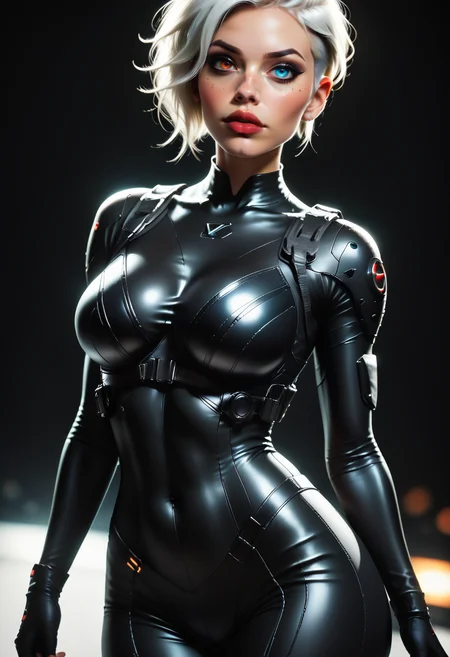
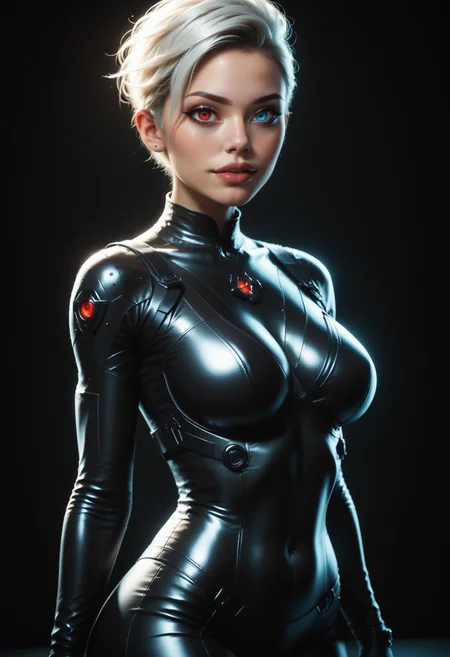
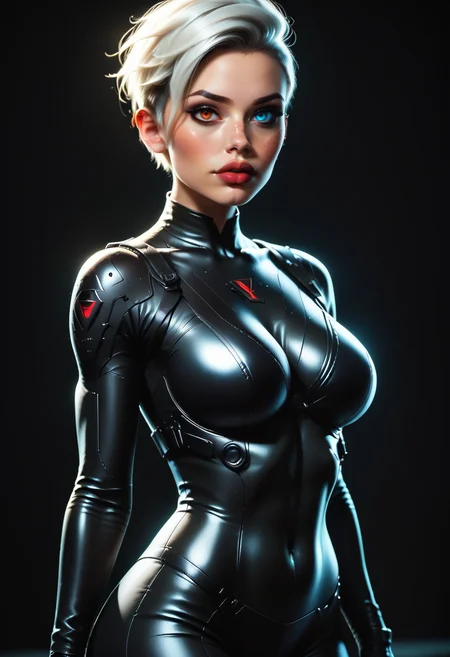
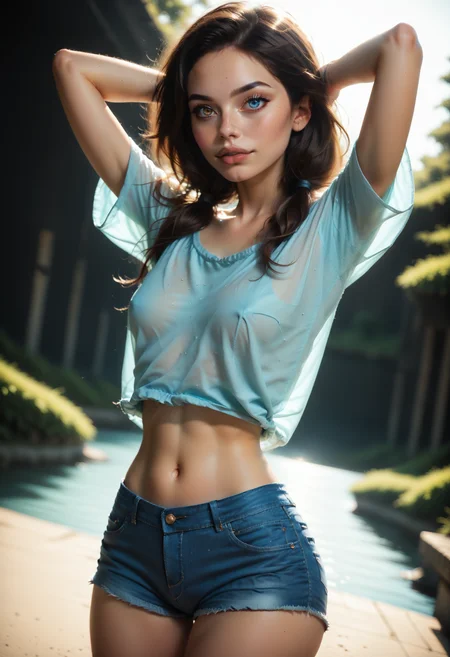
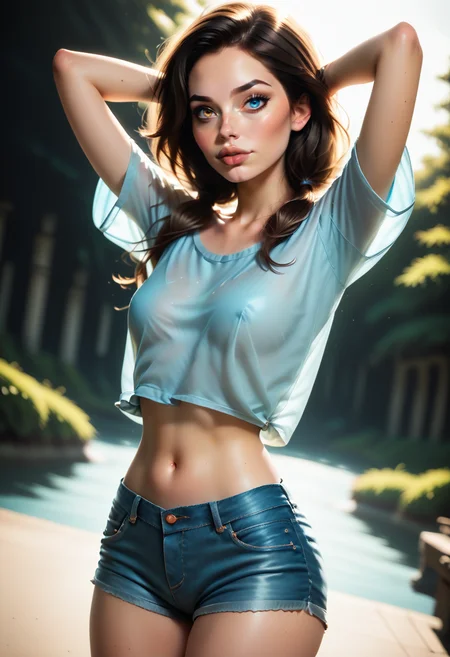


Dark's Heterochromia Helper (BETA)
v0.4 - Yep, STILL a work in progress. I realized that I'd been using Flip_Augmentation while training this LoRA. 🙄 That completely ruins the the whole concept as it flips the images during training, essentially nullifying my left/right tags. With that disabled, it's a bit more consistent now. Still not 100%, but we'll get there. 😁 I highly recommend using ADetailer if at all possible (see gen data).
v0.3 - This is STILL a work in progress. I've made a few tagging changes, added Hazel as a color option, and trained the whole set for 5x the original steps. It's still not 100% right, but it's a bit more consistent now. I highly recommend using ADetailer if at all possible (see gen data).
v0.2 - This is very much a work in progress. It's nowhere close to where I want it to be; however, I want to play around with it in the CivitAI Generator, so I figure I'll let you all do the same. It is capable of generating things from your nightmares... I warn you. 😅 I highly recommend using ADetailer if at all possible (see gen data).
Color Options (Danbooru Eye Color Tags):
Amber, Aqua, Black, Blue, Brown/Hazel , Green, Grey, Orange, Pink, Purple, Red, White, Yellow
Usage:
After a lot of testing, I've found that the following example works about 75% of the time. The right and left eyes are from the subject's perspective, not the viewer.
Note: This LoRA and the trigger words should be at the very end of your prompt.
heterochromia - Triggers the effect
COLOR eyes - Call out each eye color
right eye COLOR - Right eye color
left eye COLOR - You get the idea...
Example:
<lora:Dark_Heterochromia_Pony_v0.2:0.5> heterochromia, COLOR1 eyes, right eye COLOR1, COLOR2 eyes, left eye COLOR2,

<lora:Dark_Heterochromia_Pony_v0.2:0.5> heterochromia, amber eyes, right eye amber, aqua eyes, left eye aqua,

<lora:Dark_Heterochromia_Pony_v0.2:0.5> heterochromia, purple eyes, right eye purple, pink eyes, left eye pink,
For the other 25%, you can recreate the image by using "BREAK, reversed". This seems to "fix" those images that get the coloring backwards. The image may not be exactly the same, but pretty dang close.
Example:
<lora:Dark_Heterochromia_Pony_v0.2:0.5> (heterochromia, blue eyes, right eye blue, green eyes, left eye green), BREAK, reversedOriginal - Colors Reversed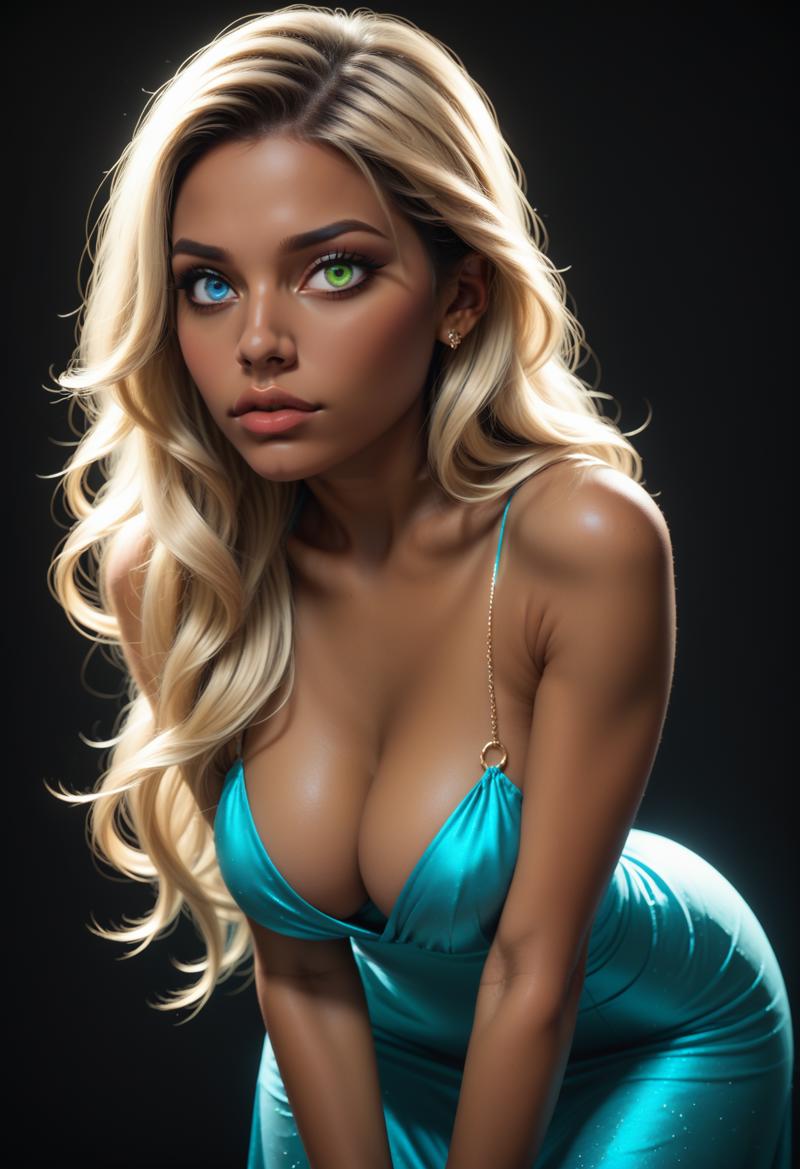 Fixed - "BREAK, reversed" to swap the colors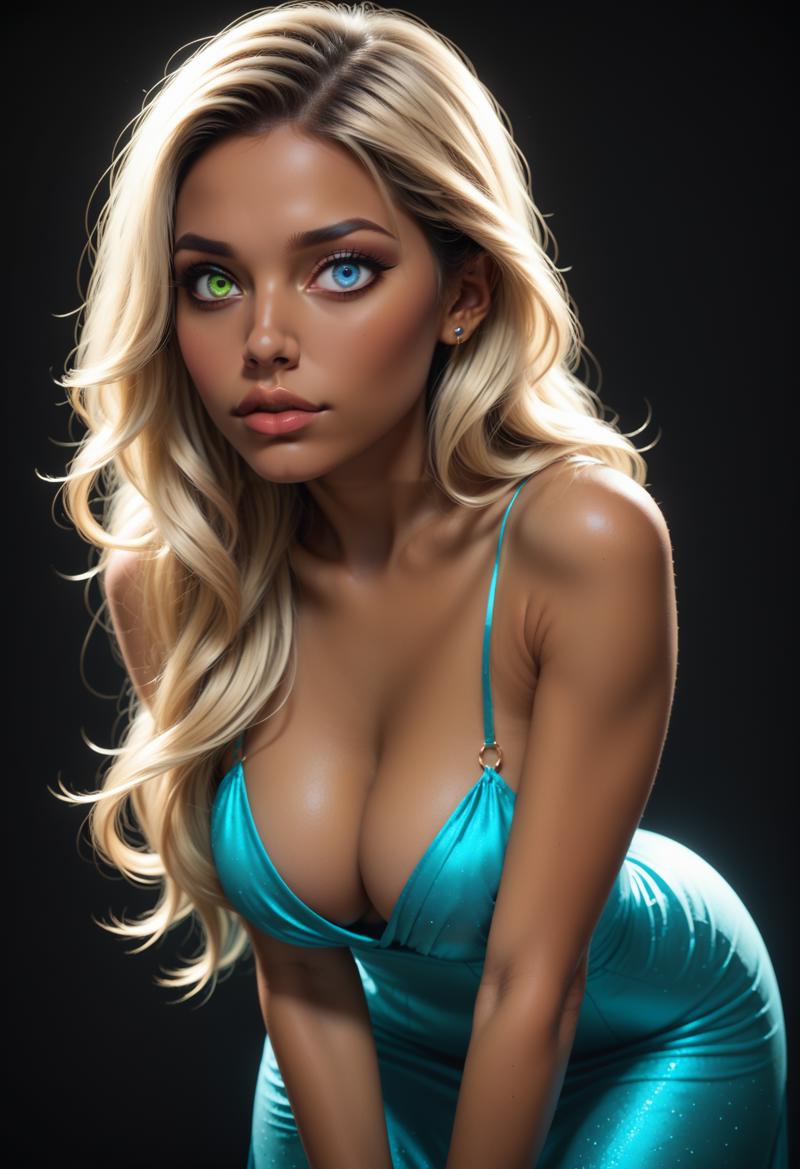
And that's it! Try it out and let me know what you think!
Description
Updated v0.4 - Slightly Less Beta!
Removed Flip_Augmentation from training parameters 🙄 (I'm dumb...)
Please see Description for usage tips!