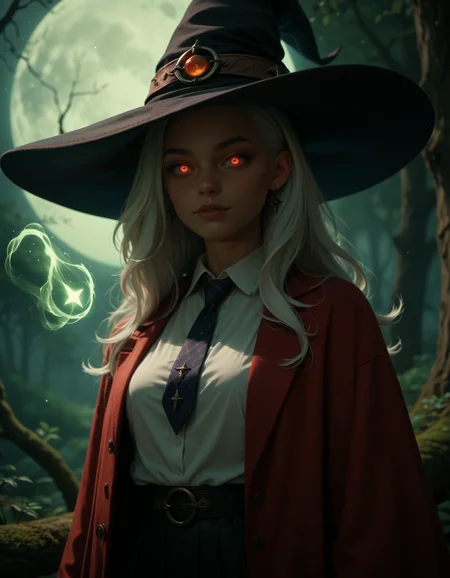
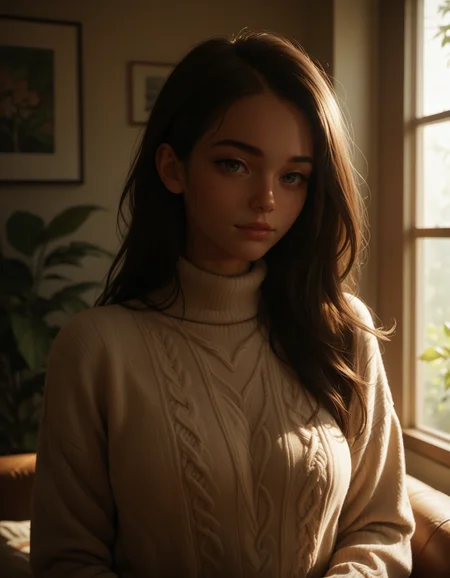
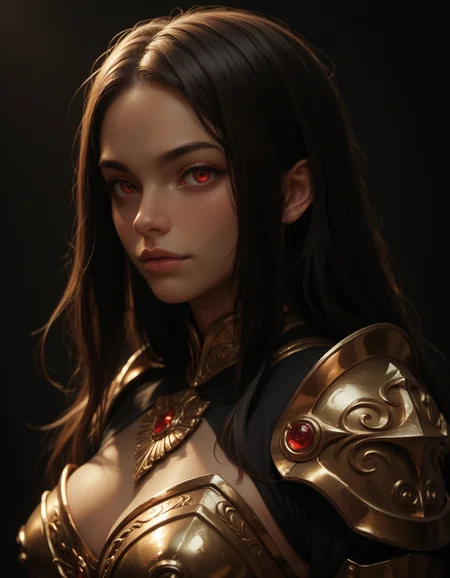
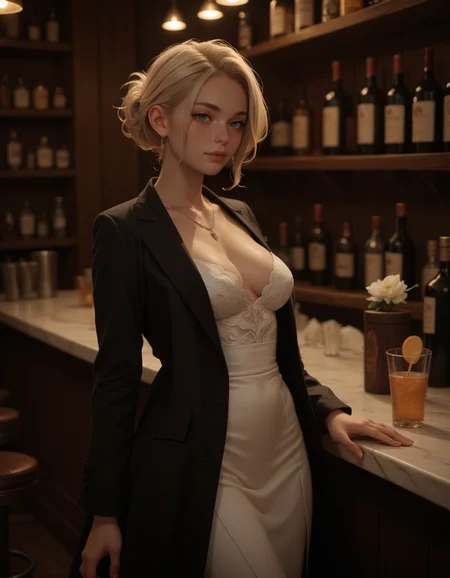
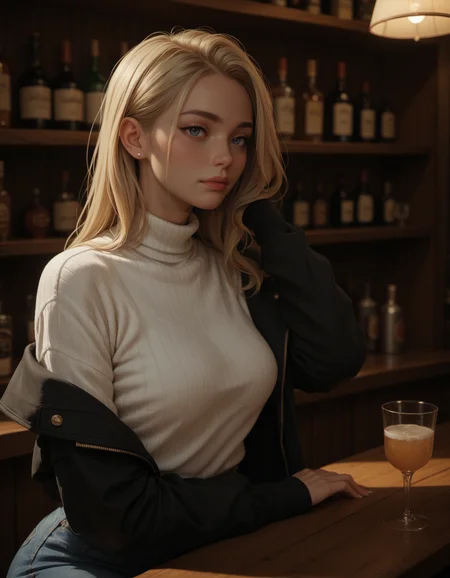
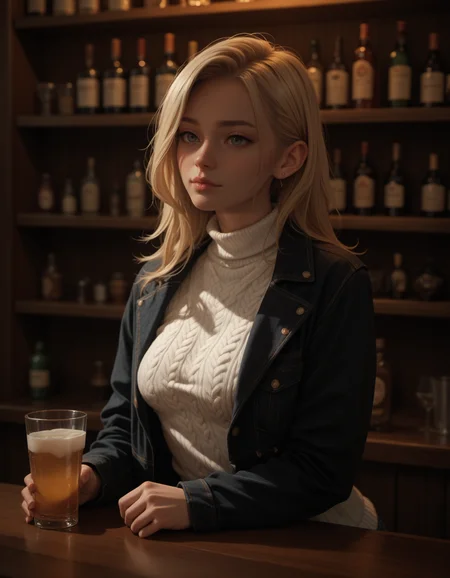
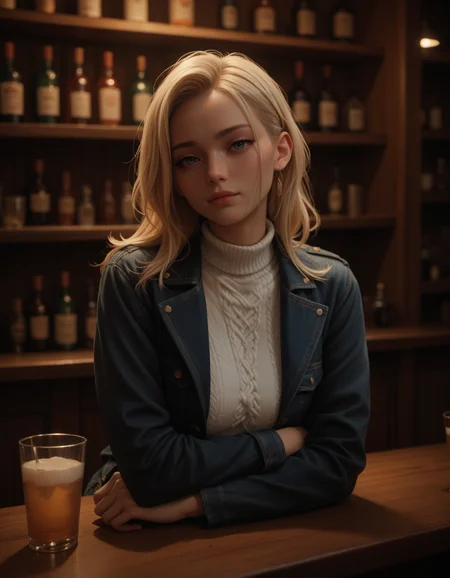
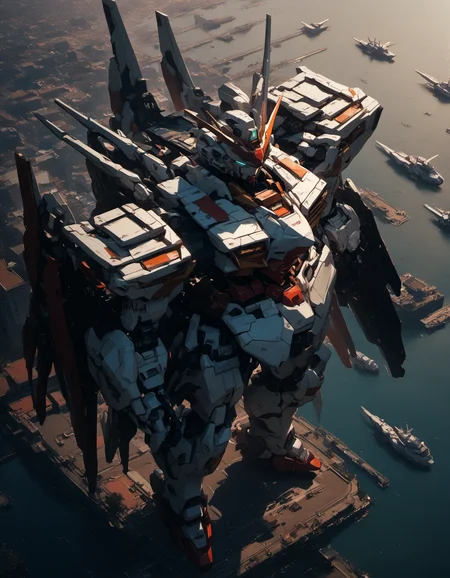
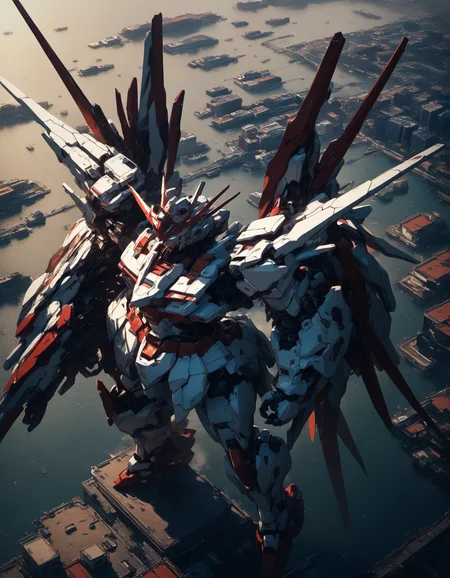
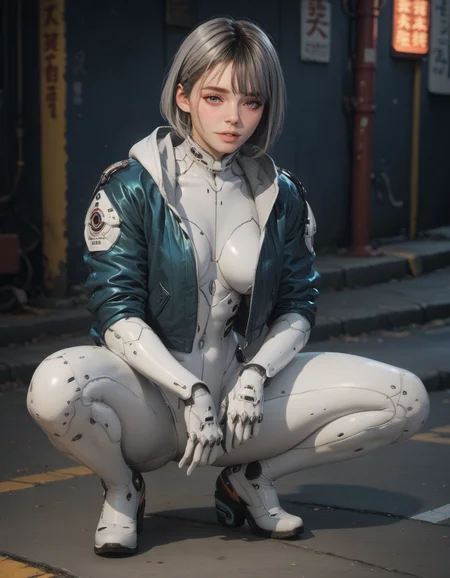
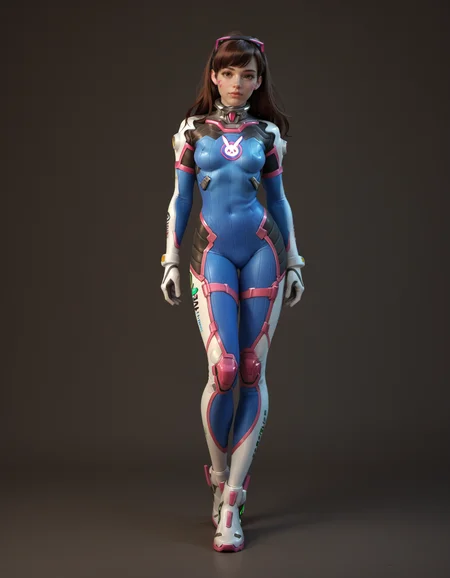
character List for PONY
Checkpoint mainly for 3D faces + realistic background.
Aiming for a simple prompt (highly recommend ADetailer)
Able to output clean images for Pony (Especially with High res fix)
All post images using:
Steps: 35,
Sampler: Euler A + Uniform
CFG scale: 5-7,
Some post used ADetailer but Hires fix will do just fine after v5
Prompt: score_9, score_8_up, score_7_up,score_6_up, score_5_up, + things you want
Negative Prompt: score_1, score_2, score_3, score_4,
v6--
Overall improvement, getting back to more pony, this version I don't really do it for the lora, mostly for a stand alone checkpoint. it will show a much more clean human anatomy, and a more complex background. less blurry than v5 with depth of field. finger is less mess up than v5. Lora takes less effect on v6. some of my old lora might not works as expected.
v5--
getting back closer to 4.0, the color should be colder than 4.1, more bright, less orange,
lora should be working as well as before
did some simple tweak about the check point, hopefully, face is getting back to where 4.0 is, but there is still some of finger and jaw line problem. (looks like illustrious version can fix those)
Working on illustrious version now.
v4.1-
13 GB and 7 GB one has a precision difference, there isn't much difference in the result but it saves half of the size, download the one you like :)
I don't want this checkpoint to be too cartoon so This version is very very close to what I was aiming for
With all that, it works with Lora even better, the realistic style face didn't even affect the Lora style but made those Lora even better. (I'm very happy with this)
Adding more shadow
you can compare the first few pictures to see the difference between 4 and 4.1 (same prompt + same seed)
much more realistic
v4-
Remade from v2
Adding more shadow
Fixing when the head sometimes gets too large (lol)
Hopefully, fix the problem with females having huge jawlines (pony's problem)
Hopefully, it gets even cleaner than v2 and v3
v3-
Better understanding Lora. Better understanding prompt. adding more checkpoints. The image has more light then v2. Basic style stay the same.
WHY does the girl in Pony have so many jawlines, feels like they have been mewing before they were even born >:-(
v2-
fix problems with extra hands and legs, and hope for better fingers too.
Adding more shadow, lighting, and more real faces.
v1-
Few Problems:
-sitting might mess up legs.
-It might be hard to change clothes, Some clothes are cooked with the background
originally just trying to make a checkpoint that is best for my future 3D loras. But the checkpoint itself is working so well.
This checkpoint should have clean results and reasonable detail for the background.
Hardly seen those pony overcooked areas. Examples like "markets" or "streets".
Also less seems on those 3d model style images.
(updating)
Description
13 GB and 7 GB one has a precision difference, there isn't much difference in the result but it saves half of the size, download the one you like :)
I don't want this checkpoint to be too cartoon so This version is very very close to what I was aiming for
With all that, it works with Lora even better, the realistic style face didn't even affect the Lora style but made those Lora even better. (I'm very happy with this)
Adding more shadow
you can compare the first few pictures to see the difference between 4 and 4.1 (same prompt + same seed)
much more realistic
FAQ
Comments (26)
Usually, when your models ends up bigger than the standard 6.6gb, you only need to prune it for release so it fits the standard size. The amount of actual pruned data is super minor and is said to not affect quality.
thanks for the info :)
@shadowrui "sadly the file size gets too 13GB no matter after pure VAE or not VAE :'( I need to find a way to lower that."
If you convert the model in the A1111 extension (model-converter by Akegarasu), turning on options “no-ema” and “Delete known junk data”, you will get an output that is half the size that is standard for PDXL. I got the size 6 938 040 682 (without VAE).
Thanks for the info, that is a great extension. I found the reason why it is too large. as long as it stays in fp32 it will be double the size :( even with pure + delete junk data + no ema. if I converter to fp16 or bf16 it will go back to around 7 GB :) but there will be little differences in the image :'( , I will upload a fp16 soon
bih heads are still a problem in ver4
I am struggling with distorted eyes with this model, though it could be an ADetailer thing as well. Looks like the model is trying to render eyes on top of eyes and they look horribly deformed, like badly drawn anime. I have "anime eyes" and "big eyes" in the negative prompts with weights - doesn't change what is happening. Big heads only occur with more zoomed-out shots like full-body shots or pics of multiple people.
What do you recommend for ADetailer eye fix prompts or models?
ty for testing. I don't know the problem is that bad. because the base model is a more anime checkpoint. I thought almost all Pony checkpoints had little eye problems in realistic images. Without adetailer, on Euler A SGMUniform, Euler A, or DPM++ 2M Karras, on this checkpoint, it seems a little blurry or darker around the eyes but I never see duplicate or horribly deformed eyes before unless it is way too far. Do you mind sharing some images here or on Discord so I can give it a look?
@shadowrui I actually found that the solution is to use specifically the Eyes.pt ADetailer model with specific settings, which came out well. Pony (and all of its variants) can be difficult to work with since it, as you mentioned, is designed and trained for anime. I always have to list "big eyes, anime eyes" in negative prompts.
This is the coolest model I ever tried! Thank you so much for sharing! <3
Thank you :3
I love this checkpoint so much, I use it in all my work. Literally the best one IMHO. Thank you so much for it!
glad you like it :)
would you be able to make this into lightning or turbo, thank you for considering
I will try to see if I can do it, So far I haven't seen lots of tutorials on how to make it happen :(
@shadowrui ok
This is my favorite model I've used so far, thank you for your efforts (and do try to make that turbo version, if possible :D)
In the description, you imply that there's a smaller version of 4.1, and that the smaller version isn't really that different, but you seem to only have uploaded the larger version. Is that on purpose?
📂💾🗃️🖼️🎨️📐✨
Exception: could not find upscaler named Universal2x_CX_100k - PLEASE where the hell is Universal2x_CX_100k ? search everywhere on the internet! is it part of a different webui or something? I cannot replicate your images at all, there is a ton of missing information! I'm using SDForge...
try 2x_CX_100k or 4x-UltraSharp
@shadowrui ty for respond, which webui did u use for this? I come very close to getting same results when I turn off upscaler. For some reason my version adds shoes to juri han every time which is... Unacceptable 🤣
can you make illustrous version of this pls
The model is very good, but the color bias is a bit serious when using the picture, so it cannot be processed or partially redrawn. Is there any way to solve the color cast problem? Except for PS and the corrected color that comes with SD, because not only the color cast, but also the brightness and the like will be biased.
hey bro I love the faces that the version 4.0 produces, could you make a illustrous version of it please
I would love an Illustrious Version of this, but it looks like the creator isnt active here anymore, does anyone know about an comparable Illustrious-Checkpoint?
Details
Files
Available On (1 platform)
Same model published on other platforms. May have additional downloads or version variants.