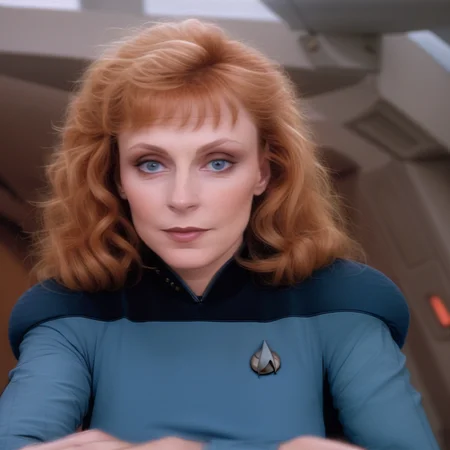


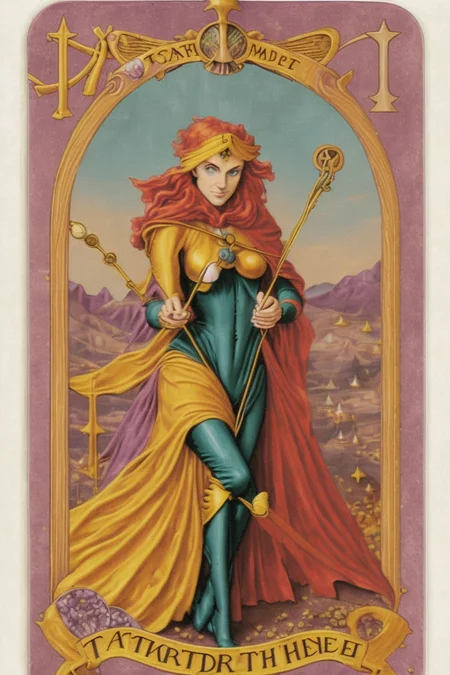


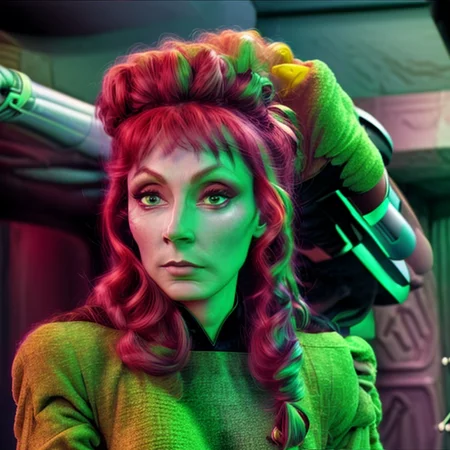
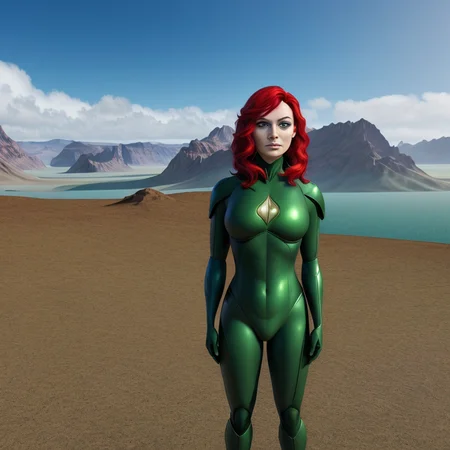
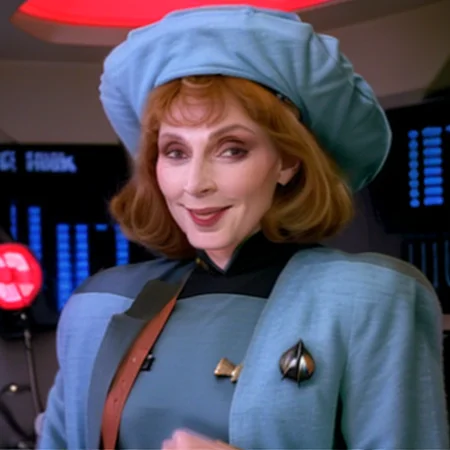
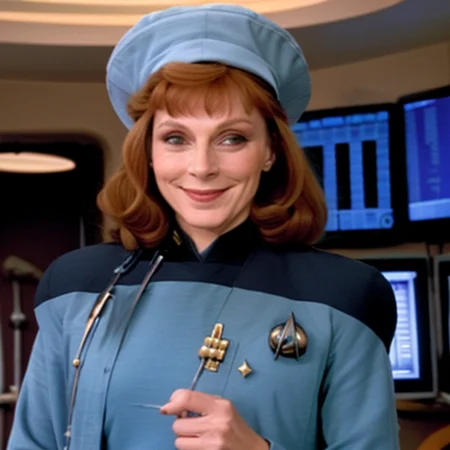
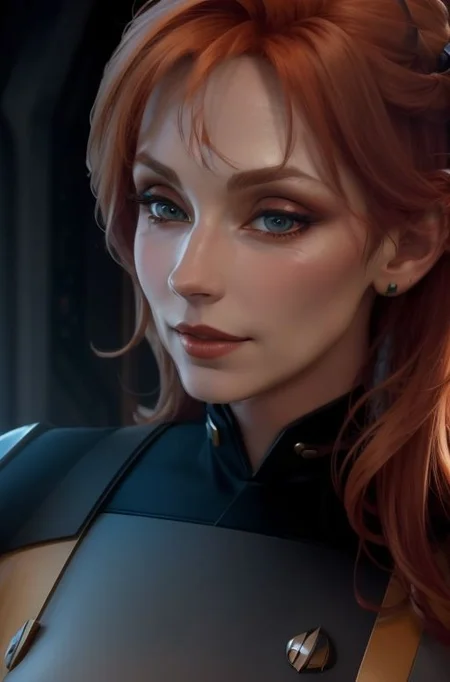
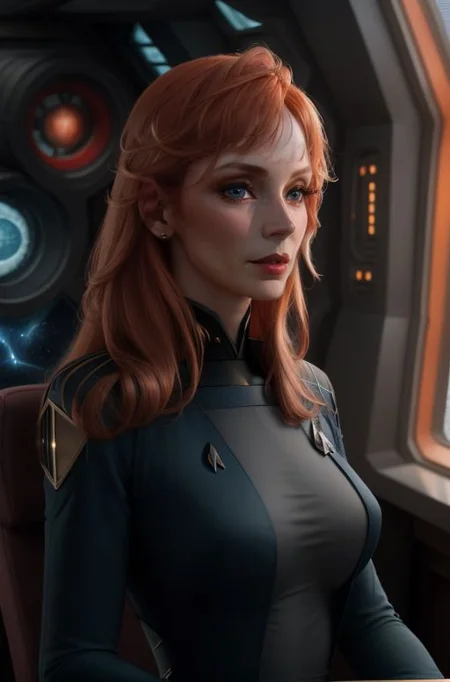
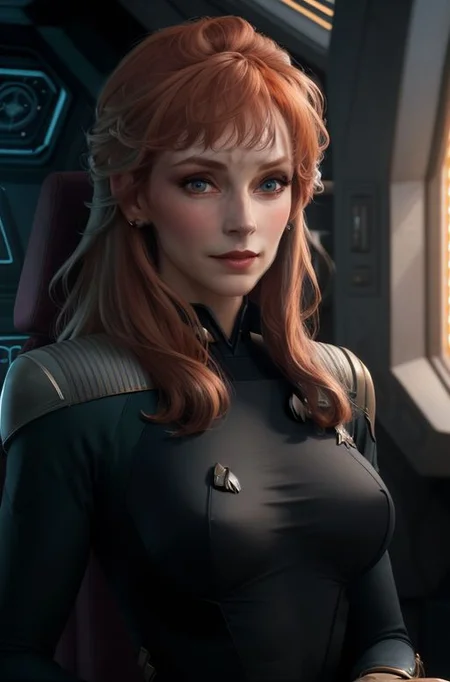
"Dr. Beverly Crusher is two spheroid regions approximately 20 centimeters in diameter." -Enterprise D Computer
Version 2 Notes:
This is significantly better than version 1. Less faces in dataset but more action poses and works in every checkpoint I've tried. The likeness is a lot stronger and you don't need to include much of anything in your prompts. In case you run into problems, feel free to throw in "blue uniform" or "red hair" to strongly adhere, but as before, there's no trigger words.
Version 1 Notes:
This LoRA was an absolute nightmare to make and I'm not sure why. This is the best one out of several variations of datasets and different numbers of iterations. Any training improvement comments are welcome, the more technical the better.
Anyways, this LoRA does occassionaly switch genders, so throwing in "woman" in the prompt can resolve that. All training data was on the blue starfleet uniform with a few images with the additional overcoat. It heavily favors without the overcoat, but you may get traces. Try using: "blue starfleet uniform" in the prompt to heavily enforce the former.
No trigger word needed.
Any model except RealisticVision. For some reason this checkpoint will give some small, but noticable blue/green discoloration. You are welcome to use it, just be advised I'm aware of this issue.
Description
FAQ
Comments (4)
I had some issues getting this uploaded, some of the samples included older versions which wouldn't be reproducible. There's also some weird "ghost" version which might be causing problems.
Please let me know if there's any issues downloading this and I'll just delete and re-create.
This damn LoRA is cursed...
aww you deleted my favorite image out of the whole bunch
I have some theories about why this was so hard to train, and I have some questions. How many images were in the dataset? What settings did you use? Would you be willing to share your dataset so I could give it a try?
(The civitai review system is terrible and hides the review comments, so I'm adding this as a regular comment too)
I've finally finished collecting my thoughts on why this is so hard to train. This is going to be a bit of a read. First and foremost: thank you for the model. My lengthy write-up here is not meant to be a criticism of the model. but some research and tips. You mentioned you were looking for technical descriptions on how to improve the training, so that's what I've tried to do here. Take this all with a grain of salt... I'm still learning as I go too, and you technically have more models published on this site than I do, so I'm far from being an authority on the topic.
I dug through the metadata, generated a bunch of images, made some image grids, and I even went down the path of actually training my own Beverly Crusher model (8 times) to see what problems I ran into.
If you want to skip to the good part without reading the whole write-up, here's my quick list of recommendations:
* Train on SD 1.5, not SD 1.4
* Increase the unet learning rate from 0.0001 to 0.00015 or even 0.0002 (you might have to throw in some regularization images if this starts causing some overcooking)
* Keep the text encoder learning rate as it is (at 0.0001)
* Keep your overall steps as is (looks like 3900)
* Double check the image tags
*- I suspect there is at least one image in the dataset where the uniform isn't tagged. I could be wrong on that though.
*- Remove any tags about her eyes, nose, lips, or mouth, if there are any.
* Where possible, try to include extra images that aren't from the TV series. Between the set lighting, camera filters, and low resolution of 80's TV, it's hard to get consistent lighting, coloring, and resolution out of still images from video, and consistency helps a lot. This is admittedly difficult for her because she has so few images outside of the TNG TV series and movies.
Now on to the write-up:
Firstly, it looks like you trained this model on SD 1.4, not SD 1.5. That might not make a gigantic difference in the output, but it will make some difference. I don't think that's the whole reason it's so hard to train, but it's worth getting out of the way first. I got this info from the model metadata. ss_sd_model_name: "sd-v1-4.ckpt"
I generated a lot of images but found it really hard to get anything to output remotely similar to Beverly unless I bumped the resolution to 768x768. I'm not entirely sure why that is the case. I initially thought you were training on 768x768 images, but the metadata indicates that your image bucket is 512x512, so chuck that theory out the window. I'm going to have to leave the 768 mystery unsolved. While generating images, I noticed that sometimes I would ask for a specific outfit, and it would still give me a starfleet uniform. This makes me think at least one image in the dataset doesn't have the uniform tagged. It's worth double checking.
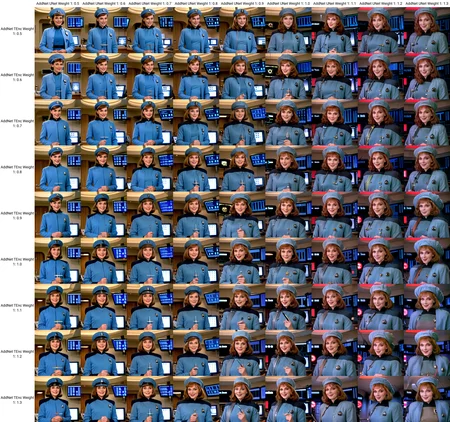
I generated some image grids with different unet and text encoder weights. I've uploaded those too. They are huge images, so my apologies if it messes up the image gallery. You'll notice in the image grid where she's in a blue doctor's uniform, the character doesn't really start looking like her until the unet goes over 1.0. My favorite image of the whole doctor grid is actually at 1.3 unet weight, and 0.9 text encoder weight. The grid where she's in a green costume has a similar problem, where the unet weights at 1.5 look noticeably more like Beverly. The text encoder weights in the green costume grid don't seem to change the image much. This all makes me think you might be close to spot on with the text encoder weight, but you need to significantly increase the unet encoder weight. I realize you didn't set them individually, and actually just set them both to 0.0001 by using the multi-purpose learning rate knob (info from the metadata again). In this case you might want to actually set them. I'd try bumping the unet learning rate to 0.00015 first, and if that's not enough, go all the way to 0.0002. I'd keep the text encoder learning rate at 0.0001, since it seems to be doing fine. One other side note, on the doctor uniform grid you'll notice that the images get noticeably darker when the unet weight goes over 1.0. I think this may be a side effect of using too many still images directly from the tv series where they have camera filters and darker lighting. I'd try brightening up some of the darker images or including some extra images from outside the tv series if possible.
I tried training my own model based on Beverly Crusher, and sourcing my own dataset for it, and ran into a ton of problems. The dataset is hard to obtain because there are actually so few unique images of her outside of the tv series. Even if I wanted to use frames from the tv series, there's very few images of her by herself where one of the other characters isn't also in the shot. I could remove them from the image, but then I end up with a tiny image that I have to upscale/resize/etc and it never seems to look right afterward. I ended up training the model 8 times before I finally landed on some settings and a dataset that worked. My first run started with about 26 images, and I gradually pruned that down to 22 for the final run. I also curated the tags repeatedly, and removing tags about her eyes, nose, and mouth did help a tiny amount (totally subjective results here). I initially didn't mess with the images themselves much, but between runs I ended up doing a LOT of image manipulation on the dataset to try to get consistent coloring and detail. The whole process required so many runs because the models ended up spitting out old ladies. Some of them wildly different looking than Beverly Crusher. I tried low numbers of steps, high numbers of steps, and everything in between. At about 6,000 steps the images started to get grainy and overcooked, and anything below 2,000 steps wouldn't produce an image that looked like her. The sweet spot was right about the same spot where you landed, at 4400 steps. Even then, I couldn't get the model to consistently produce a good image of Beverly, and only saw one maybe every 4 attempts or so. Every model seemed to favor making old wrinkly faces. I have a couple of theories about why that's the case.
My first theory: I think maybe the models I'm using to render the images (and maybe even SD itself) tend to be biased. I think they are trained on datasets that are crammed full of pretty, smooth skinned, photogenic women, in their late teens and early 20's. I suspect women in their late 30's and 40's are poorly represented in the models. However, there is probably an uptick of source images as women get older, as they become interesting to photograph again (politicians, obits, family photos, etc). I think this leads to SD in general thinking women are either young and pretty, or old and wrinkly, with much less representation in between. SD was trained on 5 billion images scraped from the internet, and while you would think that the internet would have an even mix of everything, it doesn't. The internet itself is full of media, advertising, and entertainment companies, and one thing that sells well in media is "pretty people". To back up this theory I did some img2img tests with SD and some other models. I took an image of Beverly (a late 30's to 40-something woman at the time of filming TNG) and had SD redraw with high denoise and low CFG. As I suspected, SD would either make Beverly look much older, adding wrinkles and sunken cheeks, or (more often) much younger. I then added one simple negative tag: 'old'. I was expecting SD to bias entirely towards young women at this point, but oddly enough the 'old' tag didn't do much. The older women it generated tended to look slightly less old, but it still did generate some old women. However, I then tried a different negative tag: 'wrinkles'. And suddenly SD stopped generating old women entirely. I couldn't get it to render anyone 30 or over with the 'wrinkles' negative tag in place. It seems like SD heavily associates 'wrinkles' with 'old age', even more than the keyword 'old' does. This leads me to believe that when SD sees some of the features of an 'old woman' in Beverly (some wrinkles, laugh lines, sunken cheeks, etc), it categorizes her internally into an 'old woman' class and bias kicks in making it much harder to train a model on her. That's my theory anyway. The way to break out of that bias, from my understanding, is to increase the learning rate (which would be consistent with the image grid results above)
My second theory, and probably a little less likely (and certainly not evidence based): Maybe this is a little foo sketchy to suggest, but I'm beginning to suspect Gates McFadden the actor who plays Beverly, may have had some minor cosmetic surgery at some point during the series that altered her facial appearance. She seems to look noticeably different between seasons and I could never quite place what was different about her. I always assumed it was due to a change in hair style or makeup. However, her appearance is significantly more difficult to train in the model than other characters I've trained, and other than the aforementioned age bias issue, slight changes in her facial structure between one image and the next might explain the difficulty.
Anyhow, that concludes my thoughts on why the model is so hard to train. This is not a criticism of your model at all, and I'm glad you made it. I found it inspiring enough to do all of this research into it actually. Thank you for the model!
Details
Available On (1 platform)
Same model published on other platforms. May have additional downloads or version variants.