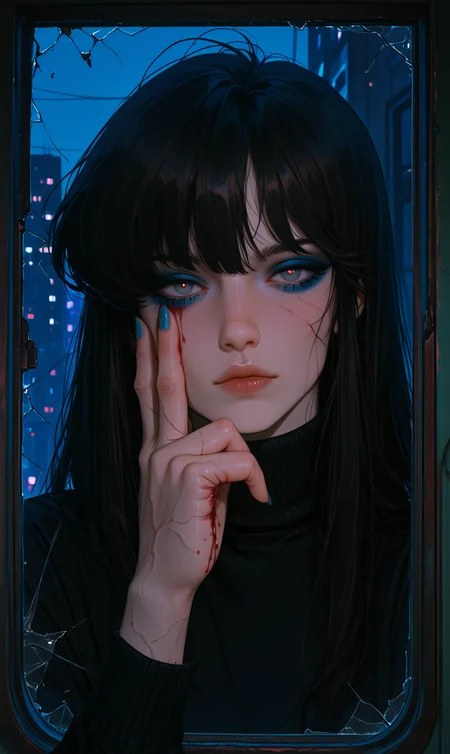

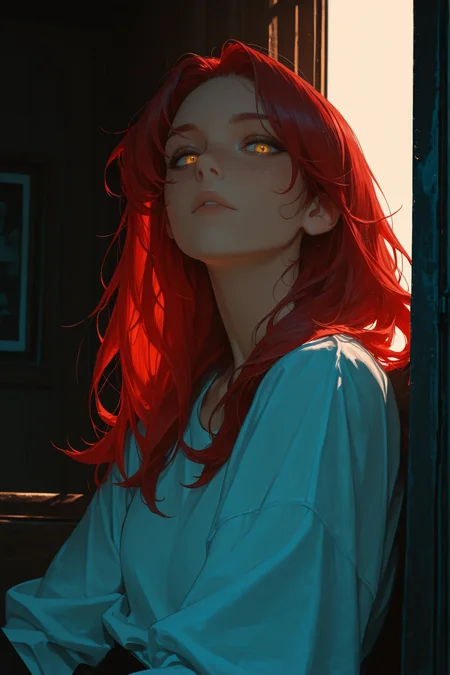
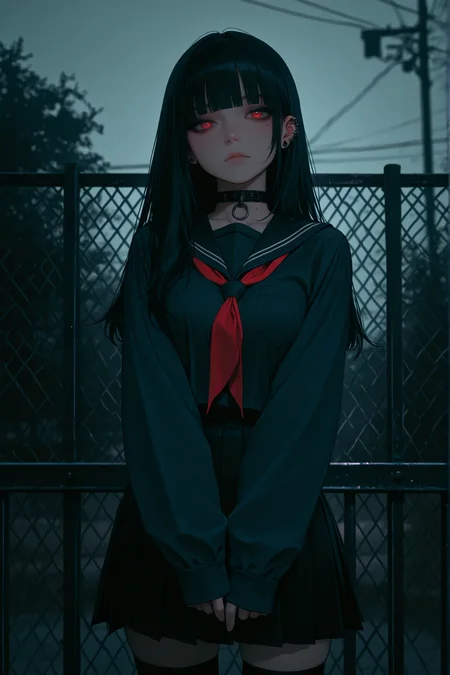
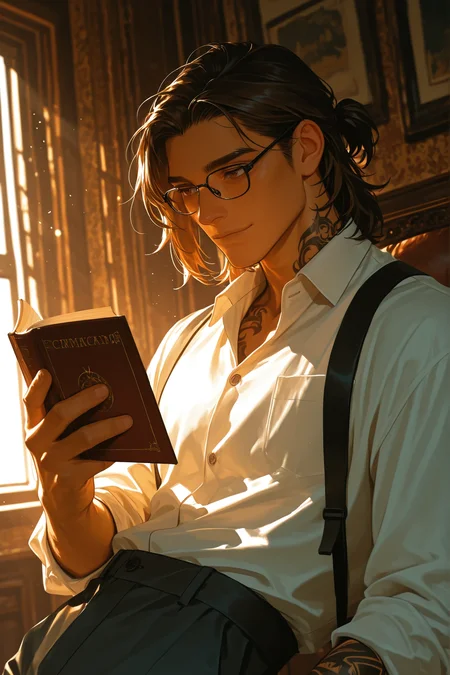
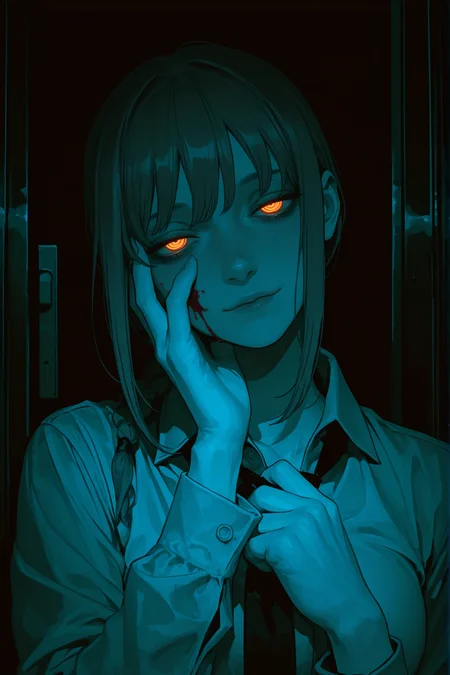
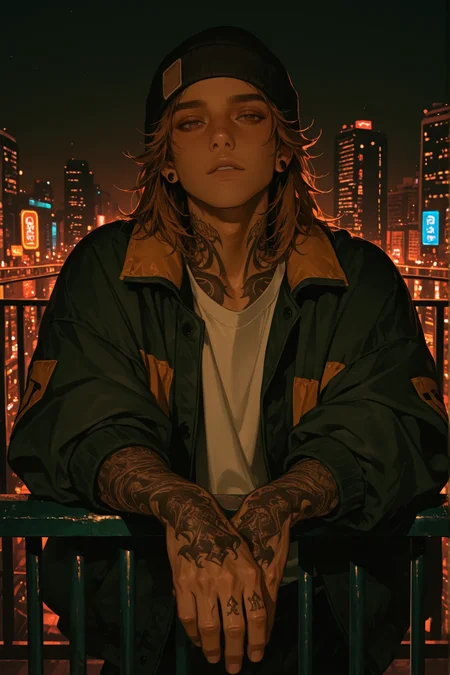

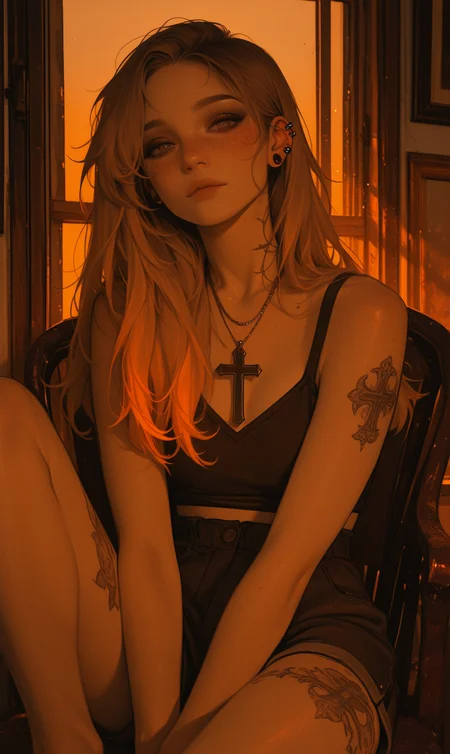
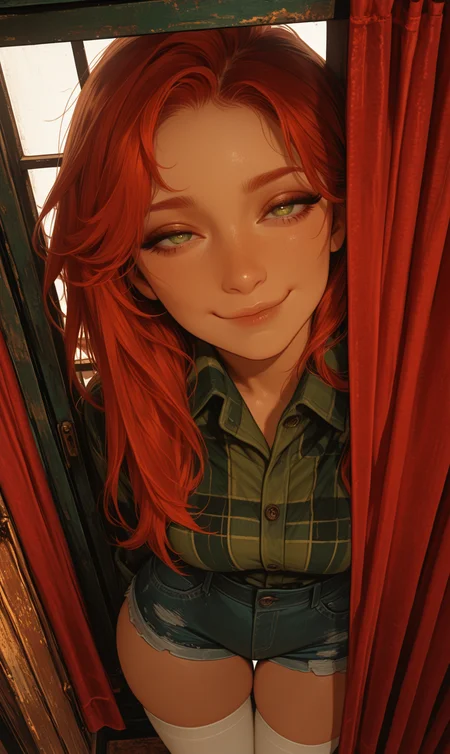
Niji Semi-realism
V4.0 updated on 17/4/2026
This version is basically the upgraded edition of the LoRA — I fed it more images, switched the base model, upgraded the tagging system .
Result? It got smarter… and a bit picky 😏
I also split it into 3 personalities (styles), each with its own trigger word.
So yeah… you’re not dealing with one LoRA anymore, you’re dealing with a whole squad.
The Styles (choose your fighter)
1. SemiFrealism (F = Flat)
This one loves flat colors like anime and cartoons.
Clean, simple, and straight to the point — no extra drama.
Honestly, this is the favorite child of the LoRA.
2. SemiRrealism (R = Realistic)
Wants everything to look realistic and detailed.
Photorealistic? 3D? Fancy lighting? Say less.
This one tries a bit too hard to be real… but it works.
3. SemiNrealism (N = Normal)
The chill middle child.
Not too flat, not too realistic — just vibing in between.
This is the default mood if you don’t pick a side.
Important stuff (read this or suffer 😭)
If the result looks weird… it’s not the LoRA, it’s you 💀
Add proper keywords. The model is smart, but not a mind reader.
Don’t just spam one style and expect magic — experiment like a normal human.
Final warning ⚠️
This LoRA is powerful… but only if you know how to talk to it.
Treat it right, and it’ll cook 🔥
Use bad prompts… and it will absolutely embarrass you.
v2 update on 1/6/2025
I used approximately a lot of niji v6 style image, the pictures were with style called pseudo-realistic and semi-realism so i tried to focus on this 2 style
Style features :
Niji v6 style used
high quality image used
Style distinguishes between night and day
Add dark lighting style and reflections
maybe you can use trigger word like :
to get realistic result
pseudo-realistic, semi-realism, realism, realistic to get night time
color theory, darkness, night, night timeto get cartoon like style
cartoon, lineless, flat colorDescription
FAQ
Comments (18)
Has anyone else recieved: 'ValueError: Failed to recognize model type!'? I've downloaded the Checkpoint three times now with the same result. No issues with any of my other Models\Checkpoints.
you're getting that cause this is a lora
It looks great and also greatly improves lighting quality!
Thank you ❤
so cool...
I'mma use it right now!
Thanks ❤
one of the best out there imo, in use all the time, thanks!
Thank you ❤
Beautiful. Goes well with other models.
Thanks ❤
I love this LORA, but I have a problem. Every time I use it, the images are cropped, and the entire body never appears if I add it to my prompt... I guess it's because of the word SEMI.
Any ideas on how to fix this?
THANKS
Wan 2.2. Version?
I feel like this lora also changes the pic into a yellow/orange hue to some extend. Anyone knows how to avoid this?
Try dim lighting, changing the color, putting orange-tint in the negatives, but that can create more trouble. Can always change the model too. Good luck.
use the CD tuner extension if you do local generation. If you see something on this site and no matter what you copy, you can't get the smae output, they msot likely generated locally and used CD tuner. it doesn't show up in generation data, but lets you control contrast, saturation, colour balanece, detail etc., all independent from the actual prompt.
It move my pictures into different level, I really like it. https://civitai.com/images/114208224
This lora pairs great with the ILUSTMIX model
Inquiry : Does this model need a new version ?
Details
Files
Semi-realism_illustrious.safetensors
Mirrors
Semi-realism_illustrious.safetensors
Semi-realism_illustrious.safetensors
Semi-realism_illustrious.safetensors
Semi-realism_illustrious.safetensors
Semi-realism_illustrious.safetensors
NIJI-Semi-realism.safetensors
Semi-realism_illustrious.safetensors
Semi-realism_illustrious.safetensors
niji_semi_realism.safetensors
Semi-realism_illustrious.safetensors
Available On (1 platform)
Same model published on other platforms. May have additional downloads or version variants.