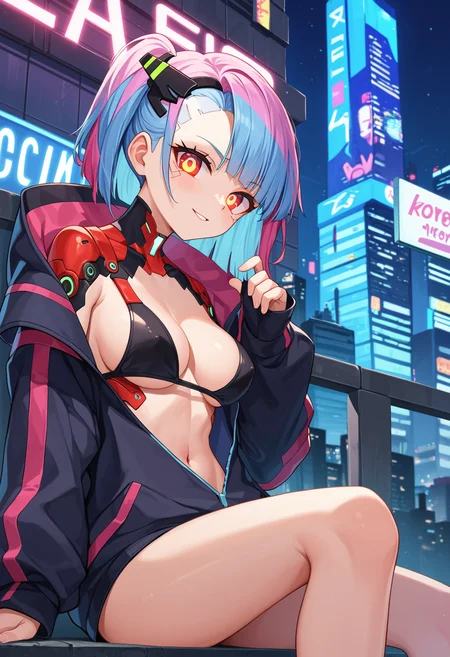
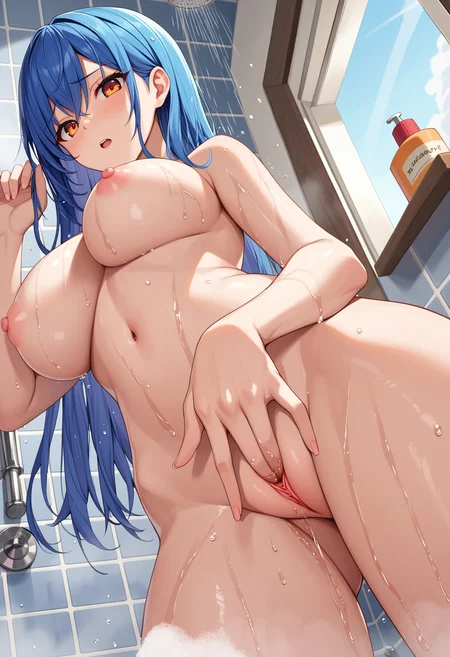
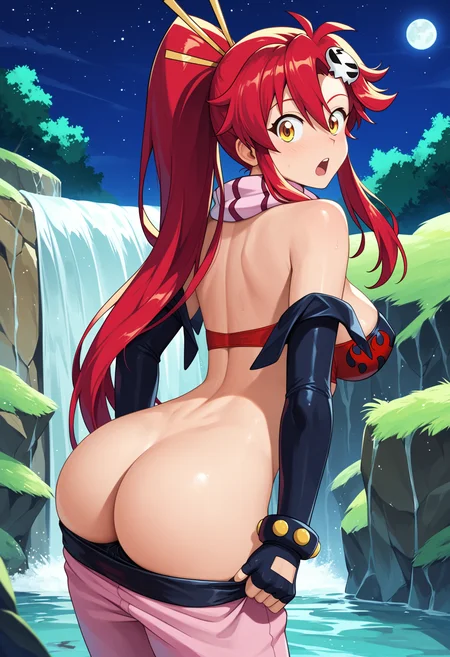
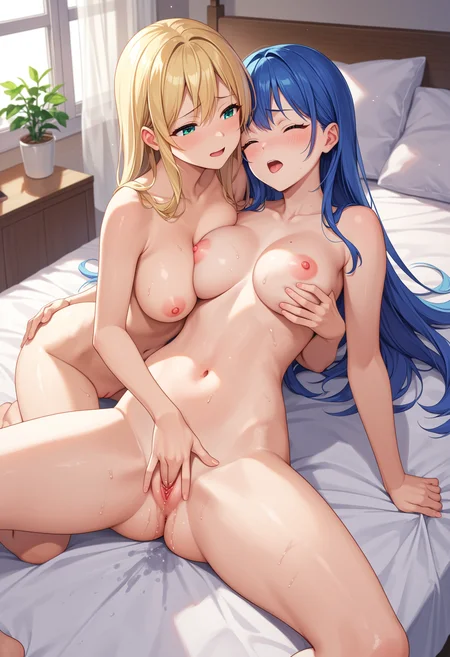
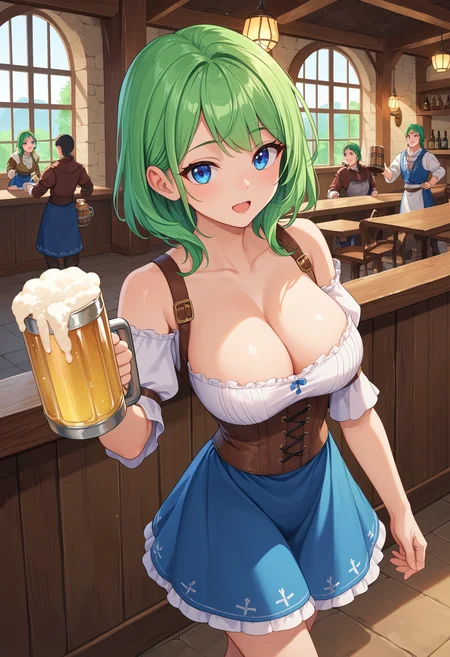
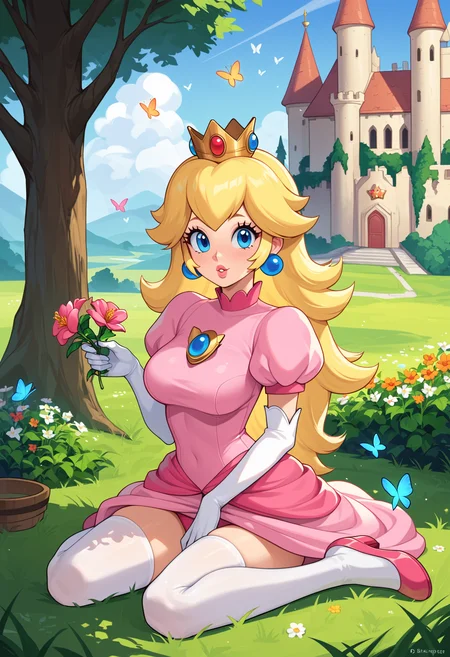
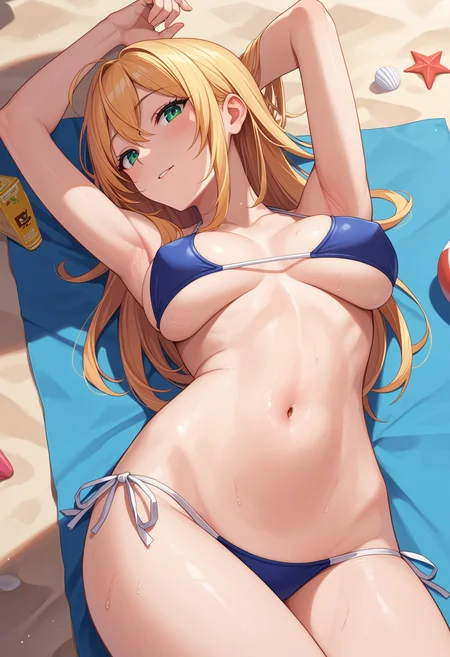
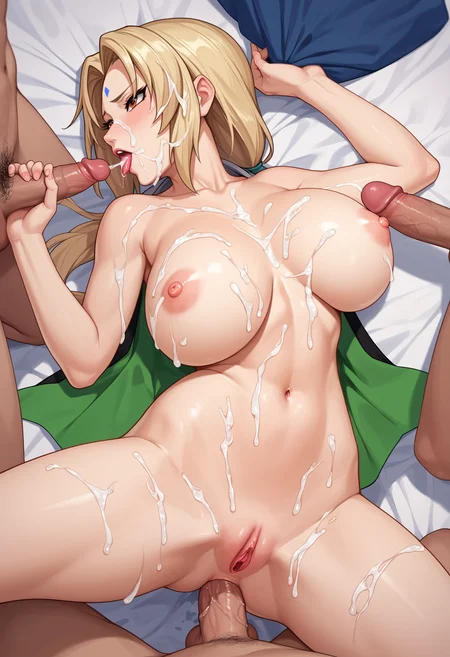
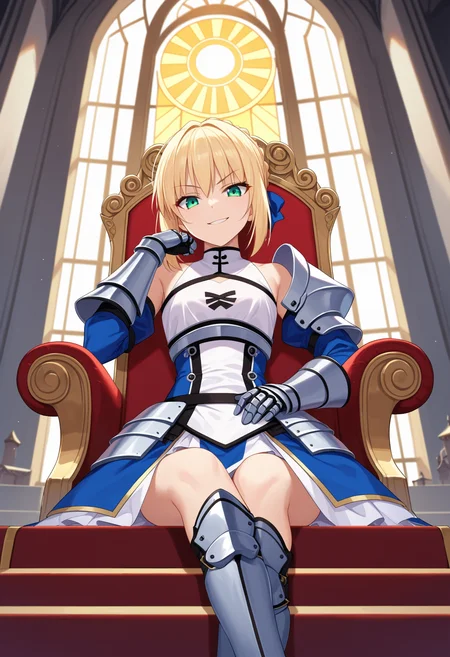
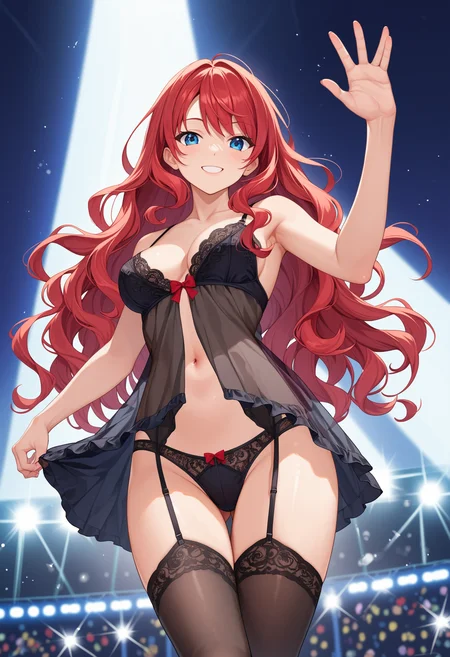
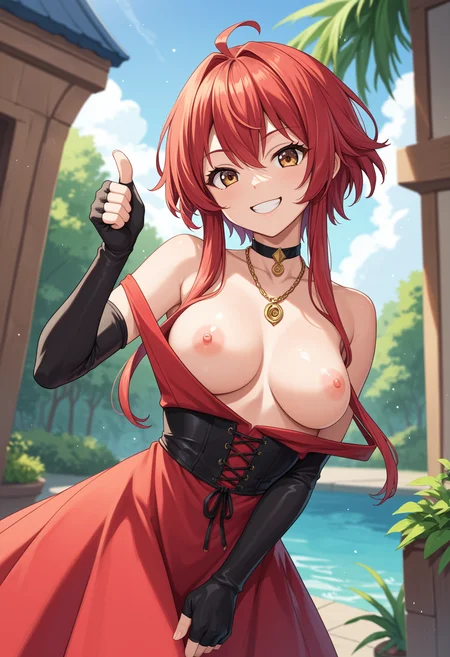
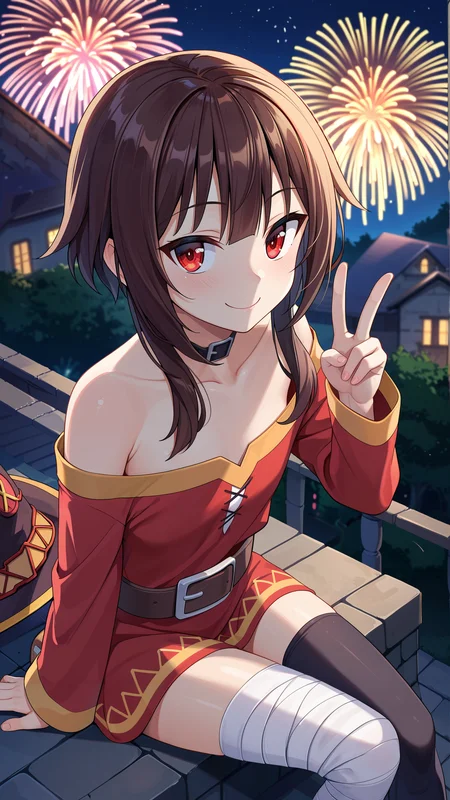
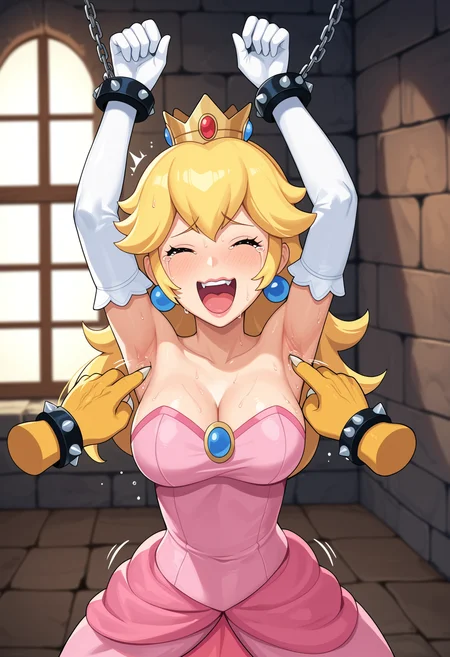
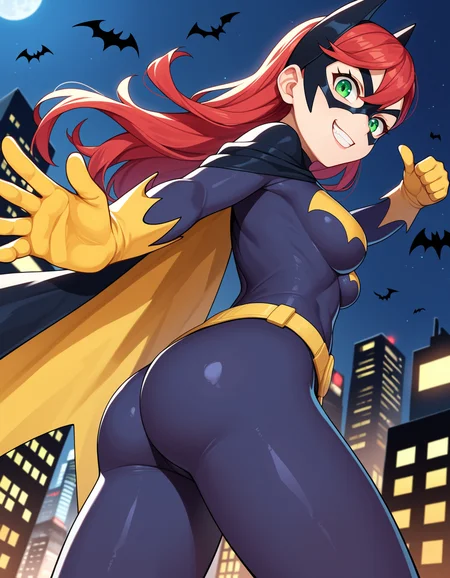
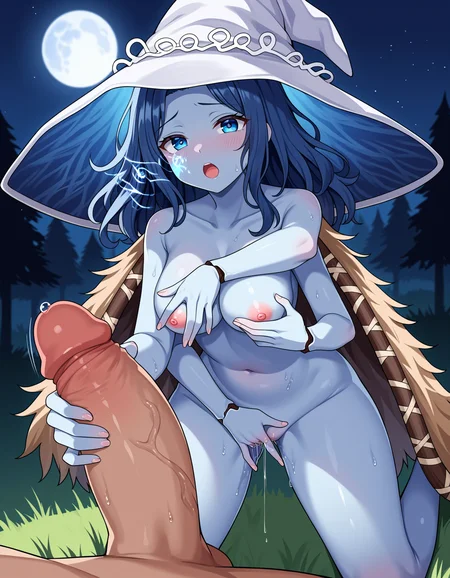
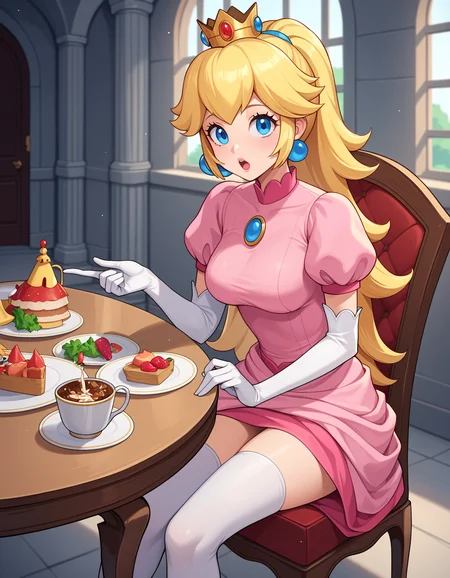
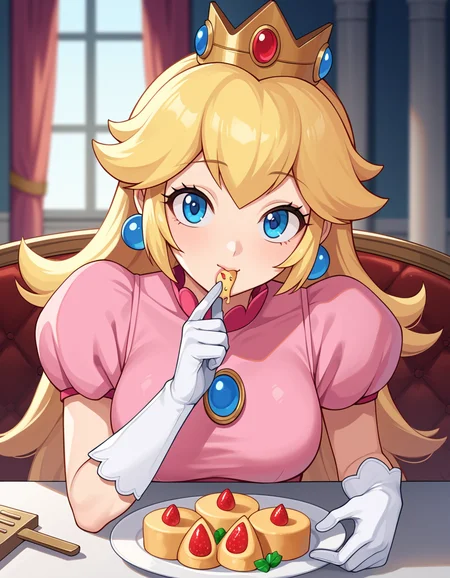
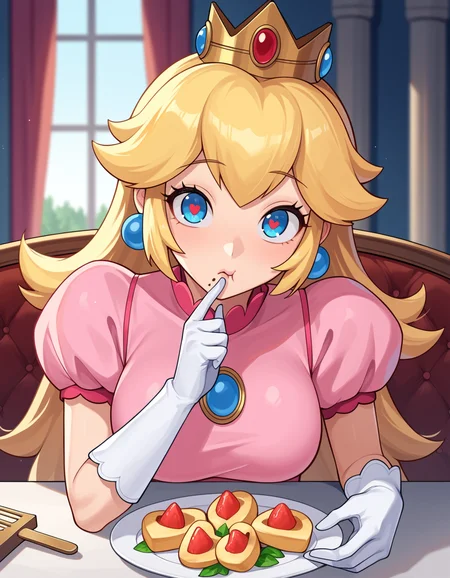
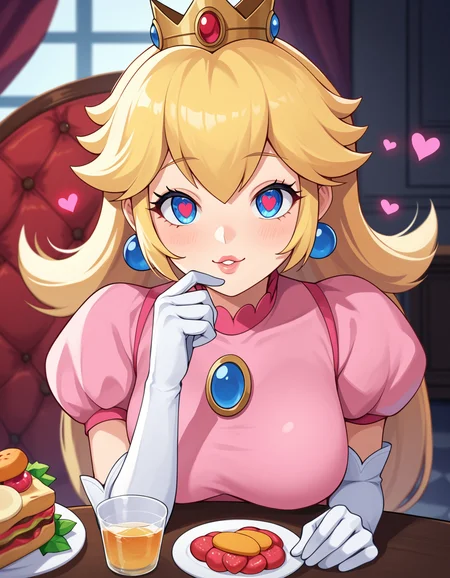
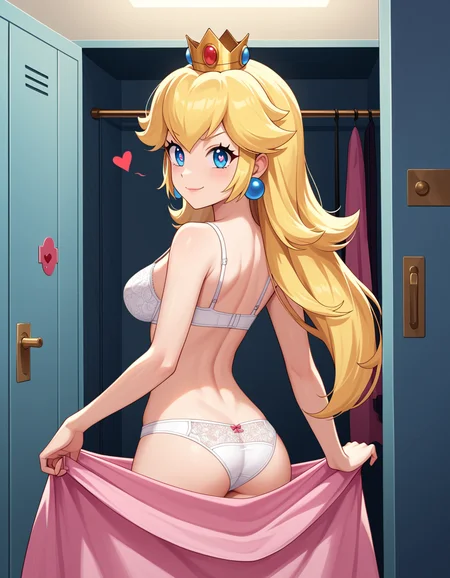
AuthakuMix v2, a new version model blending hassakuXL, PrefectPony, and a bit of Violetbreed. It features better shading and anatomy than the original, also with a baked VAE.
Key improvements:
Enhanced shading and lighting
Improved anatomical accuracy
Recommended Prompts:
Positive: score_9, score_8_up, score_7_up, score_6_up, score_5_up, score_4_up, source_anime, uncensored, BREAK, (your prompt)
Negative: score_1, score_2, score_3, watermark, simple background, monochrome
NSFW Tip: If you're generating NSFW content and encounter censorship, try adding "uncensored" to your positive prompts (before BREAK) instead of using negative prompts like "censored" or "censoring". This should maintain style while removing the censorship. Self-attention guidance is recommended. Also I am using the default settings for xl in forge that are DPM++ 2M SDE Karras, 20 steps and CFG Scale 5.
OtakuMix
OtakuMix merges AutismMix Confetti, Hassaku XL, and Bunny Mint, resulting in a model that produces detailed anime-style imagery while retaining a distinct anime aesthetic. This combination, along with the recommended prompt structure, aims to achieve a balance between intricate details and stylistic consistency.
How to get best Quality
To get the most out of OtakuMix, use the following tags for maximum quality:
Positive tags: score_9, score_8_up, score_7_up, masterpiece, source_anime, BREAK (your prompt)
Negative tags: simple_background, monochrome
Tips for Best Results
Use Self-Attention Diffusion Guidance for improved quality and contrast. This feature is already integrated into Forge, and I recommend using it for optimal results.
For upscaling, I recommend using img2img without any upscaler and generate multiple images, selecting the best from the batch. If you require a very large image, R-ESRGAN 4x+ Anime6B provides the best results. For this version, a scale of 1.5 and noise of 0.5 in R-ESRGAN 4x+ Anime6B often yields optimal upscaling results. Don't forget to enable Self-Attention Diffusion Guidance in img2img for enhanced image quality.
For a simple background, remove the "simple_background" tag from the negative list and add it to the positive list. Additionally, including the desired eye color in your prompts is recommended as it tends to produce clearer eye details. However, there might still be issues with eye clarity in full-body shots where the character is not a close-up. In such cases, using a detailer or manual inpainting is advised. Interestingly, using more Booru tags in the prompt can lead to sharper images with reduced blurriness.
Additional Info
OtakuMix is capable of generating both NSFW and SFW content. The model comes with a baked VAE and utilizes Cfg 7 and DPM++ 2M Karras settings.
This mix includes:
AutismMix Confetti: https://civarchive.com/models/288584?modelVersionId=324524
Hassaku XL (Hentai): https://civarchive.com/models/376031?modelVersionId=559994
Bunny Mint: https://civarchive.com/models/520972?modelVersionId=578826
AuthakuMix
AuthakuMix is a merge model that combines the strengths of AutismMix Conffeti and Hassaku XL to bring a more distinctive anime-inspired art style. This model is produces vibrant images with a focus on characters.
How to get best Quality
To get the most out of AuthakuMix, use the following tags for maximum quality:
Positive tags: score_9, score_8_up, score_7_up, score_6_up, score_5_up, score_4_up, BREAK, (your prompt)
Negative tags: score_1, score_2, score_3, simple background, monochrome, (muted_color:1.2), (your negatives)
Tips for Best Results
Use Self-Attention Diffusion Guidance for improved quality and contrast. This feature is already integrated into Forge, and I recommend using it for optimal results.
For upscaling, I recommend using img2img without any upscaler and do a batch and take the best image. If you want a really big image in that case R-ESRGAN 4x+ Anime6B and 4x-UltraSharp give me the best results. Don't forget to enable Self-Attention Diffusion Guidance in img2img for better image.
If you want a simple background, you can remove the "simple_background" tag from the negative list and add it to the positive list instead.
Additional Info
Can generate the same characters as AutismMix, but with a more anime style.
Can produce both NSFW and SFW content with equal ease, thanks to the capabilities of the original models that AuthakuMix was merged from.
Comes with a baked VAE
Cfg 7 and DPM++ 2M Karras
Description
FAQ
Comments (5)
Hello there, thank you for the hard work !
I wanted to ask how do you use self attention guide (what scale and blur sigma) as I cant find someone talking about it ?
I kind of not sure why, but eyes tend to get more fuzzy than they used to be on autismmmix so I am wondering if that will fix this
Hey there! Thanks for reaching out!
I use the self-attention guide with the default settings in Forge, which is scale 0.5 and blur sigma 2. I find that works well for me.
The eyes tend to look good with the positive and negative prompt I recommend. If you're not using those, that might be the problem. Also for some reason, the "(mute_colors:1.2)" negative I added seems to help with the eyes and also makes the model more stable in terms of anime aesthetics. If you don't include it, you might get images with a mixed comic/realistic style, especially noticeable in the eyes or nose.
The self-attention guide does help a lot with this model is very noticeable, especially with the hair. But if still not satisfied with the results. You can also try upscaling with img2img instead of directly using hiresfix. Do a batch of like 5 with 0.55, and see what looks best also with self attention activated here. If you're still not satisfied, you can do an inpaint on just the problematic areas or parts you want more detail in. That's how I do most of the images I upload.
@elryusam "upscaling with img2img instead of directly using hiresfix" do you mean using img2img without hiresfix will get you better a result?
@DevRev I've tried several upscalers, but they tend to change the colors or make the images too sharp. I find that upscaling with img2img produces better results. Plus, I can do multiple batches and choose the best outcome. However, it seems that only works with self-attention guidance activated, which surprisingly makes the image sharper without needing any upscaler. I only use an upscaler for resolutions that my gpu cannot handle directly.
@elryusam thank you for the thorough explanation !