


Model based on Star Wars Twi'lek race. Trained on AOM-2 model. It has a lot of potential and wanted to share it with others to see what others can make!
For absolute best results, mix both version 1 and 2 ~0.4
It was trained to use "Twilek and alien" as trigger words, but noticed best results just used "colored skin" and "____ skin" (red/blue/green/etc)
Weight are generally at 1.0 for the LoRA. Please share your creations!
Description
Works well with both versions. Try them together for best results.
FAQ
Comments (36)
I don't know what I'm doing wrong... No matter what I do, I just can't get the eyes to look good or detailed at all.
Inpaint after is always a good practice.
im not sure if i am doing something wrong or not, but when i do one it comes out very very distorted :(
Post your images and I can see what you are doing wrong.
https://gyazo.com/5b816316976dd20d75617cbe4e9954f5 this is what it's coming out like
@madadh7267 That seems like a weight issue. Way to high.
@Bombalurina what is a good weight for it im still new so im learning still lol i have it on cfg 5 and turned down the one weights to .4
@madadh7267 Post the image to "Catbox" to here. It allows me to get the raw image and run it on my set up.
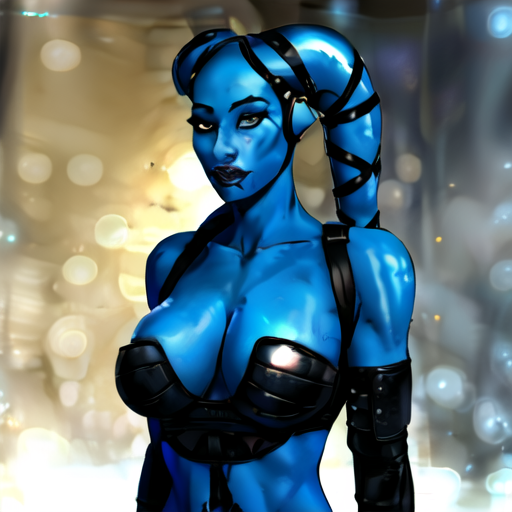
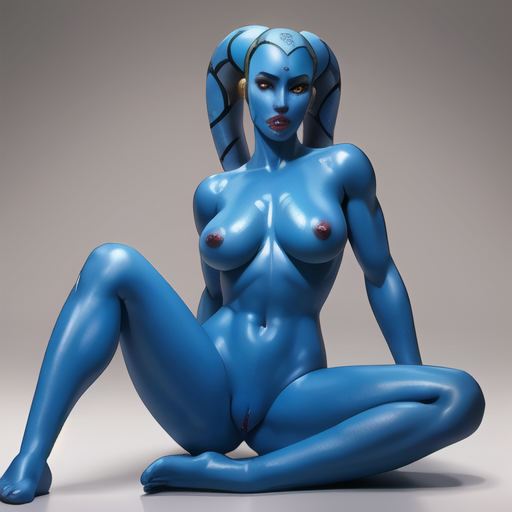
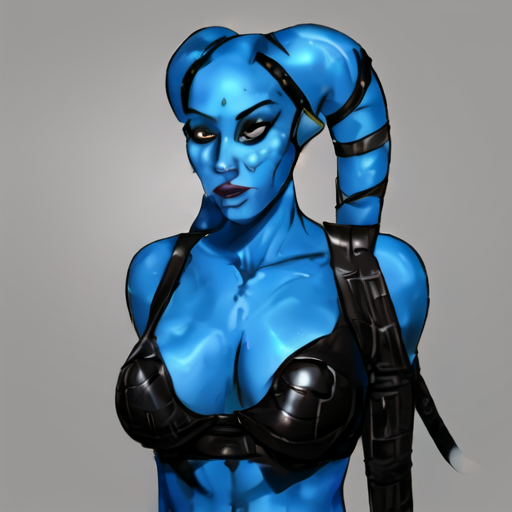
@Bombalurina https://files.catbox.moe/xd93bw.png
@madadh7267 Steps are WAY to high, also no hi-rez fix. And also what I name my LoRA's may be different from you.
@Bombalurina so no 4k?
@Bombalurina any help or what not would be greatlly appreicated lol again i am new to this so learning as i go
@madadh7267 You need to turn on "Hi-Rez Fix", make it 504x768 as your aspect ratio, bring your steps down to no larger than 35-40 (30 is fine.). CFG is 7 and don't touch it like ever. Denoise to 0.5 is a good choice for your high-rez fix. Click the little ( ! ) on the corner of any image I made, it will have all the prompt data. Put all that data in the "Positive window including all the settings and hit the blue arrow below the "Generate" button.That will auto populate all the settings used to make that image.
@Bombalurina does it matter on highrez steps?
im not sure what im doing wrong....https://files.catbox.moe/xs7lhm.png https://files.catbox.moe/55w7vj.png https://files.catbox.moe/cjrgir.pnghttps://files.catbox.moe/iavdft.png
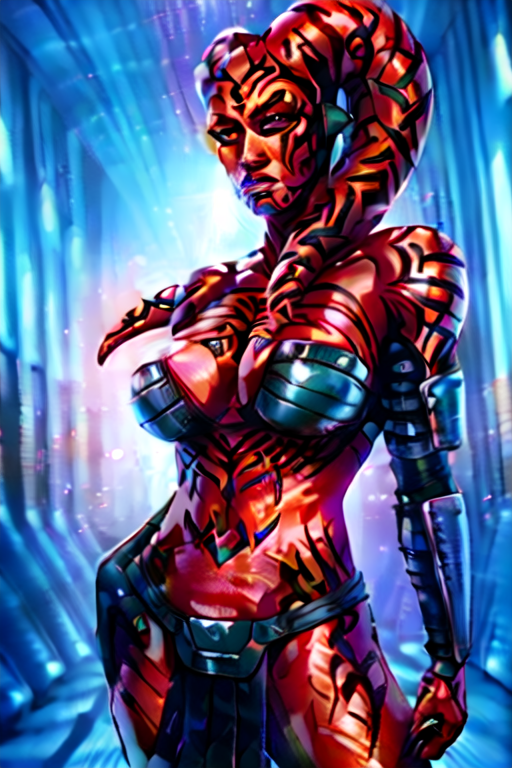
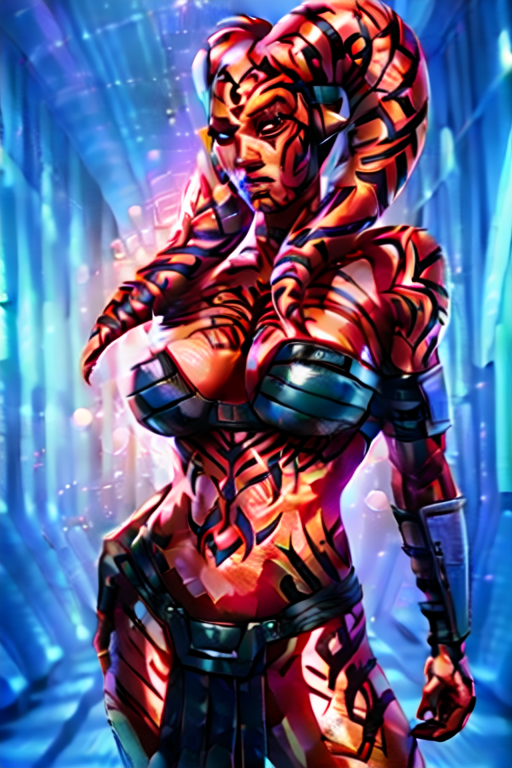

@madadh7267 are you able to generate images without the LORAs on with the same settings?
@Bombalurina you think it maybe the extra stuff? is there a discord or anything might be easier to talk that way lol
see this is weird cause the ones im posing now is V1 of the twilek model https://files.catbox.moe/rok5tx.png https://files.catbox.moe/ocinpo.png
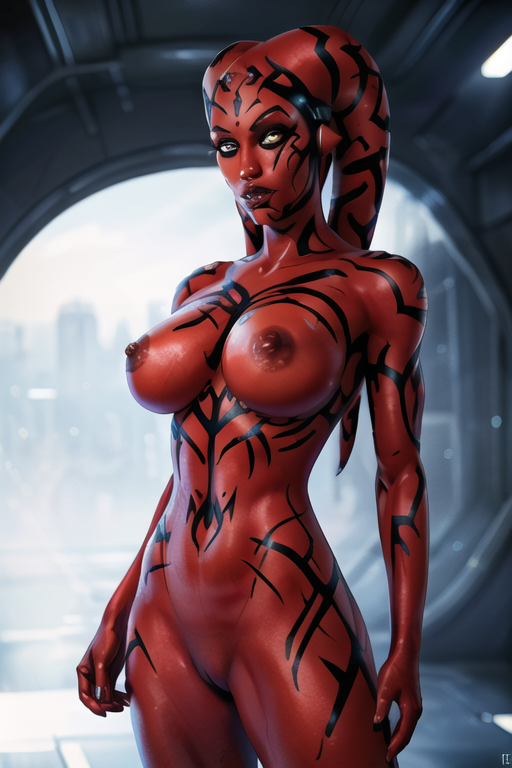
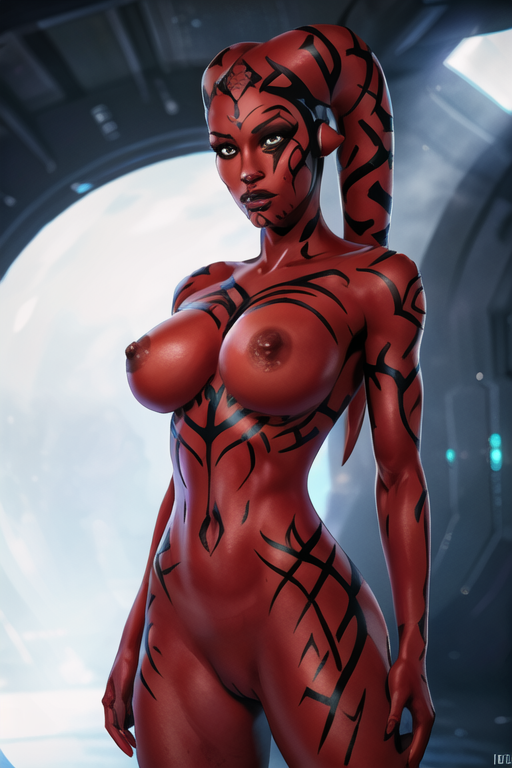
@madadh7267 You may need to re-download, some people said they had issues and sometimes just get a bad download.
so is xformer important? if so should i get it?
Yeah feel like I'm missing something here
Share you images and I can see how I can help.
I am new to this, any idea on how to use this? I placed the models in my stable stable-diffusion-webui\models\Lora folder. But when I write the prompts in txt2img, the results are not twilek at all.
You have to go into "Show Hide Extra Networks" (it's the black and red button under your "Generate" button), go to LoRA, then click the LoRA to add it to your prompt positives. Then try.
@Bombalurina ok, thank you so much. I will check and see if it works.
@Bombalurina Thanks so much, it worked, I had no idea that there were hidden extra networks under the generate button.
@cherryblossomAI Great! Be sure to leave your work and share your creations!
@Bombalurina yes it worked, thank you, here is what I created with it, let me know how it looks?
@cherryblossomAI Looking good, try using other models and playing with it, see what works best.
@Bombalurina Thanks I definitely will.
A hard to use lora, but once I got it right, it is fantastic, I hope you keep up the good work.
definitely hard to use, I just can't get the head tails right, skins fine, any hints?
@SquareEyes I noticed Clip Skip does make a huge difference for some reason. Also very model sensitive.
@Bombalurina thanks for reply :)
Is there any way to use this without downloading it?