

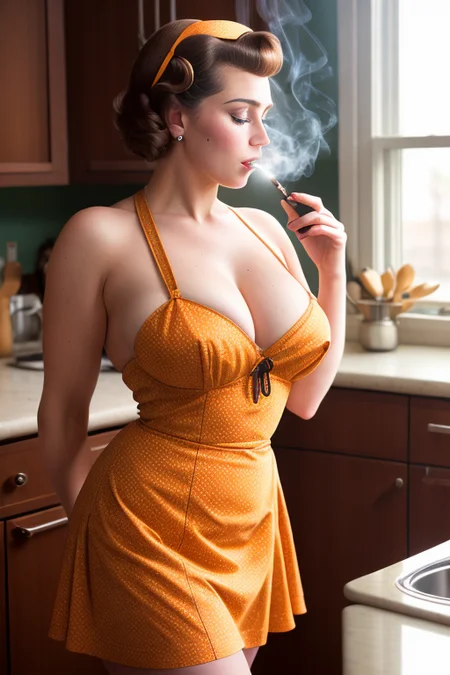
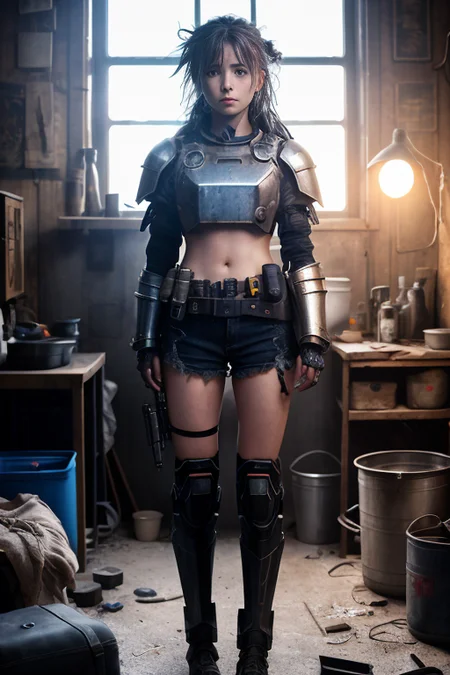


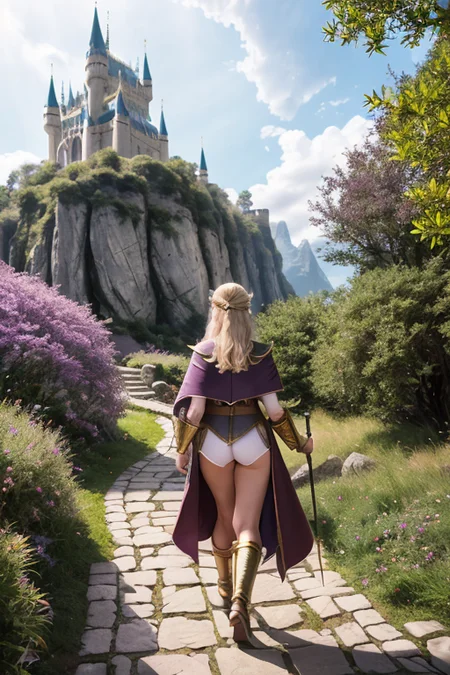
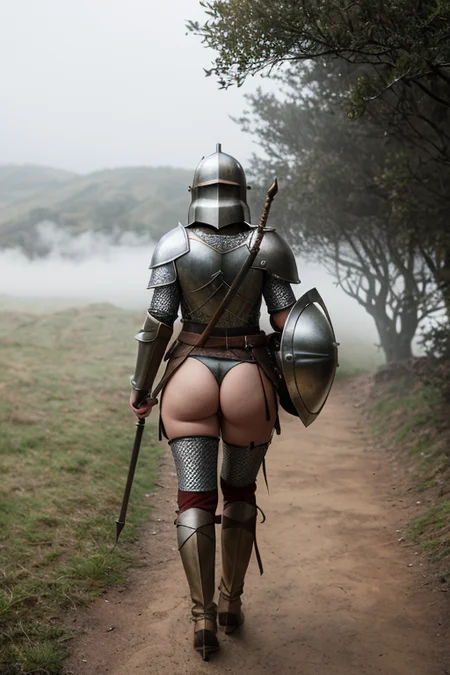


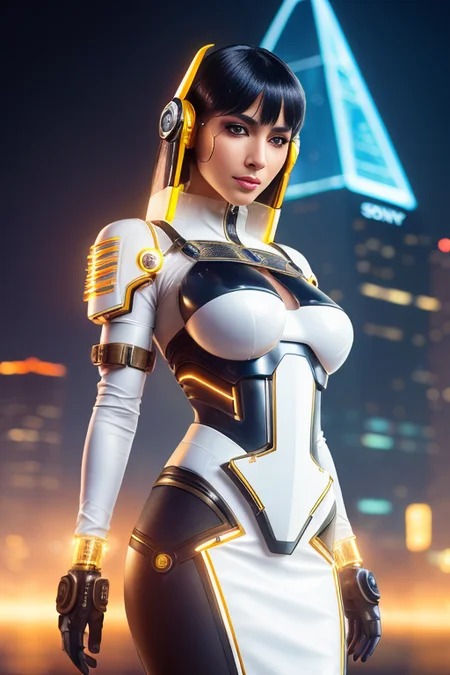
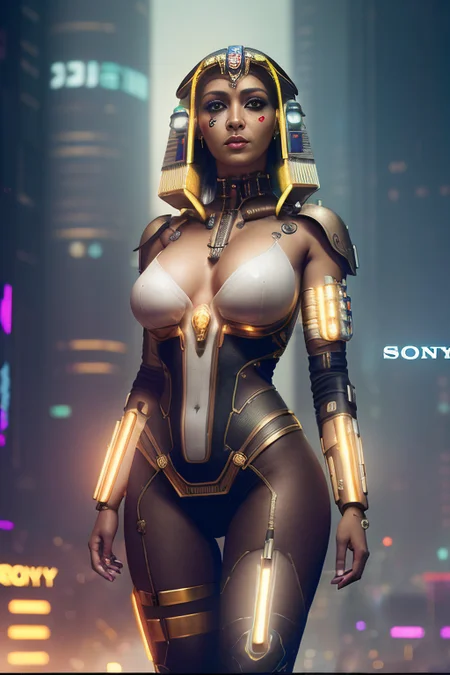

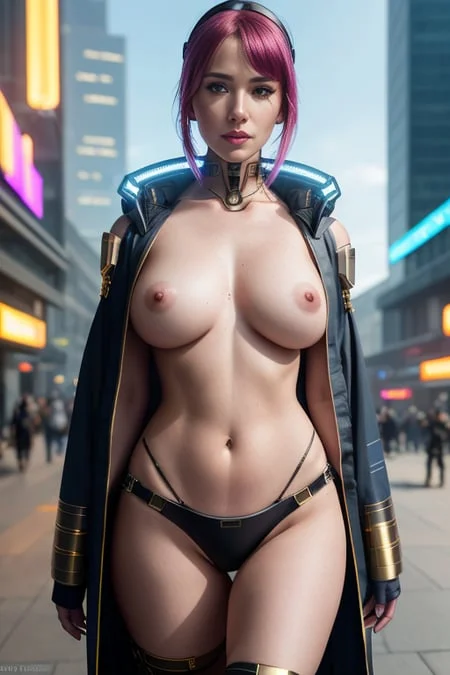
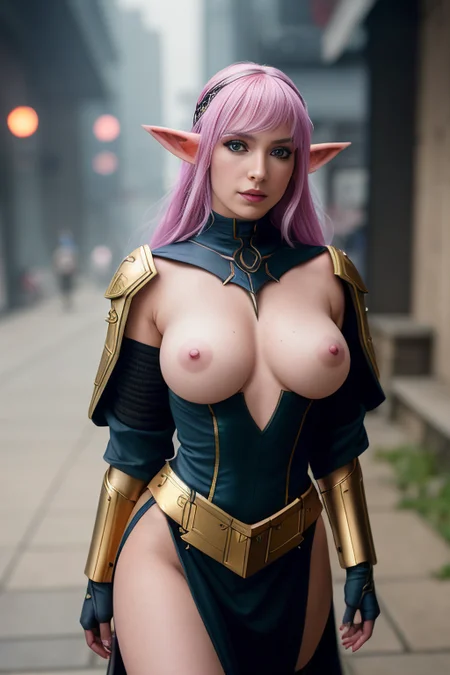
Read Description
Questions/Feedback/Updates
Visit my thread on the Unstable Diffusion Discord
Buy me a coffee ❤
https://ko-fi.com/ndimensional
All donations will be used to fund the creation of new Stable Diffusion fine-tunes and open-source AI tools.
Like photorealism? Try my new fine-tune 'Lomostyle'
How about art? Try my new fine-tune 'Doomer-Boomer'
VAE not required but recommended
VAE is recommended - https://huggingface.co/stabilityai/sd-vae-ft-mse-original/tree/main
File Structure for AUTOMATIC1111-webui :
|──sd
|____|──stable-diffusion-webui
|____|____|──models
|____|____|____|──VAE
|____|____|____|____|──<Put your VAE file here>
Merged Models
A list of merged models can be found bellow in the description of the attached model version.
This model used an unconventional method of merging, more information available in the models description.
This model is experimental
Capabilities
NSFW/SFW portraits
Photorealistic 3D renders
Landscape and Architecture photography/renders
Emphasis on photorealism and detail
Limitations
Anything not listed above. I'm unsure of how this model will handle stylized images, admittedly I'm not great at writing stylized prompts. Please do test and share your findings!
Trigger Words
I'm not aware of any trigger words that have drastic influence on the generation process.
However, tags such as:
"3d render", "cartoon" | "nsfw", "sfw", "nudity", and "erotica"
tend to add push the generation (to some degree) in one direction or another. For example, putting sfw in your prompt and nsfw in your negative prompt should push the generation to produce a SFW image.
Prompt Guide
UnstablePhotorealv.5 was used in this merge, as a result comma separated tags can achieve decent results. Although I recommend using a combination of separated commas + the natural language flow you're likely more familiar with.
Refer to this document for more information on UnstablePhotoreal tagging - https://docs.google.com/document/d/1-DDIHVbsYfynTp_rsKLu4b2tSQgxtO5F6pNsNla12k0/edit#heading=h.3znysh7
For v4 :
If the sample image's prompt includes AND_PERP or AND_SALT; you need the Neutral-Prompt extension for A1111 (webui) to replicate the image.
link to extension - https://github.com/ljleb/sd-webui-neutral-prompt
Set the custom CFG slider in the extension to 0.5
What's Next?
Fine-tuned dreambooth models that focus on areas current SD models fall short.
Hypernetwork, or tuned decoder for better handheld object holding.
Fine-tuned dreambooth model for firearms and various other weaponry. (This ties in with the aforementioned Hypernetwork).
R&D for LoRA.
R&D for new methods of merging.
Miscellaneous scripts and utilities that I create while working on SD-related projects.
Text-to-inpainting extension for AUTOMATIC1111 webui
Checkout my other models
SDXL
Boomer Art Model - https://civarchive.com/models/163139/boomer-art-model-bam
SD1.5
Doomer Boomer - https://civarchive.com/models/118247?modelVersionId=128239
Lomostyle - https://civarchive.com/models/109923/lomostyle
Based Model - https://civarchive.com/models/83991?modelVersionId=89262
Electric Eden - https://civarchive.com/models/64355/electric-eden
Cine Diffusion - https://civarchive.com/models/50000/cine-diffusion
Project AIO - https://civarchive.com/models/18428/project-aio
WonderMix - https://civarchive.com/models/15666/wondermix
Experience - https://civarchive.com/models/5952/experience
VisionGen - Realism -https://civarchive.com/models/4834/visiongen-realism
LoRA
Pant Pull Down - https://civarchive.com/models/11126/pant-pull-down-lora
Description
Checkpoints used
UnstablePhotorealv.5 - https://docs.google.com/document/d/1-DDIHVbsYfynTp_rsKLu4b2tSQgxtO5F6pNsNla12k0/edit
Realistic Vision V1.2 - https://civitai.com/models/4201/realistic-vision-v12
HassanBlend 1.4 - https://huggingface.co/hassanblend/hassanblend1.4
Epic Diffusion - https://civitai.com/models/3855/epic-diffusion
F222 (check comments for safetensor) - https://civitai.com/models/1188/f222
URPM - https://civitai.com/models/2661/uber-realistic-porn-merge-urpm
realisticElves - https://civitai.com/models/4662/realisticelves
Deliberate - https://civitai.com/models/4823/deliberate
An old (relatively speaking) model trained on female anatomy of which I can't find a link or name of. I believe it came from Discord.
I checked it's pickle and converted it to safetensor prior to merging.
NOTE: These models were merged using a combination of weighted sum, add difference (with sd-1.5-pruned-emaonly, and unstablePhotorealv.5-pruned-emaonly), block weights, and UNet / CLIP swapping.
FAQ
Comments (20)
Hey friend. I saved off your two sexy blonde in an old west town images and pulled PNG info from them. It loaded the Deliberate safetensor. So you'll want to check and make sure they all use this model. Keep up the great work. Love your work. (Sexy women are AWESOME!)
Thanks for the heads up! I must have accidently saved those in the wrong folder during testing.
@ndimensional No problem. I'm getting nothing close to yours. Never get exact anymore of course. But usually pretty close. Anything else you can think of that you have set that might effect the render?
Please upload a safetensor
Can you elaborate? The model is in safetensor format.
can VAE be put in custom folders ?
I'm not sure. With AUTOMATIC1111 webui, you can try adding the following arg to your 'webui-user.bat' file:
set COMMANDLINE_ARGS=--VAE-dir "C:\path\to\vae"
I've never tested this, but that's how you specify hypernetwork and embedding paths so maybe it will work for VAE?
i try to get one specific lingerie type: open panel or ouvert lingerie
With different prompts i was at least able to get sometimes lingerie, that would be at least something like i want it and only one out of 40-80 pictures was something similar to what i envisioned. does someone know how to prompt this more consistently?
Use attention/emphasis literals () []
For example, (wearing open panel lingerie:1.2)
Or find other words for that mean the same thing. So instead of saying "Open panel" or "ouvert", try "Crotchless".
You could also try combing words that relate like this: (wearing open panel lingerie, lace mesh, exposed ___)
My last suggestion would be to combine your main focus (the person) and what they're wearing inside one literal. For example; A sensual photo, of (a woman, wearing open panel lingerie, lace mesh, Crotchless, exposed ___)
Fill ___ with whatever body part you want exposed, 'Open Panel' and 'Ouvert' could mean a few different things, which might be part of the problem.
Extra tip: Search the web for the type of lingerie you're looking for, copy the products name and paste it into your prompt; (wearing After Midnight Signature Lace Open Panel Teddy Bodysuit)
I actually have a wildcard named lingerie that is made up various lingerie products scraped from the web. Sometimes the model will generate the exact product that was put in as an input.
@ndimensional thx for the explanation, will try it later. Do i need a specific extension for the wildcards? When installing your model, are the wildcards also installed?
I'm still rather new to stable diffusion but the first results are rather well, especially from your model so far.
@Xeltosh No problem!
You need to install this extension - https://github.com/AUTOMATIC1111/stable-diffusion-webui-wildcards
Alternatively, https://github.com/adieyal/sd-dynamic-prompts is a more feature packed version of the first extension.
Unfortunately, I can't provide my wildcards here. They're quite easy to make though.
Example of making a wildcard for lingerie :
1. Create a text file named lingerie.txt
2. Inside the text file add some different types of lingerie. for example;
fishnet bodysuit
Bodystocking Lingerie
G-String
Lace Sheer Mesh Two Piece
Punk Leather Body Chain
Sexy Sailor Collar Sleeveless Backless Bikini Briefs
Short Mini Skirt
ect..
Note: Each lingerie set should be placed it's own line. So "fishnet bodysuit" is on line 1, "Bodystocking Lingerie" on line 2, "G-string" on line 3, and so on.
3. Save the file.
4. Place the txt file inside the wildcards extension directory.
In AUTOMATIC1111 webui the default file path is:
sd\extensions\stable-diffusion-webui-wildcards\wildcards\<place your .txt file here>
5. Launch AUTOMATIC1111 webui
6. Go to the settings tab and look for "wildcards". Here you can choose whether or not you want to keep the same seed for batch image generations. (This will make more sense in a moment.)
7. Go back to Txt2Img and write your prompt, instead of writing "wearing fishnet bodysuit". Instead write, "wearing __lingerie__".
8. This will pull from the text file you created earlier and insert a lingerie set. So "wearing __lingerie__" becomes "wearing Short Mini Skirt", or "wearing G-String".
Note: Being a wildcard, the selection is made at random.
I tried the first and last of your examples, but my results are slightly off. The only difference I could find was that I get the AutoV1 hash while you have the AutoV2 hash. Is there some newer version of Automatic1111?
The model is really amazing though.
idk why , but not a single model is working for me . This one too .
In what way are models not working for you?
@ndimensional I think i forgot to download the extension "civitai sd" from git. Ill try again tomorrow
@ndimensional So if i try to generate an image as it shown on this page with copied data i get wrong results . It looks 5% same in angle but i always get those business meeting style pictures or just crowds . This model is at "models" folder in case i did something wrong. At least its a checkpoint merge and i load it as a checkpoint.
@nft_enjoyer Go to your settings tab in webui, look for a setting labeled something like "ETA Noise Seed Delta" or it might just be called "ETA". Set it's value to 31337
This is assuming you're using AUTOMATIC1111's webui. I can't confirm if this setting exists on other tools.
I just tested a few images with the copied generation data from this page and the generations were exact copies. The only difference (as of now) that I can think of, is the ETA value being different between my setup and yours. Hope this helps!
@ndimensional I set the value to 31337 but nothing changed
@nft_enjoyer That's odd, is CODEFORMER set to 0.8, and enabled for Face Restoration? If not, try enabling it. Also, double check to make sure the image sizes are identical. Size matters. I think most of the sample images for this model are 512x768. The generation data should give the exact size. One last thing would be to double check that this model is loaded in Webui. This models hash is: 7C5A435D50
So the model loaded (top left of webui), would look like <model.safetensors (7C5A435D50)>, or
<elegance_244.safetensors (7C5A435D50)>
If all else fails, I would need more information about your setup to help further.
@ndimensional unfortunately nothing changed.
Details
Available On (1 platform)
Same model published on other platforms. May have additional downloads or version variants.